




Falva
AI-powered creative platform that makes design fast and intuitive
Best for
Creators and startups needing quick AI‑generated designs
Skip if
Skip if you require offline work or fully free advanced features


What is Falva?
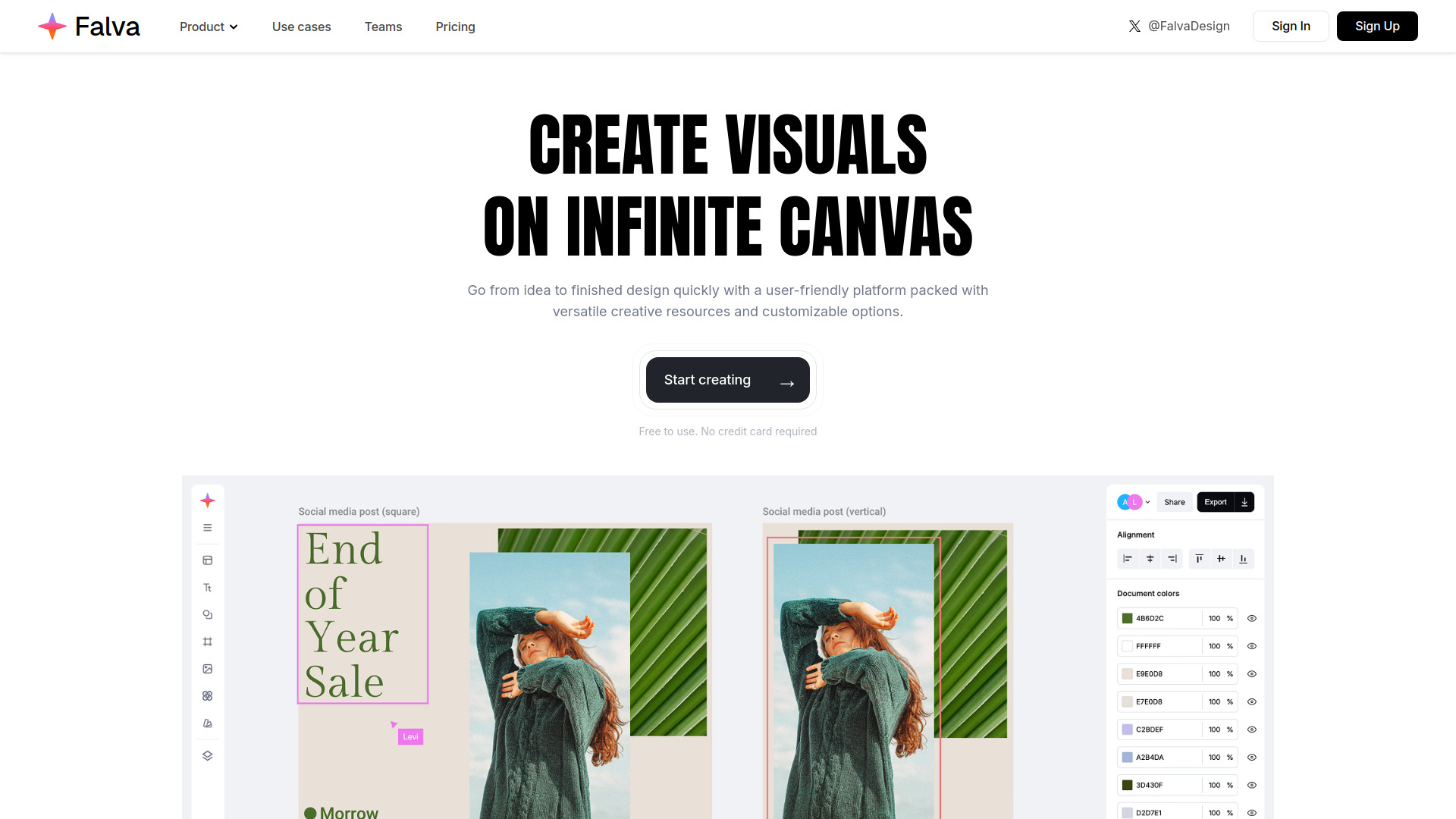
Falva is an AI‑driven creative production platform that brings sophisticated design tools into a simple, user‑friendly workspace. It lets creators generate assets, layouts, and marketing visuals with the help of artificial intelligence, reducing the time and effort required for high‑quality output. Designed for designers, marketers, startups, and anyone looking to boost creative productivity, Falva blends cutting‑edge AI capabilities with an intuitive interface, making advanced design accessible to both seasoned professionals and newcomers alike.
SpecificationsAI-estimated
Key Features of Falva
Use Cases for Falva
Social Media Campaigns
Create eye‑catching posts and ads quickly for multiple platforms.
Brand Identity Development
Generate logo variations and brand assets with AI assistance.
Startup Pitch Decks
Design professional slides and visuals to impress investors.
Content Marketing
Produce blog illustrations and infographics without a designer.
How to use Falva?
Access the Platform
Navigate to the Falva website and sign up or log in to your account.
Utilize the Workspace
Explore the simple and intuitive workspace designed for creative production.
Leverage AI Tools
Engage with the AI features to generate, edit, and enhance your creative assets.
Produce Your Designs
Finalize your designs and export them for use across various platforms.
Pros & Cons of Falva
Pros
- Fast AI‑generated design drafts
- Intuitive drag‑and‑drop interface
- Collaboration in real time
- Wide range of export formats
Cons
- Limited offline functionality
- Advanced features behind paywall
- Learning curve for AI prompt crafting
Frequently Asked Questions
Is Falva a cloud‑only service?
Yes, Falva runs entirely in the browser as a SaaS platform.
Can I use Falva for free?
Falva offers a free tier with basic features; premium tools require a subscription.
Does Falva support team collaboration?
Yes, multiple users can work on the same project simultaneously with real‑time updates.
What export formats are available?
Assets can be exported as PNG, JPEG, SVG, and PDF.
Pricing Overview
View full pricing →Pricing details not available on the page.
Reviews & Ratings0.0
No reviews yet. Be the first to write one!
Top Alternatives & Similar Software
View all alternatives & similar software→



People also viewed


Best For
Related searches
Is this your tool?
Claim this page to update details, reply to user reviews, and drive more traffic to your product.
Claim this Product →
Tags
Explore Related Topics
Keep up with Falva alternatives
New alternatives, pricing changes and the week's biggest movers - one email every Tuesday.