




Loova AI
All‑in‑one AI creative studio for videos, images and ads in your browser
Best for
Content creators who need instant browser‑based video and image generation
Skip if
Users requiring offline tools or low‑cost unlimited usage






What is Loova AI?
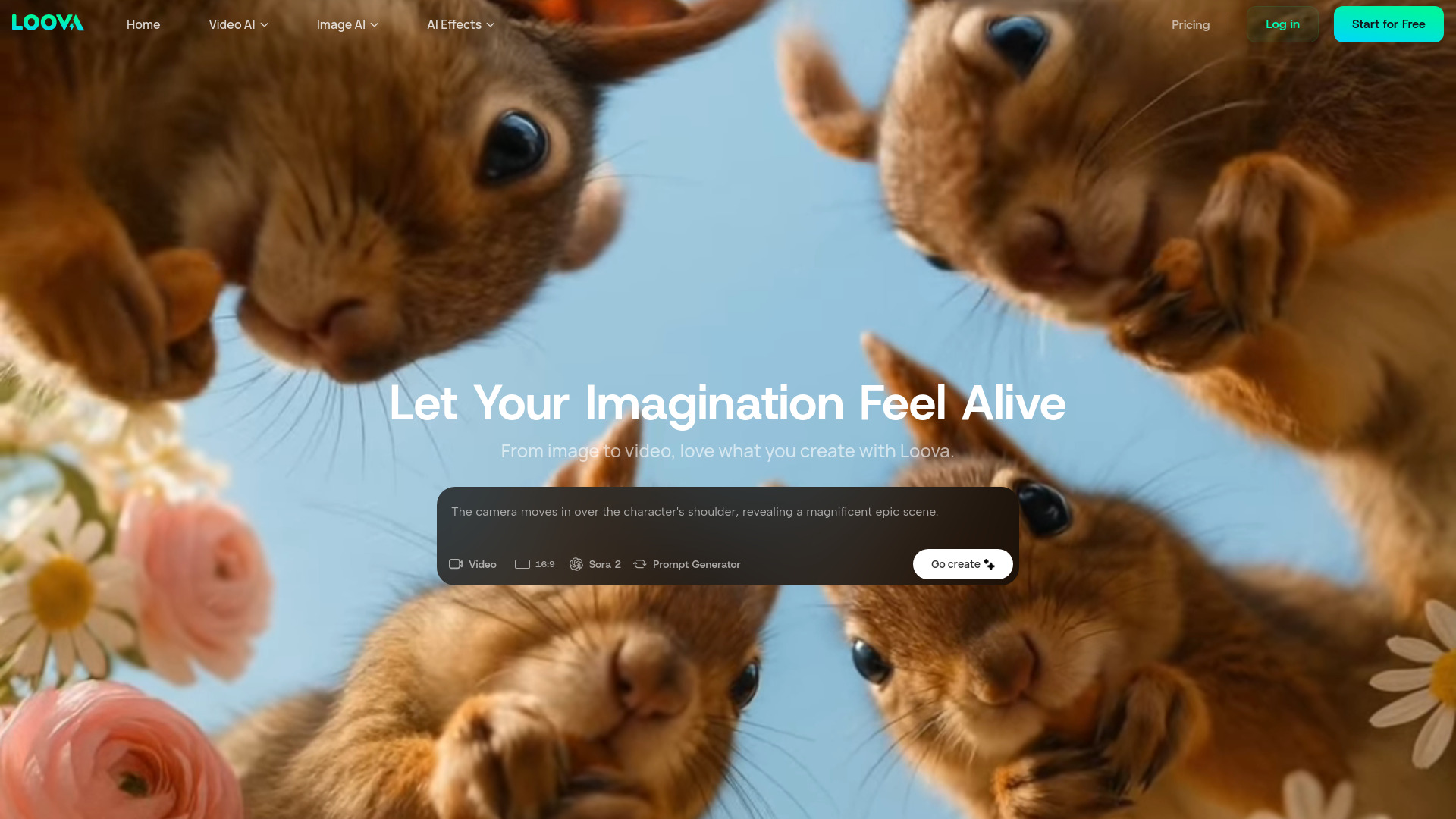
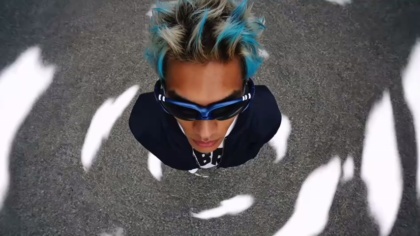
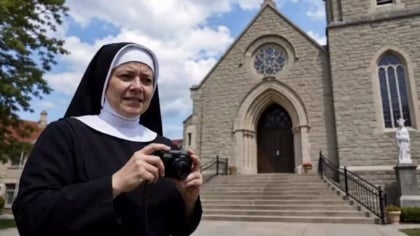
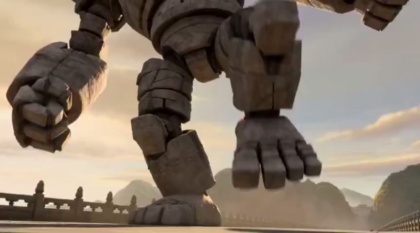
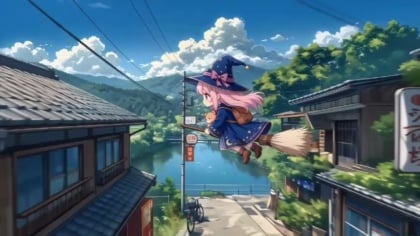
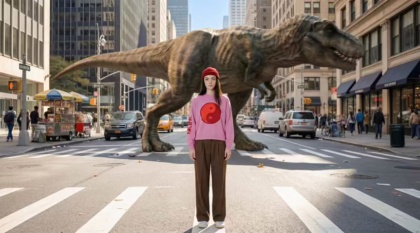
Loova AI is a browser‑based creative studio that unifies video generation, image generation, and ad production. It gives creators instant access to a rotating lineup of cutting‑edge AI models, letting you generate cinematic videos, photorealistic images, and conversion‑focused ads without juggling multiple tools. The platform emphasizes speed and scale, offering real‑time video rendering, 4K ultra‑detailed output, and an infinite canvas for storyboarding. With no coding required and flexible pricing, Loova serves social media creators, marketers, designers, and anyone looking to turn ideas into polished visual stories.
SpecificationsAI-estimated
Key Features of Loova AI
Use Cases for Loova AI
Social Media Video Creation
Quickly produce short, eye‑catching videos for TikTok, Instagram Reels, or YouTube Shorts.
Product Advertising
Generate high‑impact product ads and viral clones without a design team.
Storyboarding for Filmmakers
Lay out scenes on the infinite canvas and render preview clips instantly.
Designers Crafting AI Images
Create photorealistic images for branding, mockups, or digital assets.
How to use Loova AI?
Choose a Model
Browse the available video and image models, such as Seedance 2.5, Wan 3.0, MiniMax H3, Nano Banana Pro, or GPT Image 2, and select the one that fits your creative goal.
Write Your Prompt
Describe the scene, style, subject, or action you want to generate. You can also provide reference images or multimodal references for more accurate results.
Generate
Click the Generate button and let Loova create your AI video or image. Many models produce results in just seconds, sometimes faster than real time.
Refine and Edit
Use the editing tools or adjust your prompt and regenerate until the output matches your vision. You can also experiment with different models for varied styles.
Export and Use
Download your final high-resolution video or image and use it for social media, ads, client projects, or personal creative work.
Pros & Cons of Loova AI
Pros
- Lightning‑fast video and image generation
- No coding or software installation needed
- Access to a rotating suite of state‑of‑the‑art AI models
- Fully browser‑based, works on any device with internet
Cons
- Requires a stable internet connection
- No offline or self‑hosted option
- Premium unlimited plans can be costly for heavy users
Frequently Asked Questions
Do I need to install any software to use Loova AI?
No, Loova AI runs entirely in the browser, so you just need a modern web browser and internet access.
Can I generate 4K video with the free tier?
4K output is available on premium plans; the free tier offers lower‑resolution generation.
Is there an API for integrating Loova AI into my own workflow?
Yes, Loova AI provides an API for programmatic access to its models and generation capabilities.
What kind of support is available for users?
Support is offered via email and live chat during business hours, with priority support for premium subscribers.
Pricing Overview
View full pricing →Reviews & Ratings0.0
No reviews yet. Be the first to write one!
Top Alternatives & Similar Software
View all alternatives & similar software→



People also viewed



Best For
Related searches
Is this your tool?
Claim this page to update details, reply to user reviews, and drive more traffic to your product.
Claim this Product →
Tags
Explore Related Topics
Keep up with Loova AI alternatives
New alternatives, pricing changes and the week's biggest movers - one email every Tuesday.