




Seede AI
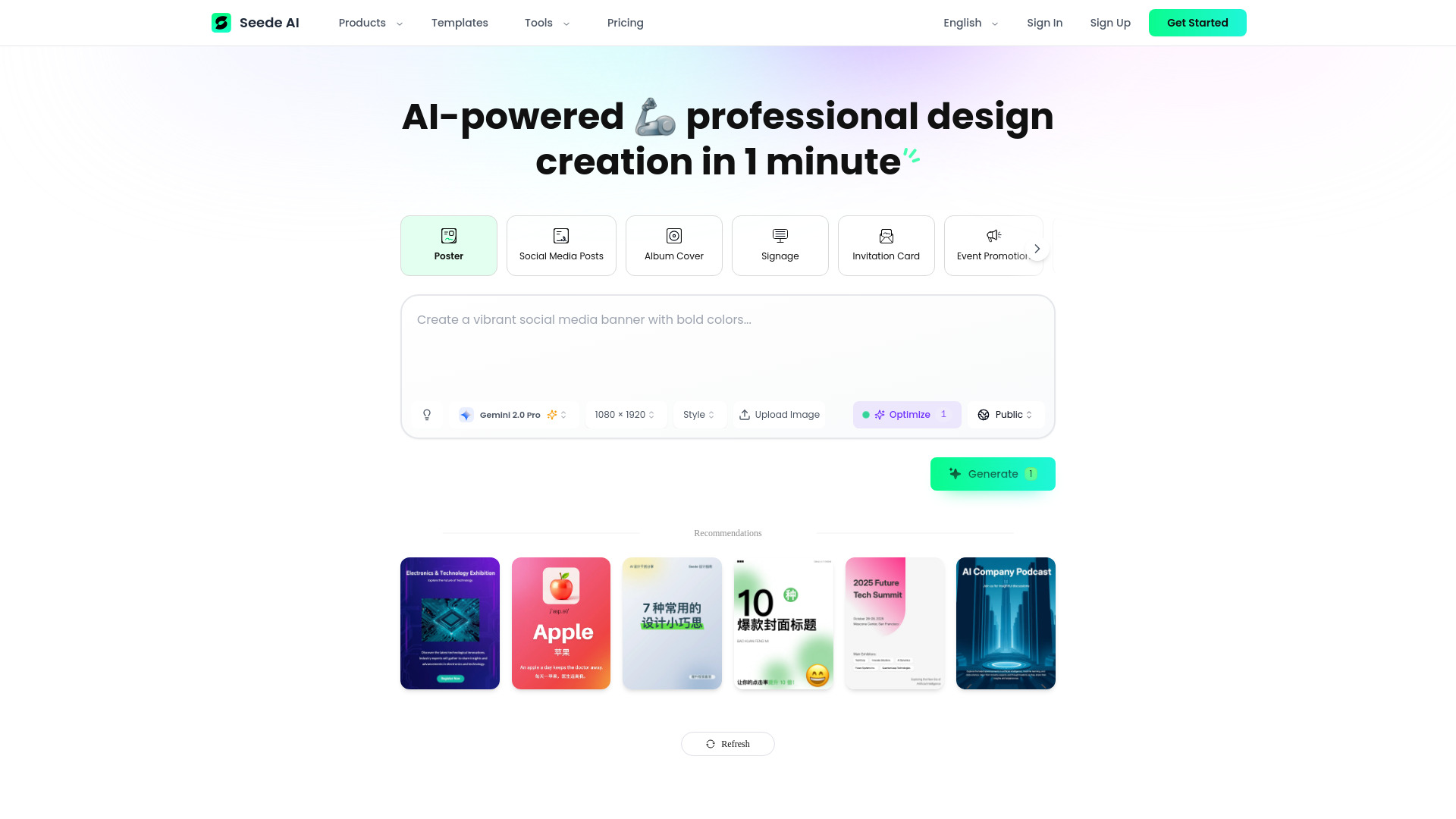
Turn text into ready‑to‑edit designs instantly
Best for
Non‑designers who need quick, editable marketing visuals
Skip if
Teams requiring deep brand customization without paying

What is Seede AI?
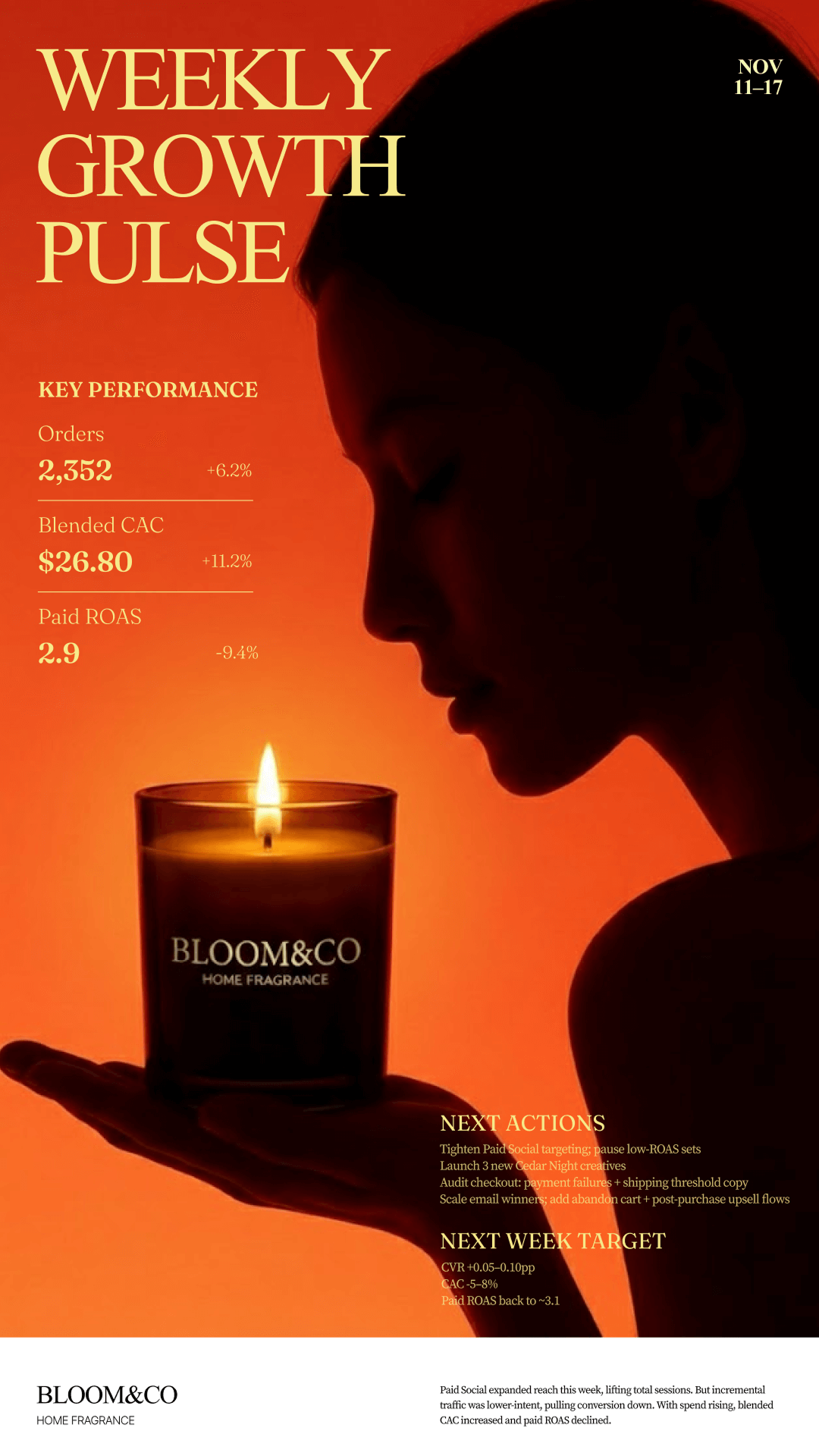
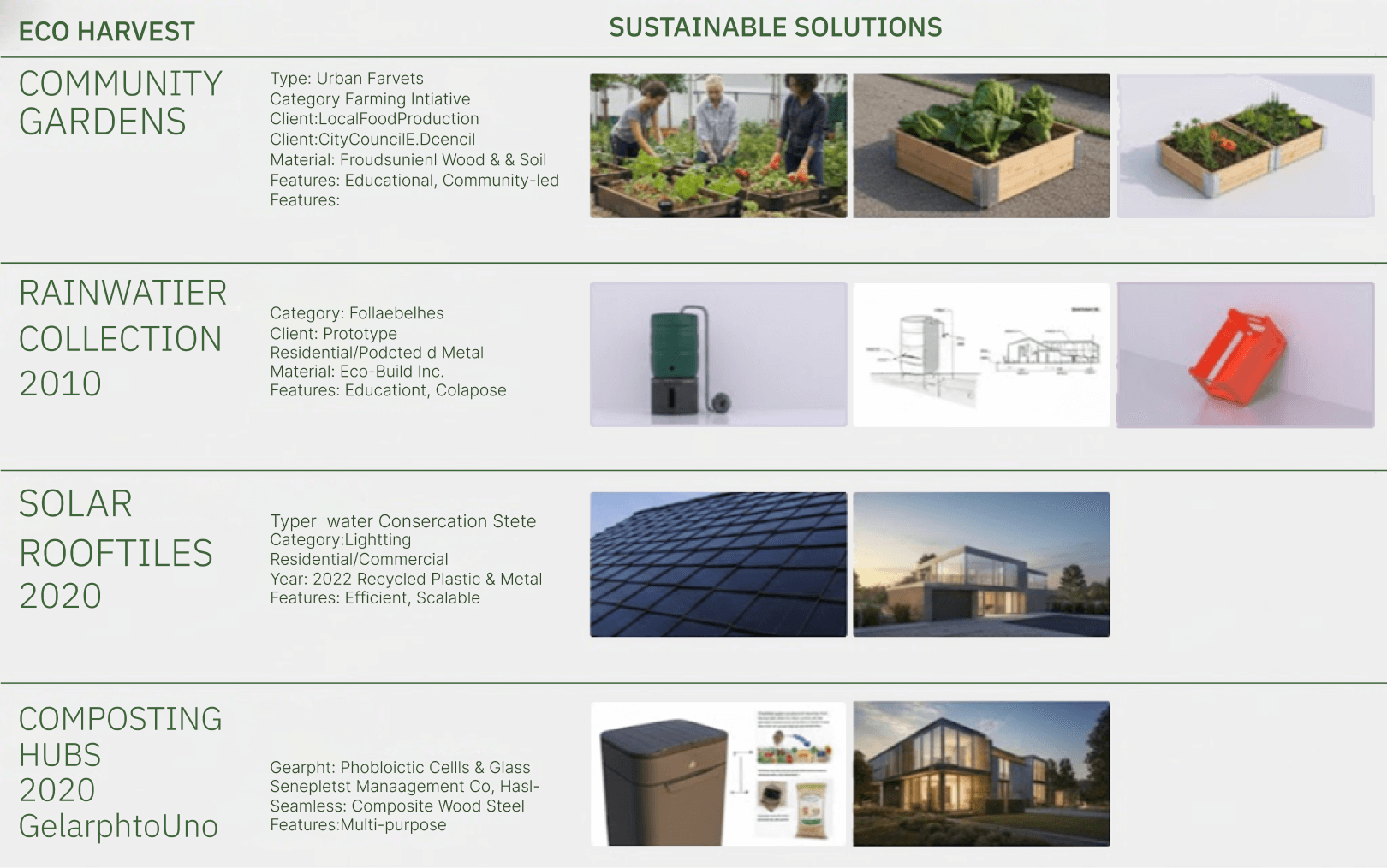
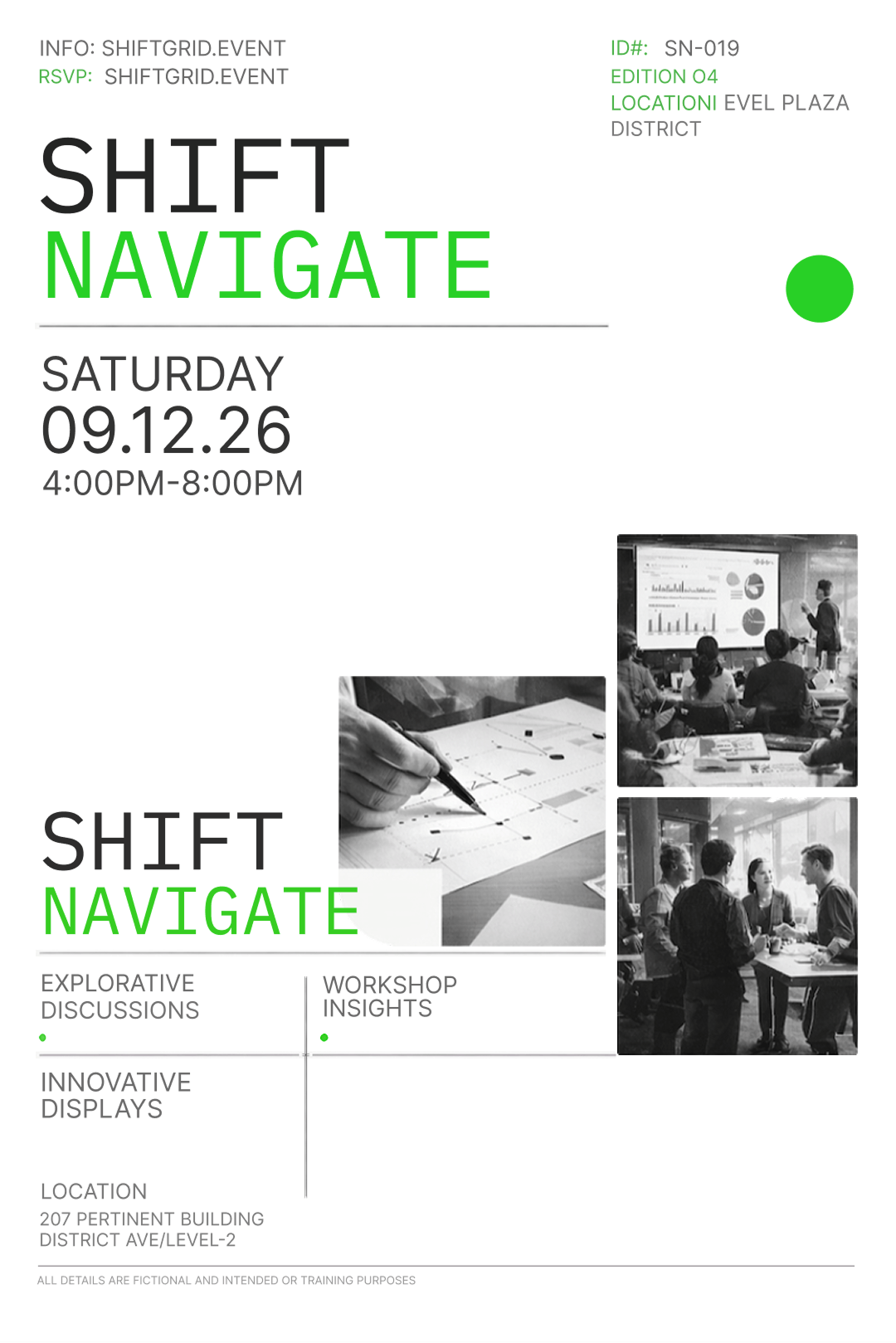
Seede AI is a content‑first AI design platform that converts raw text into professional, editable designs for presentations, social posts, newsletters, reports, and brochures. It decouples content from format, letting creators focus on messaging while the system handles layout. Designed for creators, marketers, small businesses and non‑designers, Seede AI works across web, mobile and desktop, delivering cloud‑based, SaaS‑style access without the need for a design team.
SpecificationsAI-estimated
Key Features of Seede AI
Use Cases for Seede AI
Pitch Deck Creation
Founders input bullet points and receive a polished presentation ready for investors.
Social Media Campaign
Marketers turn campaign copy into a series of on‑brand Instagram and LinkedIn posts.
Monthly Newsletter
Content teams feed article summaries and get a fully formatted newsletter layout.
Brand Collateral
Small businesses generate brochures and flyers from product descriptions without hiring designers.
How to use Seede AI?
Input Content
Paste your text content into the editor
AI Structuring
AI analyzes and organizes the content into visual hierarchy
Choose Style
Select your preferred art or brand style for the design
Customize Design
Edit text, colors, and elements directly inside the design canvas
Export
Export the final design in your desired format
Pros & Cons of Seede AI
Pros
- Fast AI generation saves hours of manual design work.
- Editable output lets users fine‑tune designs after creation.
- Works on any device via web or native apps.
- Supports multiple output formats for easy publishing.
Cons
- Customization limited to template constraints.
- AI may misinterpret ambiguous text, requiring revisions.
- Advanced branding features locked behind paid tier.
Frequently Asked Questions
Do I need design skills to use Seede AI?
No, the platform is built for non‑designers; you only need to provide the text content.
Can I export designs to PowerPoint?
Yes, designs can be exported as PPTX files or directly synced with Google Slides.
Is there a free version?
Seede AI offers a freemium tier with limited monthly generations and template access.
Does Seede AI integrate with other tools?
It provides integrations with Google Drive, Slack, and major CMS platforms for seamless workflow.
Pricing Overview
View full pricing →One-time purchases (top-ups), not subscriptions. Credits are valid for 12 months. Each plan includes credits that expire after 12 months.
Reviews & Ratings0.0
No reviews yet. Be the first to write one!
Top Alternatives & Similar Software
View all alternatives & similar software→




People also viewed


Best For
Related searches
Is this your tool?
Claim this page to update details, reply to user reviews, and drive more traffic to your product.
Claim this Product →
Tags
Keep up with Seede AI alternatives
New alternatives, pricing changes and the week's biggest movers - one email every Tuesday.