



Veo 3 Video Generator
Create high-quality, 8-second videos with VEO 3 AI technology.
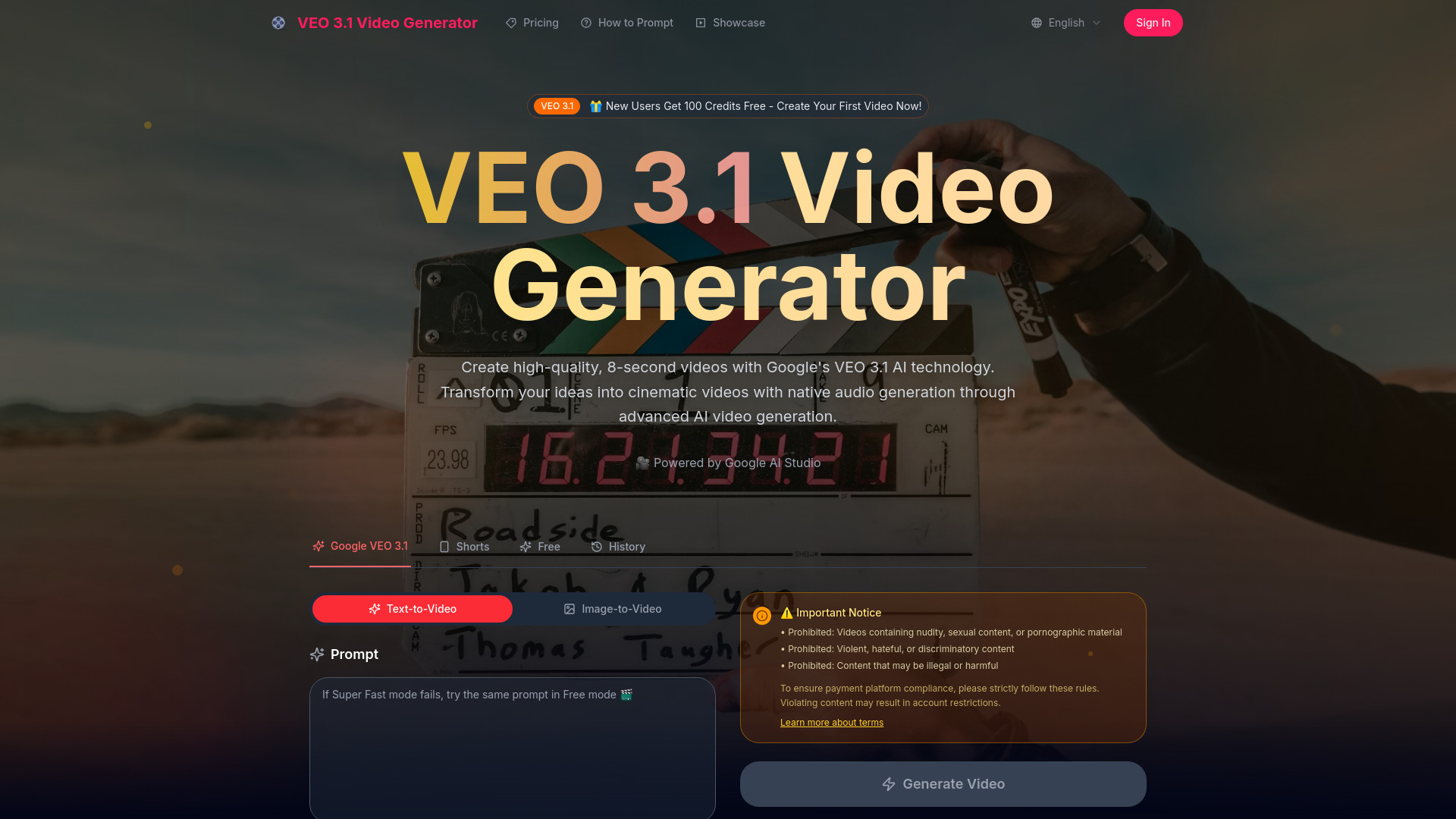
What is Veo 3 Video Generator?
Veo 3 Video Generator is a web-based AI video generation tool powered by Google DeepMind's Veo 3 model. It lets users create 8-second cinematic videos from simple text prompts, with integrated native audio including dialogue, sound effects, and ambient sounds.
SpecificationsAI-estimated
Key Features of Veo 3 Video Generator
Use Cases for Veo 3 Video Generator
Social media content creation
Rapidly create short cinematic scenes for social media or marketing from text ideas.
Storyboarding and creative visualization
Use detailed narrative prompts to visualize story concepts, characters, and settings.
Commercial video production
Generate commercial video assets with full usage rights through a subscription.
Film concept prototyping
Quickly prototype film or animation ideas without needing a full production crew.
Educational content
Produce narrated or dialogue-driven clips for online courses or educational content.
Advertising and marketing
Create product teaser videos or ads with cinematic quality and ambient audio.
How to use Veo 3 Video Generator?
Enter a prompt
Describe the video you want in natural language
Select duration
Choose the duration (8 seconds)
Generate video
The AI processes the prompt and generates a video with audio
Preview and download
Review the video preview and download if you are a subscriber
Pros & Cons of Veo 3 Video Generator
Pros
- Very easy to use with natural language prompts
- Generates videos with integrated audio, unlike many other AI tools
- High-quality cinematic output with strong prompt adherence
- Free tier available for testing
- Suitable for commercial use with a subscription
Cons
- Only generates 8-second clips, which may be too short for longer narratives
- Subscription required for unwatermarked downloads and commercial usage
- May be a third-party wrapper rather than an official Google DeepMind product, raising reliability concerns
Frequently Asked Questions
What is VEO 3 and how does it work?
Veo 3 Video Generator is powered by Google's advanced AI video generation model. It creates high-quality, 8-second videos with native audio generation from simple text descriptions.
Do I need technical experience to use Veo3 AI?
No technical experience is needed. Users can describe what they want in everyday language, and the AI handles the technical aspects.
What makes VEO 3 different from other video generators?
Veo 3 Video Generator features native audio generation, exceptional prompt adherence, and state-of-the-art cinematic quality.
Can I download my creations?
Subscribers receive unwatermarked, high-resolution downloads with full usage rights for all content generated.
Is VEO 3 suitable for commercial use?
Yes, videos created with Veo 3 AI Video Generator can be used for commercial projects without watermark.
What audio capabilities does VEO 3 offer?
Veo 3 Video Generator features native audio generation, creating environmental sounds, character dialogue, and atmospheric audio synchronized with the video content.
Pricing Overview
View full pricing →No pricing or plan names were found in the provided content.
Detailed plans are not listed. Visit the official website for pricing information.
Reviews & Ratings0.0
No reviews yet. Be the first to write one!
Top Alternatives & Similar Software
View all alternatives & similar software→
People also viewed



Related searches
Is this your tool?
Claim this page to update details, reply to user reviews, and drive more traffic to your product.
Claim this Product →
Tags
Explore Related Topics
Keep up with Veo 3 Video Generator alternatives
New alternatives, pricing changes and the week's biggest movers - one email every Tuesday.