



VideoMaker AI
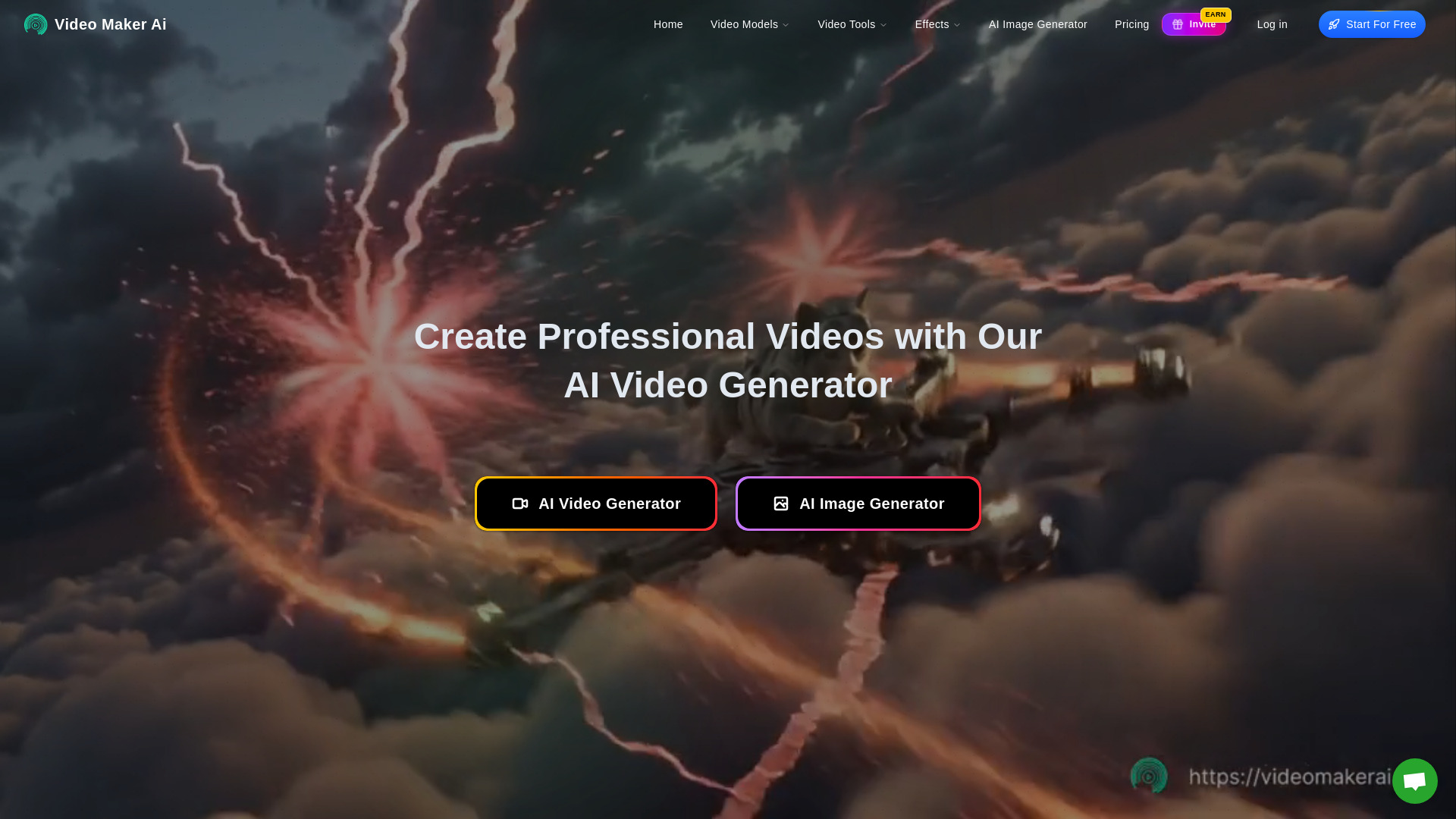
Create Professional Videos with Our AI Video Generator
What is VideoMaker AI?
VideoMaker AI is a cloud-based AI video generation platform that turns text, photos, and images into professional-looking videos. It combines multiple AI models such as Google Veo3, Runway ML, Kling AI, OpenAI Sora, and Seedream 4.0 to offer text-to-video, image-to-video, photo animation, AI avatars, lip sync, and video dubbing capabilities in one hub.
SpecificationsAI-estimated
Key Features of VideoMaker AI
Use Cases for VideoMaker AI
Marketing & Ads
Create social media content, product demos, and photo-to-video ad creatives that drive conversions.
Education & Training
Turn learning materials into dynamic video tutorials, training modules, and interactive course content.
Content Creation
Produce YouTube videos, TikTok clips, and viral social media posts quickly.
E-commerce
Build product showcase videos, unboxing content, and customer testimonials to increase trust and sales.
Real Estate
Create immersive virtual property tours, listing presentations, and agent introduction videos.
Corporate Communications
Maintain consistent internal announcements, HR training, and executive presentations.
How to use VideoMaker AI?
Upload or Enter Content
Provide text, or upload a photo/picture/video (JPG, PNG, MP4) to the AI video generator.
Select Style & Settings
Choose model, video style, duration, motion parameters, avatars, voice, and other customization options.
Generate the Video
Let the AI process in the cloud. Most videos complete in 30–60 seconds.
Preview, Export & Use
Review the output, export in MP4, MOV, or GIF, and use it commercially.
Pros & Cons of VideoMaker AI
Pros
- Free tier available with no downloads or powerful hardware needed
- Supports multiple input types: text, JPG, PNG, MP4
- Uses multiple leading AI models for diverse video generation
- Commercial rights included for generated content
- Broad feature set: photo-to-video, text-to-video, avatars, lip sync, dubbing
- Fast processing: 30–60 seconds for most videos
Cons
- Specific model availability and actual output quality may vary
- Free tier likely limited in monthly video generations and advanced features
- Marketing claims like 'Sora 2' need real-world verification
- No desktop editor/offline workflow; requires internet connection
- Detailed pricing and plan limits are not clearly disclosed on the page
Frequently Asked Questions
Is the AI video generator really free?
Yes. There is a free tier that lets you generate multiple videos monthly. Premium features are available for enhanced capabilities.
What input formats are supported?
The platform accepts JPG, PNG, MP4, and text inputs for various generation modes.
What output formats are available?
You can export videos in MP4, MOV, or GIF formats.
How fast is processing?
Most videos process in 30–60 seconds. More complex videos may take 2–3 minutes.
Can I use generated videos commercially?
Yes. All generated videos include commercial rights, so you can use them for marketing, advertising, client work, and other commercial purposes.
Do I need special hardware?
No. The platform is cloud-based and works in any modern web browser on any device.
Reviews & Ratings0.0
No reviews yet. Be the first to write one!
Top Alternatives & Similar Software
View all alternatives & similar software→


People also viewed



Related searches
About the Product
Is this your tool?
Claim this page to update details, reply to user reviews, and drive more traffic to your product.
Claim this Product →
Tags
Explore Related Topics
Keep up with VideoMaker AI alternatives
New alternatives, pricing changes and the week's biggest movers - one email every Tuesday.