



insMind AI Video Generator
AI Video Generator Online: Veo 3.1 & More
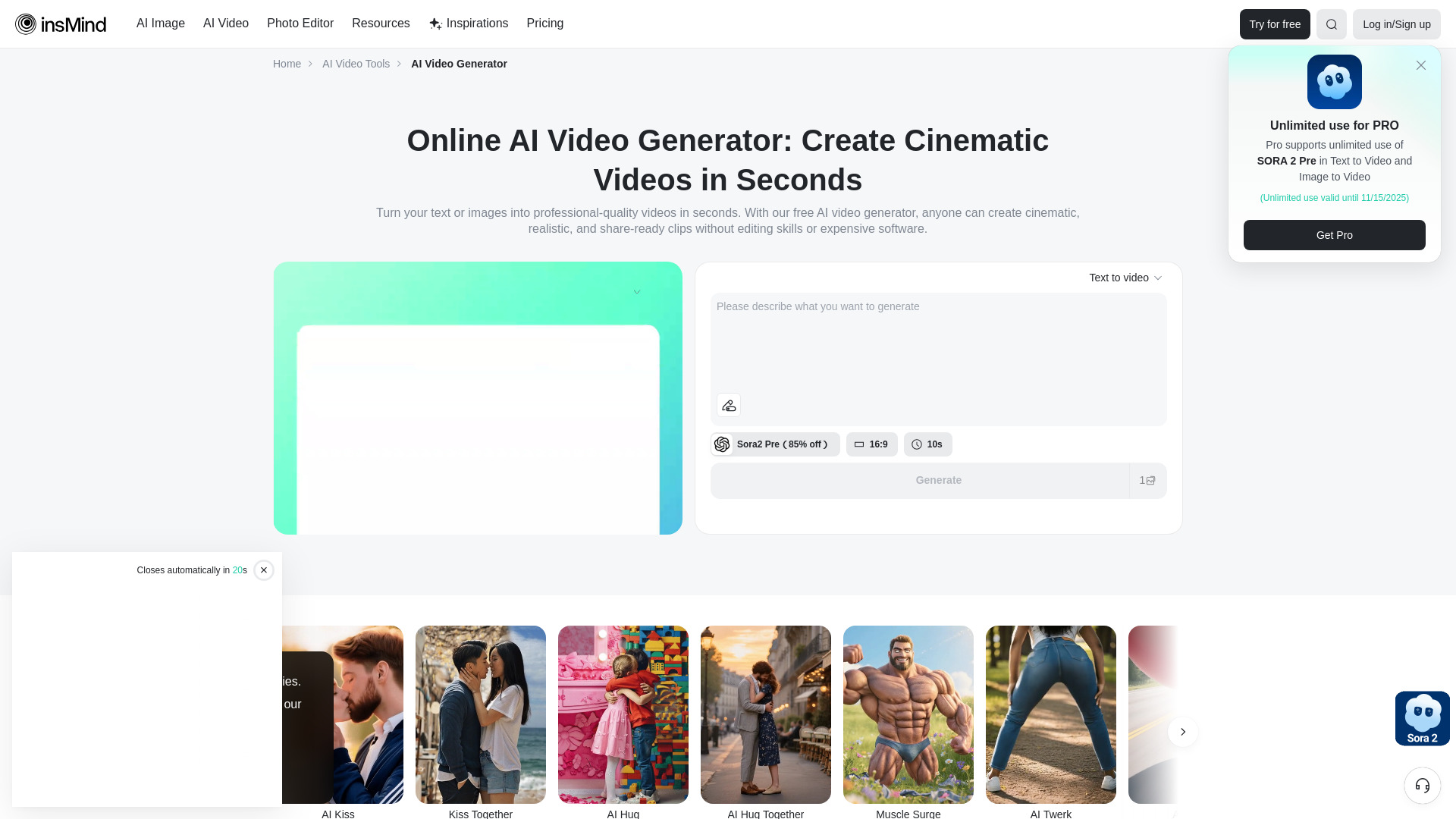
What is insMind AI Video Generator?
insMind AI Video Generator is an all-in-one online platform that transforms text prompts or images into cinematic, social-ready videos using leading AI models such as Veo 3.1, Sora 2, Kling AI, Wan AI, Hailuo AI, and PixVerse AI.
SpecificationsAI-estimated
Key Features of insMind AI Video Generator
Use Cases for insMind AI Video Generator
Social Media Content
Create TikTok, Instagram Reels, and YouTube Shorts content easily.
eCommerce & Product Demos
Turn product images into sleek demo videos and ads without hiring a production team.
Education & Training
Create simple, effective tutorials and explainer videos for students.
Gaming & Fan Content
Showcase highlights, funny edits, or remix gameplay footage into entertaining shorts.
Personal Events
Make memory reels for weddings, birthdays, or graduations.
Marketing & Advertising
Boost brand awareness with polished promotional videos and product launches.
How to use insMind AI Video Generator?
Enter Text Prompt or Upload Your Image
Decide whether you want to create a video from a text prompt or an uploaded image. For image-to-video, upload a high-quality photo and add a descriptive prompt.
Choose Video Settings
Choose video settings such as model, resolution, aspect ratio, and duration.
Generate, Preview, and Download the Video
Generate a preview, refine if needed, and download the high-quality video for sharing or marketing.
Pros & Cons of insMind AI Video Generator
Pros
- No desktop software or editing skills required
- Multiple top AI video models in one place
- Free trial available with credit-earning opportunities
- Videos optimized for social media platforms
- Works for ads, education, gaming, events, and marketing
Cons
- Individual AI models have limitations in shot consistency and audio sync
- Resolution and duration vary by model, e.g., some only support up to 15 seconds
- Advanced multi-shot or native audio features are not fully supported across all models
Frequently Asked Questions
Is insMind AI Video Generator free to use?
Yes, insMind offers a free trial to get started, and you can earn extra credits through daily sign-ins, rewards, and other platform activities.
Which AI models can I use on insMind?
You can access Veo 3.1, Sora 2, Kling AI, Wan AI, Hailuo AI, PixVerse AI, and more in one platform.
What output format is supported?
Videos are typically available in high-quality MP4 format, ready for social media or professional presentations.
Pricing Overview
View full pricing →No pricing information found on the page.
Detailed plans are not listed. Visit the official website for pricing information.
Reviews & Ratings0.0
No reviews yet. Be the first to write one!
Top Alternatives & Similar Software
View all alternatives & similar software→
People also viewed



Related searches
About the Product
Is this your tool?
Claim this page to update details, reply to user reviews, and drive more traffic to your product.
Claim this Product →
Explore Related Topics
Keep up with insMind AI Video Generator alternatives
New alternatives, pricing changes and the week's biggest movers - one email every Tuesday.