




Seedance 2.0 AI Video Generator
Turn text, images, and reference clips into production-ready AI video drafts with Seedance 2.0.
What is Seedance 2.0 AI Video Generator?
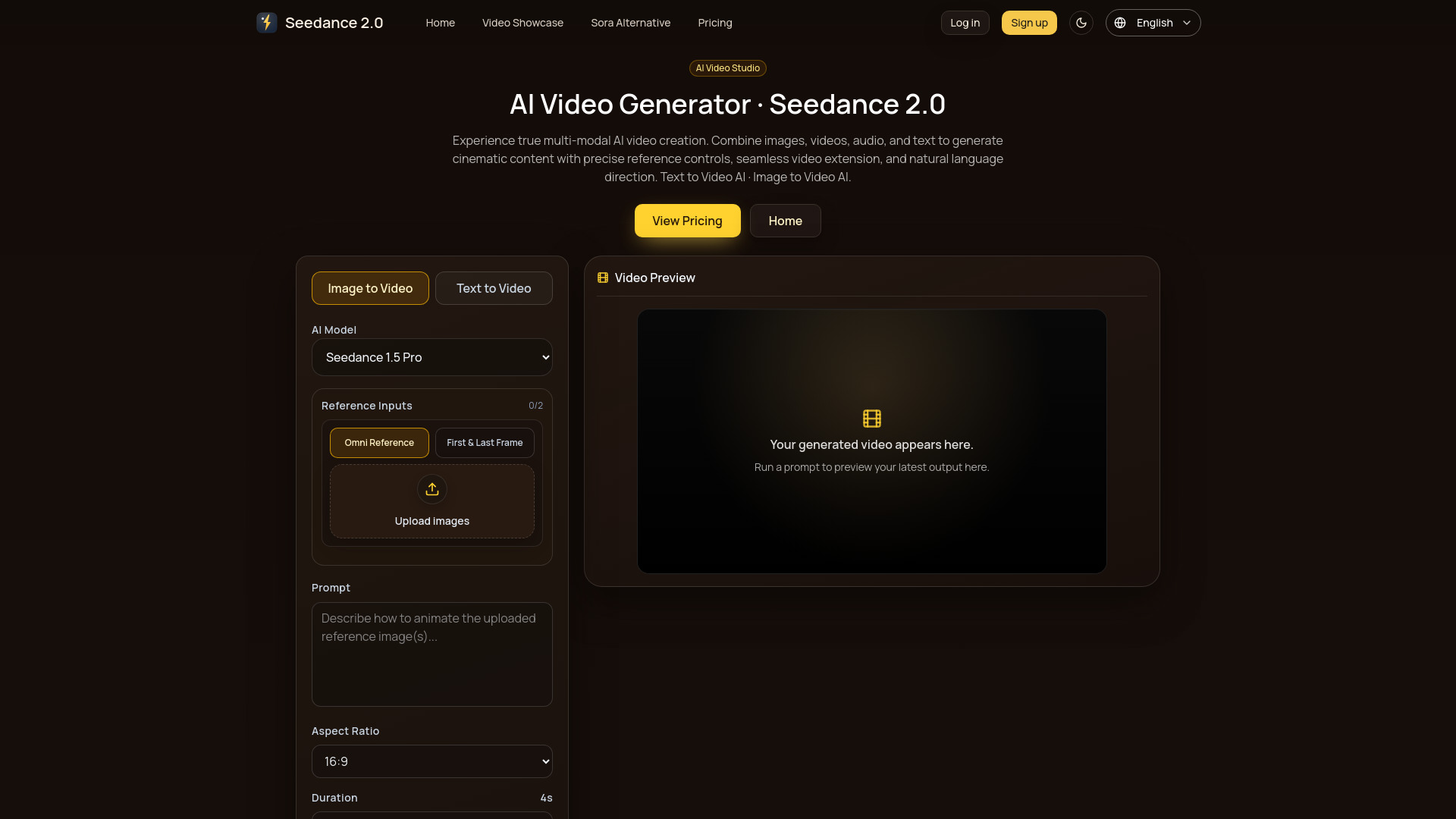
Seedance 2.0 AI Video Generator is a browser-based creative studio that converts text prompts and image inputs into short video drafts. Aimed at creators and teams who need to move quickly from concept to reviewable footage, the tool combines multimodal creation with production-oriented controls such as aspect ratio, resolution, duration, and optional lens settings. The generator is designed to support both text-to-video and image-to-video workflows in a single unified interface. At the core of Seedance 2.0 is a fast iteration loop: you set up your prompt, tune generation parameters, then preview and refine results until they match your intended scene and motion. The system supports reference-driven motion, allowing a source image to guide style and movement, and it offers an audio-ready pipeline on models that support audio generation. This makes it possible to keep visual and audio work centralized rather than moving between separate tools. Seedance 2.0 is especially useful for creators producing social media clips, teams benchmarking AI video quality before scaling credit spend, and anyone who needs flexible AI video generation without a steep learning curve. The free preview is limited to a 4-second 480p generation, while upgrading unlocks longer durations, higher resolutions, video and audio reference inputs, downloads, and faster queue options on supported models. Because controls vary by selected model and plan, users can tailor the workflow to their specific production requirements.
SpecificationsAI-estimated
Key Features of Seedance 2.0 AI Video Generator
Use Cases for Seedance 2.0 AI Video Generator
Text-to-video draft creation
Turn written prompts into reviewable video clips quickly and clearly.
Image-to-video animation
Upload a first frame or visual reference and describe the motion and camera direction.
Style-consistent scene exploration
Use a source image as motion context to keep style and direction predictable.
Social media content production
Tune aspect ratio, resolution, and duration to match the destination channel.
Rapid creative testing
Iterate on prompts and generation settings to explore multiple visual directions fast.
Audio-synced video generation
Enable audio features on supported models to keep visuals and audio in one workflow.
AI video model benchmarking
Teams compare output quality across prompts and models before scaling credit spend.
How to use Seedance 2.0 AI Video Generator?
Set Up Your Prompt
Choose text-to-video or image-to-video mode, then define the subject, motion, and tone clearly.
Tune Generation Parameters
Adjust aspect ratio, resolution, duration, and advanced options to match your destination channel.
Generate and Refine
Preview results, iterate on prompt details, and finalize videos for export-ready delivery.
Pros & Cons of Seedance 2.0 AI Video Generator
Pros
- Multi-modal input support with text, image, and upgraded reference options
- Fast iteration loop built for rapid creative testing and refinement
- Cinematic quality with stable motion, scene continuity, and clear subject focus
- Production-oriented controls for aspect ratio, resolution, duration, and lens
- Audio-ready pipeline on supported models keeps visual and audio work centralized
Cons
- Free preview is limited to 4 seconds at 480p
- Video and audio reference inputs require an upgrade
- Advanced features depend on the selected model and plan
- Sign-in is required before generating a video
Frequently Asked Questions
What is Seedance 2.0 AI Video Generator?
It is an online AI video generation tool that turns text prompts and image inputs into video drafts, with optional video and audio references on upgraded plans.
What inputs does Seedance 2.0 support?
It supports text prompts and image inputs. After upgrading, video references and audio references are available when the selected model exposes those controls.
What are the free preview limits?
The free preview generates a 4-second video at 480p, and you must sign in before generating a video.
What does upgrading unlock?
Upgrading unlocks video and audio reference inputs, longer durations, higher resolutions, audio features, downloads, and faster queue options where the selected model supports them.
Do all models support video references and audio features?
No. Controls are model-dependent, so video reference, audio reference, resolution, duration, and audio features vary by selected model and plan.
Who is Seedance 2.0 for?
It is for creators using text-to-video and image-to-video workflows, upgraded teams that need references, and teams benchmarking output quality before scaling credit spend.
How do I create a video with Seedance 2.0?
Set up your prompt or image input, tune generation parameters like aspect ratio and resolution, then generate, preview, and refine until the video is ready.
Reviews & Ratings0.0
No reviews yet. Be the first to write one!
Top Alternatives & Similar Software
View all alternatives & similar software→




People also viewed



Related searches
Is this your tool?
Claim this page to update details, reply to user reviews, and drive more traffic to your product.
Claim this Product →
Tags
Explore Related Topics
Keep up with Seedance 2.0 AI Video Generator alternatives
New alternatives, pricing changes and the week's biggest movers - one email every Tuesday.