



ClipDance
AI-powered video generation with instant audio sync for creators
Best for
Fast‑moving creators who need instant AI video with synced audio
Skip if
Those requiring offline, self‑hosted or fully free advanced features







What is ClipDance?
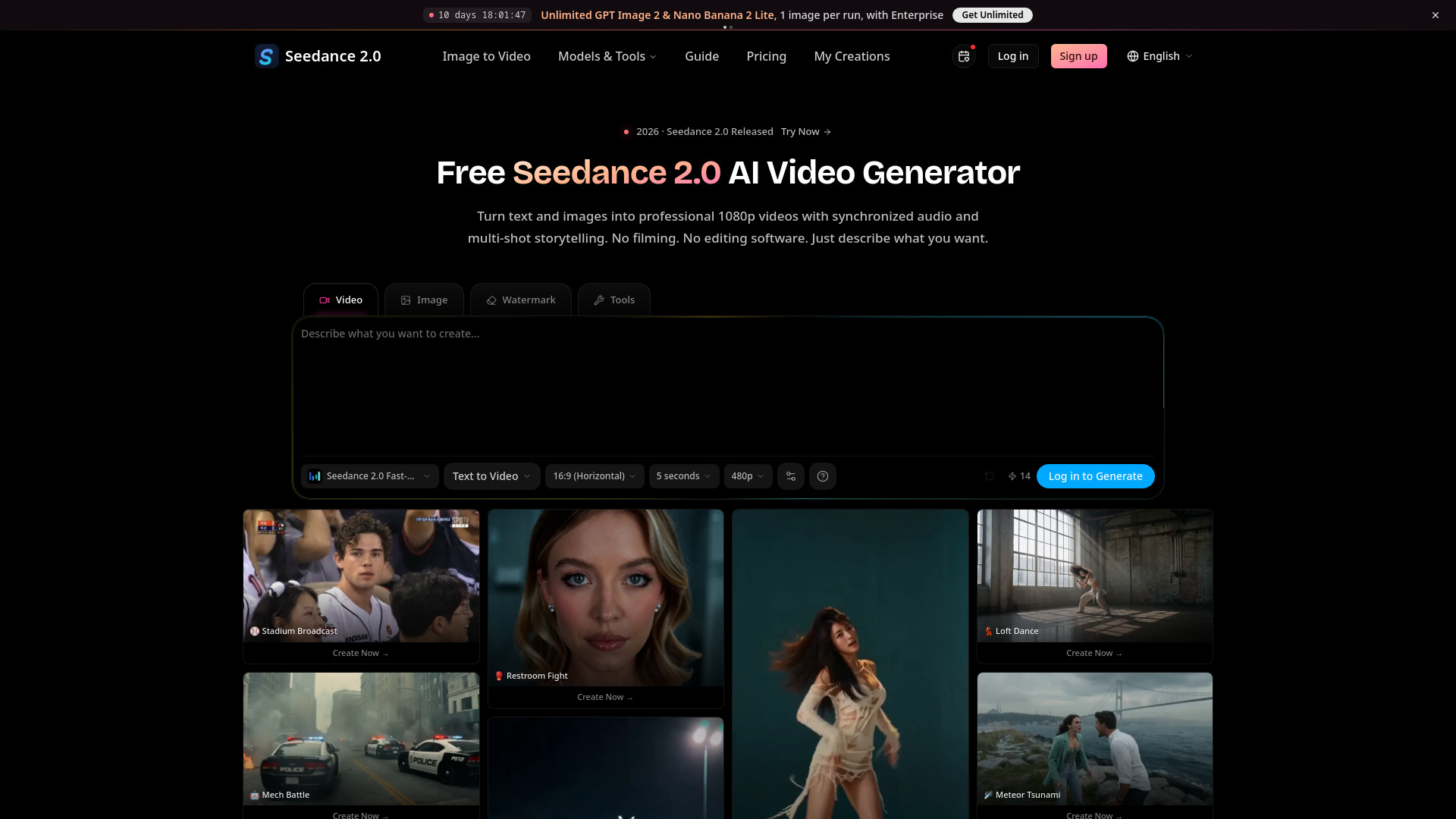
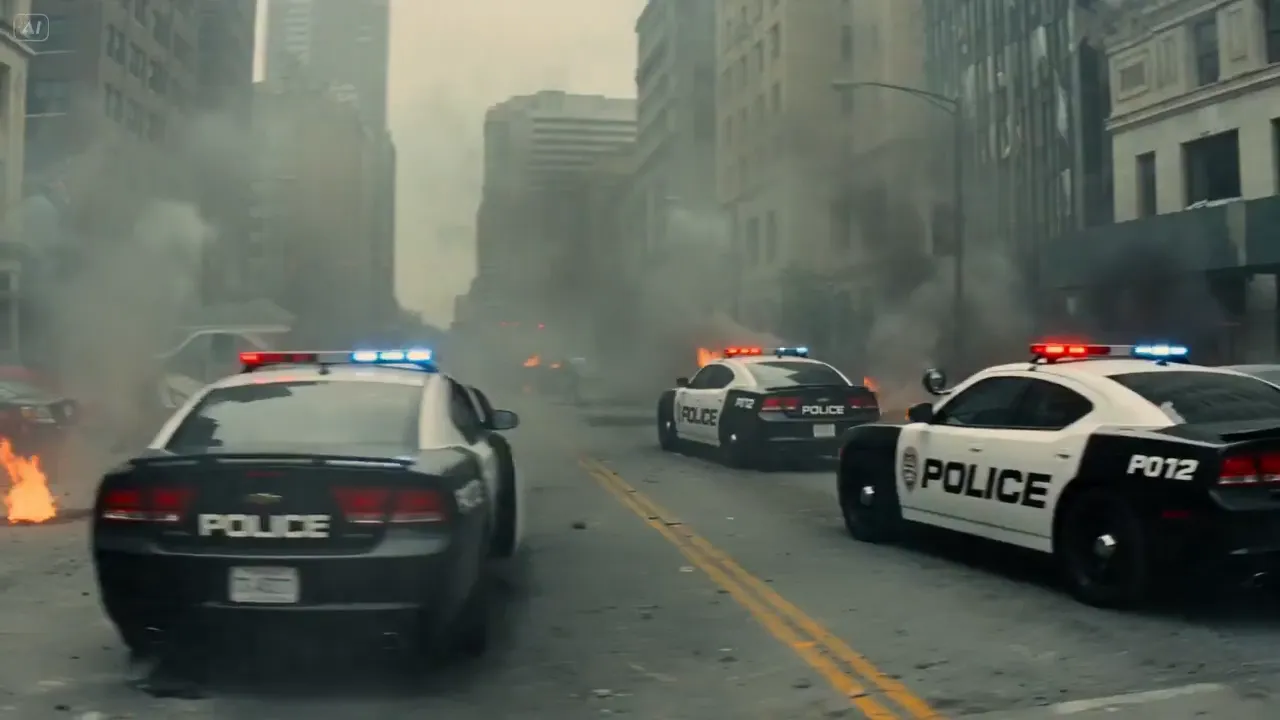
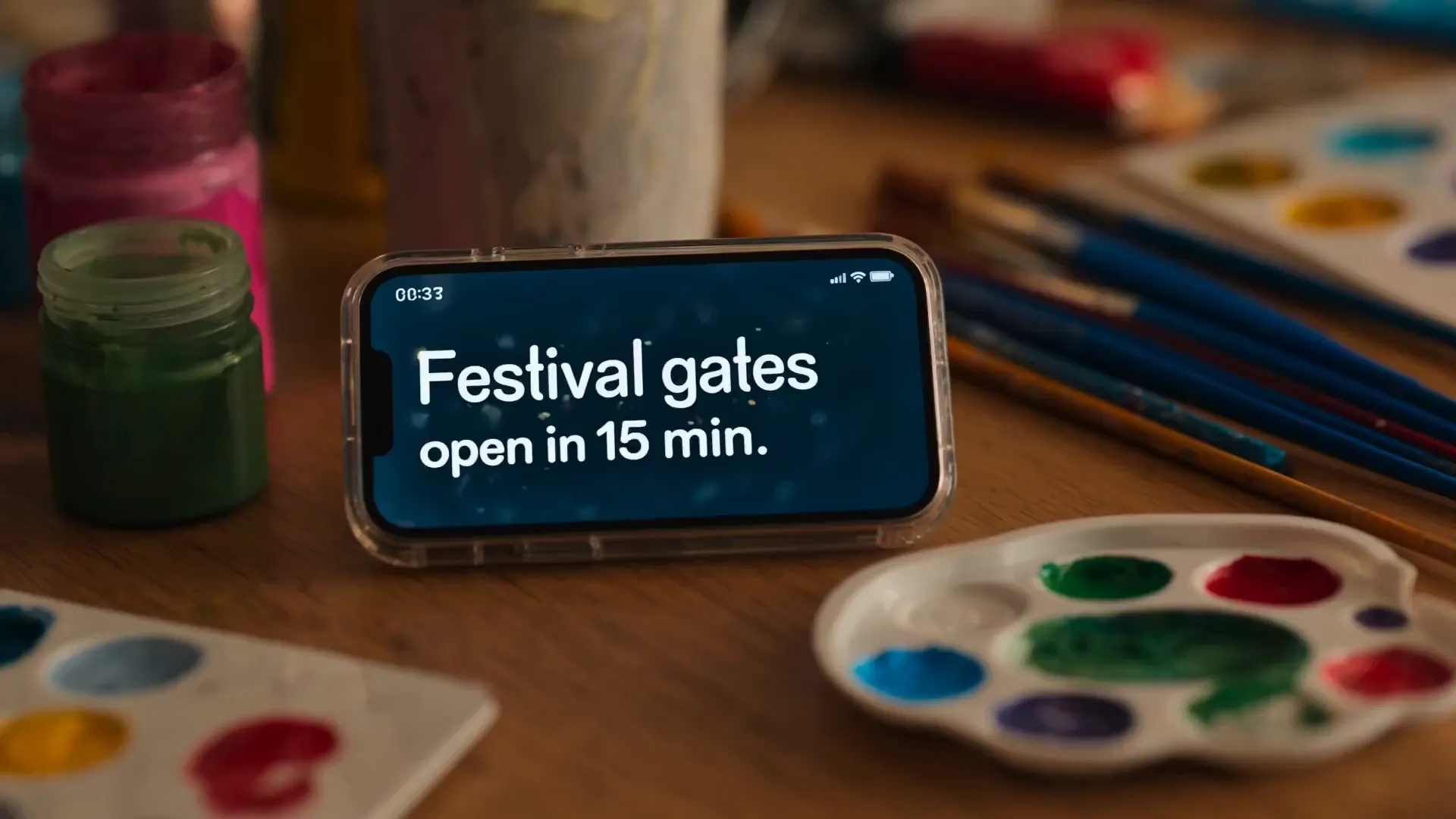
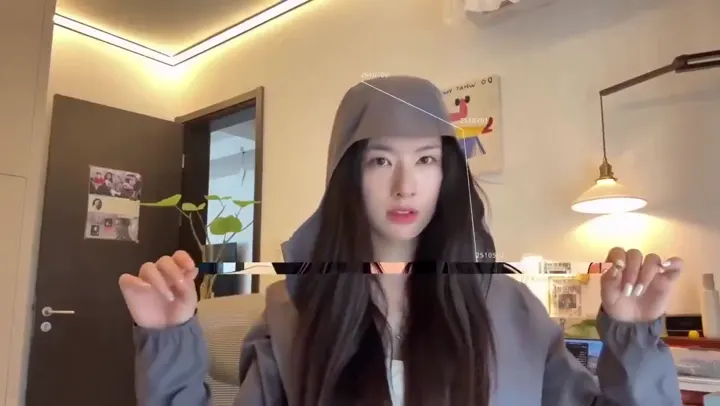
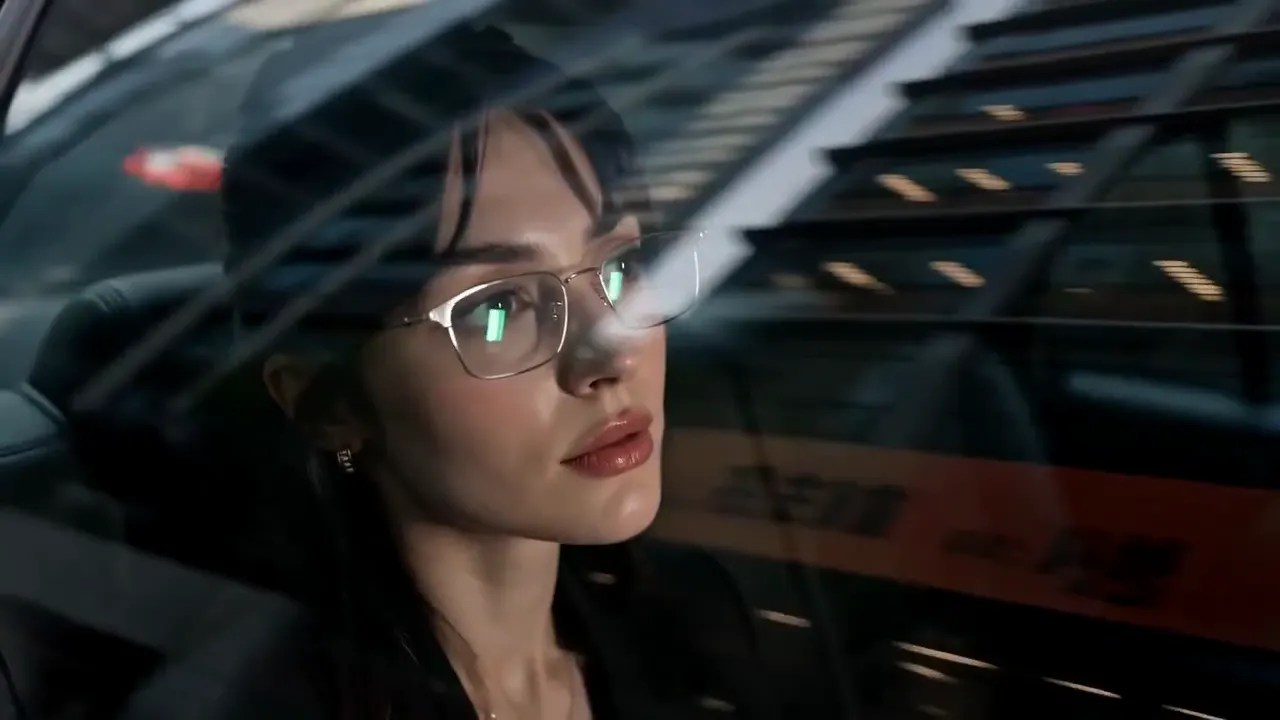
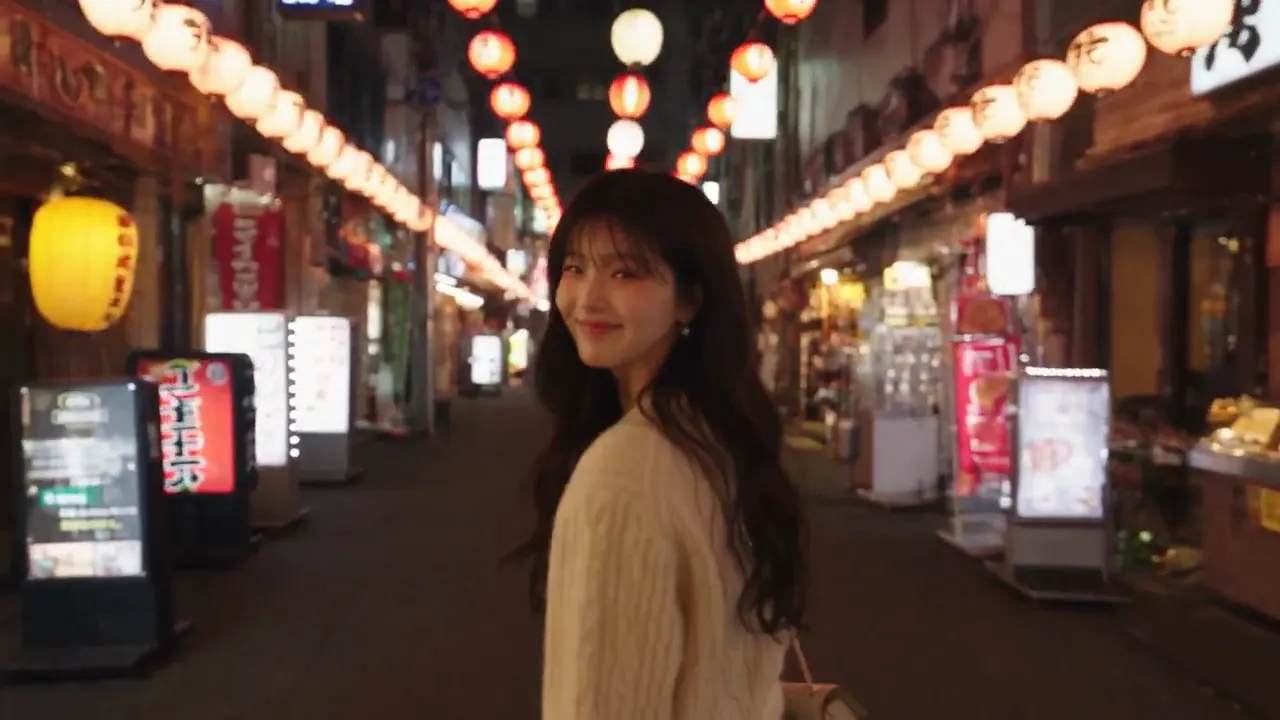
ClipDance is an independent AI video generation platform that turns text prompts and images into cinematic 1080p videos with synchronized dialogue, sound effects, and music in a single pass. Powered by ByteDance's Seedance 2.0 model, it eliminates the need for separate audio editing and offers in‑browser editing, beat‑sync, and multilingual lip‑sync. The service supports both text‑to‑video and image‑to‑video workflows, allowing up to 12 reference assets to shape style, motion, and composition. A free tier provides standard‑quality output, while paid plans unlock full 1080p resolution, longer runtimes, and priority processing, with full commercial rights and no attribution required.
SpecificationsAI-estimated
Key Features of ClipDance
Use Cases for ClipDance
YouTube Content
Create engaging video intros and tutorials without traditional editing software.
Marketing Campaigns
Produce short promotional clips with synchronized voiceovers and music quickly.
Social Media Reels
Generate eye‑catching reels using image‑to‑video workflows and beat‑sync.
Animated Explainers
Build animated explainers with multilingual lip‑sync for global audiences.
How to use ClipDance?
Describe Your Scene
Write a prompt describing what you want to see, such as a product demo with voiceover or a cinematic landscape with ambient music. Optionally add reference images for better results.
Generate Your Video
Seedance 2.0 processes your input and creates video, audio, and transitions simultaneously. Most clips are ready in under 60 seconds.
Download and Use
Your video is ready in 1080p. Download, share to social platforms, or edit further. Not happy? Regenerate with adjusted prompts.
Pros & Cons of ClipDance
Pros
- Fast generation (30‑60 seconds per clip)
- All‑in‑one audio and video synthesis
- No separate audio editing required
- Full commercial rights with no attribution
Cons
- Limited to online/cloud usage
- Advanced features require paid subscription
- No self‑hosted or desktop version
Frequently Asked Questions
Do I need to install any software to use ClipDance?
No, ClipDance runs entirely in the browser as a cloud service.
Can I export videos in formats other than MP4?
Export options include MP4 and WebM.
Are the generated videos royalty‑free?
Yes, users retain full commercial rights and no attribution is required.
How many reference assets can I upload per project?
Up to 12 images, video clips, or audio files can be used to guide style and motion.
Pricing Overview
View full pricing →Reviews & Ratings0.0
No reviews yet. Be the first to write one!
Top Alternatives & Similar Software
View all alternatives & similar software→

People also viewed



Best For
Related searches
About the Product
Is this your tool?
Claim this page to update details, reply to user reviews, and drive more traffic to your product.
Claim this Product →
Tags
Explore Related Topics
Keep up with ClipDance alternatives
New alternatives, pricing changes and the week's biggest movers - one email every Tuesday.