




Flux 3 AI Video Generator
Turn one prompt into cinematic AI video with text, image, or video references.





What is Flux 3 AI Video Generator?
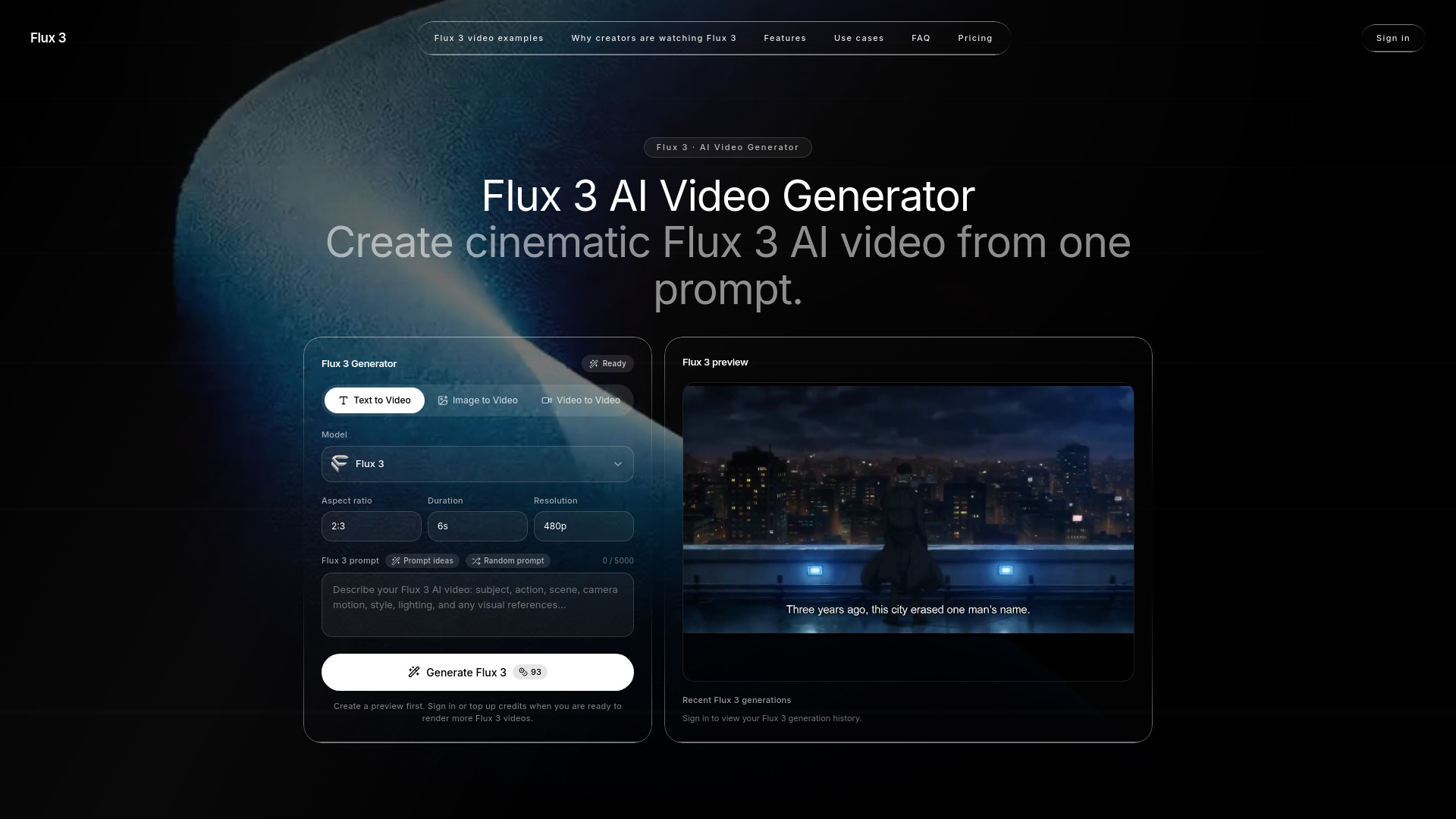
Flux 3 AI Video Generator is a web-based creative tool that produces short AI-generated videos from text prompts, reference images, or reference videos. It offers three input modes - text to video, image to video, and video to video - and lets users choose aspect ratio, duration, and resolution before generating. The platform is aimed at creators who want to turn a scene idea into a motion sample quickly without needing traditional editing or filmmaking experience. The generator uses a single Flux 3 model, described as multimodal and trained on image, video, and audio together. This means generated clips can include native audio - such as footsteps, impacts, and ambience - timed to the visuals, rather than sound added in post-production. Flux 3 also supports expressive human motion, facial expressions, and multilingual dialogue, making it useful for character-driven story tests, brand assets, product demos, and social media clips. The workflow is built around prompting, previewing, and purchasing credits. Users write a prompt of up to 5000 characters, optionally add image or video references, generate a preview, and then use credits to render full videos. New users receive 100 free credits, and paid plans include Starter, Plus, and Pro tiers with monthly or yearly billing as well as one-time credit packs. The platform is positioned for individual creators, marketers, studios, and teams who need fast iteration for ads, storyboards, product videos, and short-form social content.
SpecificationsAI-estimated
Key Features of Flux 3 AI Video Generator
Use Cases for Flux 3 AI Video Generator
AI ads and brand content
Create short product scenes, launch teasers, paid social hooks, landing-page motion, and campaign variations with prompt or reference guidance.
Concept trailers and storyboards
Turn a single scene idea into a moving concept shot to test camera language, emotion, transitions, and character behavior.
Short-form social video
Generate vertical or widescreen clips for YouTube Shorts, TikTok, and Reels, iterating on hooks, first frames, motion speed, and visual novelty.
Product and ecommerce motion
Animate still product images into premium product videos, macro shots, turntable motion, lifestyle placements, or atmospheric launch visuals.
Creative iteration and pitch prep
Write a prompt, check credit estimates, and test motion ideas quickly before final production or client meetings.
Brand asset consistency
Use image or video references to keep product shape, lighting, material feel, and motion rhythm consistent across repeatable creative testing.
Story and character testing
Generate clips with expressive facial expressions, natural movement, and dialogue to see if characters and story beats feel believable.
How to use Flux 3 AI Video Generator?
Write a Flux 3 prompt
Describe the subject, action, camera movement, lighting, mood, and aspect ratio in natural language. Flux 3 prompts work best when the scene is specific: who appears, what changes over time, what the camera does, and how the final clip should feel.
Add image or video guidance
Upload a reference image for product shape, character identity, composition, color palette, or scene direction. Use a reference video when you want the generated result to follow motion, rhythm, framing, or timing more closely.
Generate, review, and buy credits
Generate a Flux 3 preview, inspect the result, and keep the strongest outputs in your history. When your balance is low, buy credits through the pricing section and embedded checkout to render full videos.
Pros & Cons of Flux 3 AI Video Generator
Pros
- Prompt-first workflow makes it easy to describe a shot without editing experience
- Reference-guided generation with images or videos keeps brand identity and motion consistent
- Native audio is generated with the clip, saving post-production time
- One clear model choice simplifies setup and decision-making
- Generous onboarding with 100 free credits and embedded checkout
Cons
- Video output is limited to 480P and 720P, with no higher resolution options mentioned
- Credits can be consumed quickly when using longer clips or higher resolutions, and monthly plans cap videos per month
- Independent platform rather than the official Flux or Black Forest Labs service, so model capabilities and reliability may differ
Frequently Asked Questions
What is Flux 3?
Flux 3 is an AI video generation platform that turns text prompts, images, or reference videos into short cinematic clips. It is designed for creators, marketers, and teams who want to test motion ideas quickly and generate videos for ads, social media, products, and storyboards.
Do Flux 3 videos include audio?
Yes. Flux 3 is a multimodal model trained on image, video, and audio together, so generated clips include native audio with footsteps, impacts, and ambience timed to what happens on screen, rather than added in post-production.
Why does the generator use one Flux 3 model choice?
The workflow keeps things simple by offering a single model choice. You select input type, duration, aspect ratio, and resolution, then generate when your prompt is ready, avoiding the need to compare a long list of models.
Can I create Flux 3 videos from images?
Yes. You can upload a reference image to guide product shape, character identity, composition, color palette, or scene direction, turning still assets into motion.
Can I use video as a reference?
Yes. Use a reference video when you want the generated result to follow motion, rhythm, framing, or timing more closely, which helps maintain energy close to an approved concept.
Do I need editing or filmmaking experience?
No. The platform is prompt-first: describe the subject, action, camera movement, lighting, mood, and aspect ratio in natural language, then generate previews. References and examples help you refine the output without professional editing skills.
How do generation and payment work?
You write a prompt, choose text-to-video, image-to-video, or video-to-video, and generate a preview. To render more videos, you can sign in or buy credits. New users get 100 free credits, and paid options include monthly plans, yearly plans, or one-time credit packs with secure checkout.
Reviews & Ratings0.0
No reviews yet. Be the first to write one!
Top Alternatives & Similar Software
View all alternatives & similar software→



People also viewed



Related searches
Is this your tool?
Claim this page to update details, reply to user reviews, and drive more traffic to your product.
Claim this Product →
Tags
Explore Related Topics
Keep up with Flux 3 AI Video Generator alternatives
New alternatives, pricing changes and the week's biggest movers - one email every Tuesday.