



PhotoToVideo AI
Transform any image into stunning AI videos instantly



What is PhotoToVideo AI?
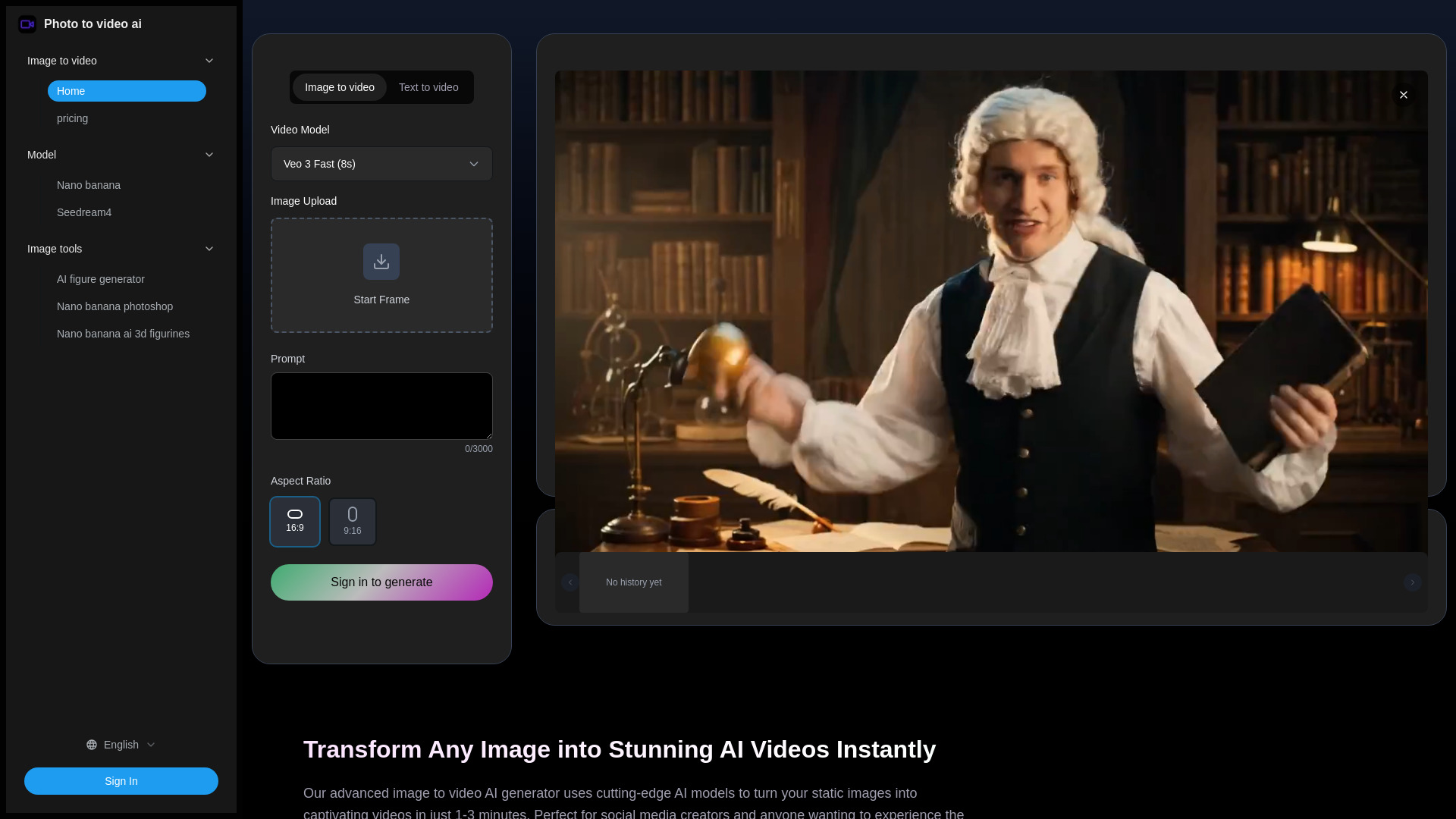
PhotoToVideo AI is a web-based image-to-video generator that turns static photos into short AI-generated videos. It supports multiple advanced AI models such as Google Veo 3, Seedance, Hailuo, and Video STD, and offers HD export options up to 1080p. The tool is designed for social media creators, marketers, and individuals who want to animate images without technical editing skills.
SpecificationsAI-estimated
Key Features of PhotoToVideo AI
Use Cases for PhotoToVideo AI
Social Media Content Creation
Create eye-catching video posts, stories, and reels for Instagram, TikTok, and YouTube to increase engagement and grow your audience.
Personal Memory Enhancement
Bring family portraits and travel memories to life as animated keepsakes that preserve special moments.
Creative Experimentation
Experiment with different AI models, styles, and camera movements to discover new visual storytelling approaches.
How to use PhotoToVideo AI?
Upload Your Image
Click the upload button to select a JPG or PNG image. High-quality images with clear subjects and good lighting work best.
Choose AI Model and Style
Choose from models like Veo 3 or Seedance, and select an animation style that matches your creative vision.
Generate and Download
Click generate, wait 1–3 minutes, preview the result, and download the MP4 file ready for sharing.
Pros & Cons of PhotoToVideo AI
Pros
- Very easy to use - no video editing skills required
- Supports multiple powerful AI video models
- Generates videos in about 1–3 minutes
- Offers HD resolution up to 1080p
- Videos are MP4, compatible with major social platforms
- Privacy-focused with automatic photo deletion in 24 hours
- Generated videos can be used commercially
Frequently Asked Questions
What video formats does the AI generator support?
Videos are output as MP4 files, with resolution options including 720p and 1080p.
How long does it take to generate a video from a photo?
Typically in 1–3 minutes, depending on complexity and server load. Fast Mode takes 2–3 minutes, while Quality Mode takes 5–8 minutes.
Is my uploaded photo data secure and private?
Yes. Uploaded photos are automatically deleted within 24 hours, and SSL encryption is used for secure transmission.
Can I use the generated videos commercially?
Yes, videos generated from your own photos can be used commercially, including social media marketing, advertising, and content creation.
What photo types work best with the AI?
High-quality images with clear subjects, portraits, landscapes, and distinct foreground/background separation tend to produce the best results.
What AI models power the image to video AI generator?
The platform uses Google Veo 3, Seedance, Hailuo, and Video STD. Veo 3 excels in natural motion and audio integration.
Can I control the camera movement in my creations?
Yes. You can influence camera movement with descriptive prompts like 'gentle zoom in' or 'dramatic camera movement'.
What's the difference between Fast Mode and Quality Mode?
Fast Mode generates videos in 2–3 minutes using 80 credits. Quality Mode takes 5–8 minutes using 400 credits and produces higher-resolution, more detailed animations.
Does it work with animated GIFs or only static images?
The tool works best with static images in JPG, PNG, and WEBP formats. GIFs are not currently supported.
How does the AI handle lighting and shadows?
The AI automatically analyzes lighting in the original image and maintains consistent illumination, realistic shadows, and coherent brightness as objects move.
Is the payment service secure?
Yes. Payments are processed securely through Stripe, and card details are not stored.
What is the refund policy?
Refunds are not offered for completed video generations due to computational and API costs. Free credits are recommended for testing.
Pricing Overview
View full pricing →No explicit prices or plan names were found on this page.
Detailed plans are not listed. Visit the official website for pricing information.
Reviews & Ratings0.0
No reviews yet. Be the first to write one!
Top Alternatives & Similar Software
View all alternatives & similar software→




People also viewed



Related searches
About the Product
Is this your tool?
Claim this page to update details, reply to user reviews, and drive more traffic to your product.
Claim this Product →
Tags
Explore Related Topics
Keep up with PhotoToVideo AI alternatives
New alternatives, pricing changes and the week's biggest movers - one email every Tuesday.