




Photo Video AI
Turn any photo or image into videos with AI
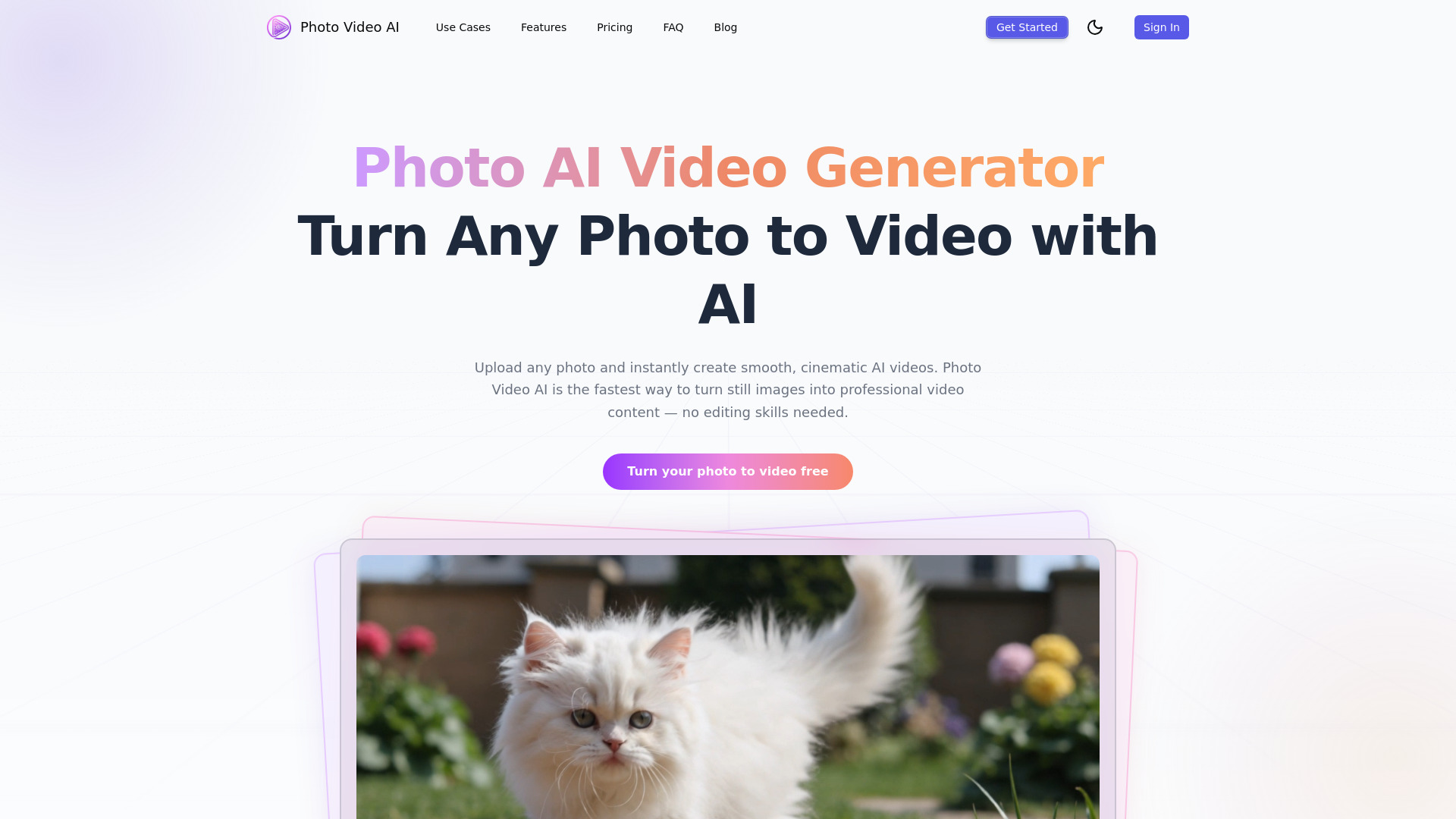
What is Photo Video AI?
Photo Video AI (pvid.app) is an AI-powered online video generator that turns photos, images, and text into cinematic videos. It supports photo-to-video, text-to-video, video-to-video, and multi-photo storyboard workflows with AI motion control, style transfer, voiceover, music, and up to 4K export. The platform is aimed at content creators and social media marketers who want professional-looking videos without editing skills.
SpecificationsAI-estimated
Key Features of Photo Video AI
Use Cases for Photo Video AI
Social Media Content
Create engaging Reels, TikToks, Youtube shorts from product shots, travel photos, or selfies
Marketing & Advertising
Generate cinematic product videos with brand message from a single photograph
Album & Story Telling
Combine photos into one seamless video story with AI transitions and consistent style
Filmmaking
Convert concept art or storyboard frames into camera movement reference clips
How to use Photo Video AI?
Upload
Drag & drop, JPG PNG WebP photo (up to 20MB)
Add prompt (optional)
Describe motion/mazer film, or AI will choose movement automatically
Choose duration and aspect ratio
5s/10s/15s, plus aspect ratio
Generate & Download
Produce MP4 video in 1-3 minutes, up to 4K
Pros & Cons of Photo Video AI
Pros
- Free tier with 100 credits and no credit card required
- No editing experience required
- Multi-photo storyboard for consistent character/camera style
- Supports several powerful AI models (Kling 3.0, Veo 3.1, Seedance 2.0, Gemini Omni)
- 4K video export for social media
- Generated videos can be used commercially
- Style transfer, motion control, voiceover, and music included
Cons
- Free credits are limited; high-volume usage requires paid subscription
- Simple per-month credits may be a bit priceful for casual users
- Cloud-only, requires internet connection and depends on server availability
- Advanced features such as 4K upgrades and Omni input require premium credits
Frequently Asked Questions
Is Photo Video AI really free?
Offers a free tier with 100 credits, no credit card needed.
Can I generate videos from photos for commercial use?
Yes, the output is yours to use commercially.
What models are used?
Kling 3.0, Veo 3.1, Seedance 2.0, and Gemini Omni according to plan.
Pricing Overview
View full pricing →Start free with 100 credits; paid upgrades available for more generations, faster processing, and priority support.
Reviews & Ratings0.0
No reviews yet. Be the first to write one!
Top Alternatives & Similar Software
View all alternatives & similar software→
People also viewed



Related searches
About the Product
Is this your tool?
Claim this page to update details, reply to user reviews, and drive more traffic to your product.
Claim this Product →
Tags
Explore Related Topics
Keep up with Photo Video AI alternatives
New alternatives, pricing changes and the week's biggest movers - one email every Tuesday.