




img2 ai
Free AI Image and Video Generator Online
What is img2 ai?
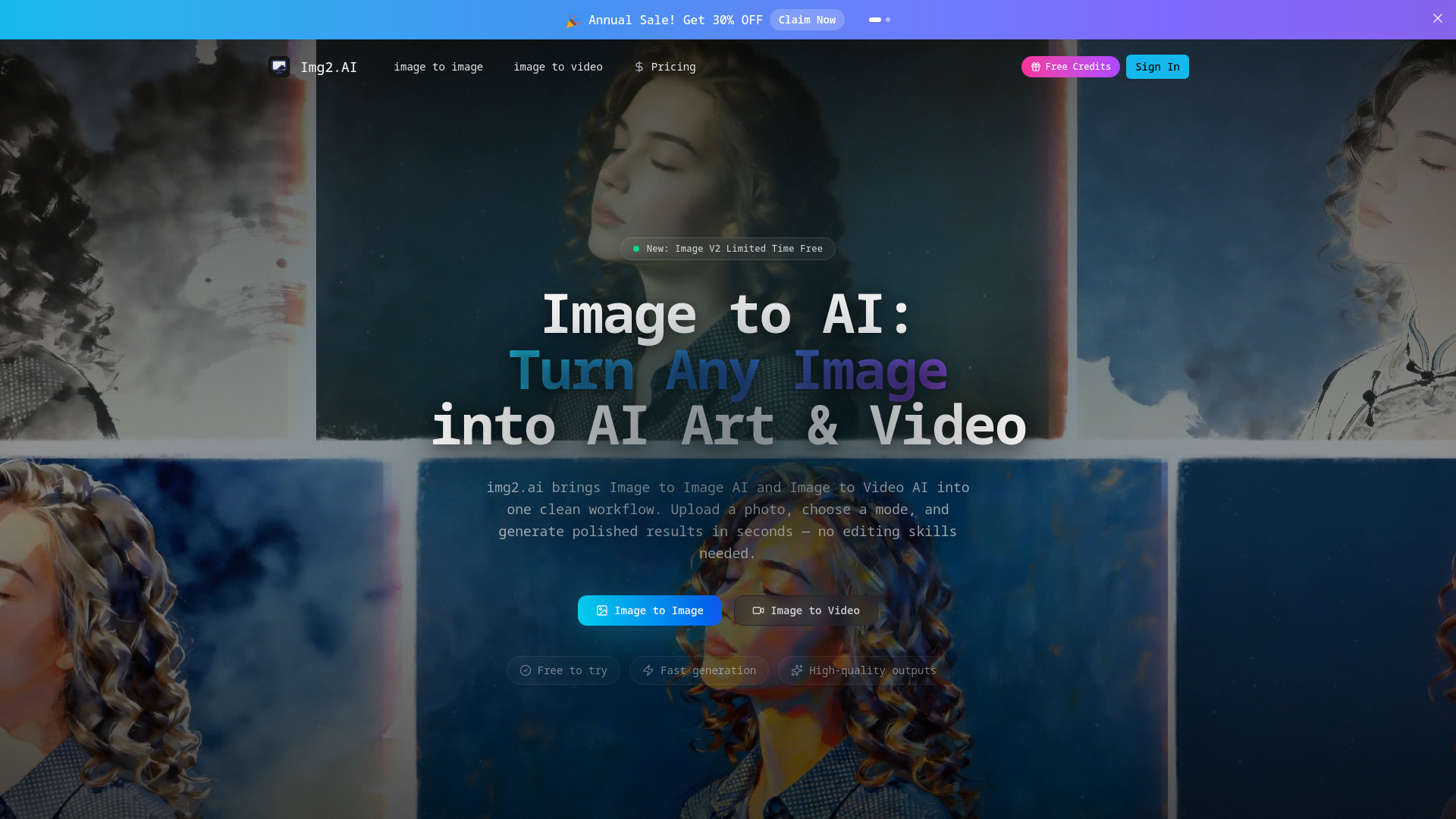
img2 ai is a free AI image and video generator that combines multiple models in one workspace. Users can upload a photo or type a prompt, select a model, and generate images, restyled photos, short videos, animations, and upscaled exports up to 4K. It supports GPT Image 2.5, Nano Banana Pro/2, Seedream 5.0, Grok Imagine, Seedance 2.5, and Veo 3.1 behind a single login and shared credit balance.
SpecificationsAI-estimated
Key Features of img2 ai
Use Cases for img2 ai
Social media and marketing
Create ad creative, social posts, and short video loops in minutes.
Product and packaging
Generate product variations, clean backgrounds, and upscaled product shots for marketplaces.
Portraits and personal content
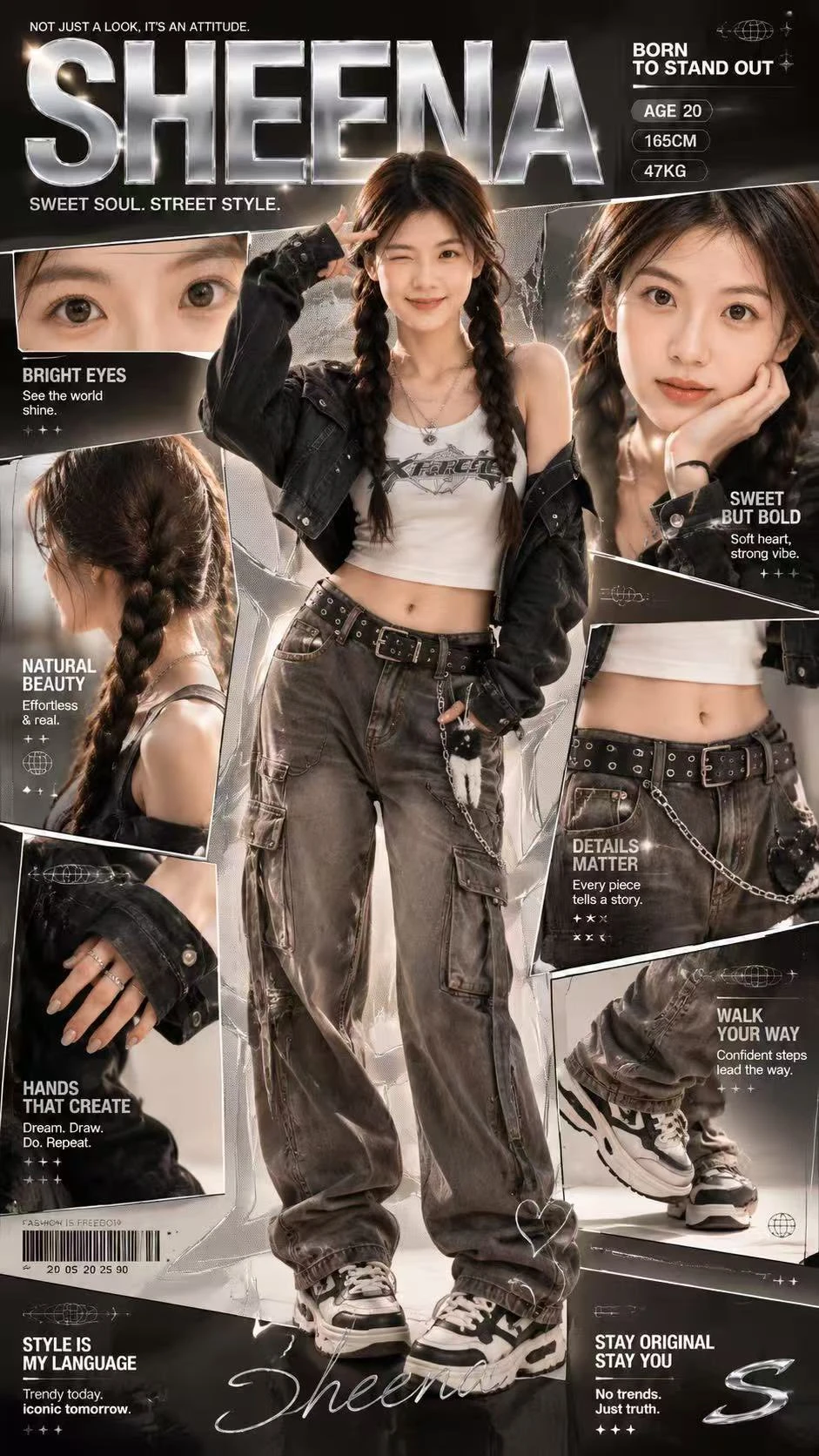
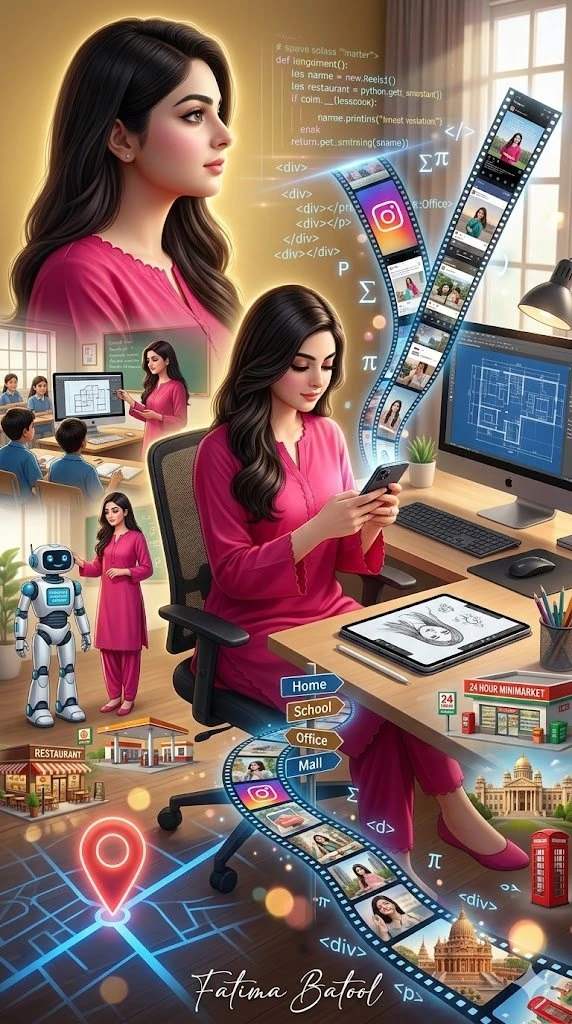
Create avatars, anime looks, portraits, and editorial retouching while keeping the subject recognizable.
Design and concept art
Generate concept art, backgrounds, and mockups from text prompts.
Video and animation
Turn a portrait into a lip-synced or animated video clip for quick explainers or social content.
How to use img2 ai?
Restyle a photo
Upload a photo, choose a style or variation, and generate several versions while keeping the subject recognizable.
Generate an image from scratch
Type a prompt, select an image model, and generate backgrounds, concept art, mockups, ad creative, or blog thumbnails.
Animate a photo into video
Upload a still frame or generated image, pick a video model, and add motion, camera movement, soundtrack, or lip-sync.
Upscale to 4K
Use the upscaler on any upload or generated image to improve edges, recover texture, and export up to 4K.
Pros & Cons of img2 ai
Pros
- Completely free to try for new accounts
- Combines image, video, and upscaling in one workflow
- Multiple cutting-edge AI models behind one interface
- No design skills or plugin installation required
- Supports commercial use and user uploads
- Fast output: finished image or short clip in seconds
Frequently Asked Questions
Is img2 ai free?
There is no explicit pricing listed on the page, but the product says it is free to try for every new account and uses one shared credit balance across all tools.
Can I turn a photo into a video with img2 ai?
Yes. The AI video generator turns a still frame into a short clip with smooth motion, natural camera movement, optional soundtrack, and lip-sync when a face is detected.
Do I need design skills to use img2 ai?
No. The workflow is designed to be clean and simple: upload a photo or prompt, pick a model, and get results in seconds. There is no timeline to learn and no plugin to install.
Pricing Overview
View full pricing →No pricing information was found in the provided content. The page mentions a 'Pricing-50%' link and that tools are 'free to try', but no specific plan names or dollar amounts were stated.
Detailed plans are not listed. Visit the official website for pricing information.
Reviews & Ratings0.0
No reviews yet. Be the first to write one!
Top Alternatives & Similar Software
View all alternatives & similar software→


People also viewed


Related searches
About the Product
Is this your tool?
Claim this page to update details, reply to user reviews, and drive more traffic to your product.
Claim this Product →
Explore Related Topics
Keep up with img2 ai alternatives
New alternatives, pricing changes and the week's biggest movers - one email every Tuesday.