




Stivio
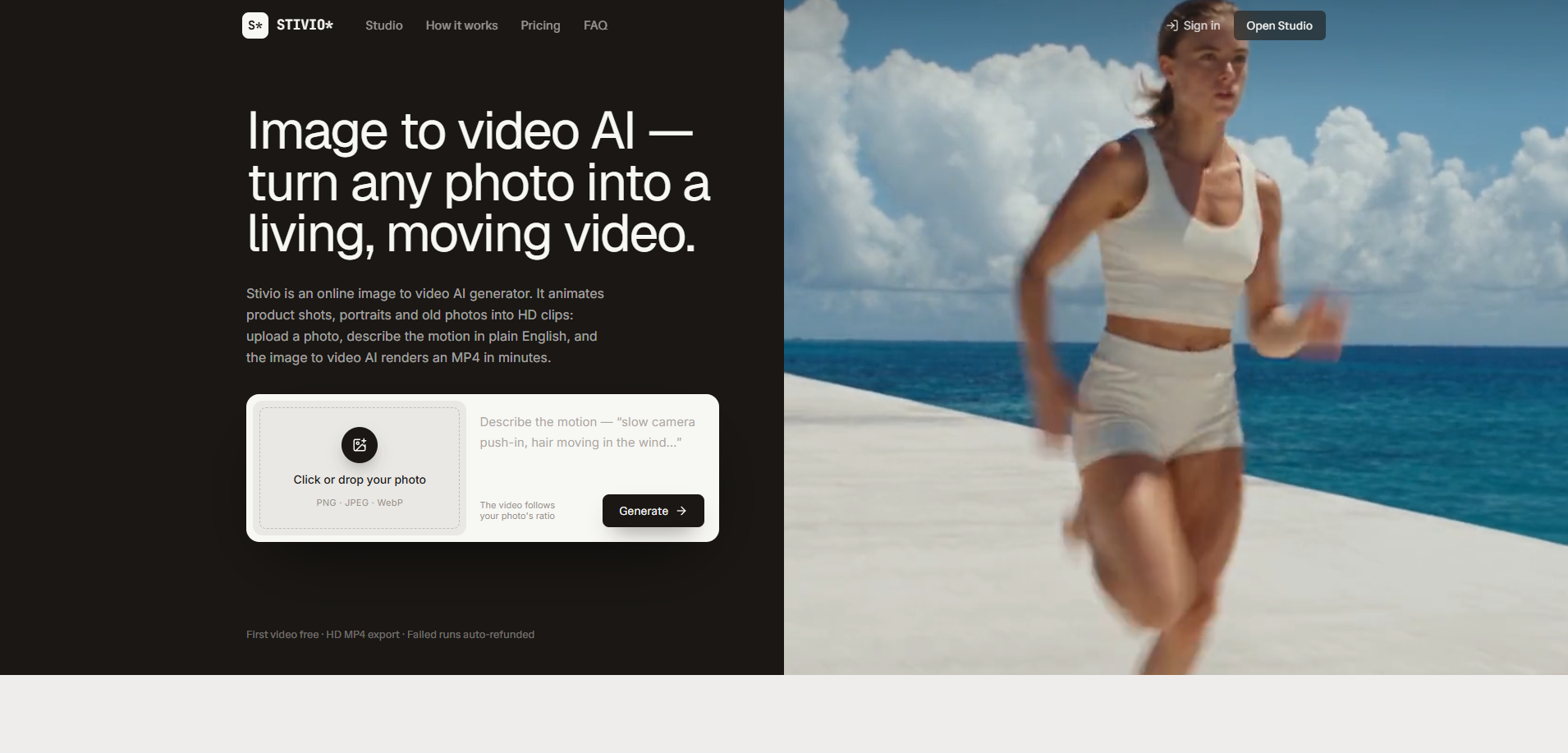
Image to video AI — turn any photo into a living, moving video.
What is Stivio?
Stivio is an online image-to-video AI generator that turns a single photo plus a plain-English motion prompt into an HD MP4 clip. It supports product shots, portraits, pets, artwork, and old photos, using six state-of-the-art video models. The service is aimed at e-commerce sellers, creators, marketers, and everyday users who want motion from still images without editing skills.
SpecificationsAI-estimated
Key Features of Stivio
Use Cases for Stivio
E-commerce product videos
Turn flat catalog shots into scroll-stopping product videos for listings and ads without reshoots.
Creator and marketing content
Feed in stills and get motion for B-roll, intros, and social clips ready for Reels and TikTok.
Old photo animation
Bring family portraits, travel shots, and pet pictures to life as moving memories.
How to use Stivio?
Upload a photo
Upload any image — a product shot, portrait, or drawing — which becomes the first frame of the video.
Describe the motion
Write a sentence describing what moves, how the camera behaves, and the mood.
Download your clip
The AI renders the clip in minutes. Preview in the browser, download the HD MP4, or share the link.
Pros & Cons of Stivio
Pros
- Very easy to use; no editing skills or software installation required
- Works with product shots, portraits, pets, artwork, and old photos
- Multiple AI models available with one-click switching
- Paid plans include personal and commercial use rights
- Videos follow the photo's aspect ratio
- Failed generations are automatically refunded
- Privacy-focused: no training on user uploads
- Free trial available with 10 credits on signup
Cons
- Requires Google sign-in
- Free videos include a small watermark
- Monthly plan credits reset each billing cycle
- Image uploads limited to 10 MB
- Clip length capped at 30 seconds
Frequently Asked Questions
Is there a free image to video AI generator?
Signing in grants 10 free credits, enough to generate a 5-second video. Free videos carry a small Stivio watermark; paid plans remove it.
What does image-to-video conversion cost?
Standard models like Kling, Wan, and MiniMax cost 2 credits per second. Premium Seedance models cost more depending on resolution. Exact prices are shown before generation.
How long does the image to video AI take?
Generation typically takes 1–5 minutes depending on queue load and clip length. Failed generations are auto-refunded in credits.
Do you train AI models on my photos?
No. Uploads, prompts, and generated videos are private by default, never used for training, and never sold or shared for advertising. They are only sent to the AI providers that render the video.
Pricing Overview
View full pricing →Stivio offers three tiers: Free ($0), Pro ($19/month), and Team ($59/month). Credit-based usage; yearly plans exist but no annual price is stated on the page.
Reviews & Ratings0.0
No reviews yet. Be the first to write one!
Top Alternatives & Similar Software
View all alternatives & similar software→
People also viewed



Related searches
About the Product
Is this your tool?
Claim this page to update details, reply to user reviews, and drive more traffic to your product.
Claim this Product →
Tags
Explore Related Topics
Keep up with Stivio alternatives
New alternatives, pricing changes and the week's biggest movers - one email every Tuesday.