



Free AI Generator
Generate, edit, transform, upscale, and combine AI tools on one canvas without ever starting over.
What is Free AI Generator?
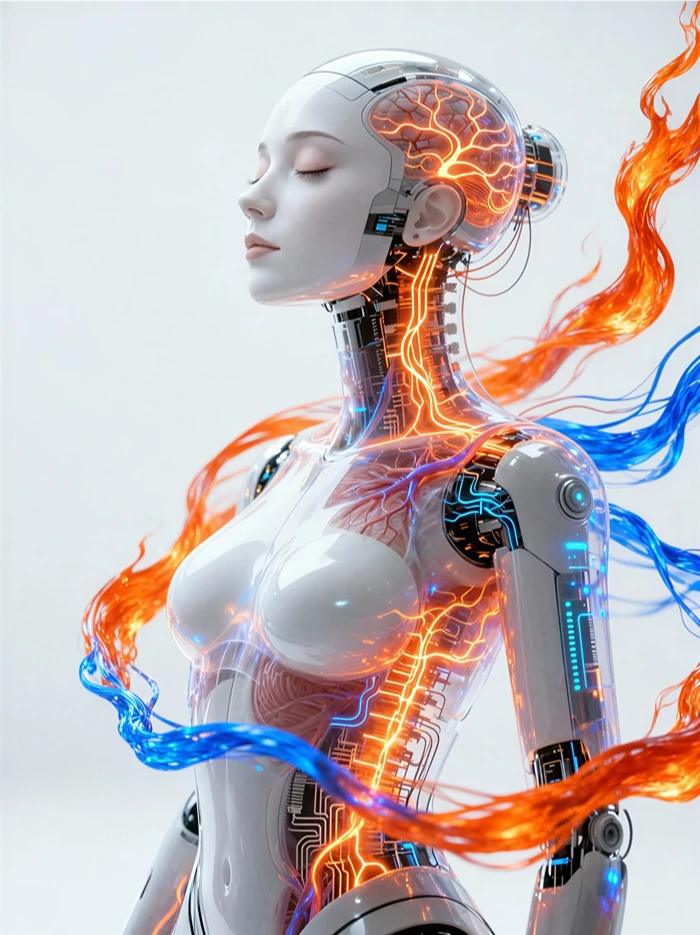
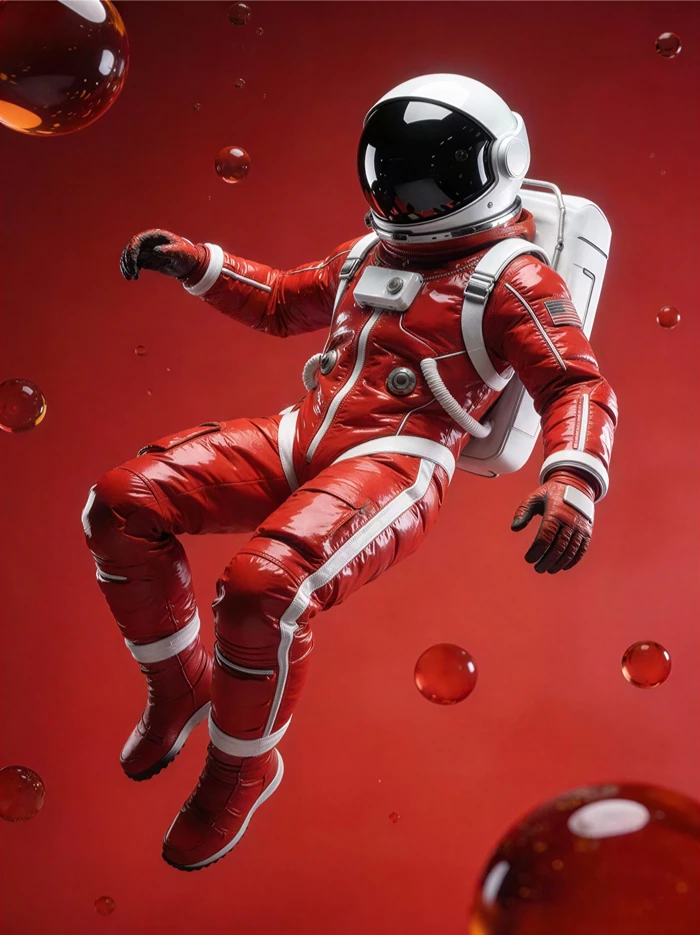
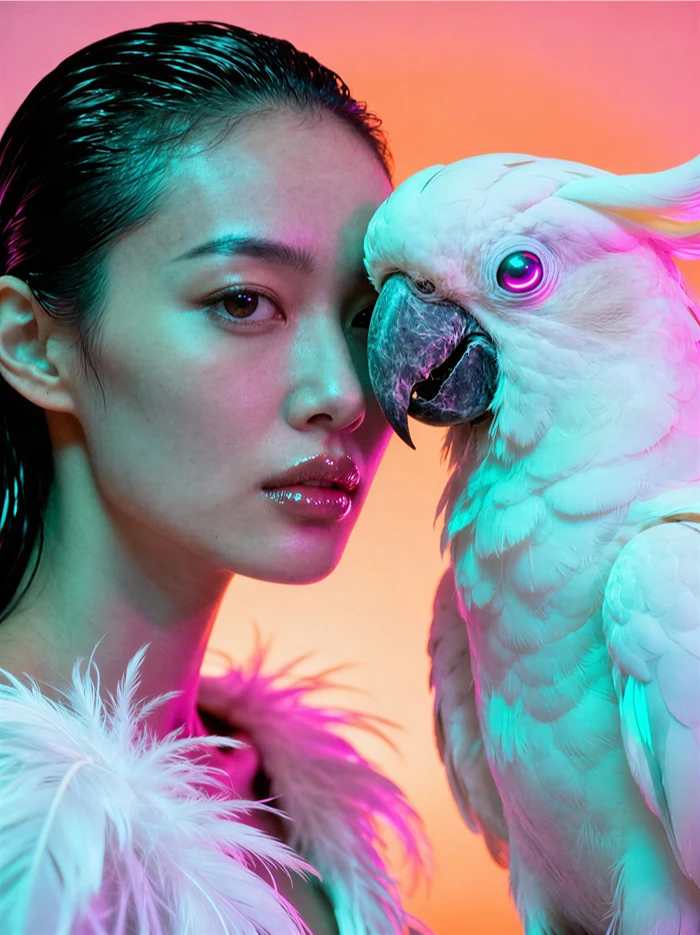
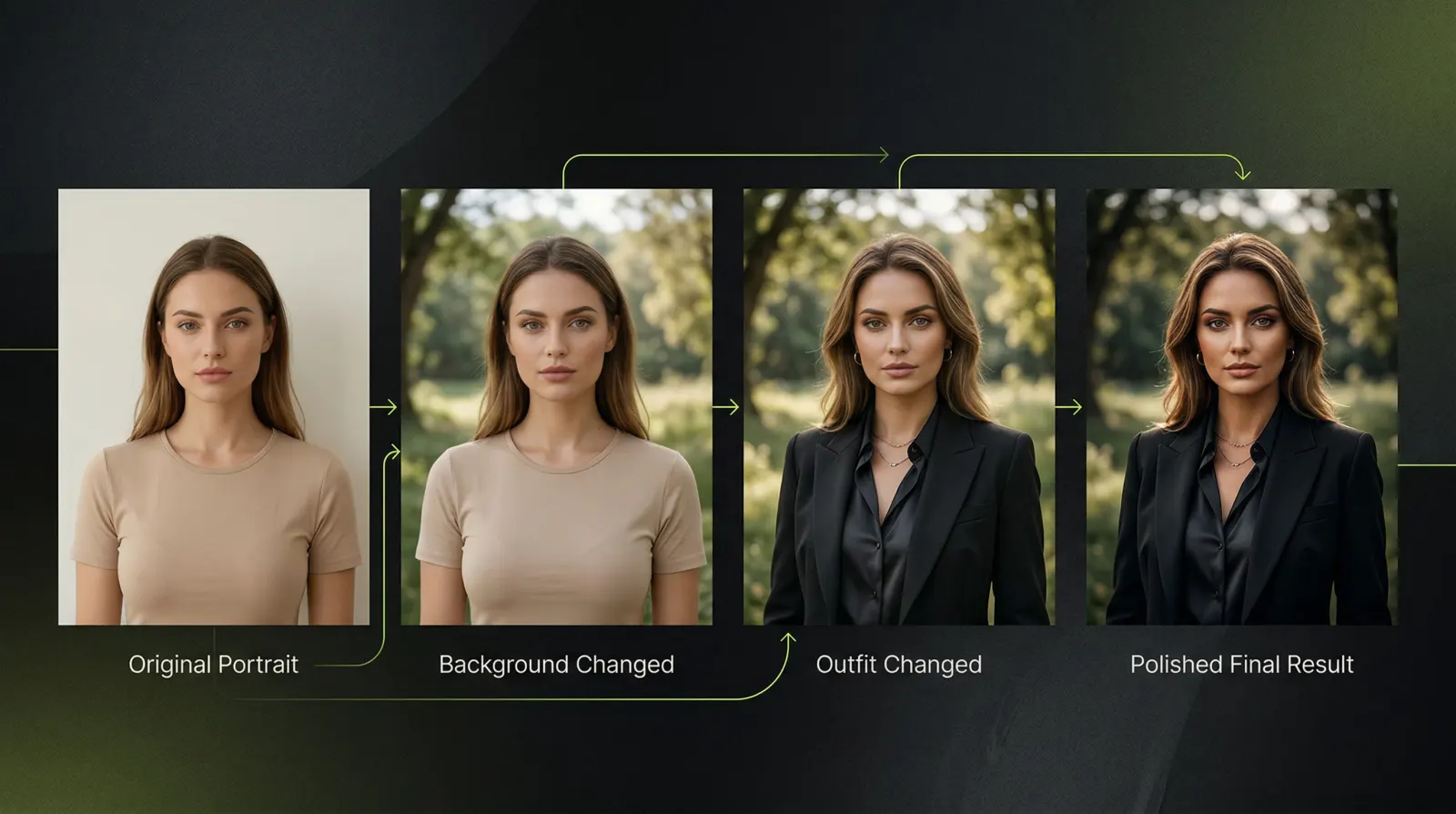
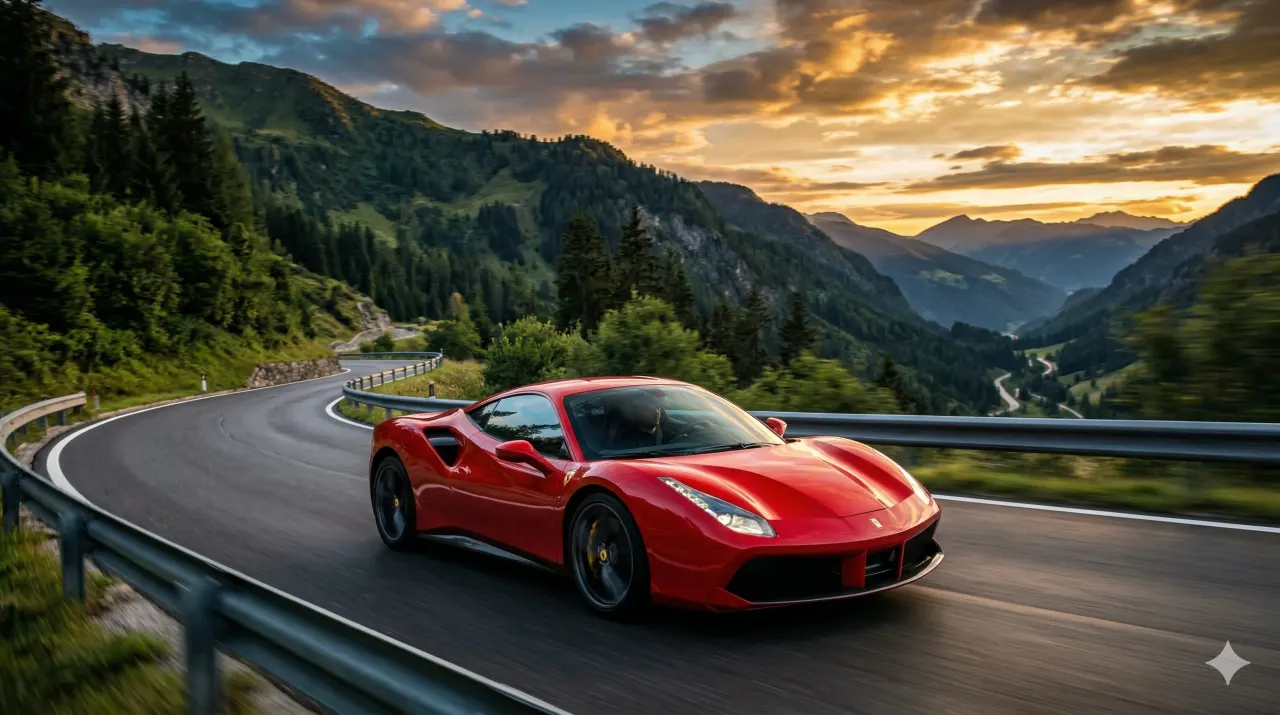
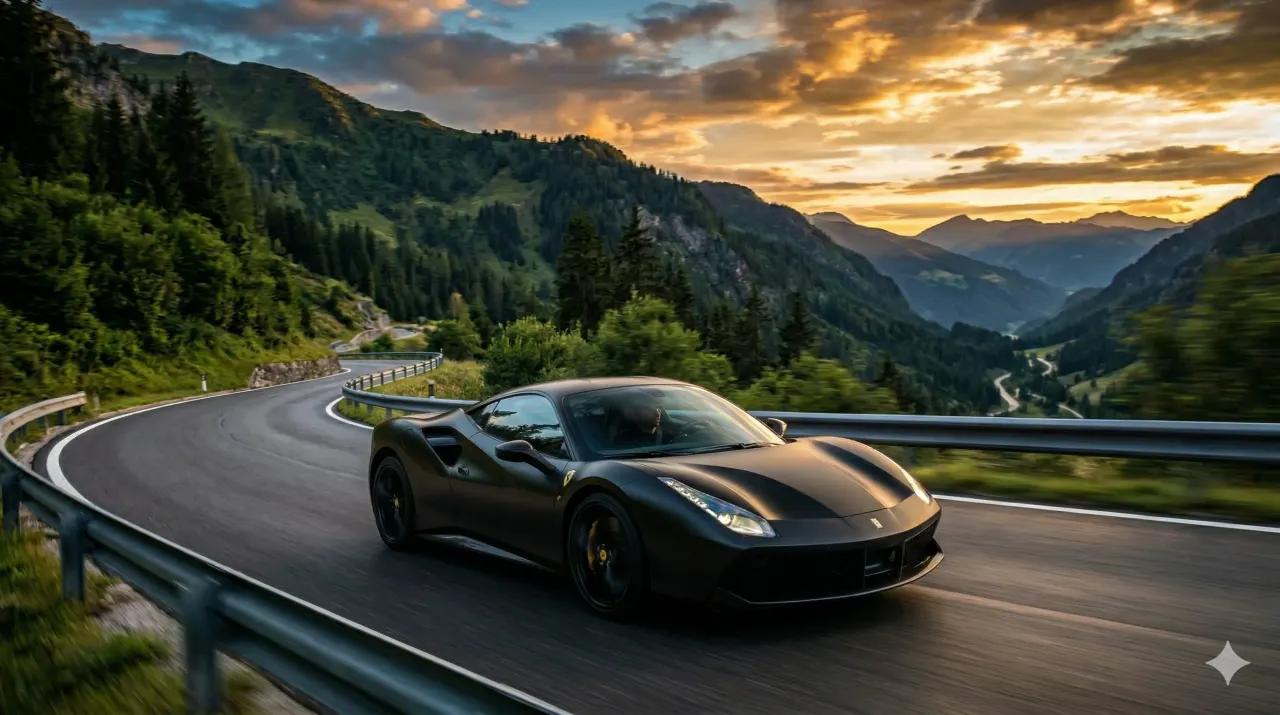
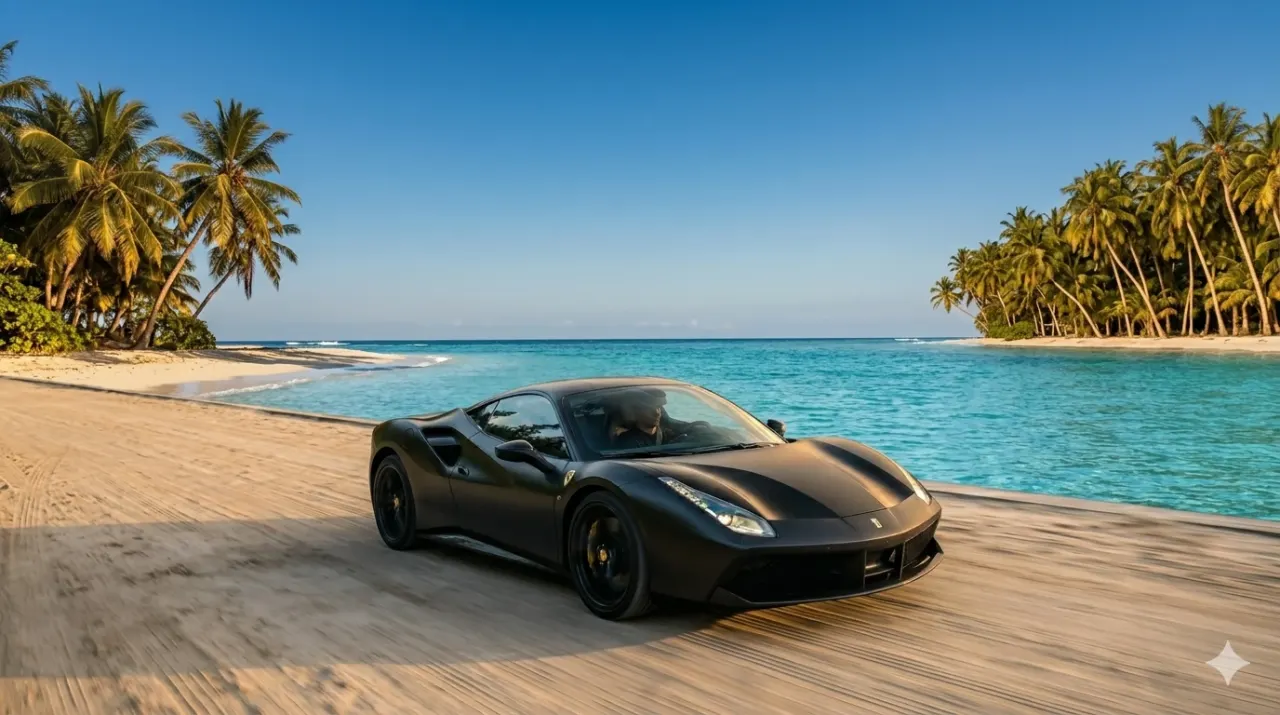
Free AI Generator is an AI-powered creative studio designed to streamline image and video creation, editing, and enhancement in one seamless workflow. Rather than juggling multiple standalone tools, users can generate an image from a prompt or upload their own photo, then continuously edit, transform, recolor, replace backgrounds, change outfits or hairstyles, and upscale to 4K—all on a single canvas without restarting or re-uploading. The platform integrates 13+ AI tools, including an AI image generator, anime generator, portrait creator, background tools, product shot cleanup, headshot generator, AI video generator, and upscaler, making it a versatile solution for both quick experiments and polished production work. AI Studio, the core workspace, keeps local history even for guest users, while account holders receive 30 free credits on sign-up and can access sign-in-only tools and credit-based workflows. The service emphasizes continuity and efficiency: every result stays editable, so users can build on a single image through multiple transformations, from a simple prompt to a fully reworked, high-resolution final deliverable. With support for photorealistic portraits, anime art, fantasy worlds, and fashion edits, Free AI Generator appeals to creators, marketers, and hobbyists who want an all-in-one AI creative toolkit that minimizes friction and maximizes creative iteration.
SpecificationsAI-estimated
Key Features of Free AI Generator
Use Cases for Free AI Generator
Social media content creation
Generate eye-catching images, edit them with prompts, and upscale for platforms like Instagram or TikTok.
Product photography enhancement
Upload product photos, clean them up with AI, replace backgrounds to white, and upscale for e-commerce listings.
Creative design and concept art
Start with a fantasy or anime concept, then iterate on colors, backgrounds, and styles on the same canvas.
Marketing campaign visuals
Create a hero image, then transform it into multiple versions for different ad placements or target audiences.
Personal photo editing
Upload personal photos, swap outfits or hairstyles, replace backgrounds, and create polished portraits.
Video previews for storytelling
Generate short AI videos from prompts or images for teasers, product demos, or social snippets.
How to use Free AI Generator?
Start a new project
Access AI Studio and either enter a text prompt to generate an image or upload your own photo as the starting canvas.
Edit and transform
Use prompt-based editing to change colors, styles, backgrounds, outfits, or hairstyles directly on the current image without re-uploading.
Enhance with specialized tools
Apply background removal, product cleanup, headshot generation, or other dedicated tools as needed in sequence.
Upscale the final result
Select the upscaler tool and choose output targets like 720p, 1080p, 2K, or 4K to sharpen the image for final use.
Export or continue creating
Save the finished image or video, or keep building further on the same canvas if additional edits are required.
Pros & Cons of Free AI Generator
Pros
- Seamless continuous workflow on a single canvas, eliminating re-upload and restart steps
- 13+ integrated AI tools covering generation, editing, enhancement, and video creation
- Free tier with 30 credits on sign-up and guest access to some tools
- Upscaling supports high resolutions up to 4K output
- Keeps local history even before signing in, preserving work-in-progress
Cons
- Sign-up bonus credits expire after 7 days, potentially limiting initial trial time
- Some tools require sign-in, restricting guest usage for certain workflows
- Credit-based system may require additional purchases for heavy use
- No explicit API or developer access mentioned for automation or integration
Frequently Asked Questions
Can I genuinely edit an image continuously without starting over?
Yes, once you open a result in AI Studio, you can keep building on that same image. You can generate, edit, replace backgrounds, clean up, and upscale without restarting from scratch.
Is there a free trial?
Yes, some tools can be tried as a guest, and new accounts start with 30 free credits on sign-in. Note that sign-up bonus credits expire after 7 days.
Do I need to sign up to use all features?
Not for every tool. Guest-enabled workflows and local history are available, but signing in unlocks sign-in-only tools, credit-based workflows, and account-linked history.
Can I upload my own photos?
Yes, you can upload a photo into AI Studio and use it as the current canvas for edits, background changes, cutouts, product cleanup, hairstyle previews, clothes changes, or upscaling.
What upscale resolutions are supported?
The upscaler supports 720p, 1080p, 2K, and 4K output targets.
Can I generate videos as well?
Yes, the AI Video Generator turns a text prompt or image into a short AI-generated video, available as a standalone tool and inside AI Studio.
Do I have rights to the outputs I create?
Yes, you keep rights to your prompts, uploads, and generated outputs to the extent allowed by law. You are responsible for permissions on uploaded content and reviewing outputs before publishing or using them commercially.
Reviews & Ratings0.0
No reviews yet. Be the first to write one!
Top Alternatives & Similar Software
View all alternatives & similar software→


People also viewed


Related searches
Is this your tool?
Claim this page to update details, reply to user reviews, and drive more traffic to your product.
Claim this Product →
Tags
Explore Related Topics
Keep up with Free AI Generator alternatives
New alternatives, pricing changes and the week's biggest movers - one email every Tuesday.