




Cliptics
A completely free online suite of 100+ AI tools for images, text, and content creation — no signup, watermarks, or waiting.




What is Cliptics?
Cliptics is a free online platform that offers more than 100 AI-powered tools for image, text, audio, and content creation. Designed for creators, marketers, and developers, the platform lets users remove backgrounds, generate AI images, convert text to speech, enhance portraits, compress files, and perform many other everyday creative tasks without requiring an account or payment. Its emphasis on speed and simplicity makes it an accessible alternative to paid creative software and services. The platform is organized into clear categories such as AI, Image, Audio, Text, Utility, Social Media, and Web Development, with over 120 tools available in total. Users can browse by category or search for specific functionality, then upload files or enter text to receive processed results in seconds. The service is built around a streamlined three-step workflow: choose a tool, upload or enter content, and download the finished result for immediate use. Cliptics markets itself as a professional-quality, no-compromise solution for everyday creative tasks. It claims no hidden fees, no watermarks, and no premium plans, while offering full commercial rights to downloaded output. Files are automatically deleted after processing, and the platform works across desktop, tablet, and mobile browsers, making it a practical choice for freelancers, e-commerce sellers, social media managers, and anyone looking to streamline their content production workflow.
SpecificationsAI-estimated
Key Features of Cliptics
Use Cases for Cliptics
E-commerce Product Photography
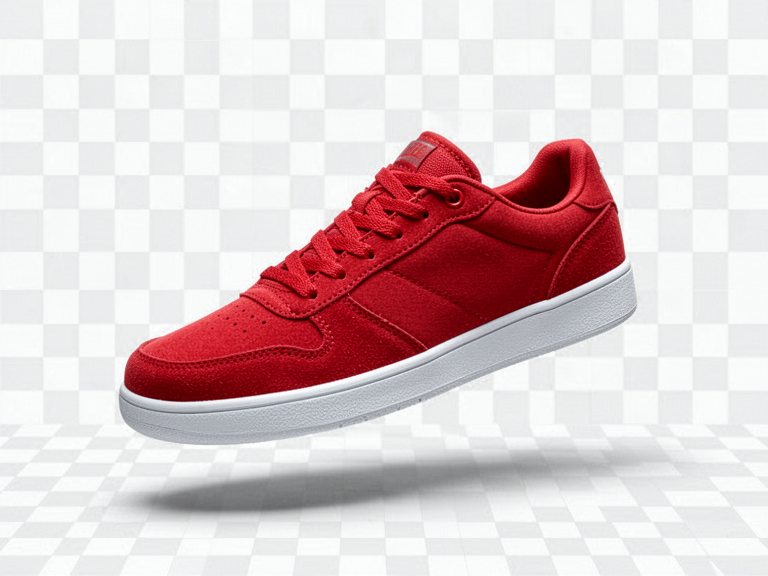
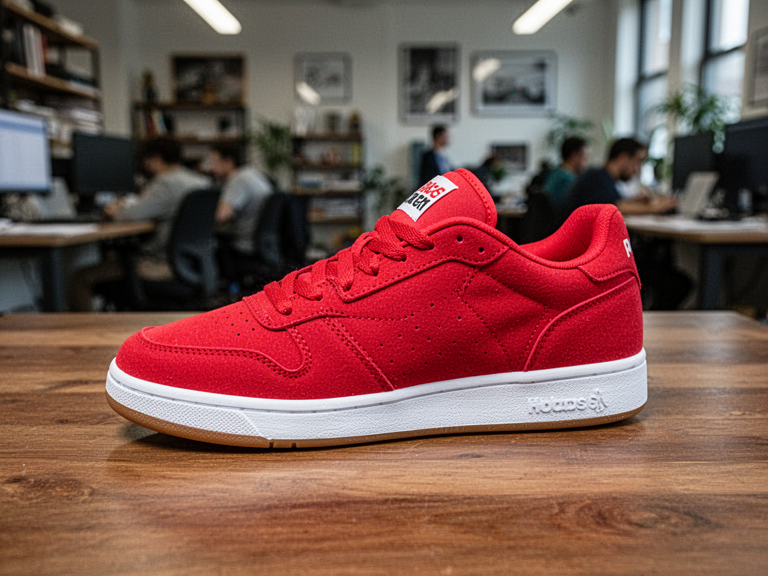
Remove backgrounds and create clean white-background product images to showcase items professionally without spending money on photography.
Content Creation Voiceovers
Generate natural-sounding narration and voiceovers in multiple languages for videos, reviews, and social media content.
Social Media Post Creation
Use hashtag generators, title generators, and content idea tools to plan and optimize posts for better engagement.
Freelance Design Work
Replace expensive photo editing subscriptions with free portrait enhancement, background removal, and image editing tools.
Marketing Campaign Assets
Quickly create marketing visuals, banners, and edited images without waiting for design support or onboarding new software.
Rapid Content Prototyping
Generate images, text variations, and audio files in seconds to test ideas and iterate on creative projects quickly.
How to use Cliptics?
Choose Your Category
Browse the available tools by category such as AI, Image, Audio, Text, Utility, Social Media, or Web Development, or search for a specific function.
Select a Tool
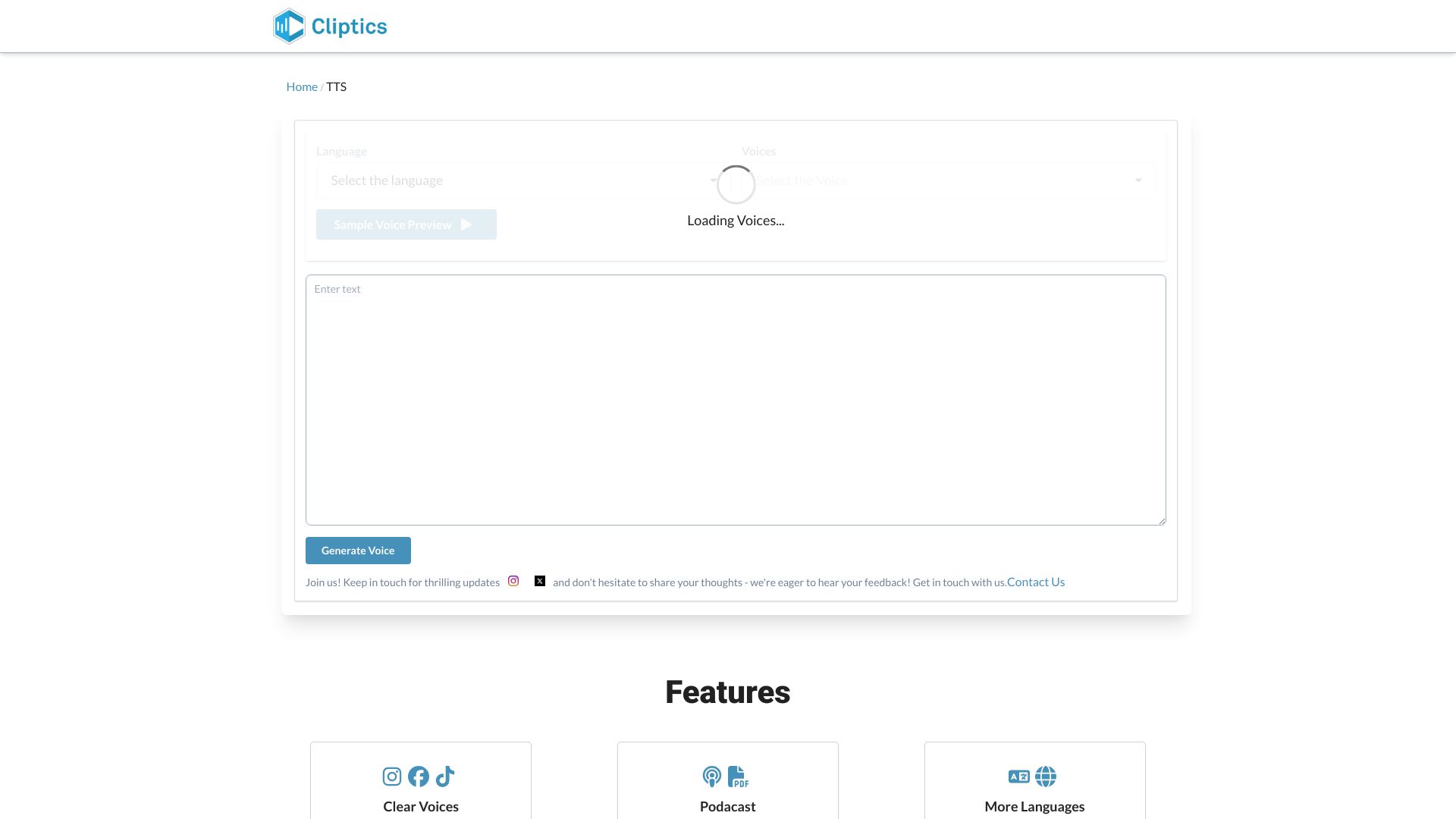
Click the tool that matches what you want to do, such as removing a background, generating an image, or converting text to speech.
Upload or Enter Content
Drag and drop a file or type your text into the provided input area. No signup is needed.
Process the File
Let the AI process your request. Most tools complete in under 10 seconds without queues or loading delays.
Download and Use
Download the finished result and use it in your projects, including commercial work, with full rights.
Pros & Cons of Cliptics
Pros
- 100% free with no hidden fees or premium plans
- No signup or account required
- Most tools process in under 10 seconds
- No watermarks on downloaded results
- Full commercial rights to generated output
Cons
- Requires an internet connection; no offline mode
- No native desktop or mobile apps mentioned
- No API or developer access is advertised
- Batch processing is not mentioned
Frequently Asked Questions
Is Cliptics really free?
Yes, Cliptics states that all tools are 100% free forever, with no hidden fees, premium plans, or watermarks.
Do I need to create an account to use Cliptics?
No. Cliptics does not require signup, and you can use the tools instantly without creating an account.
Are there watermarks on the downloaded files?
No. Cliptics claims all tools produce professional-quality results without watermarks.
Can I use the output for commercial projects?
Yes. Cliptics states that users get full commercial rights and can use the downloaded files immediately in their projects.
How fast are the tools?
Most tools process in under 10 seconds, with no waiting queues or loading screens.
What types of tools are available on Cliptics?
Cliptics offers 122+ tools across categories including AI, Image, Audio, Text, Utility, Social Media, and Web Development.
Are my files safe?
Cliptics says files are deleted automatically after processing, and processing is described as secure.
Does Cliptics work on mobile devices?
Yes. Cliptics works on desktop, tablet, and mobile devices through a web browser.
Reviews & Ratings0.0
No reviews yet. Be the first to write one!
Top Alternatives & Similar Software
View all alternatives & similar software→


People also viewed



Related searches
Is this your tool?
Claim this page to update details, reply to user reviews, and drive more traffic to your product.
Claim this Product →
Tags
Explore Related Topics
Keep up with Cliptics alternatives
New alternatives, pricing changes and the week's biggest movers - one email every Tuesday.