




Collart AI
Create, edit, and organize AI‑generated images and videos in a visual workspace
Best for
Web‑based creators needing integrated AI image/video tools, especially fashion content
Skip if
Users requiring desktop apps, public API, or low‑cost heavy‑usage credits
What is Collart AI?
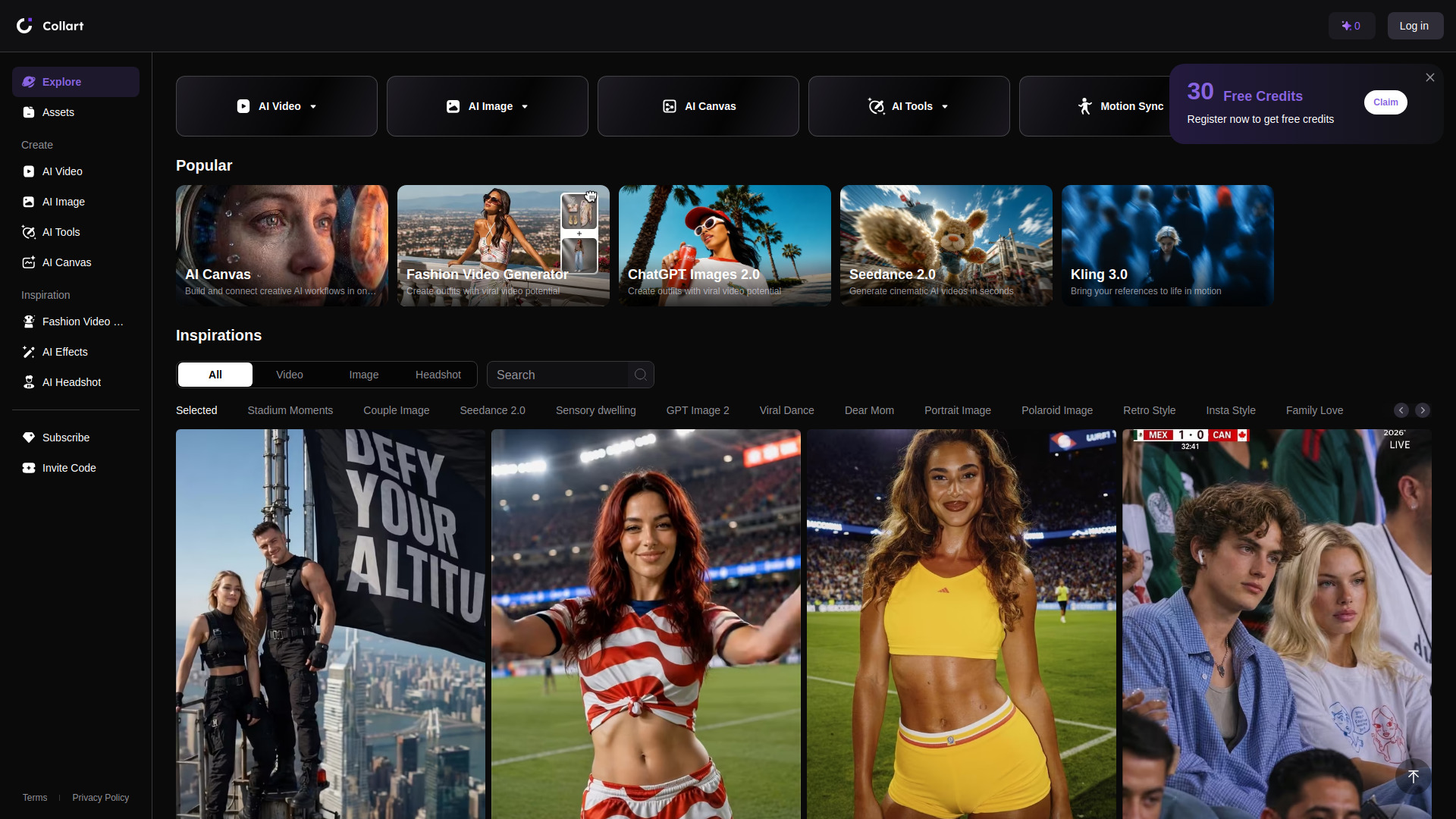
Collart AI is a web‑based visual workspace that lets creators generate, edit, and organize AI‑powered images and videos. It combines tools such as AI Video, AI Image, Fashion Video, and an AI Canvas for freeform creation, plus a curated gallery of inspirations. New users start with 30 free credits, allowing them to experiment with the platform before deciding on a paid plan. The service is aimed at content creators, marketers, designers, social media managers, and anyone who wants AI‑enhanced visual content.
SpecificationsAI-estimated
Key Features of Collart AI
Use Cases for Collart AI
Social Media Campaigns
Produce eye‑catching AI images and videos for posts and ads quickly.
Brand Visuals
Generate consistent brand‑aligned graphics and fashion videos without a design team.
Content Prototyping
Create mock‑ups and storyboards for marketing pitches using AI Canvas.
Personal Portfolio
Build a unique visual portfolio with AI‑generated headshots and artwork.
How to use Collart AI?
Sign Up
Register on Collart.ai to receive 30 free credits.
Choose a Tool
Select from AI Video, AI Image, Fashion Video, or AI Canvas from the navigation.
Browse Inspirations
Explore the gallery of popular images and videos to get ideas.
Create or Recreate
Start a new project or click 'Recreate' on an existing inspiration to generate your own version.
Manage Assets
Use the 'Assets' section to view, edit, and organize your generated content.
Pros & Cons of Collart AI
Pros
- Generous free credit starter pack
- All‑in‑one visual workspace
- Specialized fashion video tool
- Web‑only access, no installation needed
Cons
- Limited to browser; no native desktop app
- Paid credits can become costly for heavy users
- No public API for integration
Frequently Asked Questions
How many free credits do I receive when I sign up?
New users are granted 30 free credits that can be used for image or video generation.
Is Collart AI available on mobile devices?
Collart AI runs in a web browser, so it can be accessed from any device with internet access, but there is no dedicated mobile app.
Can I export the generated media in high resolution?
Yes, both images and videos can be downloaded in high‑resolution formats directly from the workspace.
Do I need any technical knowledge to use the AI Canvas?
No, the AI Canvas uses a drag‑and‑drop interface and simple prompts, making it accessible to non‑technical users.
Pricing Overview
View full pricing →Reviews & Ratings0.0
No reviews yet. Be the first to write one!
Top Alternatives & Similar Software
View all alternatives & similar software→




People also viewed



Best For
Related searches
About the Product
Is this your tool?
Claim this page to update details, reply to user reviews, and drive more traffic to your product.
Claim this Product →
Tags
Explore Related Topics
Keep up with Collart AI alternatives
New alternatives, pricing changes and the week's biggest movers - one email every Tuesday.