




AIISAJOKE
Turn a rough brief into a ready-to-use image, video, or campaign concept with AI template workflows.
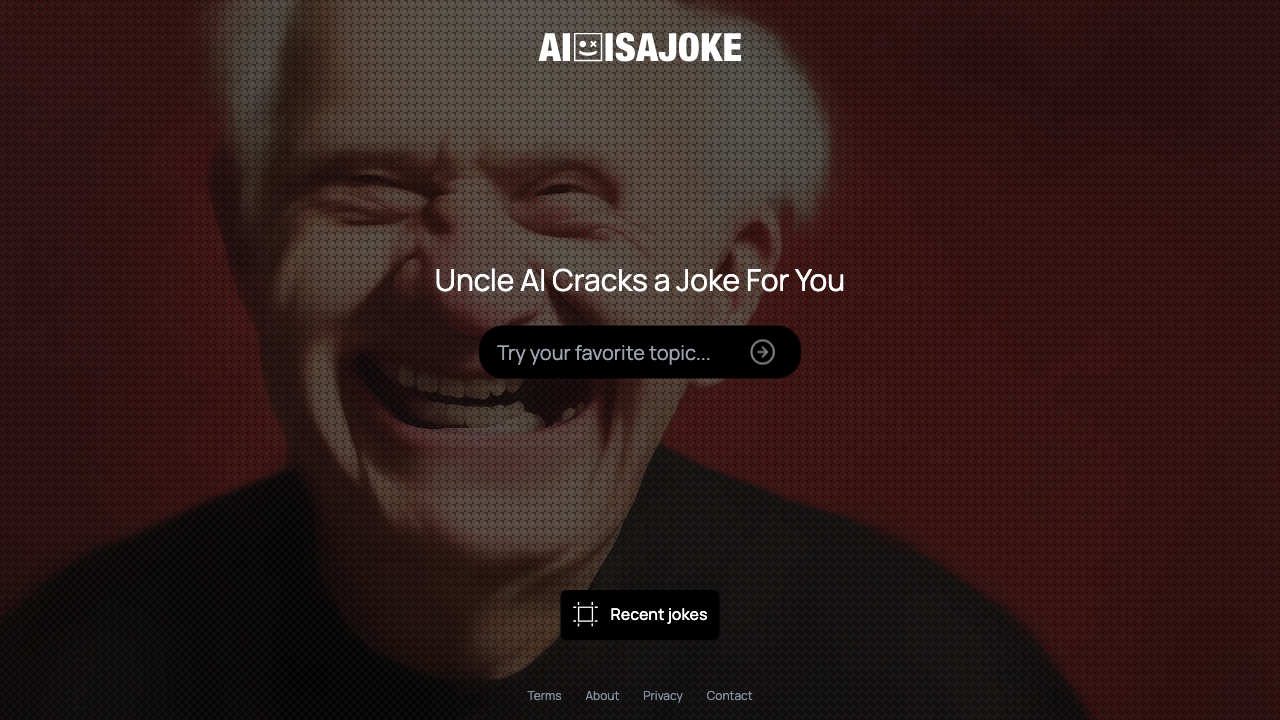
What is AIISAJOKE?
AIISAJOKE is an AI-powered creative workspace that turns a short brief into images, videos, and campaign concepts. It combines a public template marketplace with a chat-based workflow, so creators, marketers, and small teams can start from a proven format instead of a blank page. You can browse templates for free, then sign in to customize them with your own brand, audience, visual direction, and call to action.
SpecificationsAI-estimated
Key Features of AIISAJOKE
Use Cases for AIISAJOKE
Product video creation
Turn a short brief into a product demo or promo video using a proven template.
UGC-style ad generation
Produce social-ready ad creative that mimics authentic user-generated content.
Social media creative
Create fast, on-brand images or videos for social posts.
Meme remixing
Start from a meme template and customize text, visuals, or timing.
Logo motion
Animate an existing logo into motion graphics for brand assets.
Campaign concepting
Develop a full campaign concept from a plain-language brief in one workspace.
Creative iteration
Compare variations of a video or image in the library and keep the best direction.
Marketing asset production
Small teams can produce on-brand creative without switching between many tools.
How to use AIISAJOKE?
Browse or describe your idea
Explore the template marketplace for the format you need, or start with a plain-language brief describing what you want to create.
Sign in
Create an account and sign in to unlock generation and customization features.
Customize the workflow
Adjust the inputs the template supports, such as brand details, audience, visual direction, call to action, format, quality, and duration. Upload reference media when useful.
Review price and generate
Check the customer credit price shown for your choices, then generate your image or video.
Iterate and share
Compare the result with variations in your library, download what you keep, and decide whether to publish it to the community.
Pros & Cons of AIISAJOKE
Pros
- Ready-made templates accelerate production for common content formats
- Everything stays in one chat-based workspace instead of stitching together many tools
- Private by default, giving you control over what is kept, downloaded, reused, or shared
- Clear previews and credit prices help avoid surprise costs before generation
- Broad output range: videos, images, UGC-style ads, memes, and logo motion
Cons
- Requires creating an account and signing in before you can customize or generate templates.
- Uses customer credits, so every generation has a cost that may add up during iteration.
- The template-driven approach can feel constraining for creators who want fully open-ended, from-scratch generation.
- Generated work stays private until you deliberately publish it, so sharing requires an extra manual step.
Frequently Asked Questions
What is AIISAJOKE?
AIISAJOKE is an AI video and image generator with ready-made templates. It helps creators, marketers, and small teams turn a short brief into an image, video, or campaign concept in one chat-based workspace.
Do I need to sign in to use AIISAJOKE?
You can browse templates and the marketplace for free, but you must sign in to customize and generate media.
What kinds of media can I create?
It supports product videos, UGC-style ads, social creative, memes, logo motion, and image workflows.
How does pricing work?
Each template shows the customer credit price before generation starts. Browsing is free, but generating or customizing a template consumes credits.
Can I upload my own reference material?
Yes, when a workflow supports it, you can upload a reference image or asset to guide the generation process.
Are my generated works public?
No. Generated work is private by default. Publishing to the community is a deliberate review step rather than an automatic side effect.
Can I compare different versions of my media?
Yes. Results stay connected to the conversation and your library, making it easy to compare an early direction with the next variation.
Do I need to use a template?
No. You can begin with a plain-language brief when the format is still open, or use the template marketplace when you know the exact output you need.
Reviews & Ratings0.0
No reviews yet. Be the first to write one!
Top Alternatives & Similar Software
View all alternatives & similar software→



People also viewed


Related searches
Is this your tool?
Claim this page to update details, reply to user reviews, and drive more traffic to your product.
Claim this Product →
Tags
Explore Related Topics
Keep up with AIISAJOKE alternatives
New alternatives, pricing changes and the week's biggest movers - one email every Tuesday.