FindAlternative
Back to Home
Meta Muse Video

Meta Muse Video

Generate video content from text prompts and images with Meta's early-preview AI model.
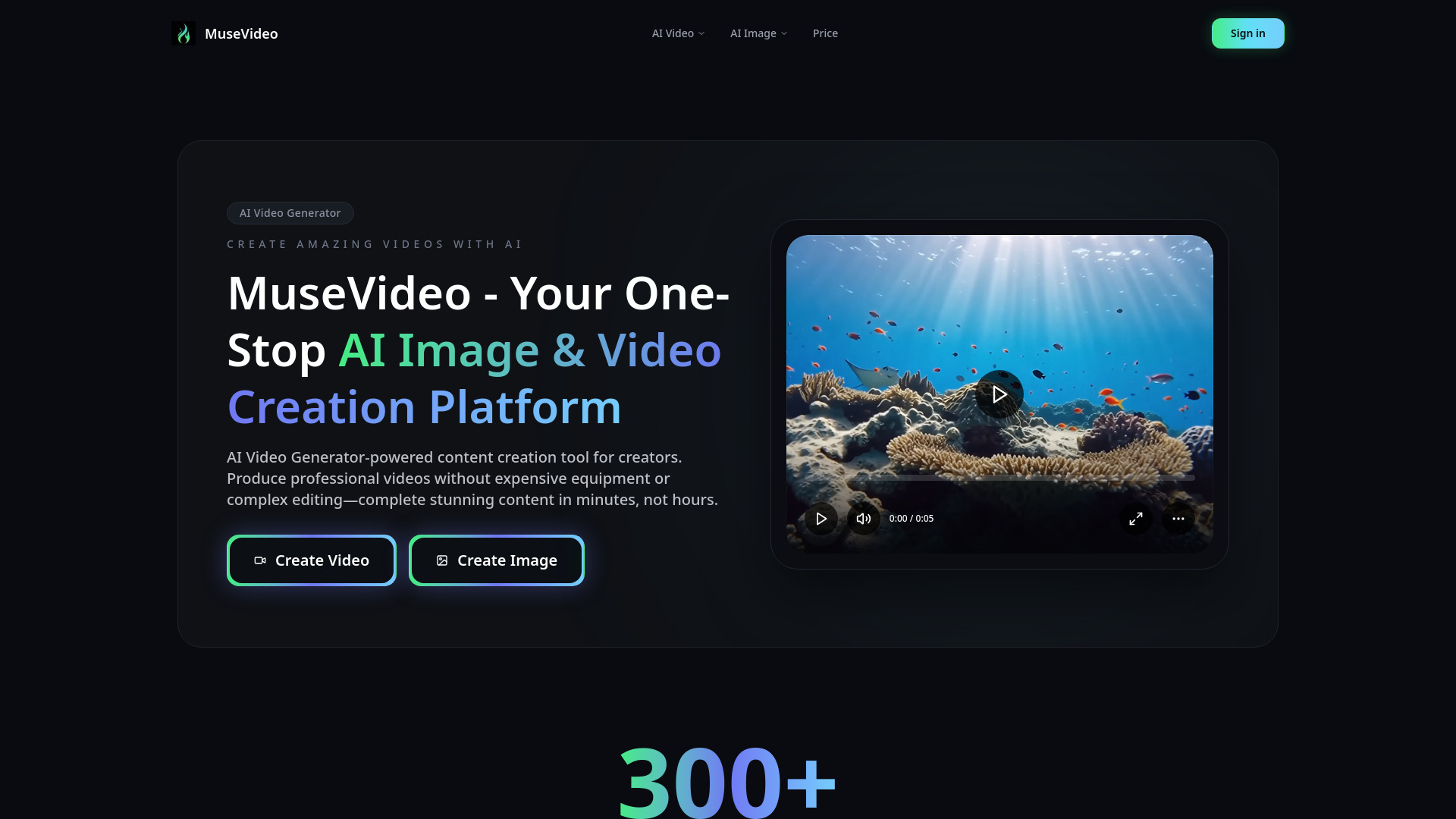
What is Meta Muse Video?

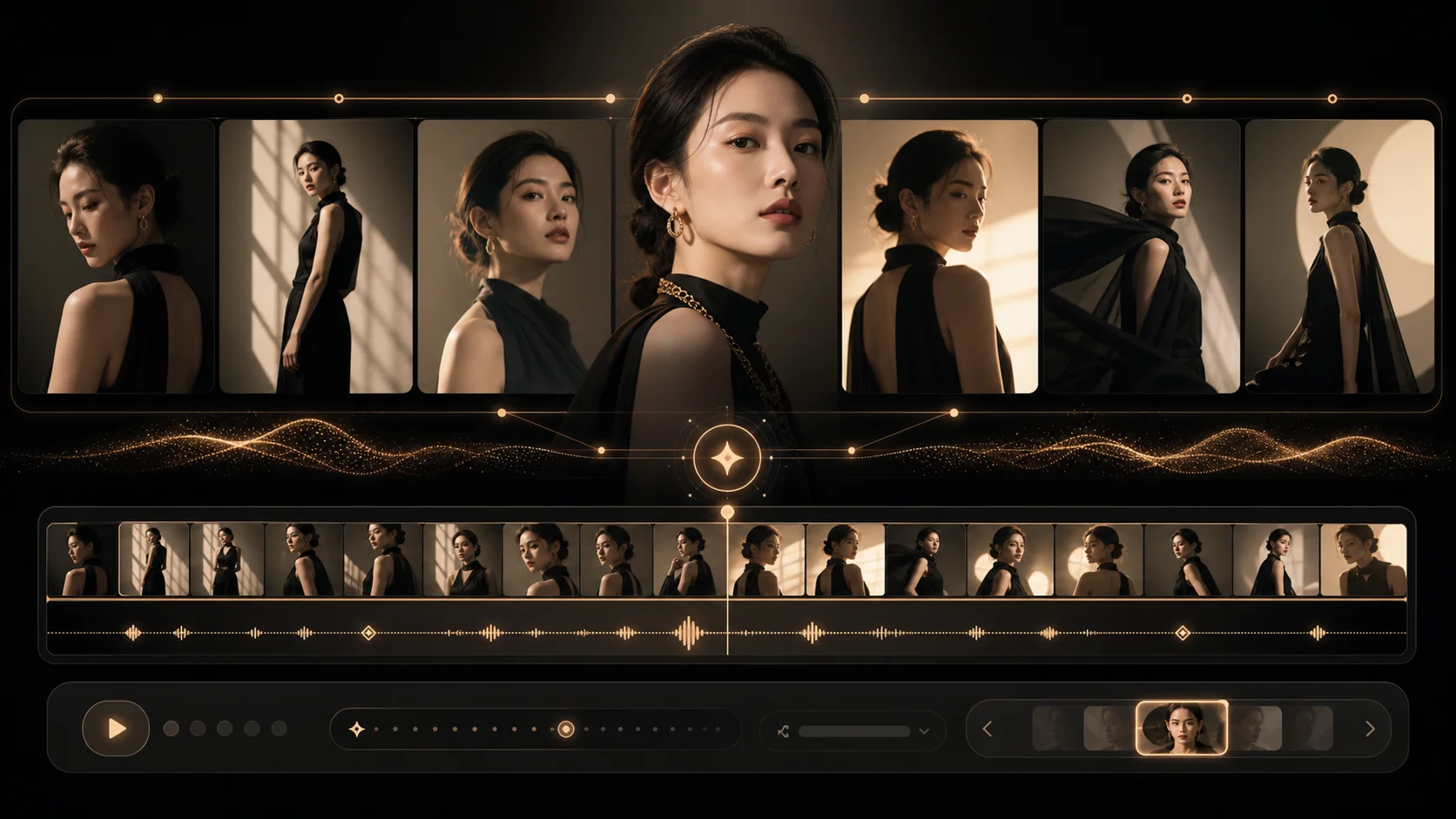
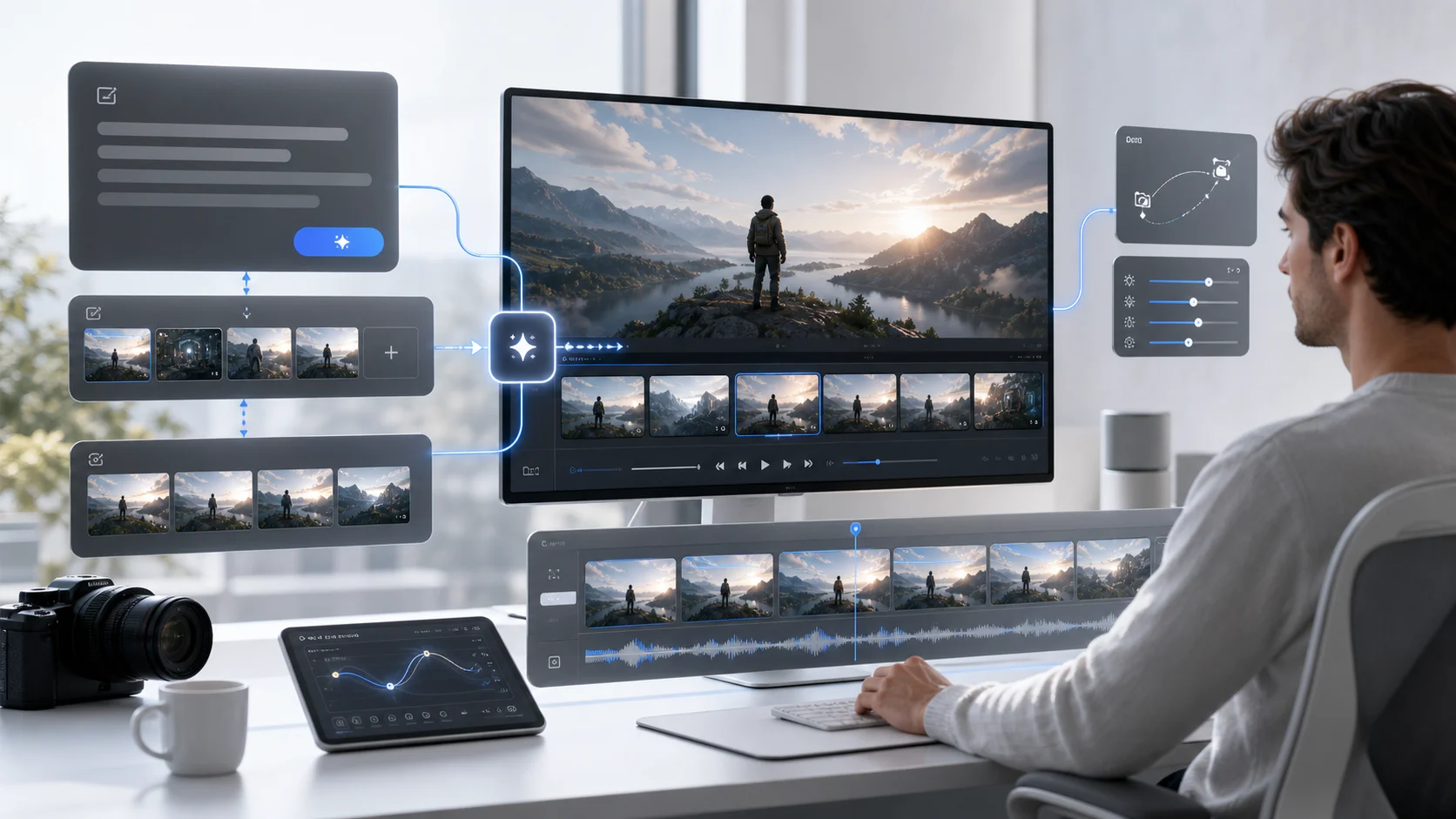
Meta Muse Video is an early-preview text-to-video generation model developed by Meta Superintelligence Labs. Building on the Muse media generation family, it supports native audio direction and is slated for future integration with creator tools and Meta AI. This platform provides a workspace for creators to plan and draft AI-generated video content, offering features like text-to-image visual referencing, prompt and motion drafting, and image-to-video animation capabilities. The service aims to help creators better plan their AI videos by providing benchmark-aware prompts, motion drafts, and clear insights into the model's current limitations. It allows users to track the model's performance against competitors, create text-to-video drafts for various content types such as ads and explainers, and animate product images into motion tests for e-commerce and social media. While Meta Muse Video is an early preview, this independent workspace allows users to experiment with prompt creation, test generation routes, and prepare structured video briefs. It's designed for teams tracking AI model developments, planning video content, and shipping video drafts with realistic expectations about the model's capabilities, particularly in areas like audio-video synchronization and fast motion.

SpecificationsAI-estimated

TypeText-to-Video (T2V)
Votes2152
DeveloperMeta Superintelligence Labs
Model NameMeta Muse Video
Arena Score1459 +/- 15
AvailabilityComing soon to creators and Meta AI
Key StrengthsPrompt Adherence, Visual Fidelity, Temporal Consistency
Current StatusEarly Preview
Audio DirectionNative support
Improvement AreasA/V Sync, Fast Motion
Text-to-Video Arena Rank#3

Key Features of Meta Muse Video

Text-to-image visual reference generation for scene planning.
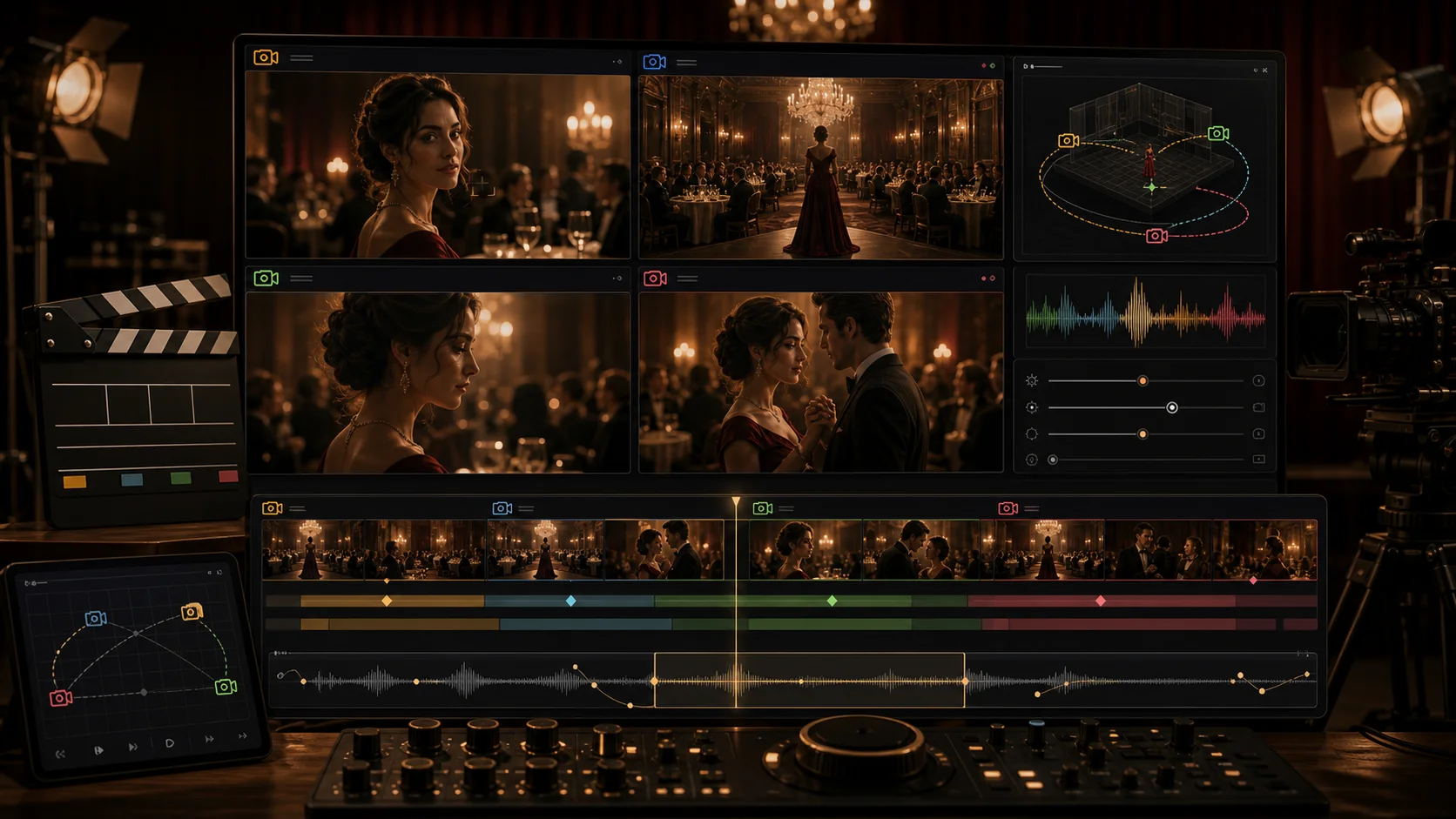
Prompt and motion workspace for drafting camera moves and scene directions.
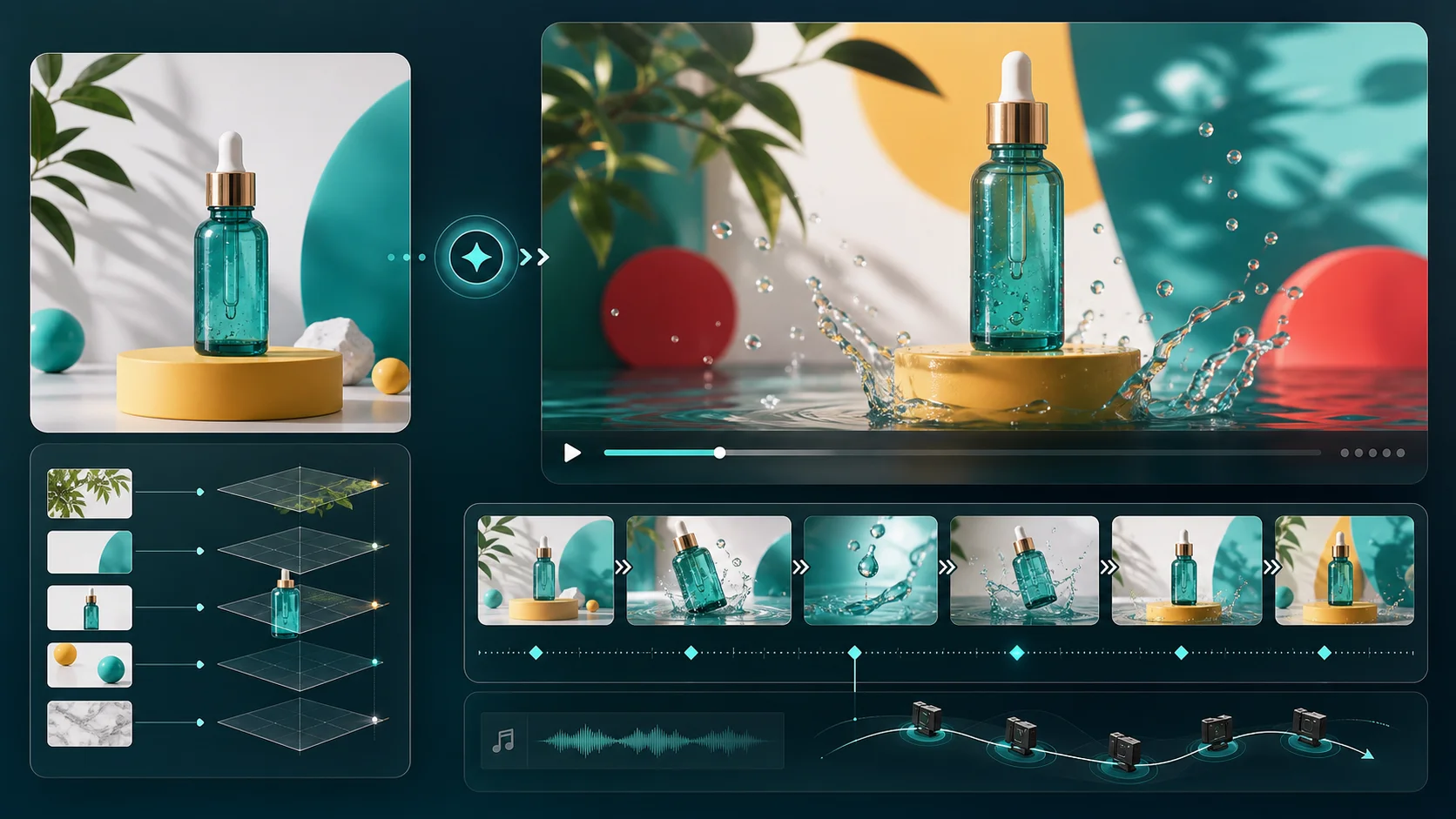
Image-to-video conversion for animating still product images.
Social ad hook testing with multiple variants and aspect ratios.
Tracking of benchmark scores and model availability signals.
Creation of structured video briefs and motion tests.
Support for detailed prompts including camera, lighting, and pacing.
Independent hub for tracking model progress and public signals.

Use Cases for Meta Muse Video

1

AI Model Watchers

Track benchmark scores, Arena rank movement, availability notes, and public caveats for Meta Muse Video to inform strategic AI video workflow decisions.

2

Social Video Creators

Write text-to-video prompts for platforms like TikTok, Reels, and Shorts, specifying subject, camera, lighting, pacing, and audio cues for engaging content.

3

Product Marketers

Animate product still images into motion drafts with parallax and camera movement for e-commerce pages, app previews, and paid advertisements.

4

Prompt Designers

Build and save reusable prompt patterns for character consistency, temporal consistency, audio direction, and brand-safe video production.

5

Ad Studios

Test various opening shots, aspect ratios, and concept variants for social ad campaigns before committing to final production.

6

Content Planners

Utilize the workspace to translate early preview news into practical creator planning, including prompt writing and model limit awareness.

How to use Meta Muse Video?

1

Access the Workspace

Navigate to the Muse Video AI website and access the provided workspace for drafting video content.

2

Generate Visual References

Use the text-to-image feature to create visual references for scenes before generating motion.

3

Draft Prompts and Motion

Write detailed text prompts for video generation, including scene descriptions, camera movements, lighting, and pacing. For image-to-video, upload a reference image and describe the desired motion.

4

Review and Refine

Analyze the generated drafts, track benchmark signals, and refine prompts based on the model's capabilities and limitations before final rendering.

Pros & Cons of Meta Muse Video

Pros

  • Early access to Meta's advanced text-to-video model.
  • Supports both text-to-video and image-to-video generation.
  • Provides a workspace for planning, drafting, and testing video concepts.
  • Tracks benchmark performance and model limitations for informed use.

Cons

  • Currently an early preview with limited public API access.
  • Audio-video synchronization is an area for improvement.
  • Fast motion generation may not be physically accurate.
  • Full creator availability is TBD.

Frequently Asked Questions

What is this Meta Muse Video workspace?

This is an independent workspace focused on model search intent, prompts, and creation workflows for Meta Muse Video, an early-preview text-to-video model from Meta Superintelligence Labs. It tracks model context and offers drafting tools.

How can I use Meta Muse Video for text-to-video prompts online?

Use the workspace to write prompts detailing subject, camera movement, scene duration, lighting, mood, and audio cues. The tool helps test structured ideas, compare variants, and prepare briefs for generation routes.

When will Meta Muse Video be available to creators?

Meta states the model is an early preview and is coming soon to creators and Meta AI. Public API access has not yet been confirmed, and this page maintains cautious language about its availability.

Why does the Meta Muse Video Arena ranking matter for AI video creators?

The Arena ranking reflects human-preference comparisons across text-to-video models. Meta Muse Video's No. 3 rank with a preliminary score provides a useful signal for creators while the model is still in preview.

Does Meta Muse Video support audio-video synchronization?

While Meta Muse Video offers competitive prompt adherence and visual fidelity, audio-video synchronization is noted as an area for improvement. The workflow helps creators plan around this current limitation.

Can Meta Muse Video create image-to-video drafts for product marketing?

Yes, the workspace supports image-to-video drafting. You can upload product stills, test camera movements and atmosphere, and refine prompts to create motion plans for marketing materials.

Pricing Overview

View full pricing →
Paid (Subscription)

Detailed plans are not listed. Visit the official website for pricing information.

No reviews yet. Be the first to write one!

Top Alternatives & Similar Software

View all alternatives & similar software→


Flux 3 AI Video Generator

Flux 3 AI Video Generator

AI-suggested

Flux 3 AI Video Generator is a web-based creative tool that produces short AI-generated videos from text prompts, reference images, or reference videos. It offers three input modes - text to video, image to video, and video to video - and lets users choose aspect ratio, duration, and resolution before generating. The platform is aimed at creators who want to turn a scene idea into a motion sample quickly without needing traditional editing or filmmaking experience. The generator uses a single Flux 3 model, described as multimodal and trained on image, video, and audio together. This means generated clips can include native audio - such as footsteps, impacts, and ambience - timed to the visuals, rather than sound added in post-production. Flux 3 also supports expressive human motion, facial expressions, and multilingual dialogue, making it useful for character-driven story tests, brand assets, product demos, and social media clips. The workflow is built around prompting, previewing, and purchasing credits. Users write a prompt of up to 5000 characters, optionally add image or video references, generate a preview, and then use credits to render full videos. New users receive 100 free credits, and paid plans include Starter, Plus, and Pro tiers with monthly or yearly billing as well as one-time credit packs. The platform is positioned for individual creators, marketers, studios, and teams who need fast iteration for ads, storyboards, product videos, and short-form social content.

Viddo AI

Viddo AI

AI-suggested

Viddo AI is an all-in-one AI creation platform that brings video, image, voice, and music generation together in one browser-based workspace. Rather than relying on a single model, it aggregates more than 20 leading generative AI engines—including Google Veo 3.1, Seedance 2.5, Kling 3.0, Grok Imagine, Runway Gen-4, MiniMax H3, GPT Image, Nano Banana, and ElevenLabs—so creators can switch between cutting-edge tools without jumping between subscriptions. From text-to-video and image-to-video to video-to-video and image-to-image, the platform is designed to handle the full visual content creation workflow. The creator experience is intentionally simple: choose a model, describe your idea in a prompt (or upload a reference photo/video), tweak settings like aspect ratio, resolution, video length and seed, then hit Generate. A "Generate With AI" assistant can turn rough keywords into detailed prompts, and an optional Web Search mode lets the AI pull in real-time information. For serialized work, the seed lock keeps characters and visual style consistent across generations—useful for maintaining brand looks or episodic content. The platform also supports generating videos from music and unlimited-length videos through Seedance 2.5, with special features like real-person generation. Viddo AI reports a community of more than 2.5 million users across 70+ countries and emphasizes competitive pricing, currently promoted with 50% off. It's positioned as a professional yet accessible tool for social media creators, marketers, e-commerce teams, filmmakers, wedding videographers, and small business owners who need high-quality visuals without a steep learning curve. Whether you're producing an ad, a YouTube intro, a personalized wedding video, or a concept art series, Viddo AI aims to be a single creative toolkit for modern media production.

VidOne AI

VidOne AI

AI-suggested

VidOne AI is an all-in-one AI image and video generation platform powered by Sora 2, designed to turn text prompts or still images into polished, publish-ready videos in seconds. Built around a unified generator, the platform lets users describe a scene, upload a reference image, and receive a finished clip with native audio — without any manual video editing. New users can start with free credits, preview results, and download only when they are satisfied with the output. The core workflow supports both text-to-video and image-to-video creation, with a model selector that lets you switch to Sora 2 directly from the VidOne homepage. Additional production tools include Sora 2 Pro options for more granular control, an AI video upscaler for sharper final clips, and a watermark remover to clean up source footage. The included gallery showcases cinematic landscapes, abstract art, character animation, urban motion, portraits, and photo animation, giving creators a quick starting point for prompts. VidOne AI is offered as a cloud-based subscription service with three tiers: Starter, Pro, and Max. Starter costs $29 per month and includes 800 credits for up to 160 videos at 1080p; Pro costs $49 per month and adds 4K output, no watermark, unlimited storage, API access, and priority processing; Max costs $99 per month and targets enterprise users with 8K resolution, commercial licensing, custom integrations, and white-label options. The platform is especially useful for content creators, designers, marketers, and startup teams looking to prototype visual ideas quickly.

People also viewed

Related searches

About the Product

Unclaimed Listing
Platforms
Target AudienceContent Creators

Is this your tool?

Claim this page to update details, reply to user reviews, and drive more traffic to your product.

Claim this Product →

Show you’re listed

Meta Muse Video on FindAlternative

Add this badge to your website. It links back to this page.

Get your badge →

Keep up with Meta Muse Video alternatives

New alternatives, pricing changes and the week's biggest movers - one email every Tuesday.

Weekly, free, unsubscribe in one click.