




Smart Media Cutter
Cut hours of video in seconds
What is Smart Media Cutter?
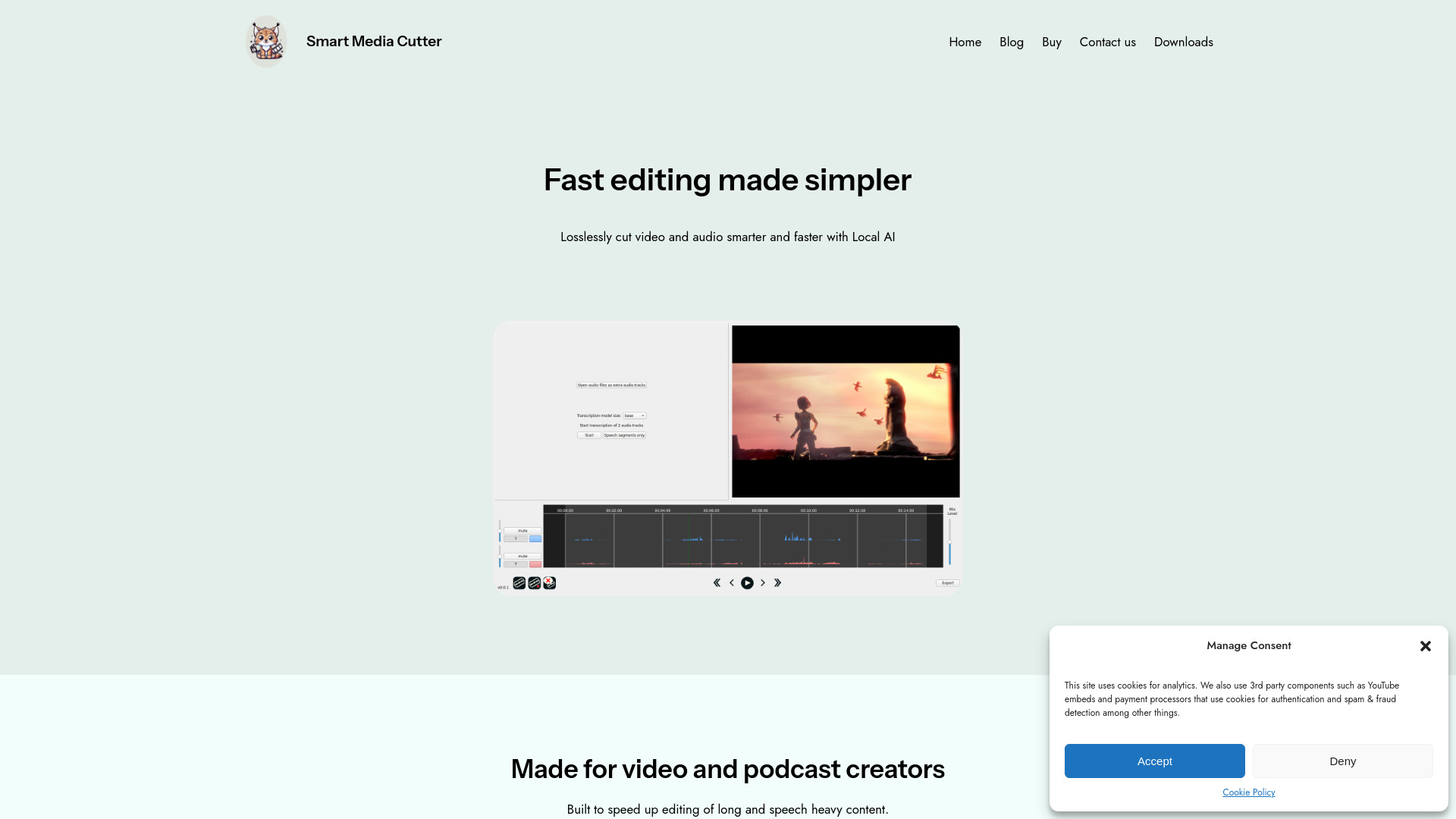
A fast, frame-accurate video cutting tool powered by local AI transcription. It is designed for streamers, podcasters, and video editors who want to save time by editing video like text and exporting anywhere without quality loss.
SpecificationsAI-estimated
Key Features of Smart Media Cutter
Use Cases for Smart Media Cutter
Trimming long streams
Create highlight clips from hours of stream footage in seconds without re-encoding the whole video.
Podcast editing
Transcribe multiple audio tracks separately and cut filler words or pauses by reading the text.
Content repurposing
Find key moments quickly using transcription text and export directly to professional editors like Resolve or Premiere.
How to use Smart Media Cutter?
Open your video or stream file
Load a long recording into Smart Media Cutter.
Read the AI transcription
Scan the transcribed text to locate the exact moment you want to cut.
Make cuts and export
Select cut points, optionally adjust audio tracks, and export your result with minimal re-encoding.
Pros & Cons of Smart Media Cutter
Pros
- Lightning-fast cutting by recoding only around cut points
- AI-powered transcription turns video into a searchable document
- Multi-track audio support for podcasts and streams
- Lossless export with smartcut technology
- 100% local and private AI processing
- Core features are free to use
Cons
- Advanced features like lossless video joining require upgrade
- AI features are tied to local hardware performance
- Limited to desktop platforms
Reviews & Ratings0.0
No reviews yet. Be the first to write one!
Top Alternatives & Similar Software
View all alternatives & similar software→


People also viewed

Related searches
About the Product
Is this your tool?
Claim this page to update details, reply to user reviews, and drive more traffic to your product.
Claim this Product →
Tags
Explore Related Topics
Keep up with Smart Media Cutter alternatives
New alternatives, pricing changes and the week's biggest movers - one email every Tuesday.