




AutoPod
Automatic video editing for podcasts and shows
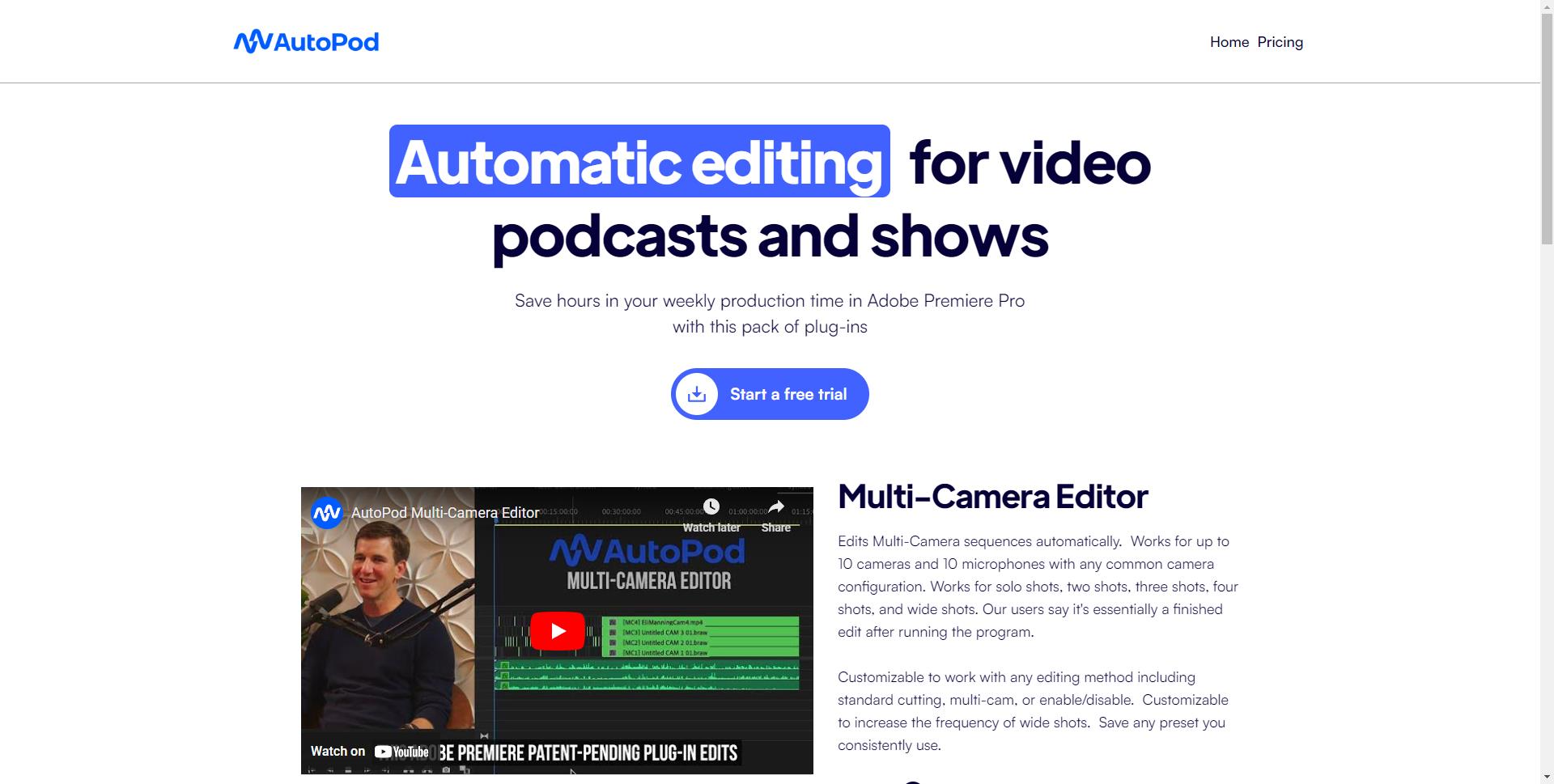
What is AutoPod?
AutoPod is a suite of automatic video editing tools designed specifically for podcasters and video creators. It streamlines repetitive editing tasks such as multi-camera switching, jump cut removal, and audio leveling, allowing creators to produce polished content faster.
SpecificationsAI-estimated
Key Features of AutoPod
Use Cases for AutoPod
Podcast Editing
Automatically switch between cameras based on the active speaker, creating a dynamic multi-camera video without manual editing.
YouTube Video Editing
Remove long silences, filler words, and jump cuts automatically to produce a concise video.
Social Media Content
Generate square and vertical versions of videos optimized for Instagram, TikTok, and YouTube Shorts.
Audio Post-Production
Normalize audio levels and clean up dialogue automatically for professional sound quality.
Content Teams
Batch process multiple episodes at once with consistent presets to speed up production.
How to use AutoPod?
Install AutoPod
Install AutoPod as a plugin in Adobe Premiere Pro or download the standalone tool.
Select the editing tool
Choose the appropriate editing tool (e.g., multi-cam, jump cut, audio leveling) based on your project needs.
Import media and adjust settings
Import your video/audio files and configure settings like number of cameras, face detection, or silence threshold.
Process automatically
Run the automatic editor. AutoPod will analyze the footage and apply edits to the timeline.
Review and export
Review the edited timeline, make any manual adjustments if needed, then export directly or use presets for social media.
Pros & Cons of AutoPod
Pros
- Significantly reduces editing time
- Easy setup for podcast workflows
- Automates repetitive tasks
- Integrates with Adobe Premiere Pro
- Creates multiple aspect ratios for social media
- Saves money compared to hiring an editor
Cons
- Initial learning curve for advanced features
- Some features require specific hardware/software compatibility
- No free tier mentioned, only paid plans
Frequently Asked Questions
How does AutoPod work?
AutoPod offers an automatic editing workflow that uses AI and presets to edit multi-camera podcasts, remove silence and jump cuts, and adjust audio levels automatically.
Is AutoPod a standalone software or a plugin?
AutoPod is available as a plugin for Adobe Premiere Pro and also offers standalone tools for certain workflows, depending on the plan.
Can I manually override edits made by AutoPod?
Yes, users can preview edits and apply them to their timeline, but the automation is designed to be reliable and accurate.
Pricing Overview
View full pricing →Extracted from the page: two plans are listed.
Reviews & Ratings0.0
No reviews yet. Be the first to write one!
Top Alternatives & Similar Software
View all alternatives & similar software→


People also viewed

Related searches
About the Product
Is this your tool?
Claim this page to update details, reply to user reviews, and drive more traffic to your product.
Claim this Product →
Tags
Explore Related Topics
Keep up with AutoPod alternatives
New alternatives, pricing changes and the week's biggest movers - one email every Tuesday.