




InfographAI
Turn text into stunning infographics in seconds with AI
Best for
content marketers creating fast infographics from blog posts
Skip if
professional designers needing extensive customization and desktop app


What is InfographAI?
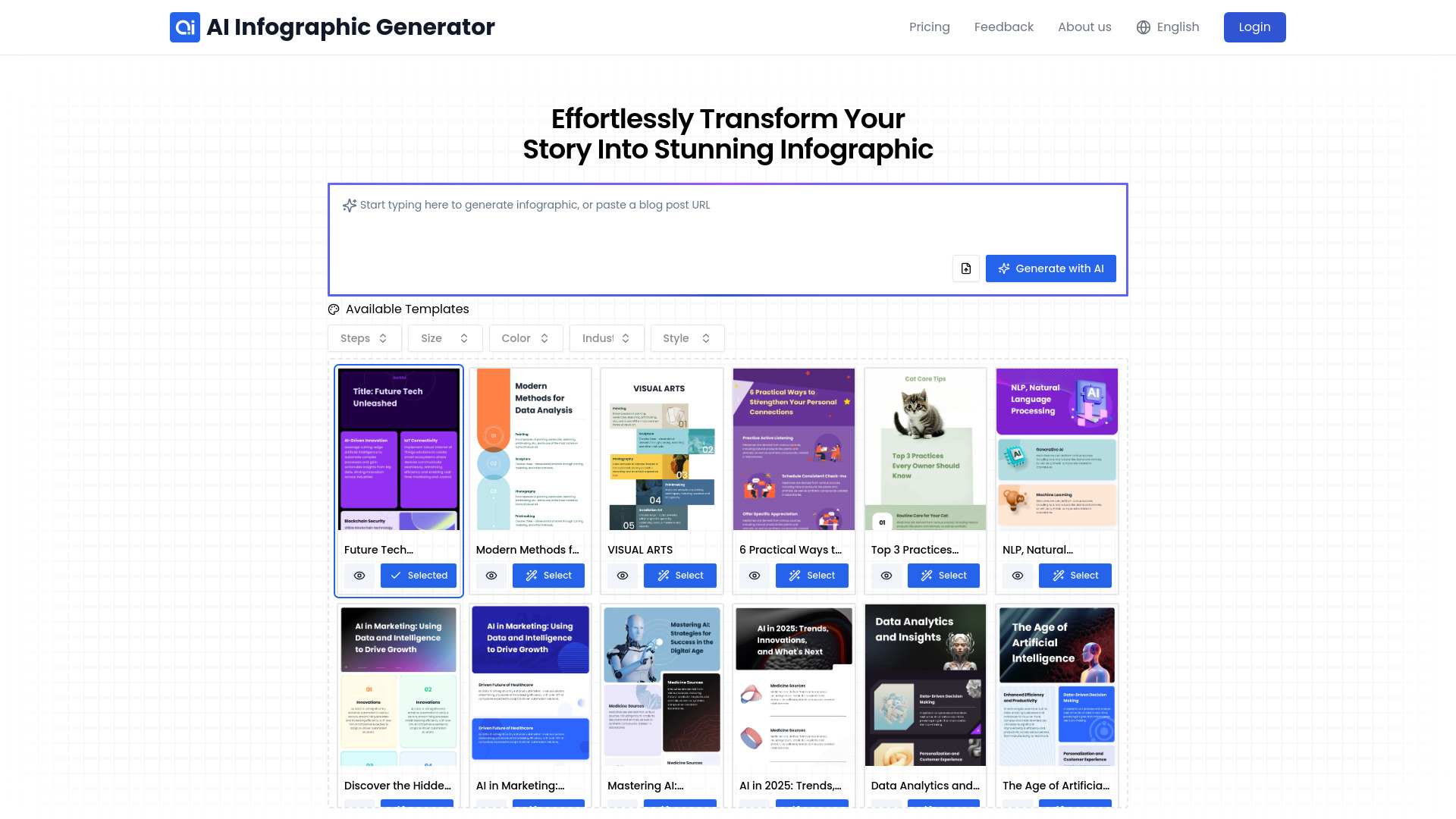
InfographAI is an AI-powered online infographic generator that instantly converts blog posts, documents, URLs, and raw data into professional visual content. Its large library of pre-designed templates and intelligent design automation lets anyone create polished infographics without graphic design experience. The platform offers a drag‑and‑drop editor for full customization, real‑time data sync for accurate charts, and export options like high‑resolution images and PDFs, serving marketers, educators, analysts, and business teams alike.
SpecificationsAI-estimated
Key Features of InfographAI
Use Cases for InfographAI
Marketing Campaign Visuals
Create eye‑catching social media graphics and ad creatives from blog posts.
Business Report Summaries
Transform quarterly data and analytics into clear, shareable infographics.
Educational Materials
Generate lesson‑plan visuals and study guides for teachers and students.
HR Onboarding Guides
Design engaging onboarding flowcharts and policy overviews for new hires.
How to use InfographAI?
Choose an Infographic Template
Select from thousands of customizable infographic templates designed for any industry or topic.
Input Data or URL
Add text, upload a file, or paste a blog URL to provide the content for your infographic.
Generate Infographic with AI
Let the AI-powered generator instantly create a stunning visual based on your input.
Customize Your Infographic
Edit fonts, colors, icons, layouts, and styles to make the infographic unique and on-brand.
Save and Download
Download your infographic as a PDF or high-resolution image, or save it to your dashboard for future edits.
Pros & Cons of InfographAI
Pros
- Fast AI‑driven infographic creation
- No design skills required
- Extensive template library
- High‑quality export formats
Cons
- Limited customization compared to professional design software
- Free tier has export size limits
- No desktop or mobile app, web‑only
Frequently Asked Questions
Can I import a blog URL directly?
Yes, InfographAI can fetch content from a blog URL and automatically generate an infographic.
What export formats are available?
You can export infographics as high‑resolution PNG, JPEG, or PDF files.
Is there an API for integration?
InfographAI offers an API for programmatic infographic generation and data sync.
Do I need a design background to use it?
No, the platform is no‑code and includes AI assistance and drag‑and‑drop editing for beginners.
Pricing Overview
View full pricing →Reviews & Ratings0.0
No reviews yet. Be the first to write one!
Top Alternatives & Similar Software
View all alternatives & similar software→


People also viewed


Best For
Related searches
About the Product
Is this your tool?
Claim this page to update details, reply to user reviews, and drive more traffic to your product.
Claim this Product →
Tags
Explore Related Topics
Keep up with InfographAI alternatives
New alternatives, pricing changes and the week's biggest movers - one email every Tuesday.