




RoomDesigner.ai
Redesign any room with one click using AI-powered preset styles—no prompts, no guesswork.














What is RoomDesigner.ai?
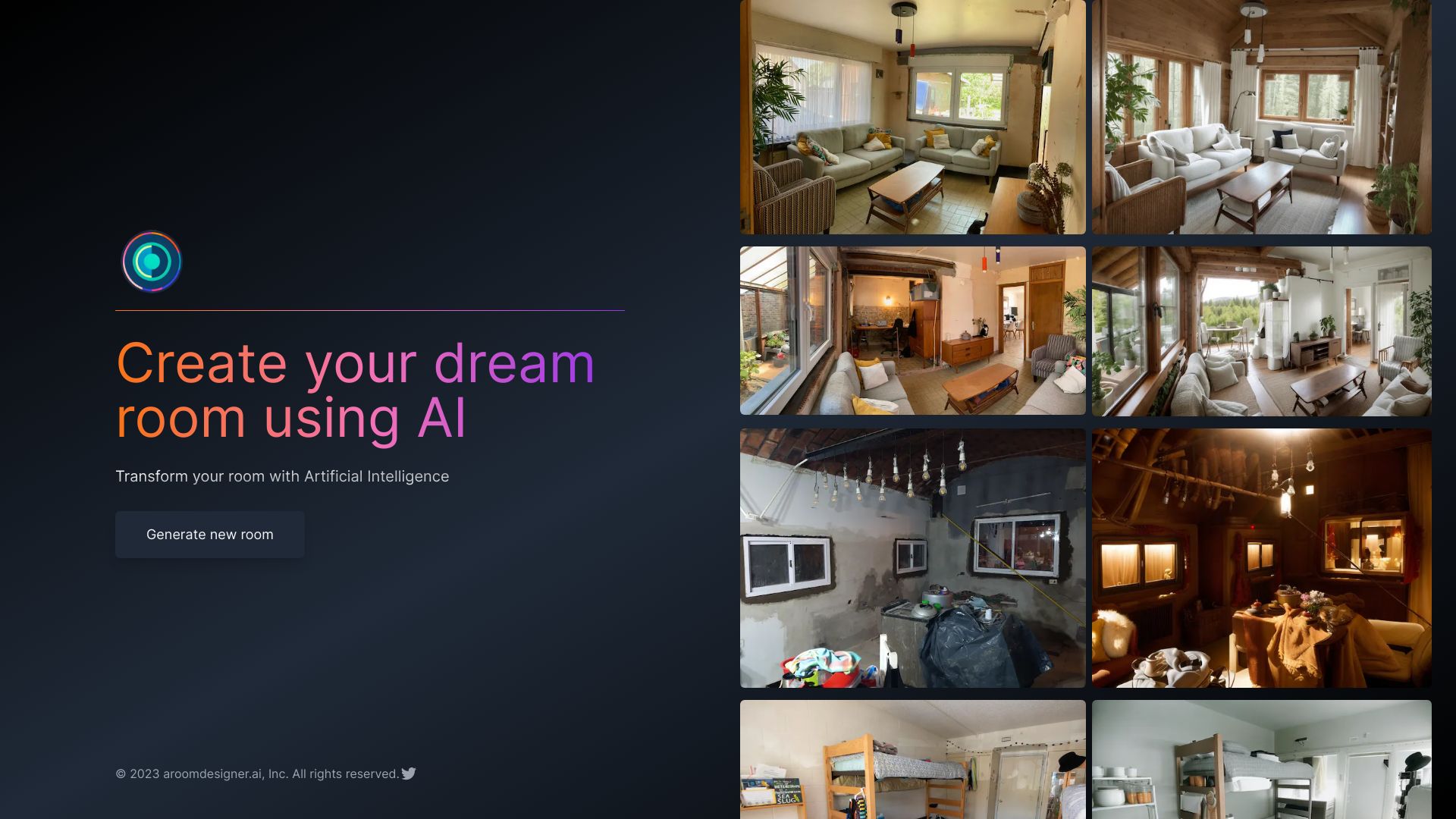
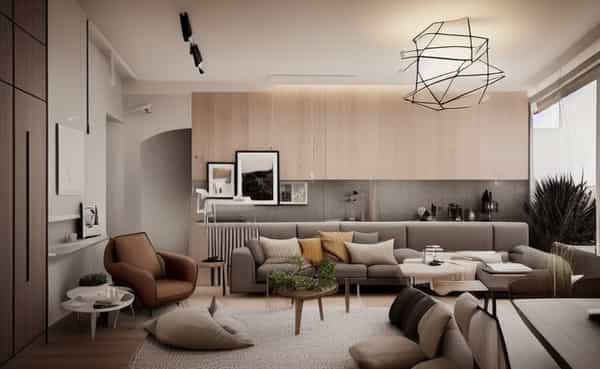
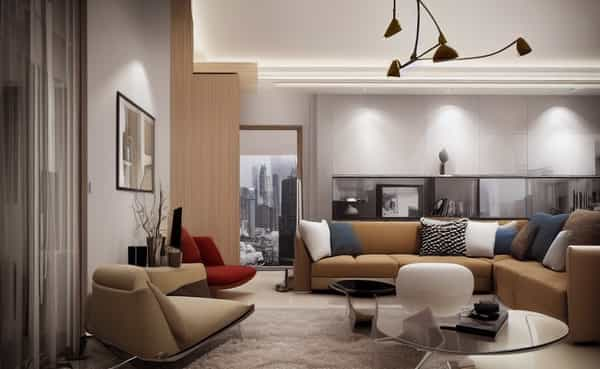
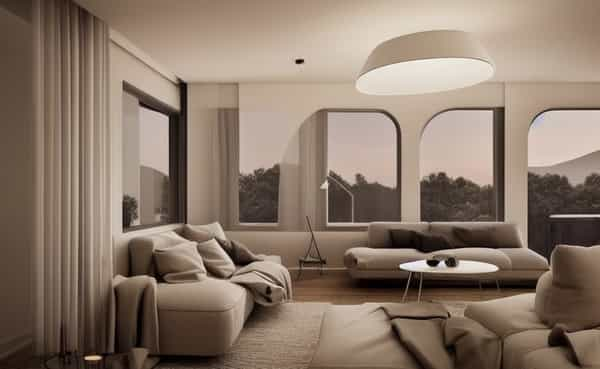
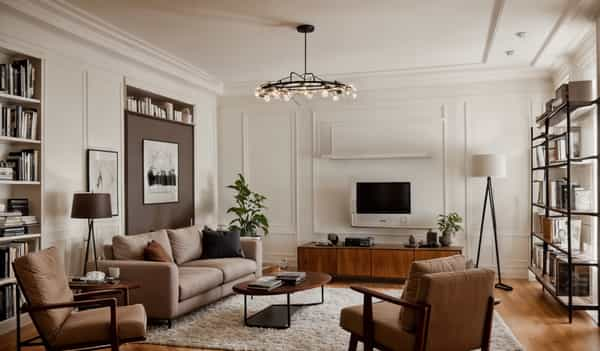
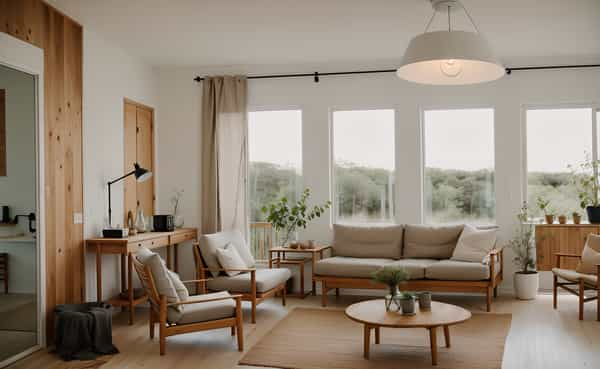
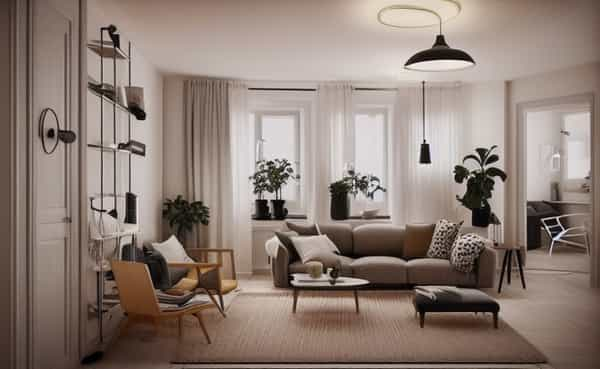
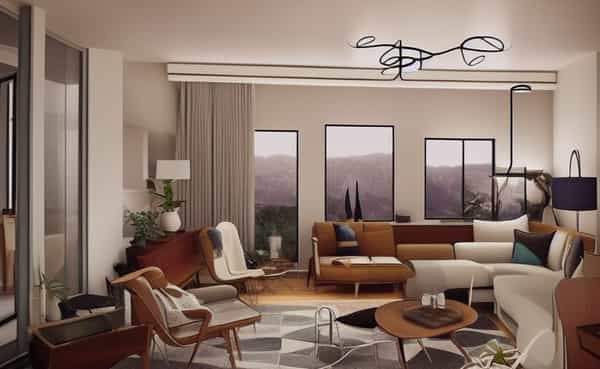
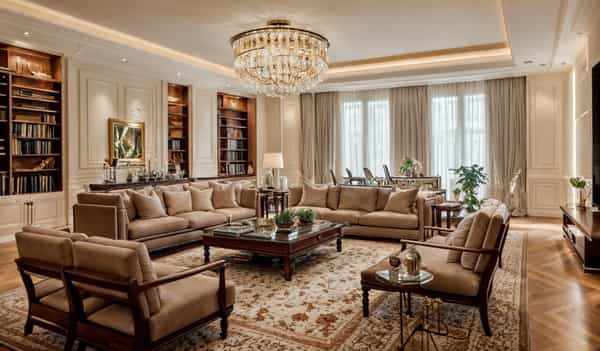
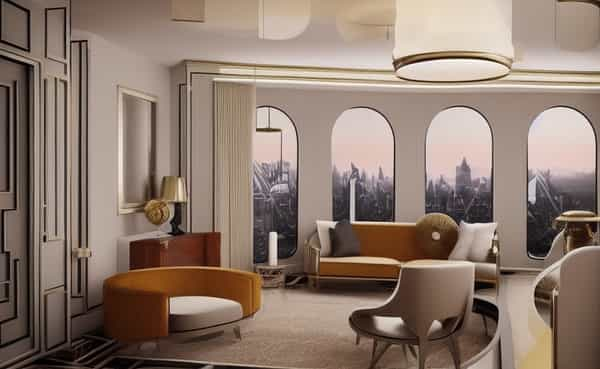
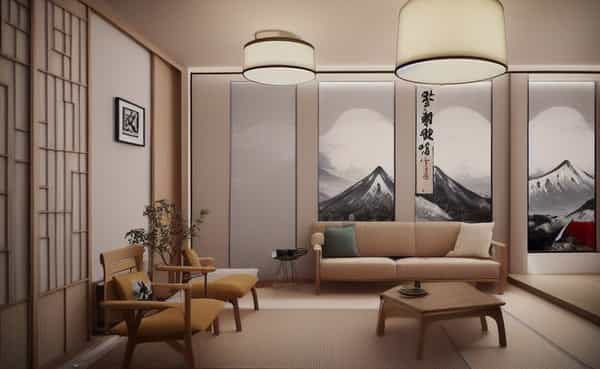
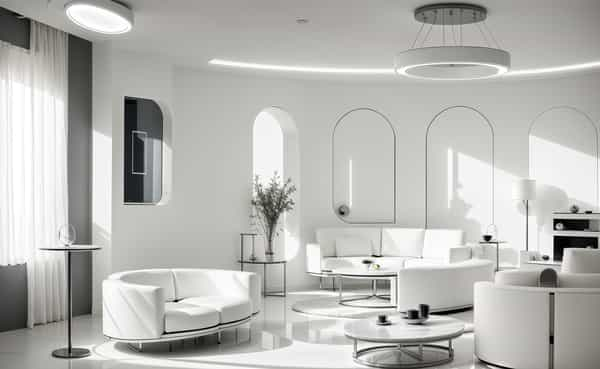
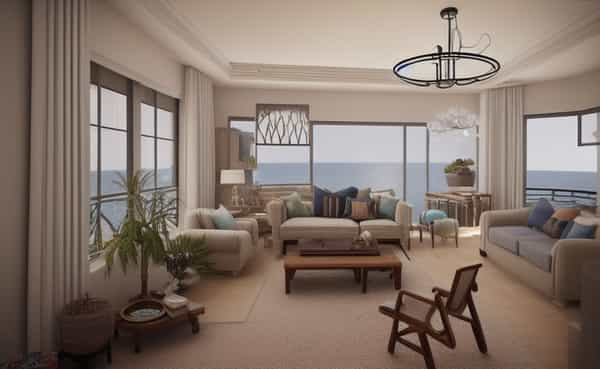
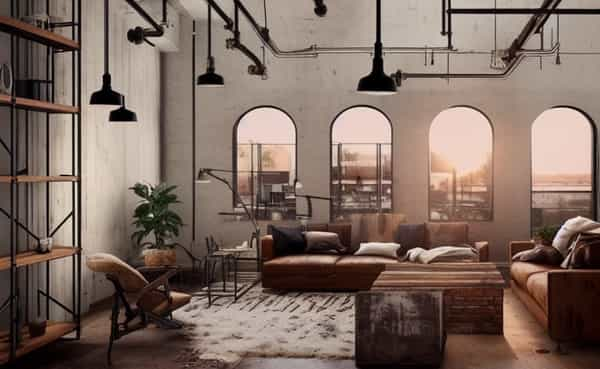
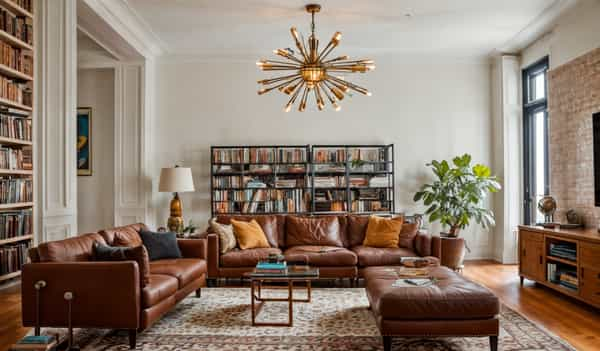
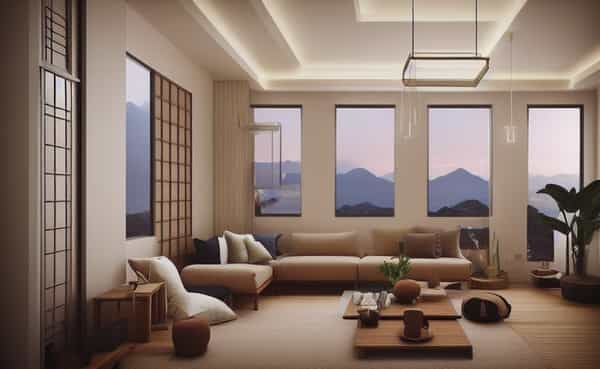
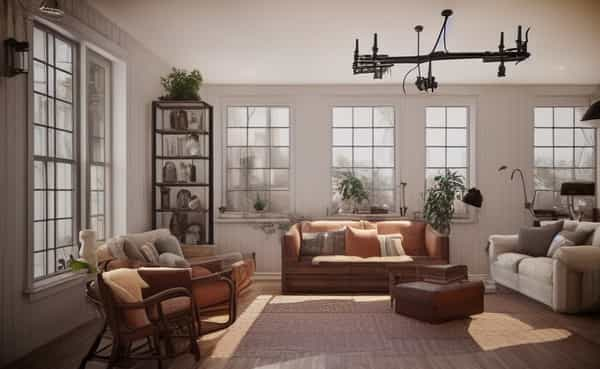
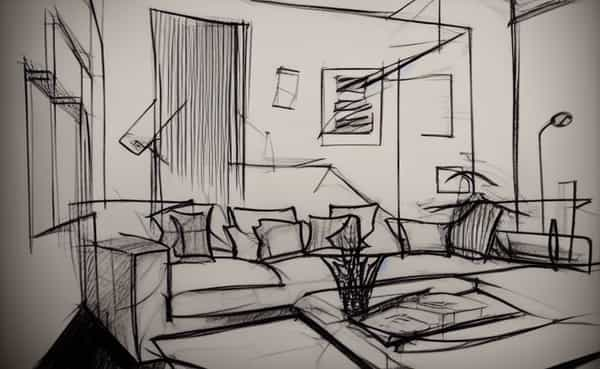
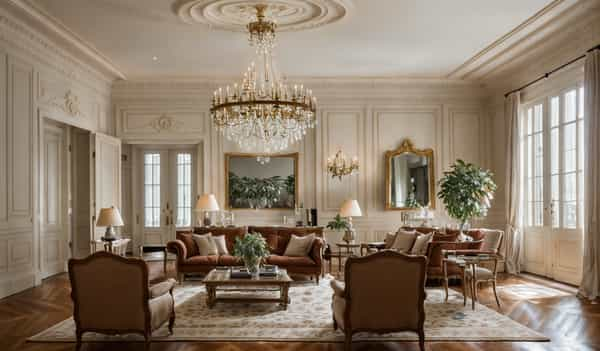
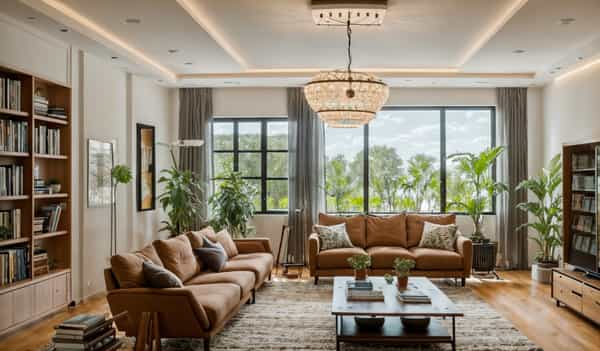
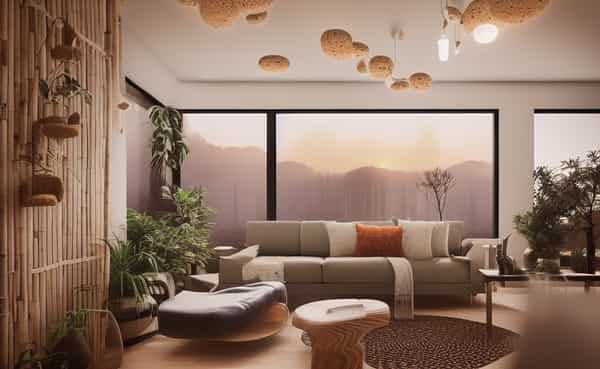
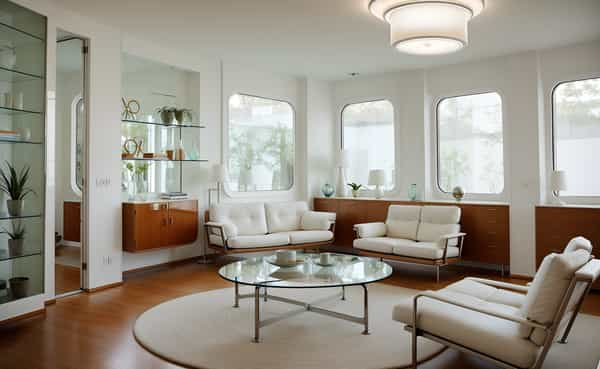
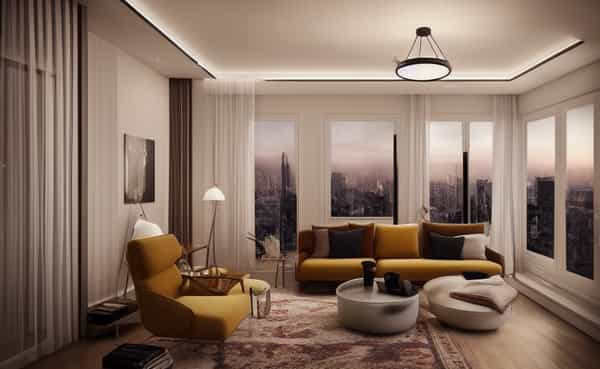
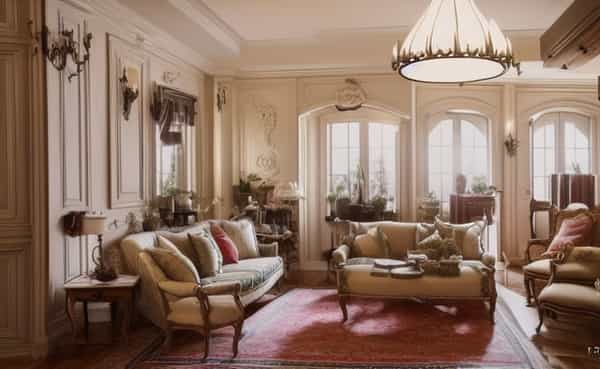
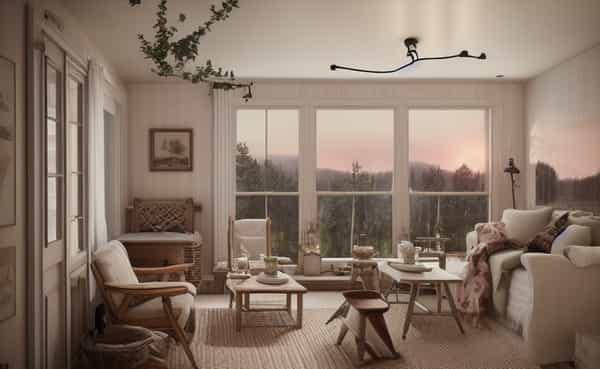
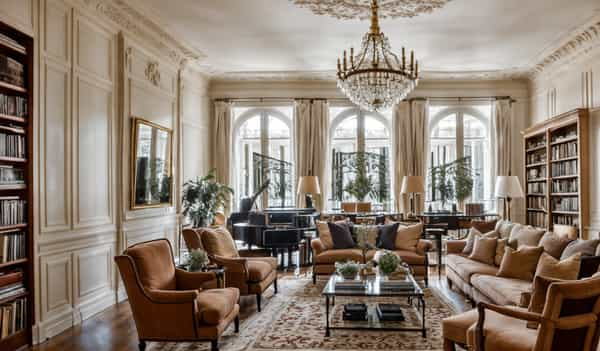
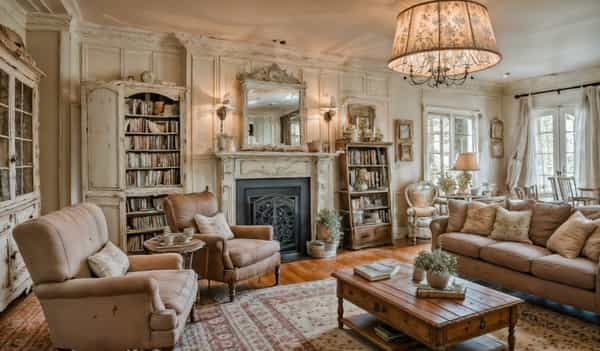
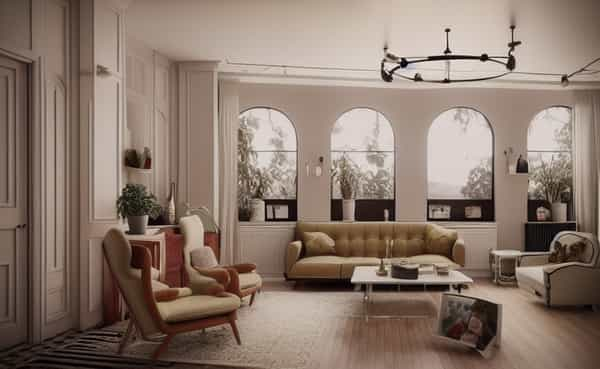
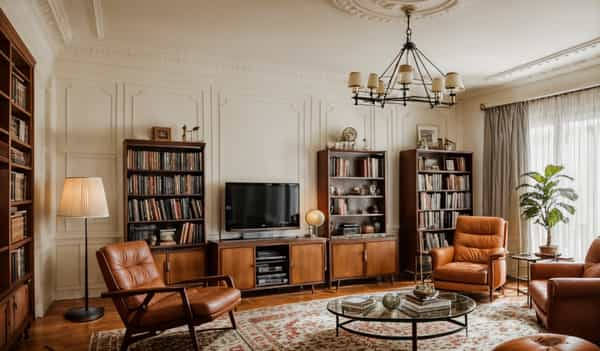
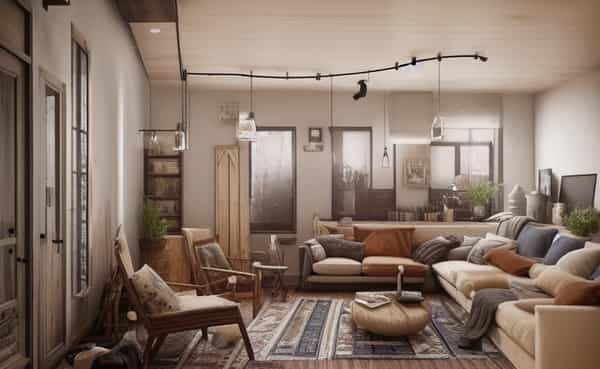
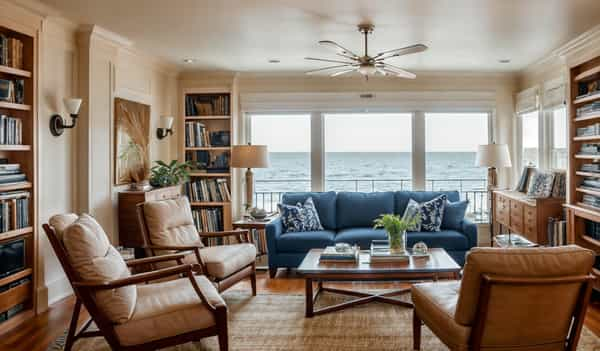
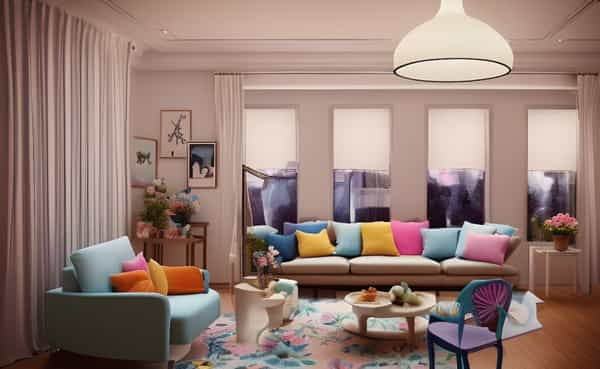
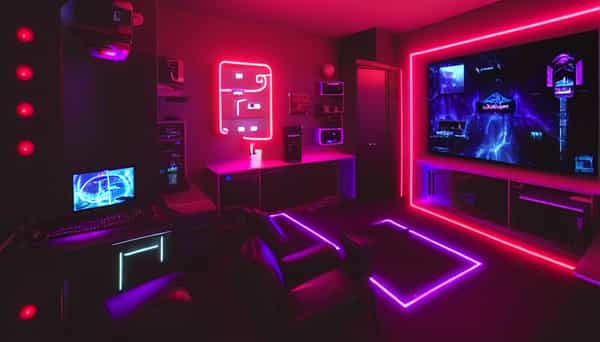
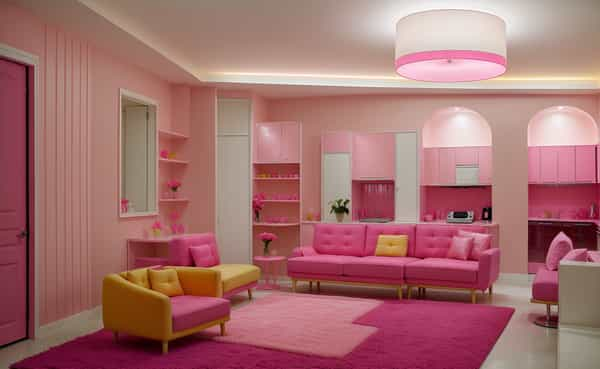
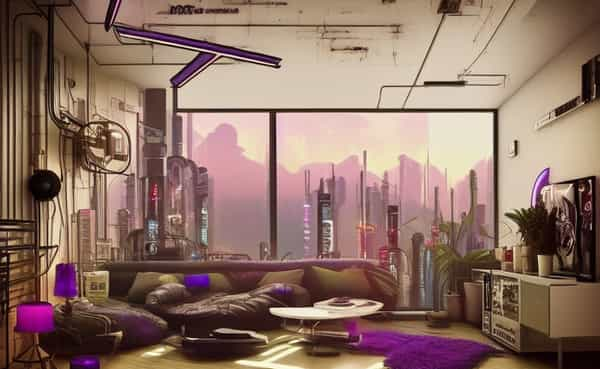
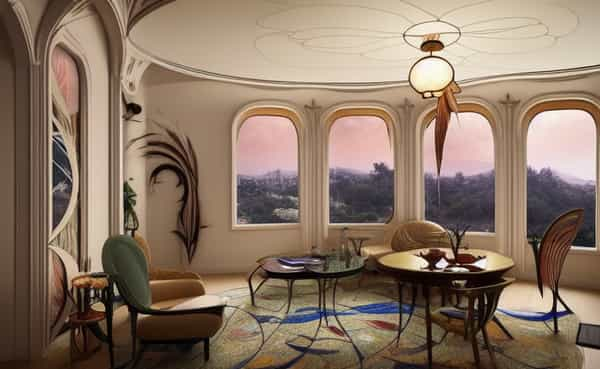
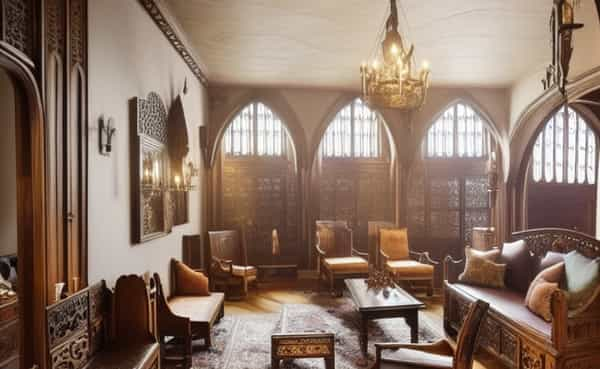
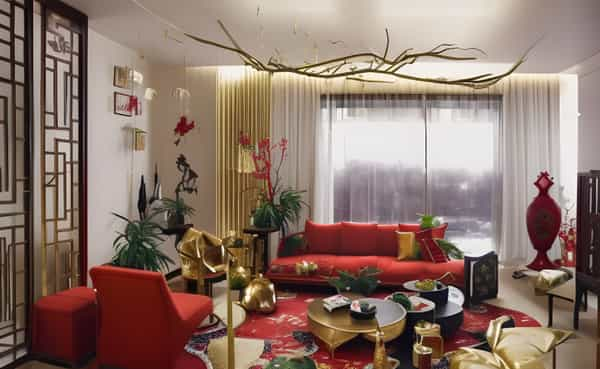
RoomDesigner.ai is an AI-powered interior design tool that lets anyone transform a room with a single click. Instead of writing elaborate prompts or adjusting complex settings, users simply upload a photo of their space and choose from a curated library of 50+ preset styles. The AI then applies the selected aesthetic to create a new room design, making professional-looking visualizations accessible to people without any design experience. The tool covers an impressively wide range of interior styles, from everyday favorites like Modern, Contemporary, Minimalist, and Scandinavian to expressive themes like Vaporwave, Cyberpunk, Bohemian, and Seasonal decor. Specialty categories such as Airbnb-ready looks, Gaming-room, Hot-pink, and Holiday styles make it particularly useful for rental hosts, event planners, and anyone wanting to experiment with bold aesthetics. Each style comes with a short description and a sample image, so choosing the right look is intuitive. By removing the friction of prompt crafting, RoomDesigner.ai is positioned as a quick and playful way to explore design ideas, stage homes, or plan a makeover. Whether you're a homeowner looking for inspiration, a real estate agent sprucing up a listing, or an Airbnb host aiming for a welcoming ambiance, the platform offers a streamlined path from room photo to redesigned visual in moments.
SpecificationsAI-estimated
Key Features of RoomDesigner.ai
Use Cases for RoomDesigner.ai
Home Redecoration
See how a room would look in different styles before making changes.
Real Estate Staging
Generate appealing interior visuals for property listings.
Airbnb Hosting
Design welcoming, stylish spaces for short-term rental guests.
Design Inspiration
Explore 50+ styles to discover a personal aesthetic or gather ideas.
Seasonal Decor Planning
Try festive styles like Christmas, Halloween, or Easter.
Gaming Room Setup
Visualize a high-tech, immersive gaming environment.
Interior Design Concepts
Quickly mock up style concepts for clients or personal projects.
How to use RoomDesigner.ai?
Upload a room photo
Take or choose a clear picture of the room you want to redesign.
Select a style
Browse the 50+ preset styles and pick the one that fits your vision.
Generate the design
Click once and let the AI apply the selected style to your room.
Review and iterate
If the result isn't quite right, try another style or refine the input photo.
Save or share
Download the final design to use in listings, presentations, or social media.
Pros & Cons of RoomDesigner.ai
Pros
- One-click design: no prompt engineering or settings tweaks
- 50+ curated interior styles covering modern to holiday themes
- AI generates realistic room transformations from your photos
- Accessible to non-designers with zero learning curve
- Fast iterations – try different styles instantly
Cons
- Limited customization beyond preset styles
- Results depend heavily on input photo quality and lighting
- Web-based only, no native mobile app
- No pricing or free trial details on the landing page
Frequently Asked Questions
Do I need to write prompts?
No. RoomDesigner.ai uses preset styles so you can generate a design with a single click.
How many interior styles are available?
The tool offers 50+ styles, from classic Modern to niche looks like Cyberpunk, Halloween, and Chinese New Year.
What kind of photos should I upload?
For best results, upload a well-lit, clear photo of the room you want to redesign.
Can I use the generated images for commercial purposes?
Pricing and licensing details are not specified on the landing page—check the site for current terms.
Do I need interior design experience?
No. The tool is designed for anyone, regardless of design background.
What rooms can I redesign?
Any room that can be captured in a photo—bedrooms, living rooms, kitchens, home offices, gaming rooms, and more.
Is RoomDesigner.ai free?
The landing page doesn't list pricing; visit the site or contact the team to see plans and trials.
Can I customize the selected style?
The current workflow focuses on preset styles; fine-grained customization is not highlighted on the page.
Reviews & Ratings0.0
No reviews yet. Be the first to write one!
Top Alternatives & Similar Software
View all alternatives & similar software→



People also viewed


Related searches
Is this your tool?
Claim this page to update details, reply to user reviews, and drive more traffic to your product.
Claim this Product →
Tags
Explore Related Topics
Keep up with RoomDesigner.ai alternatives
New alternatives, pricing changes and the week's biggest movers - one email every Tuesday.