




Decoratly
Photorealistic AI interior design for your real room — upload one photo and see it redesigned in about 30 seconds.


What is Decoratly?
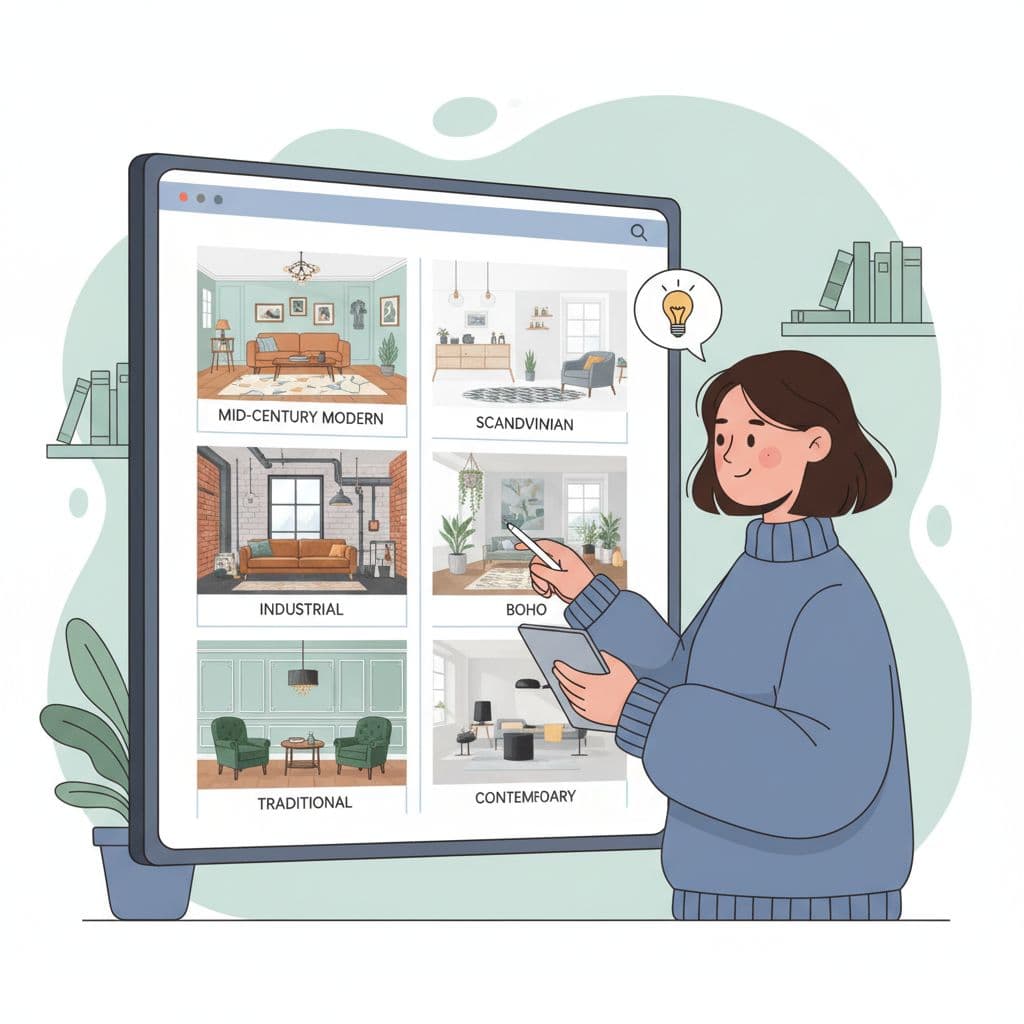
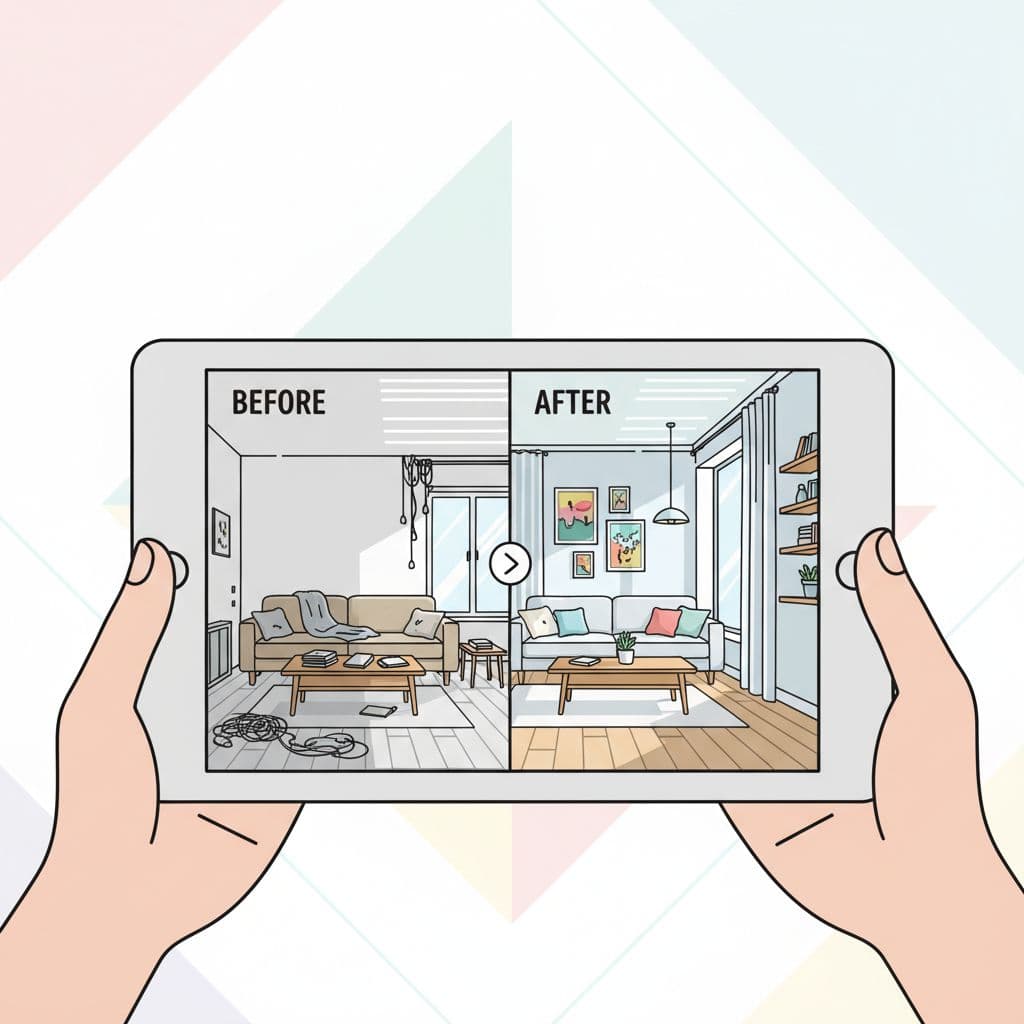
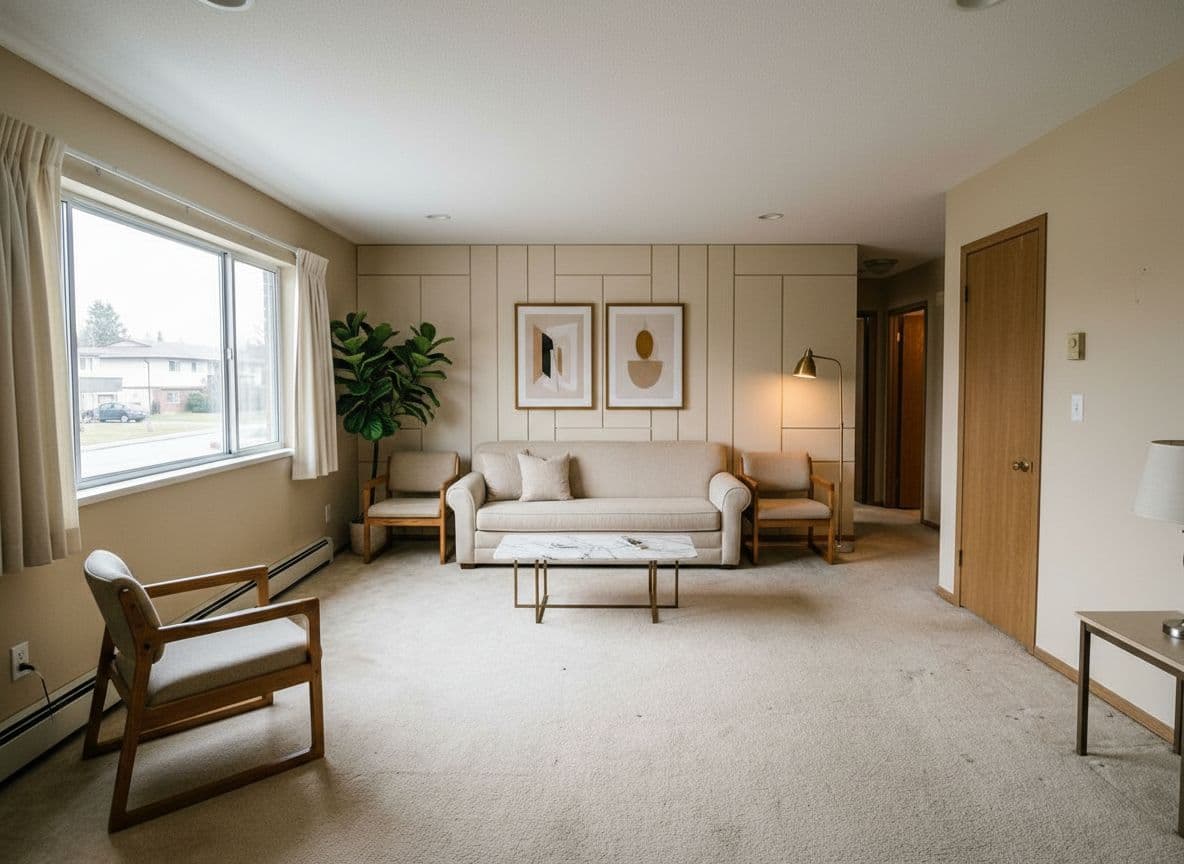
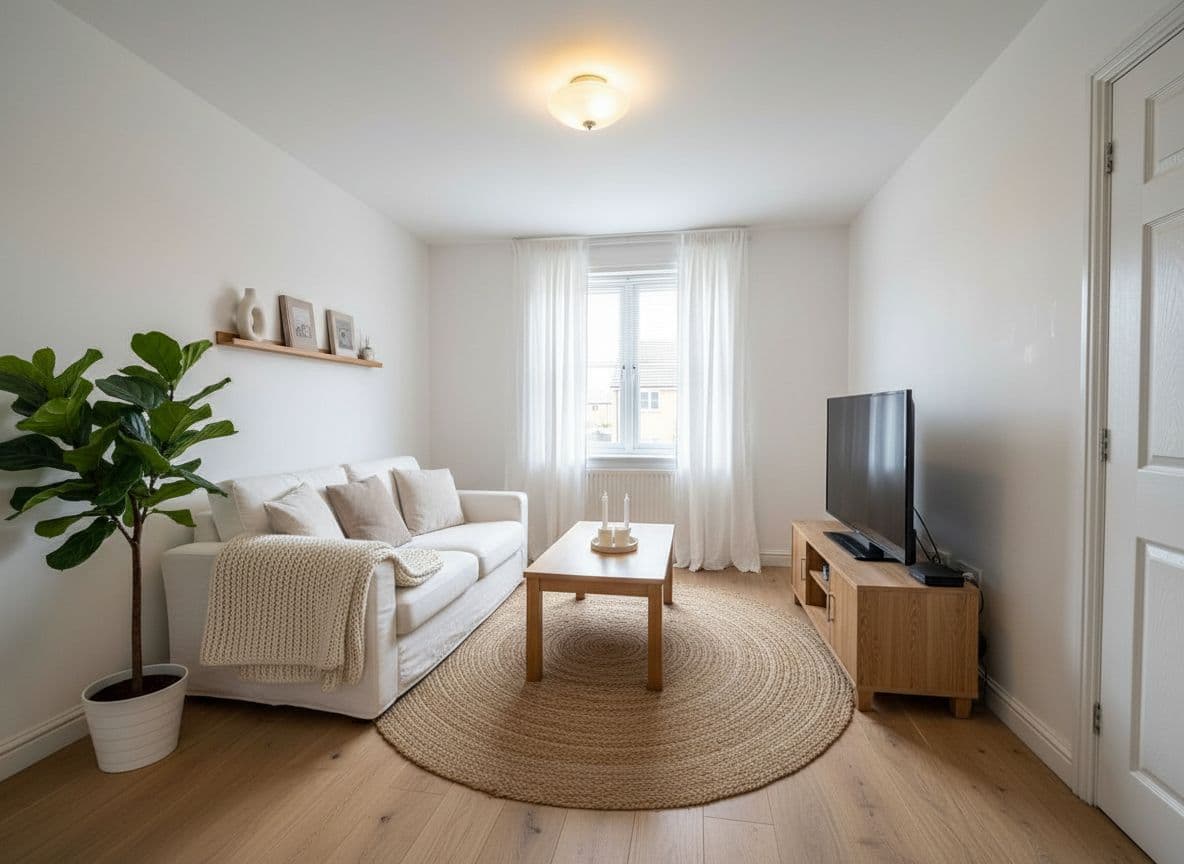
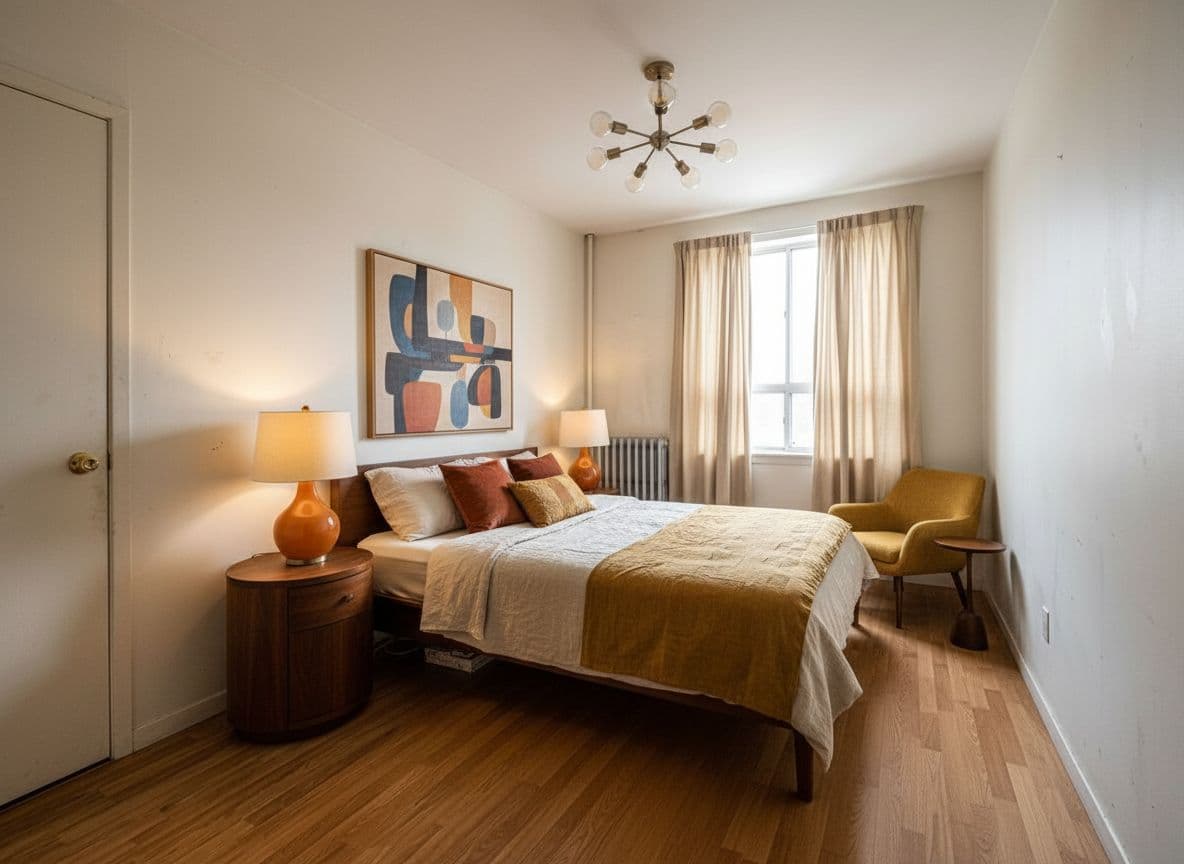
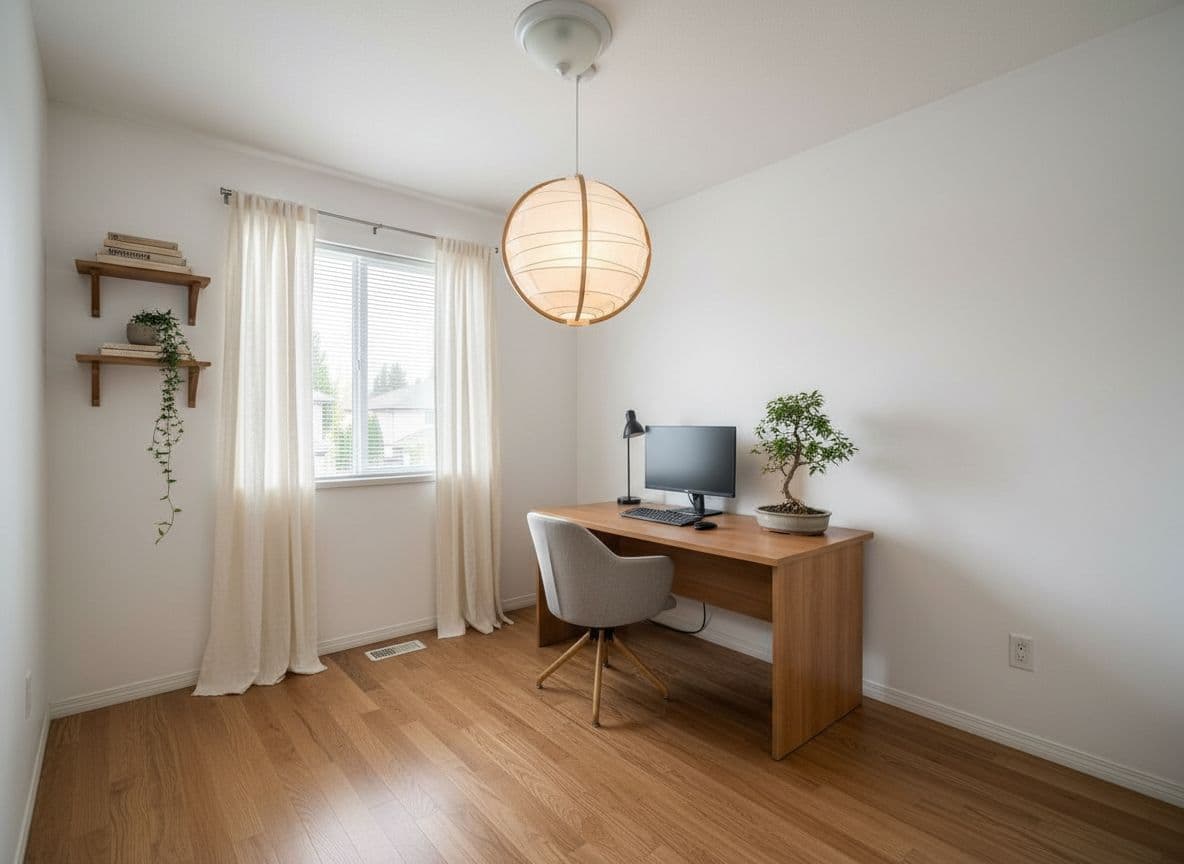
Decoratly is a browser-based AI interior design application that lets people upload a photo of a real room and receive a photorealistic rendering of that same space in a different design style. Instead of swapping in a stock room, the AI reads the geometry, lighting, and proportions of the uploaded photo and rebuilds the scene with new walls, floors, furniture, and materials, keeping the original room recognizable. The service is designed for quick experimentation: most users get their first render in about 30 seconds, with no signup or credit card required for the initial free designs. The app offers two ways to work: Apply a Style for whole-room transformations across 75+ designer-curated presets or custom prompts, and Edit tools for surgical, one-change-at-a-time refinements like painting walls, removing objects, adjusting lighting, and adding furniture from a photo. It also includes an AI design chat that analyzes the user's actual photo and gives layout, palette, and material suggestions, plus a Clone Design feature that extracts the aesthetic from any inspiration image and applies it to the user's room. Realtors and designers can batch-process multiple angles of a space to keep a consistent style across an entire listing. Pricing follows a simple freemium model: two free AI designs on your own room are available without a card, while the unlimited plan costs $12.99 per month and unlocks the full style library, the Edit toolkit, no watermarks, and 4K export. A built-in Google Shopping integration lets users tap any piece in a render to find visually similar real products at multiple price points. Decoratly positions itself as a practical tool for homeowners planning a refresh, interior designers presenting concepts, and realtors doing virtual staging.
SpecificationsAI-estimated
Key Features of Decoratly
Use Cases for Decoratly
Home renovation decision-making
See your actual room in multiple styles before committing to paint, furniture, or layout.
Virtual staging for real estate
Upload empty-room listing photos, redesign them in buyer-friendly styles, and batch-process every angle.
Client concept presentation
Interior designers can present multiple design directions in one meeting without building physical moodboards.
Furniture shopping
Use the Google Shopping integration to find real, visually similar products for pieces shown in a render.
Empty room visualization
Preview a furnished, styled version of an unfurnished or sparsely decorated room.
Inspiration cloning
Drop in a Pinterest or Instagram image and see your own room recreated in that aesthetic.
Lighting and color experimentation
Preview paint colors and lighting changes in the room's actual light before buying anything.
Contractor briefing
Generate detailed, photorealistic renders to communicate renovation intent to contractors or partners.
How to use Decoratly?
Drop in a photo
Upload a room photo from your phone, listing, or gallery. The AI automatically reads the geometry, light, and walls.
Choose or invent a style
Pick from 75+ curated styles, write a free-form prompt, use the Style Builder, or chat with the AI designer for a custom look.
Watch the render
The AI produces a photorealistic render of your room in about 30 seconds. Review and iterate as needed.
Fine-tune with Edit tools
Use the precise editing features to repaint walls, remove objects, adjust lighting, add furniture, or recolor specific pieces.
Shop or export
Tap pieces to find real products via Google Shopping, or export 4K renders for presentations and listings on paid plans.
Pros & Cons of Decoratly
Pros
- Renders your actual room, preserving its geometry, lighting, and proportions rather than swapping in a stock photo.
- 2 free AI designs with no signup, no credit card, and no email gating.
- 75+ curated styles plus a Style Builder for custom prompts and palette/material mixes.
- Precise Edit toolkit for surgical changes: repaint walls, remove objects, adjust lighting, add furniture.
- Built-in Google Shopping integration links rendered pieces to real products at multiple price points.
Cons
- Free tier is limited to 2 designs, six starter styles, web resolution, and a watermark.
- Only one paid plan at $12.99/month, with no lower-tier option or lifetime purchase.
- Web app requires an internet connection; there is no offline mode or native mobile app.
- AI is for visualization only and cannot handle complex renovation realities like load-bearing walls, plumbing, or on-site project management.
Frequently Asked Questions
What is Decoratly?
Decoratly is a web app that redesigns the room you photographed, not a stock room. You upload a photo, pick a style or describe one, and the AI returns a photorealistic render in about 30 seconds while keeping your room's geometry, lighting, and proportions.
Is Decoratly free?
Yes. You get 2 free AI designs on your own room with no credit card and no email gating. Free designs come in six starter styles at web resolution and carry a small Decoratly watermark. Upgrading removes the watermark and opens all 75+ styles plus full resolution.
Do I need to download an app?
No. Decoratly is a web app and runs in any modern browser on your phone, tablet, or computer. Open the site, upload a room photo, and start. Renders sync across devices and you're always on the latest version.
What's the difference between Apply a Style and Edit tools?
Applying a style reimagines the whole space at once, changing furniture, materials, and palette while keeping your room's geometry. Edit tools are surgical: repaint just the walls, remove a single object, swap lighting, add a specific piece, or rearrange the layout. Styles are available on the free tier; Edit tools unlock with any paid plan.
Can I buy the furniture shown in a render?
Yes. Decoratly has a built-in Google Shopping integration. Tap any piece in a render and it finds visually similar real products at multiple price points, with direct links to retailers.
How much does Decoratly cost?
One plan: $12.99/month for unlimited rooms. This includes unlimited designs across every room, all 75+ styles, the full Edit toolkit, no watermark, and 4K export. You can cancel anytime.
Can realtors and interior designers use it?
Yes. Interior designers use it to present multiple directions in a single meeting, and realtors use it for virtual staging: upload empty-room listing photos, redesign them in a buyer-friendly style, and batch-process every angle so the listing stays consistent.
What kinds of rooms can I redesign?
Any room: living rooms, bedrooms, kitchens, bathrooms, home offices, dining rooms, studios, nurseries, and outdoor spaces. The AI identifies the room type from your photo and adapts to furnished rooms, empty rooms, small spaces, and large ones.
Reviews & Ratings0.0
No reviews yet. Be the first to write one!
Top Alternatives & Similar Software
View all alternatives & similar software→



People also viewed


Related searches
Is this your tool?
Claim this page to update details, reply to user reviews, and drive more traffic to your product.
Claim this Product →
Tags
Explore Related Topics
Keep up with Decoratly alternatives
New alternatives, pricing changes and the week's biggest movers - one email every Tuesday.