

FindAlternative
Back to Home
MovieGen Studio

MovieGen Studio

Turn simple prompts into cinematic videos and trailers with AI-powered scene generation.
softwareAI Video GenerationAI video generationcinematictrailer maker

What is MovieGen Studio?

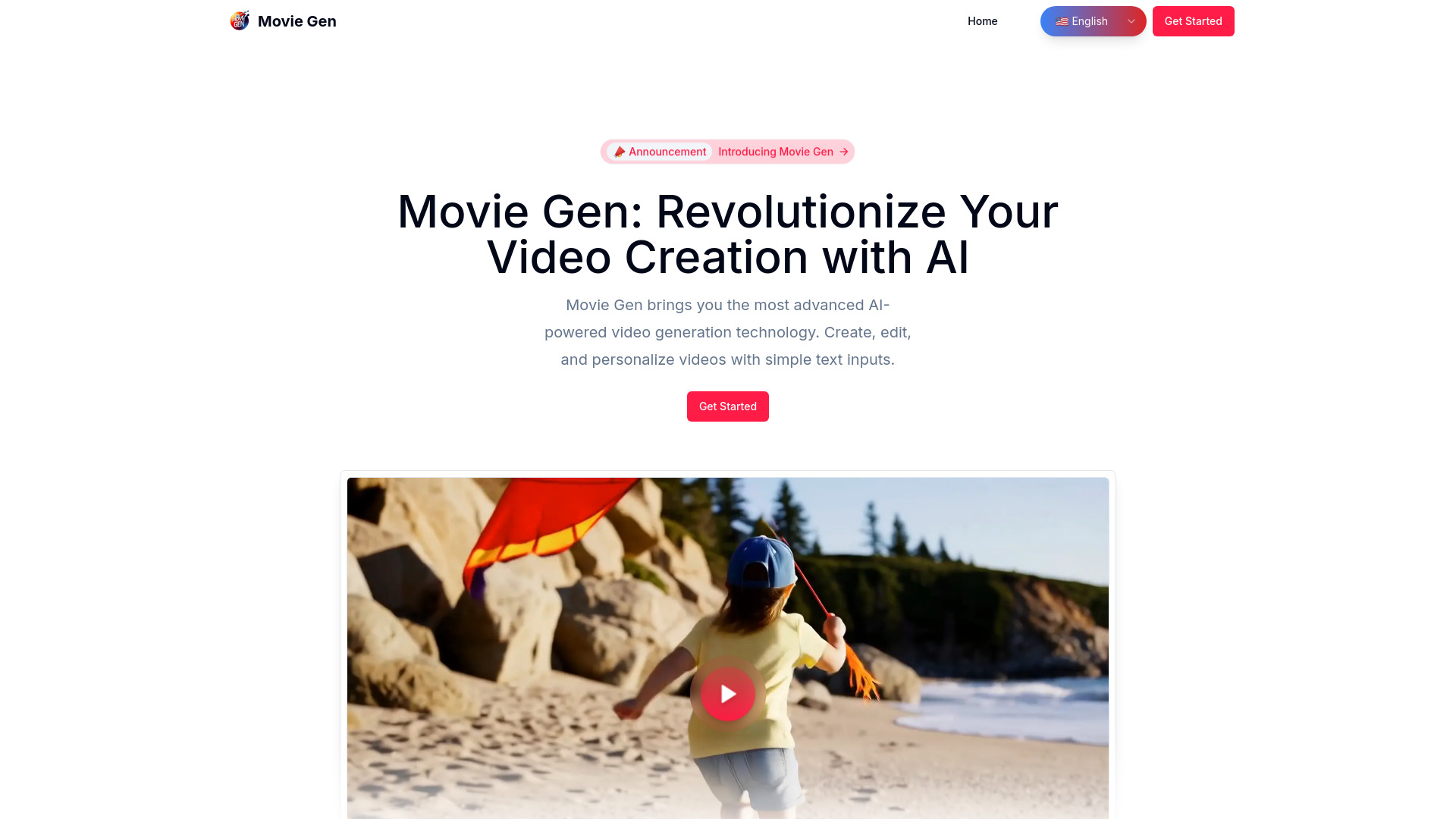
MovieGen Studio is a creative content-generation platform that enables users to produce cinematic videos, trailers, and film-style visuals from simple prompts. It leverages advanced AI models to handle storyboarding, scene generation, and animation, making it accessible for filmmakers, content creators, and marketers who want high-quality video output without extensive technical skills. The platform emphasizes an intuitive workflow where users describe their vision, and the system translates that into structured scenes with visual continuity and professional polish. It offers a range of customization options, from style presets to shot-level controls, allowing for both rapid prototyping and detailed refinement. The service is cloud-based, meaning users can access it from any device with a web browser, and it supports collaborative editing features for team projects. With a focus on speed and creativity, MovieGen Studio aims to democratize video production, reducing the time and cost typically associated with traditional filmmaking.

SpecificationsAI-estimated

InputText prompts
OutputVideo files
PricingFreemium
PlatformWeb-based
AI TechnologyGenerative AI for video and scenes
CollaborationYes

Key Features of MovieGen Studio

AI-driven scene generation from text prompts
Storyboard automation
Cinematic style presets
Cloud-based editing and collaboration
Rapid video prototyping
Multi-device accessibility

Use Cases for MovieGen Studio

1

Film Trailer Creation

Generate trailers for indie films or passion projects quickly using textual descriptions.

2

Marketing Video Production

Create promotional videos for products or services without needing professional editing tools.

3

Storyboarding

Visualize script concepts into storyboard scenes to plan actual filming.

4

Content for Social Media

Produce short cinematic clips for Instagram Reels, TikTok, or YouTube Shorts.

5

Educational Content

Develop engaging visuals for tutorials, lectures, or explainer videos.

6

Creative Storytelling

Experiment with narrative ideas and visual styles in a low-friction environment.

How to use MovieGen Studio?

1

Sign Up

Create an account on MovieGen Studio using your email or social media login.

2

Describe Your Vision

Enter a text prompt describing the video scene, mood, and style you want.

3

Generate Scenes

Use the AI to automatically generate storyboard scenes and video previews.

4

Customize and Refine

Adjust settings like style, shot angles, or modify scenes to match your vision.

5

Export Video

Finalize your video and export it in your desired resolution and format.

Pros & Cons of MovieGen Studio

Pros

  • AI-driven scene and storyboard generation
  • Cloud-based, accessible from any browser
  • Intuitive prompt-to-video interface
  • Collaborative editing capabilities
  • Rapid prototyping for creative ideas

Cons

  • Dependent on internet connection
  • Output quality may vary with complex prompts
  • Limited offline functionality

Frequently Asked Questions

What is MovieGen Studio?

It's a cloud-based AI tool that generates cinematic videos and storyboards from text prompts.

Do I need video editing experience?

No, the platform is designed for ease of use, with AI handling most technical aspects.

Can I collaborate with others?

Yes, the platform supports collaborative editing features for team projects.

What formats can I export?

It supports common video formats and resolutions, though specific options may vary.

Is there a free plan?

The platform offers a freemium model with basic features available for free and premium plans with more capabilities.

Can I use it offline?

No, it's a web-based service requiring an internet connection.

No reviews yet. Be the first to write one!

Top Alternatives & Similar Software

View all alternatives & similar software→


VideoGen

VideoGen

AI-suggested

VideoGen is an integrated AI-powered platform for creating videos at scale. It combines storyboard-to-video workflows with AI agents that collaborate with you at every step—from ideation through final render. The platform serves teams and creators alike, covering everything from product ads and explainer videos to AI UGC ads, social reels, training content, and localized video campaigns. Whether you are a marketer needing thousands of ad variants or an L&D specialist producing courses, VideoGen positions itself as the single control point for high-volume video production. The platform's core strength is its ability to turn complex video editing into a fast, automated process. Instead of spending days in a traditional editor, users can provide a storyboard or content direction, and the AI agents generate visuals, voiceover, and edits. Testimonials on the site highlight this speed: a Google learning manager notes the editing process now takes minutes, Y Combinator CEO Garry Tan praises the platform for removing the cost, complexity, and time of video production, and creator Andrew Yu calls it an underrated tool for publishing high-quality content quickly. VideoGen is trusted by over five million creators and teams, with logos including Google, Salesforce, Airbus, Costco, Amazon, and TikTok. The product is available online with a free entry point—users can create their first video without paying. The site also points to a broader ecosystem of tools, prompt guides, AI video/image/voice model comparisons, and developer resources, suggesting that VideoGen is not just a generator but a full AI video production suite.

Flux 3 AI Video Generator

Flux 3 AI Video Generator

AI-suggested

Flux 3 AI Video Generator is a web-based creative tool that produces short AI-generated videos from text prompts, reference images, or reference videos. It offers three input modes - text to video, image to video, and video to video - and lets users choose aspect ratio, duration, and resolution before generating. The platform is aimed at creators who want to turn a scene idea into a motion sample quickly without needing traditional editing or filmmaking experience. The generator uses a single Flux 3 model, described as multimodal and trained on image, video, and audio together. This means generated clips can include native audio - such as footsteps, impacts, and ambience - timed to the visuals, rather than sound added in post-production. Flux 3 also supports expressive human motion, facial expressions, and multilingual dialogue, making it useful for character-driven story tests, brand assets, product demos, and social media clips. The workflow is built around prompting, previewing, and purchasing credits. Users write a prompt of up to 5000 characters, optionally add image or video references, generate a preview, and then use credits to render full videos. New users receive 100 free credits, and paid plans include Starter, Plus, and Pro tiers with monthly or yearly billing as well as one-time credit packs. The platform is positioned for individual creators, marketers, studios, and teams who need fast iteration for ads, storyboards, product videos, and short-form social content.

People also viewed

Related searches

About the Product

Unclaimed Listing
Platforms
Target AudienceContent Creators

Is this your tool?

Claim this page to update details, reply to user reviews, and drive more traffic to your product.

Claim this Product →

Show you’re listed

MovieGen Studio on FindAlternative

Add this badge to your website. It links back to this page.

Get your badge →

Tags

AI video generationcinematictrailer makerstoryboardcreative toolscloud platform

Explore Related Topics

Keep up with MovieGen Studio alternatives

New alternatives, pricing changes and the week's biggest movers - one email every Tuesday.

Weekly, free, unsubscribe in one click.

