




Moises
The creative suite for musicians to practice, perform, produce, and collaborate.
What is Moises?
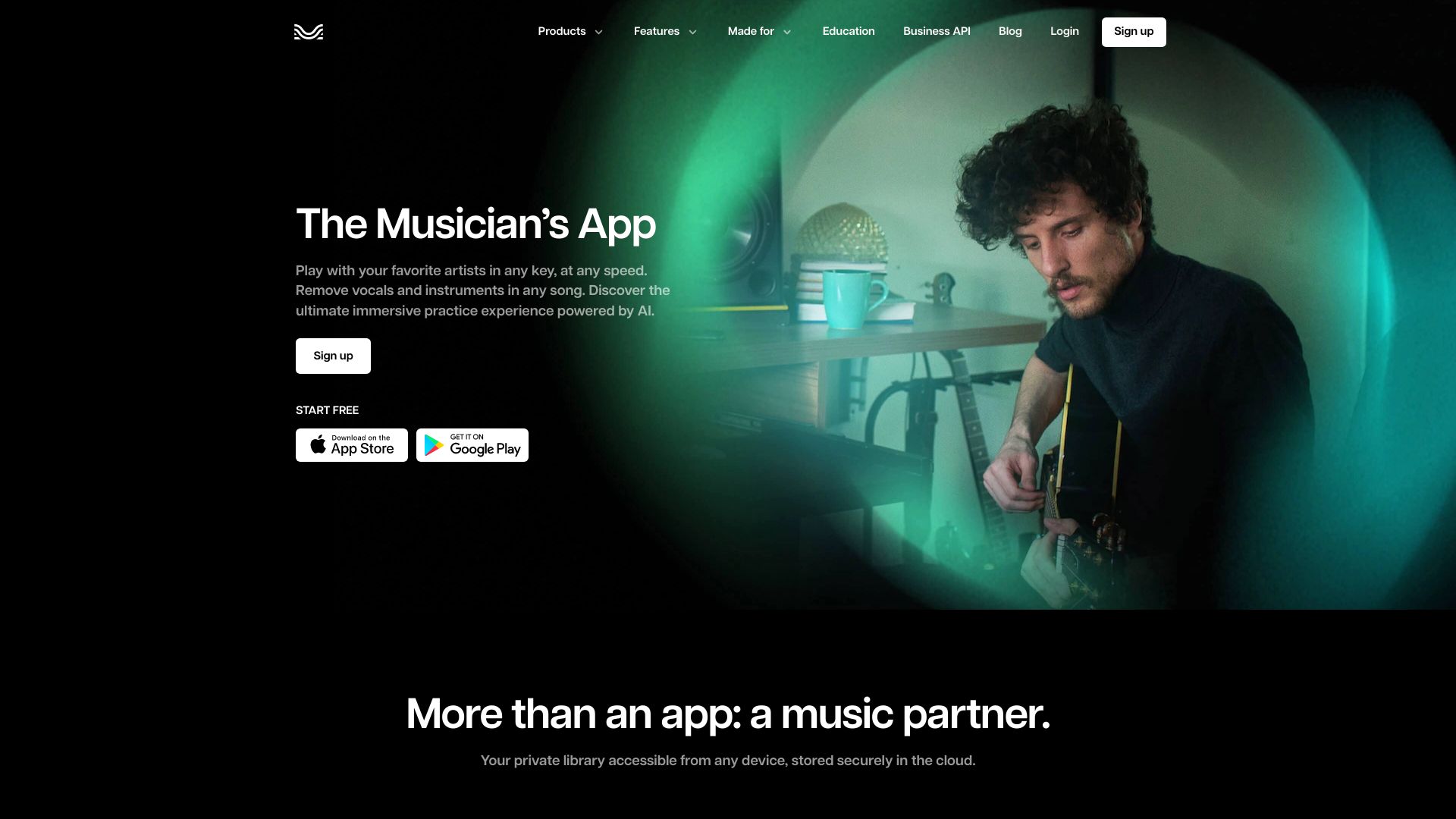
Moises is a cross-platform creative suite designed for musicians. It uses AI to help users practice, perform, produce, and collaborate with music. The product is available as a web app, desktop app, and mobile app for iPhone, iPad, and Android, and includes tools for separating stems, finding chords, changing playback speed, transcribing lyrics, and recording performance videos. Users can upload an audio track and isolate vocals, bass, drums, guitar, piano, winds, or strings. Individual parts can be muted or soloed, making it easier to learn songs, create remixes, or prepare for live performances. The suite also supports real-time collaboration in the browser, allowing artists, producers, and co-writers to arrange, record, and edit together without file handoffs. Moises is positioned as a professional yet accessible tool for musicians of all levels. It is used by a global community of over 80 million artists and has received recognition from Apple, Google, and Microsoft. The company emphasizes privacy and says it does not train on user-uploaded data; its AI models are trained only on licensed material. A freemium model is offered, with limited free uploads and a paid subscription for full access.
SpecificationsAI-estimated
Key Features of Moises
Use Cases for Moises
Practice an instrument
Separate a track into stems, mute an instrument, and play along at your own pace.
Learn songs by ear
Use chord detection, adjustable speed, and instrument isolation to break down a song by ear.
Create covers and remixes
Extract clean vocal, instrumental, and percussion stems for mashups, covers, or reimagined arrangements.
Rehearse with a band
Collaborate in real time with bandmates, producers, or co-writers and share project edits without file handoffs.
Transcribe lyrics
Use AI lyric transcription to capture, study, or perform vocal parts.
Prepare for performance
Use audio speed/pitch tools and instrument stems to rehearse parts before a live show.
Produce content and social videos
Record performance videos in the app and export them to teach, entertain, and build your following on social media.
How to use Moises?
Upload a track
Upload any audio file to Moises and use AI stem separation to isolate or mute vocals, guitar, bass, drums, piano, and other instruments.
Learn the song
Use the Chord Finder to see the chords in the song, adjust playback speed, and transpose or loop sections for focused practice.
Play along
Mute the instrument you play and play along with the rest of the track, or solo a specific part to hear it clearly.
Record or remix
Use lyric transcription and isolated stems to create covers, remixes, or practice performances with your own vocal or instrumental parts.
Collaborate and share
Invite collaborators to arrange, record, and edit in real time, then export or share your finished ideas.
Pros & Cons of Moises
Pros
- Award-winning and widely trusted: used by over 80 million artists and recognized by Apple, Google, and Microsoft.
- Powerful, easy-to-use AI stem separation with multiple instrument categories.
- Works across web, desktop, and mobile devices with a shared creative workflow.
- Respects artists' data: does not train on user uploads and only uses licensed music for model training.
- Includes practical learning tools like chord detection, speed control, and lyric transcription in one suite.
Cons
- The free plan is limited to a monthly number of uploads and only provides access to a select set of features.
- Full functionality and unlimited uploads require a paid subscription.
- The platform is proprietary and no open-source license or self-hosted option is mentioned.
- The homepage does not show upfront pricing; users need to log in or visit the pricing page to see full plan details.
Frequently Asked Questions
What is Moises?
Moises is a creative suite for musicians, offering AI-powered tools such as stem separation, chord finder, speed changer, lyric transcription, and recording/collaboration features.
Will Moises train on my data?
No. Moises states it will never train on user data; users should refer to the terms of service for more details.
How does Moises train its models?
Moises trains only on licensed materials and never trains on any music without the owner's full approval.
Is Moises free?
Moises has a free tier that includes a limited number of uploads each month and access to a select set of features. Full functionality and unlimited uploads require a paid subscription.
Is Moises available online or do I need to download an app?
Both. Moises offers a web app that runs in the browser, plus applications for desktop, iPhone, iPad, and Android.
What platforms are supported?
Moises is available on web, desktop, iPhone, iPad, and Android.
What can I do with Moises?
You can isolate vocals and instruments, find chords, change tempo, transcribe lyrics, record videos, and collaborate with other musicians.
Does Moises use licensed music to train AI?
Yes, its AI models are trained on licensed material only, with rights holders paid for their work.
Pricing Overview
View full pricing →No pricing information found in the provided content.
Detailed plans are not listed. Visit the official website for pricing information.
Reviews & Ratings0.0
No reviews yet. Be the first to write one!
Top Alternatives & Similar Software
View all alternatives & similar software→



People also viewed



Related searches
Is this your tool?
Claim this page to update details, reply to user reviews, and drive more traffic to your product.
Claim this Product →
Tags
Explore Related Topics
Keep up with Moises alternatives
New alternatives, pricing changes and the week's biggest movers - one email every Tuesday.