




Infografix
Turn data and ideas into stunning infographics instantly
Best for
Marketers who need fast, no‑code infographic creation
Skip if
Users requiring deep design control or offline mobile app
What is Infografix?
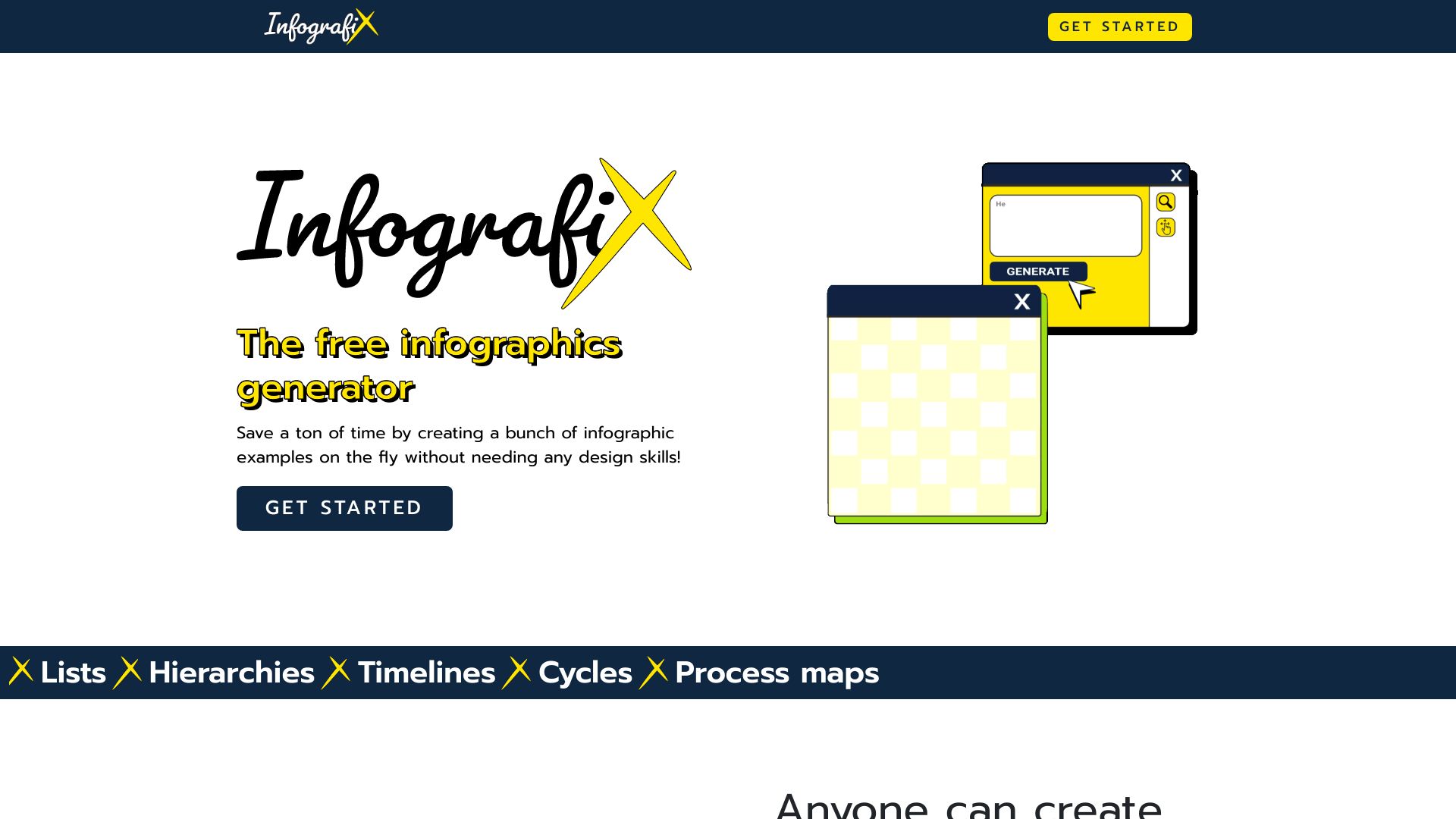
Infografix is a web‑based infographic design platform that lets anyone convert text, statistics, and concepts into polished visual stories without any coding. Its drag‑and‑drop canvas offers pre‑designed templates, charts, icons, and illustrations, making it easy to create professional graphics for marketing, reports, or classroom posters. The tool provides live previews, customizable color themes, typography controls, and simple data import for charts, then exports ready‑to‑print or share files for social media and embedding. Ideal for marketers and content creators who need fast, no‑code visual communication.
SpecificationsAI-estimated
Key Features of Infografix
Use Cases for Infografix
Marketing Campaign Visuals
Create eye‑catching one‑pagers and social media graphics to promote product launches.
Business Reports
Design data‑rich infographics that simplify complex statistics for internal presentations.
Educational Posters
Produce classroom‑friendly visual aids that illustrate concepts and timelines.
Startup Pitch Decks
Generate polished infographic slides to showcase traction and market data.
How to use Infografix?
Choose a starting point
Select a template or open a blank canvas in the Infografix editor.
Add and customize content
Insert headings, body text, charts, icons, and images; adjust colors and fonts to match your brand.
Arrange the layout
Drag and drop sections to create a clear visual flow and resize elements for balance.
Export and share
Preview the final design, then export it as an image or PDF for printing, social media, or embedding.
Pros & Cons of Infografix
Pros
- No‑code, easy for non‑designers
- Browser‑based, works on any modern computer
- Rich library of templates and visual assets
- Fast export to multiple formats
Cons
- Limited advanced design customization compared to professional tools
- No native mobile app, requires internet browser
- API and integration options are not publicly documented
Frequently Asked Questions
Is Infografix free to use?
Infografix offers a freemium model with basic features available for free and premium options for advanced assets.
Can I collaborate with team members?
Projects are stored in the cloud and can be shared via a link for review, but real‑time collaborative editing is not currently supported.
What export formats are available?
Infographics can be exported as high‑resolution PNG, PDF, or SVG files suitable for print and digital publishing.
Do I need to install any software?
No installation is required; Infografix runs entirely in the web browser on any modern computer.
Pricing Overview
View full pricing →Reviews & Ratings0.0
No reviews yet. Be the first to write one!
Top Alternatives & Similar Software
View all alternatives & similar software→



People also viewed


Best For
Related searches
Is this your tool?
Claim this page to update details, reply to user reviews, and drive more traffic to your product.
Claim this Product →
Tags
Explore Related Topics
Keep up with Infografix alternatives
New alternatives, pricing changes and the week's biggest movers - one email every Tuesday.