



FineVoice
Create natural, expressive AI voices and voiceovers instantly with no sign-up required.







What is FineVoice?
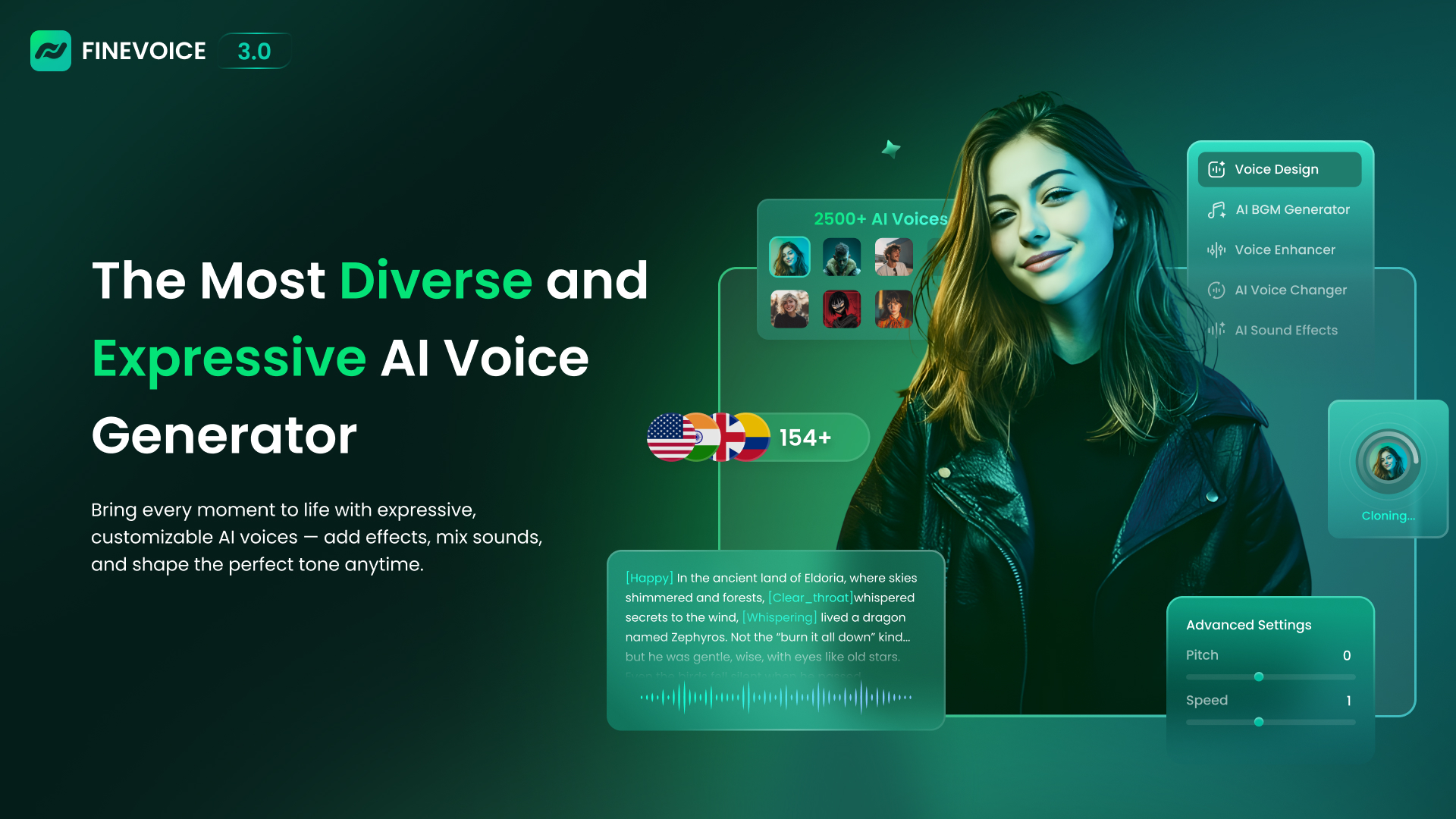
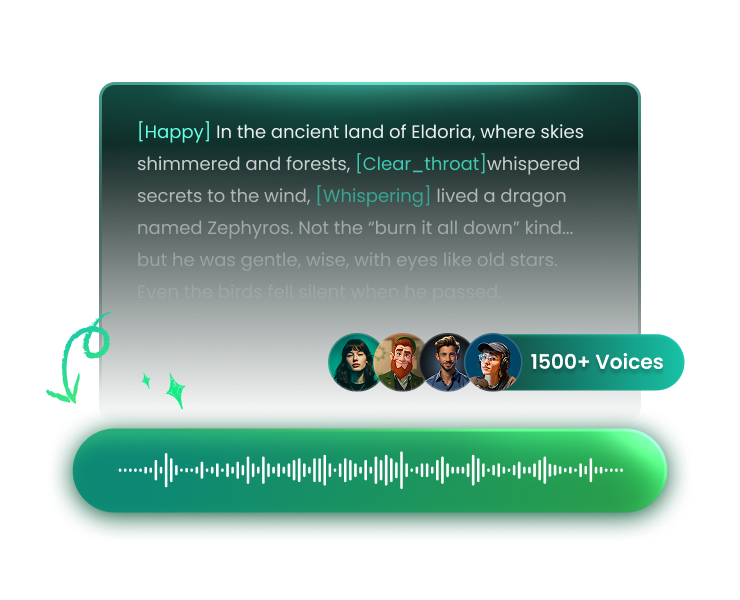
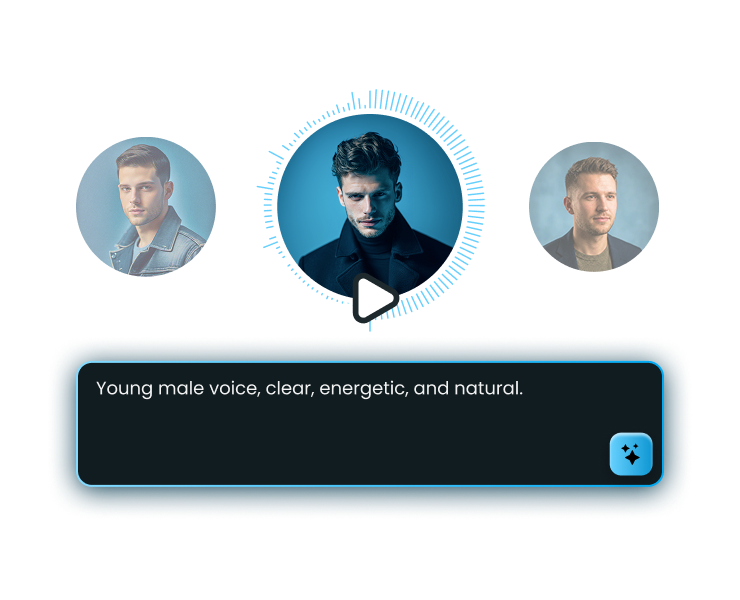
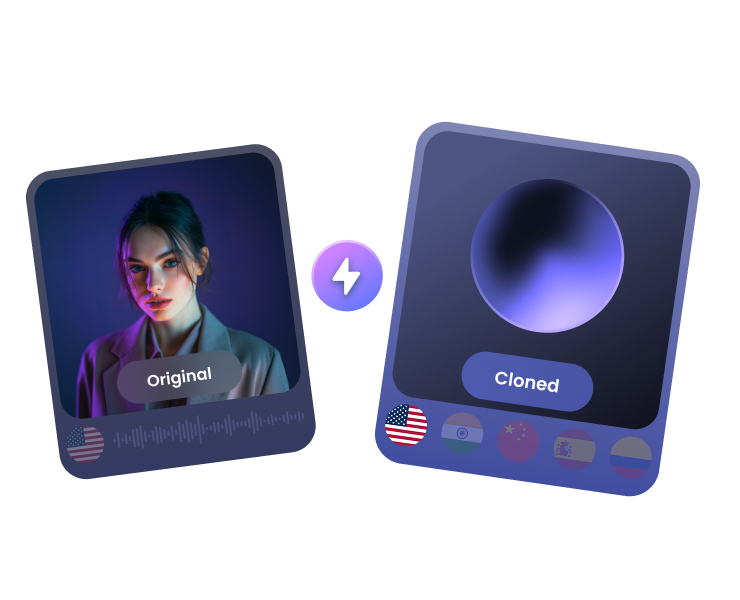
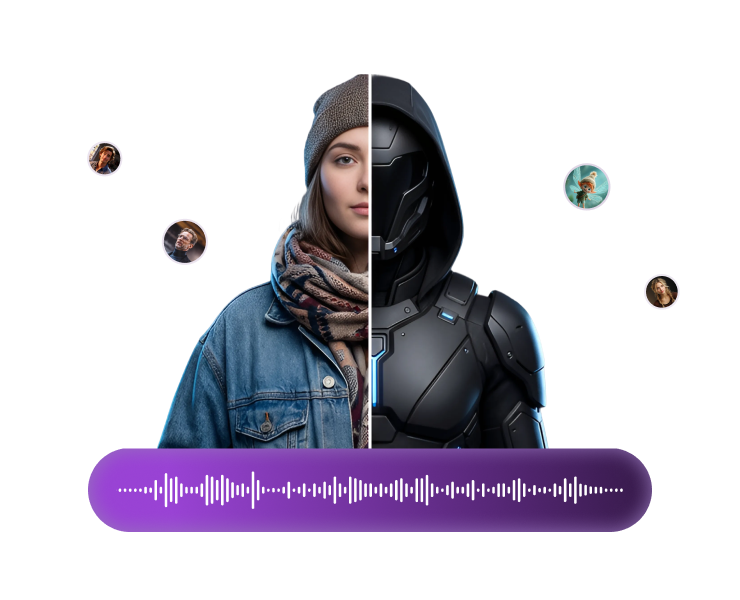
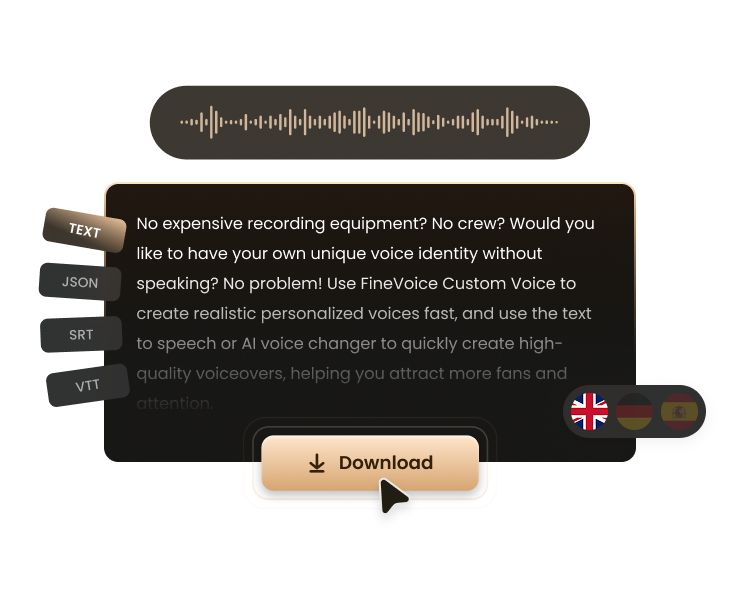
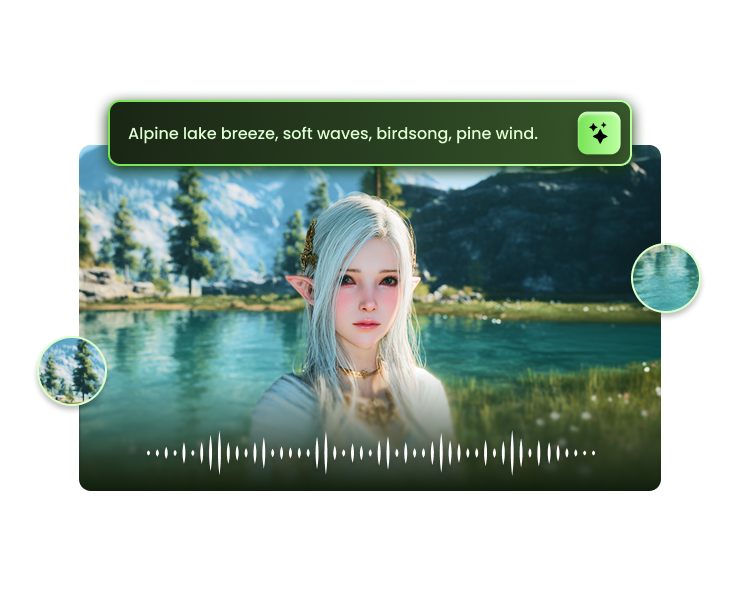
FineVoice is a free, all-in-one AI voice generator that runs in the browser. It combines text-to-speech, voice cloning, voice transformation, speech-to-text, sound effect generation, and podcast creation tools into a single platform. The service emphasizes instant creation with no sign-up required, making it easy for anyone to produce studio-quality audio for videos, podcasts, audiobooks, e-learning content, advertisements, and more. The platform offers access to more than 1,500 realistic AI voices across 154 languages and accents. Users can fine-tune emotion, speaking style, speed, pitch, and intensity to create expressive and natural narration. FineVoice also lets users clone a voice in about 30 seconds, design a custom signature voice from text prompts, change a voice's pitch or gender, and generate royalty-free sound effects from text or video input. Speech-to-text tools support editing and export in TXT, JSON, SRT, and VTT formats. FineVoice is aimed at creators, educators, developers, and enterprises. Creators can produce YouTube voiceovers, ad narration, character voices, and multilingual content. Educators can turn course scripts into voiceovers, support global classrooms, and make materials more accessible. Developers can integrate scalable AI voice APIs for text-to-speech, voice cloning, and voice transformation into applications and workflows, with features such as encrypted connections and zero-retention options.
SpecificationsAI-estimated
Key Features of FineVoice
Use Cases for FineVoice
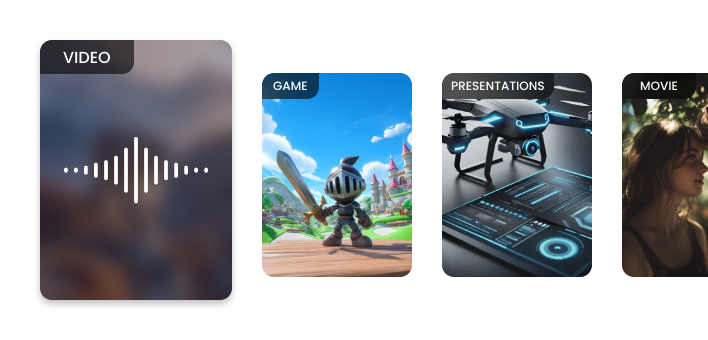
YouTube and video voiceovers
Generate natural narration for videos, animations, and gameplay content with expressive AI voices.
E-learning and course narration
Turn course scripts into professional voiceovers and support multilingual classrooms.
Podcast production
Create multi-voice podcast dialogues using the podcast generator and voice cloning tools.
Advertising and marketing
Produce emotional, attention-grabbing ad voiceovers quickly without hiring voice actors.
Audiobook and storytelling
Convert scripts into lifelike narration with adjustable pacing and emotion.
Game development
Bring characters to life with custom voices and immersive, royalty-free sound effects.
Video localization and dubbing
Translate and lip-sync audio content for global audiences using AI dubbing tools.
How to use FineVoice?
Open the FineVoice website
Visit finevoice.ai and choose a tool such as Text to Speech, Voice Clone, Voice Changer, or Sound Effects.
Enter your script or prompt
Type or paste your text into the generator. No sign-up is needed for instant creation.
Customize the voice
Select from 1,500+ voices, adjust language, speed, pitch, emotion, and style to match your content.
Preview and refine
Listen to the generated audio and tweak settings until the voice sounds exactly how you want.
Download or integrate
Export the audio in your preferred format, or use the developer API to integrate voice generation into your own applications.
Pros & Cons of FineVoice
Pros
- No sign-up required for instant voice generation
- 1,500+ realistic AI voices in 154+ languages and accents
- Advanced emotion, pitch, speed, and style customization
- 30-second voice cloning with RVC model support
- All-in-one audio toolkit with developer API access
Cons
- Free text-to-speech generation appears limited to 1,000 characters per trial
- Some headline features like video voiceovers and video localization are marked Coming Soon
- Full features, commercial licensing, and API access likely require a paid plan, but pricing is not shown on the homepage
Frequently Asked Questions
Is FineVoice really free?
Yes, FineVoice offers a free AI voice generator that allows instant creation without signing up. However, full text-to-speech features may need to be unlocked, and the free trial appears limited to 1,000 characters per use.
Do I need to create an account to use FineVoice?
No. The homepage states that FineVoice allows instant creation with no sign-up required.
How many languages and voices does FineVoice support?
FineVoice supports more than 1,500 high-quality voices in 154+ languages and accents.
Can I clone my own voice with FineVoice?
Yes. FineVoice can clone any voice in about 30 seconds, and you can use the cloned voice with text-to-speech or voice transformation workflows. You can also upload RVC models for more flexibility.
Can I use FineVoice voices for commercial projects?
Some voices are labeled as commercial, and sound effects are described as royalty-free. For specific commercial usage, you should check the voice license and plan details before publishing.
What export formats are available for speech-to-text?
FineVoice speech-to-text can export accurate, editable text in TXT, JSON, SRT, or VTT formats for subtitles, transcripts, and multilingual content.
Does FineVoice offer a developer API?
Yes. FineVoice provides a scalable AI voice API for text-to-speech, voice cloning, voice transformation, and speech-to-text, with encrypted connections and zero-retention options.
Are video localization and lip-sync available?
FineVoice has announced AI dubbing and lip-sync powered video localization, but these features are marked as Coming Soon on the homepage.
Reviews & Ratings0.0
No reviews yet. Be the first to write one!
Top Alternatives & Similar Software
View all alternatives & similar software→


People also viewed


Related searches
Is this your tool?
Claim this page to update details, reply to user reviews, and drive more traffic to your product.
Claim this Product →
Tags
Explore Related Topics
Keep up with FineVoice alternatives
New alternatives, pricing changes and the week's biggest movers - one email every Tuesday.