



Clyr
Expense management that runs on the cards you already have.






What is Clyr?
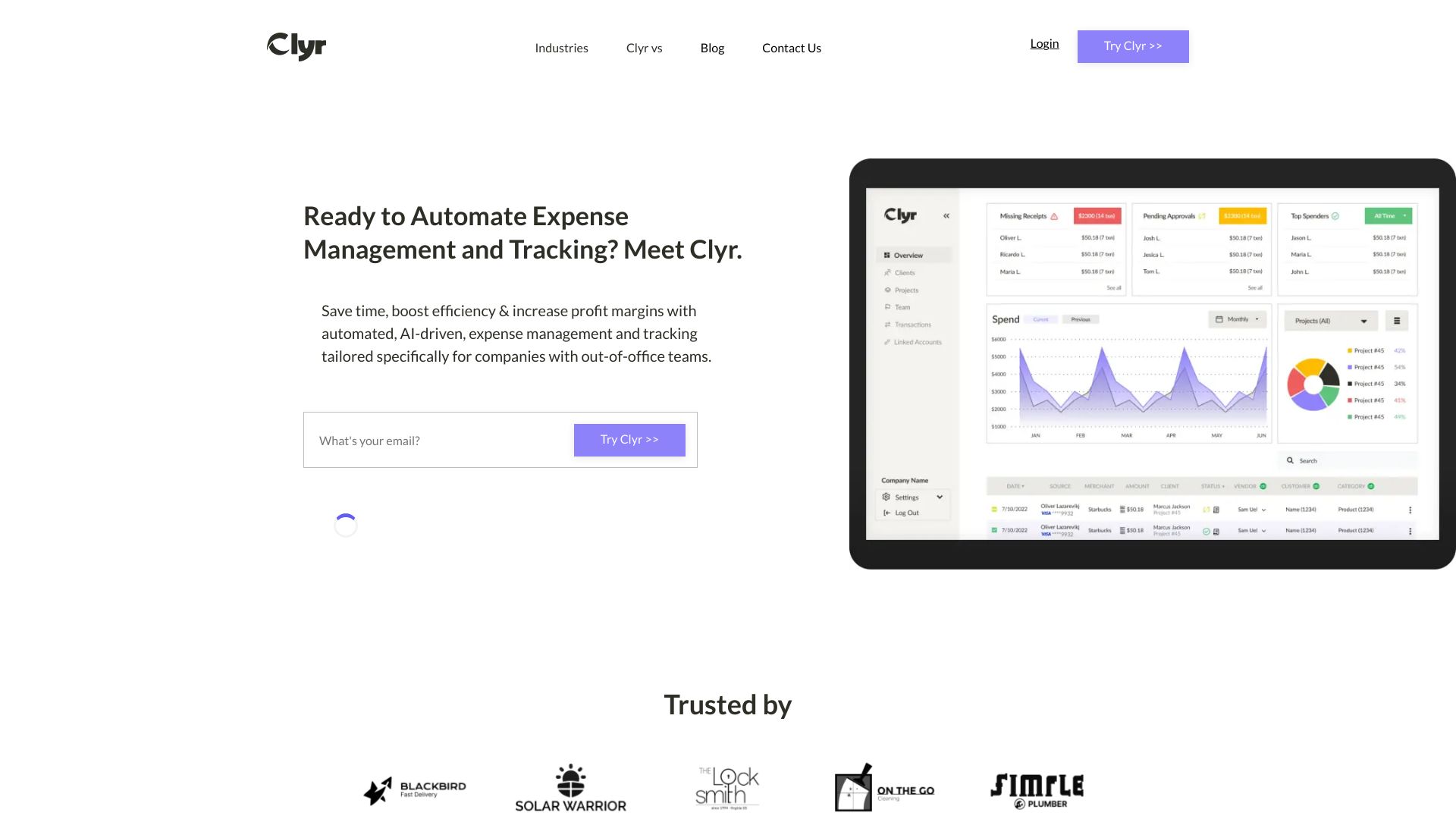
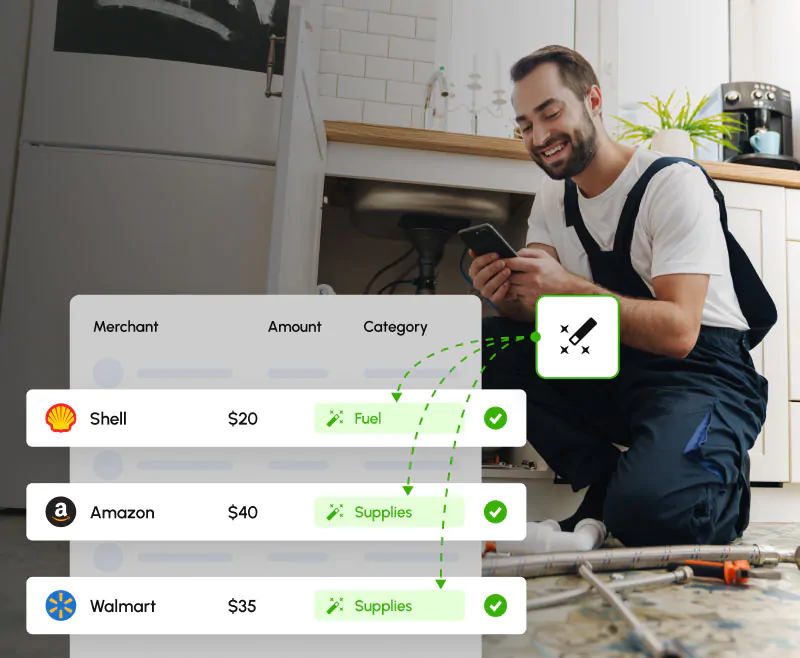
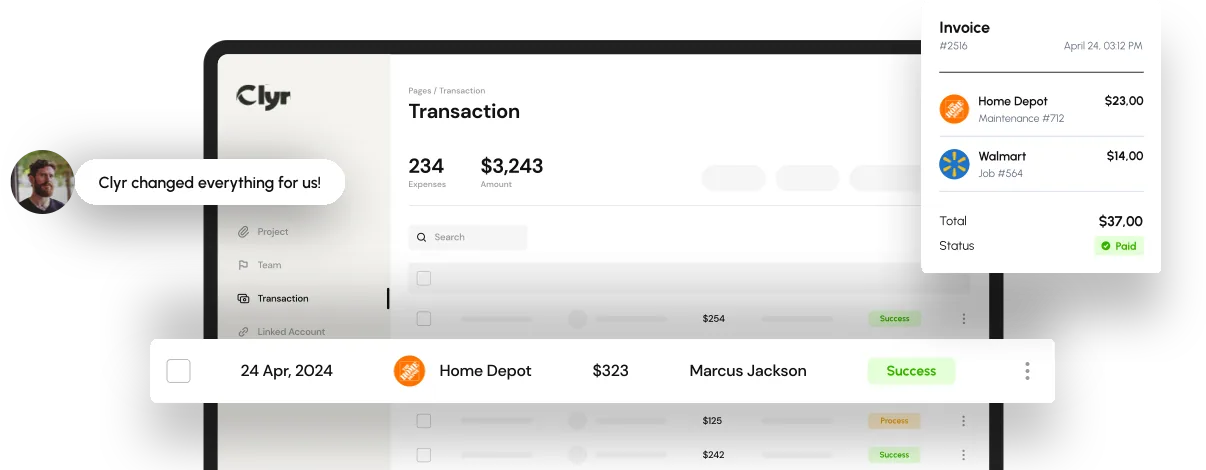
Clyr is a real-time expense management platform built for businesses with field teams, especially those in construction, field service, and property management. Instead of forcing companies to adopt a new corporate card, Clyr connects to the Amex, Visa, and Mastercard cards and bank accounts they already use, across more than 16,000 financial institutions. This means employees keep their existing rewards, credit lines, and banking relationships while finance gains visibility into spending as it happens. The core workflow is designed for the field: when a cardholder swipes, Clyr sends an SMS, the employee replies with a photo of the receipt, and AI matches that receipt to the transaction and codes it to the right job, property, cost code, or GL account. Approvals route according to company policy, and automatic reminders chase missing receipts so finance no longer has to play collections. The completed expenses sync two-way with QuickBooks, Xero, Sage Intacct, NetSuite, and more than 25 property management, field service, and construction platforms. Clyr also extends beyond card spend to reimbursements, mileage logging, vendor bill pay, utility bills, and 1099 e-filing. Clyr is aimed at businesses that want control and compliance without changing employee behavior or financial infrastructure. It reduces the month-end scramble by bringing field spend into the books in near real time, and it is backed by US-based, personalized support. The service currently operates in the United States and Canada, and setup help is included to get cards connected and the first sync running quickly.
SpecificationsAI-estimated
Key Features of Clyr
Use Cases for Clyr
Field service expense tracking
Service technicians can submit receipts in seconds from the jobsite via SMS, keeping job costs current without entering an office.
Construction job costing
Every swipe is coded to the correct job or cost code, giving project managers a real-time view of spend per project.
Property management utility bills
Clyr collects utility bills across properties and codes them to the right property, ending the month-end scramble through provider portals.
Employee reimbursements and mileage
Out-of-pocket purchases and trips can be logged by texting a receipt photo or 'miles', with rules and approvals ensuring accuracy.
Accounts payable automation
Vendor invoices arrive by email, are extracted automatically, approved by policy, and paid by ACH or check.
Month-end close acceleration
Receipts and coded expenses sync two-way to QuickBooks, Xero, Sage Intacct, or NetSuite, ready to reconcile without a chase.
Company card compliance monitoring
Automatic reminders and a compliance leaderboard help ensure receipts are submitted on time across the team.
How to use Clyr?
Connect your existing cards and banks
Link company Amex, Visa, or Mastercard cards and bank accounts from 16,000+ financial institutions through Clyr's connection setup.
Configure coding and approval rules
Set your GL accounts, jobs, properties, cost codes, and approval policies so the AI and routing follow your rules.
Swipe as usual
Cardholders keep using the same cards; Clyr sends them an SMS the moment a transaction hits.
Submit receipts by text, email, or Chrome extension
The cardholder replies with a photo of the receipt, and Clyr matches it to the transaction automatically.
Approve, sync, and report
Expenses route to the right approver, reminders chase missing receipts, and approved items sync two-way with your accounting system.
Pros & Cons of Clyr
Pros
- Works with existing Amex, Visa, and Mastercard cards across 16,000+ financial institutions, so no card switching or reapplication is needed.
- Real-time SMS receipt capture means field employees do not need to open an app or file a traditional expense report.
- AI codes expenses to jobs, properties, cost codes, and GL accounts using the company's own rules, with manual recoding available.
- Two-way sync with QuickBooks, Xero, Sage Intacct, NetSuite, and 25+ property management, field service, and construction platforms.
- US-based personalized support with setup help included.
Cons
- Currently only serves the United States and Canada, and only supports Amex, Visa, and Mastercard card networks.
- Receipt submission depends on cardholders replying by SMS, email, or Chrome extension; if someone ignores the reminder, finance still has to rely on automated follow-ups.
- AI coding may occasionally require manual correction from the dashboard despite user-defined rules being prioritized.
- Pricing is not published on the website, so businesses must book a demo to understand the cost.
Frequently Asked Questions
Do we have to switch cards or banks?
No. Clyr connects to the cards and accounts you already have, including Amex, Visa, and Mastercard, across 16,000+ institutions. Your rewards and credit lines stay yours.
How do employees submit receipts?
By replying to the SMS Clyr sends when a card is swiped, by email, or with the Clyr Chrome extension. Most receipts are submitted in the field, seconds after the purchase.
Which systems does Clyr sync with?
QuickBooks, Xero, Sage Intacct, and NetSuite two-way, plus 25+ property management, field service, and construction platforms.
What if the AI codes something wrong?
Your coding rules take priority over the AI, and anything can be recoded from the dashboard.
What happens when someone ignores a receipt reminder?
Clyr keeps following up automatically, and team compliance is visible on a leaderboard, so finance stops playing collections.
How do vendor payments work?
Invoices arrive by email, get extracted and approved by your rules, and are paid by ACH (fast: 2 business days; standard: 3 to 5) or mailed check.
Where does Clyr operate?
Clyr serves businesses across the United States and Canada, with US-based support.
Reviews & Ratings0.0
No reviews yet. Be the first to write one!
Top Alternatives & Similar Software
View all alternatives & similar software→

People also viewed

Related searches
About the Product
Is this your tool?
Claim this page to update details, reply to user reviews, and drive more traffic to your product.
Claim this Product →
Tags
Keep up with Clyr alternatives
New alternatives, pricing changes and the week's biggest movers - one email every Tuesday.