



Seedance 2.5 AI Video Generator
Create 30‑second 4K videos from text, images, audio, and clips in a single browser render
Best for
Social media creators needing quick 30‑second 4K clips
Skip if
Anyone needing videos longer than 30 seconds
What is Seedance 2.5 AI Video Generator?
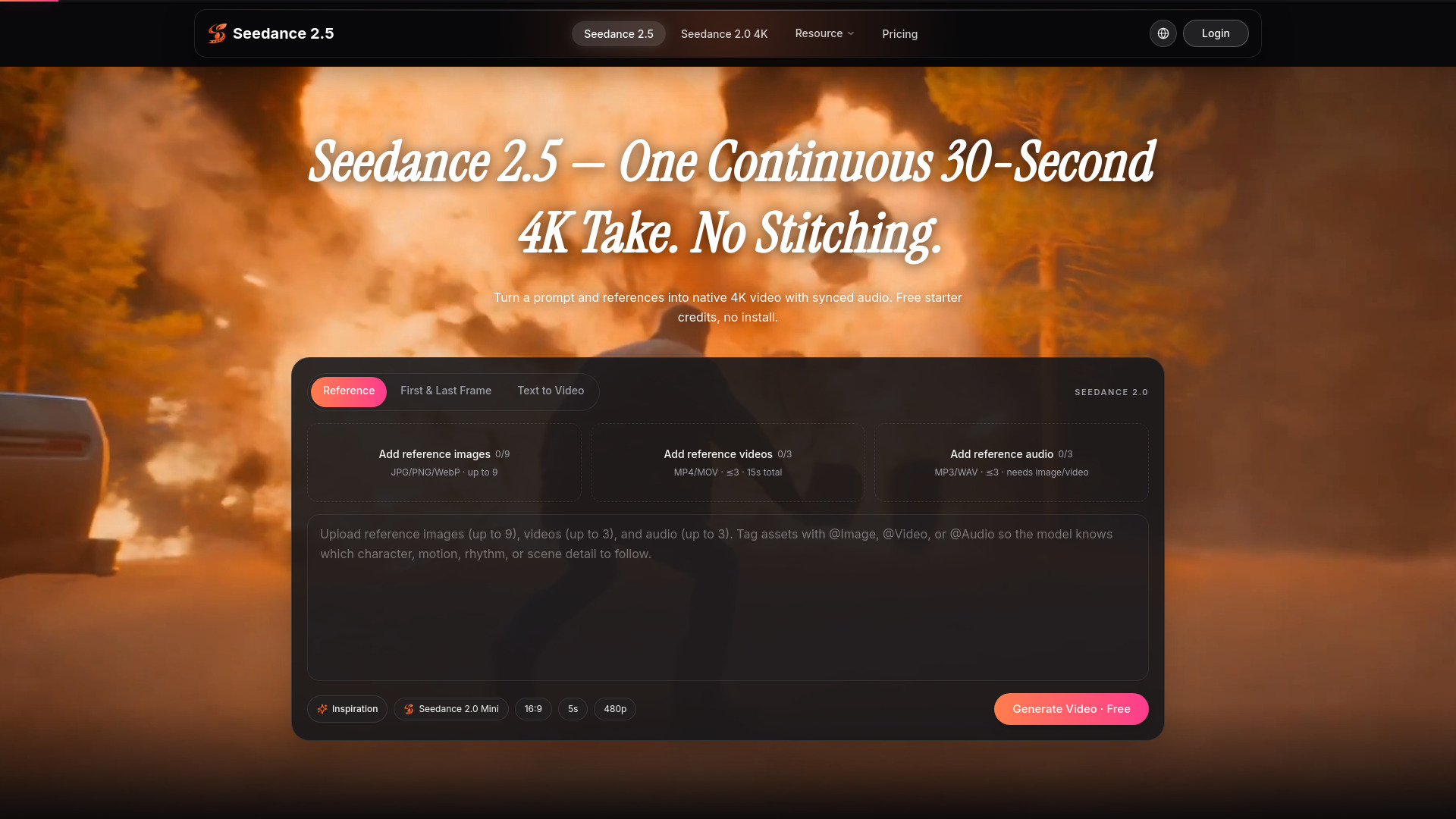
Seedance 2.5 is a browser‑based AI video generator that lets creators feed text, images, audio, video clips, and 3D blockouts to produce a finished 30‑second 4K clip in one render. It eliminates the need for stitching multiple takes, delivering a continuous take with strong character consistency and dense multimodal reference support. Designed for short‑form creators, the platform offers local post‑generation editing so teams can fine‑tune the final cut without leaving the browser, making it ideal for social media, brand marketing, music videos, and pre‑visualization work.
SpecificationsAI-estimated
Key Features of Seedance 2.5 AI Video Generator
Use Cases for Seedance 2.5 AI Video Generator
Social Media Reel
Produce a polished 30‑second Reel with consistent characters and branding in minutes.
Brand Campaign Spot
Create a high‑resolution 4K spot that combines product images, taglines, and music for ads.
Music‑Video Preview
Generate a short, cinematic visualizer that syncs audio and 3D blockouts for a song teaser.
Pre‑Viz Scene
Rapidly prototype a 30‑second scene using text and concept art before full production.
How to use Seedance 2.5 AI Video Generator?
Create a brief
Sign in at seedance25.tools, choose the Seedance 2.5 model, and write a text brief.
Attach references
Optionally attach up to 50 references — images, clips, audio, or a 3D blockout — and assign each a clear role.
Generate and edit
Submit, preview, download the generated MP4 in the browser, and make local edits if needed.
Pros & Cons of Seedance 2.5 AI Video Generator
Pros
- Single‑render workflow saves time
- High‑resolution 4K output
- Strong character and style consistency
- Built‑in local editing eliminates extra tools
Cons
- Limited to 30‑second clips
- Browser performance may vary on low‑end hardware
- Feature set may be narrow for longer‑form productions
Frequently Asked Questions
What platforms can I use Seedance 2.5 on?
Seedance 2.5 runs entirely in a web browser, so it works on any modern desktop browser on Windows, macOS, or Linux.
Can I edit the video after it is generated?
Yes, the platform includes local post‑generation editing tools that let you trim, adjust timing, and tweak assets without leaving the browser.
What input formats are supported?
You can upload text, JPEG/PNG images, MP3/WAV audio, MP4 video clips, and common 3D blockout formats such as OBJ or FBX.
Is there an API for integration with other tools?
An API is available for programmatic access, allowing integration with content pipelines and automation workflows.
Pricing Overview
View full pricing →One-time credit packs · Credits never expire · No recurring subscription
Reviews & Ratings0.0
No reviews yet. Be the first to write one!
Top Alternatives & Similar Software
View all alternatives & similar software→



People also viewed



Best For
Related searches
About the Product
Is this your tool?
Claim this page to update details, reply to user reviews, and drive more traffic to your product.
Claim this Product →
Tags
Explore Related Topics
Keep up with Seedance 2.5 AI Video Generator alternatives
New alternatives, pricing changes and the week's biggest movers - one email every Tuesday.