



Chat Image
Create Ready-to-Use Images with Simple Prompts
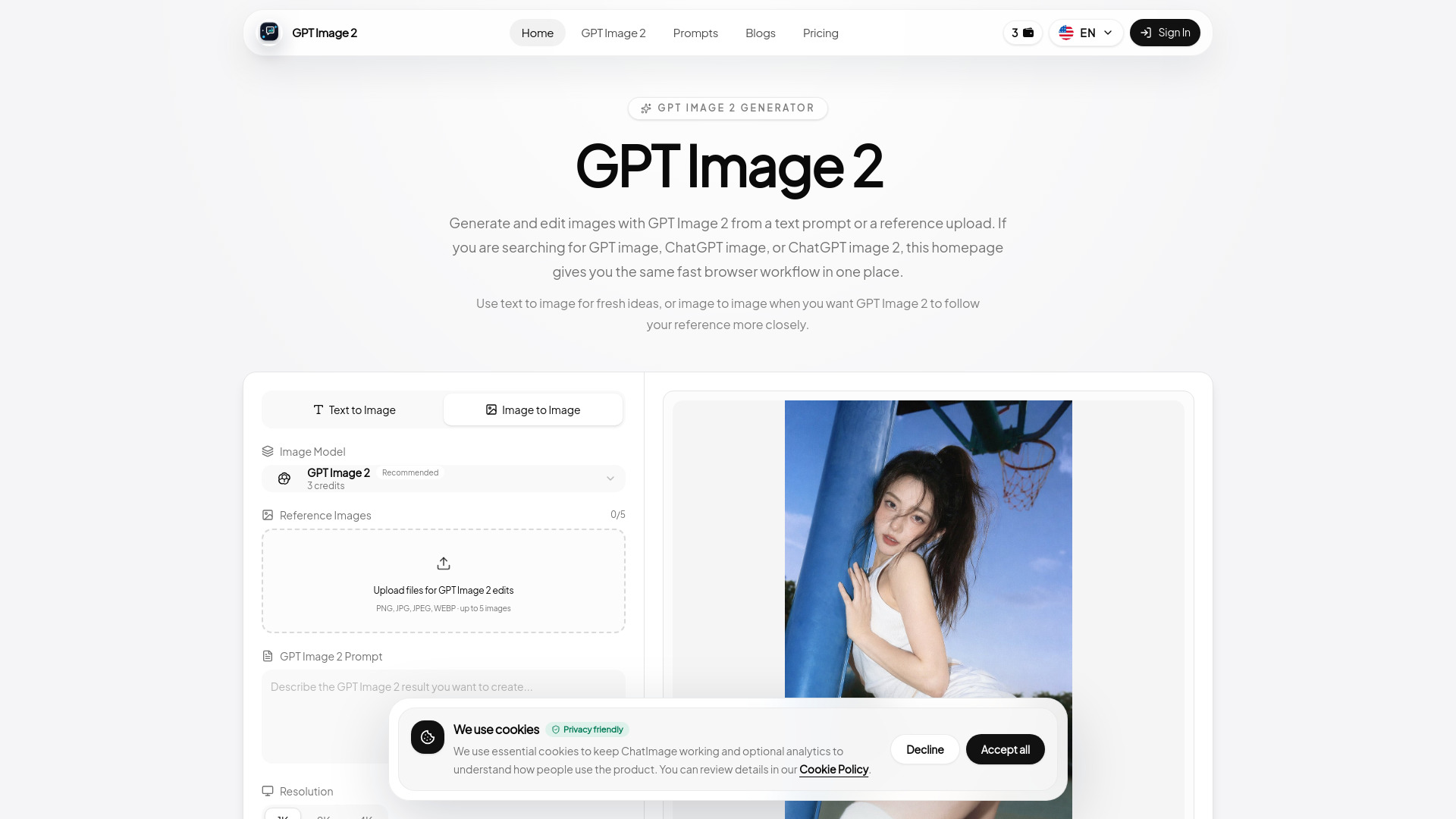


What is Chat Image?
Chat Image is a next-generation AI image generator that turns text prompts into production-ready visuals — posters, product shots, UI mockups, portraits, and social graphics — while supporting reference-based image editing in a single browser workspace.
SpecificationsAI-estimated
Key Features of Chat Image
Use Cases for Chat Image
E-commerce product imagery
Generate polished product compositions, packaging stories, hero images, and background variations without a full photoshoot.
Marketing and launch assets
Create ad creatives, launch graphics, social posts, and landing page visuals from a single prompt workflow.
UI mockups and product design
Generate UI cards, design systems, and layout-focused visuals from text or style references.
Social and editorial graphics
Produce posters, infographics, and long-form content visuals with more deliberate layout and density control.
How to use Chat Image?
Open the generator and input a prompt
Start by writing a prompt and optionally uploading reference images if you want to edit or stay close to a source asset.
Adjust image settings
Select quality level, aspect ratio, and other parameters to fit your target platform or creative brief.
Generate, refine, and export
Generate your image, preview it, refine with follow-up prompts if needed, and download the finished asset for commercial use.
Pros & Cons of Chat Image
Pros
- Simple, focused browser interface
- Powerful for posters, product shots, and UI mockups
- Supports reference-based editing and image-to-image workflows
- Built for real-world commercial production
- Flexible aspect ratios and quality controls
Cons
- Credit-based usage (e.g. 3 credits per generation) means frequent work requires a paid plan.
- Relies on GPT Image 2, so output is tied to the underlying model's capabilities.
- No explicit free tier or offline mode mentioned.
Frequently Asked Questions
Do I need a reference image to use Chat Image?
No. You can start from a text prompt alone. Uploading references is optional and useful when you want edits to stay close to a source image.
How does Chat Image handle credits and model access?
Chat Image runs on the GPT Image 2 model and credits are consumed per generation (e.g. 3 credits per image). Pricing plans are designed for daily creation and commercial workflows.
Can I use Chat Image-generated images commercially?
Yes. The platform supports commercial download workflows for assets like ads, product shots, posters, packaging, and social graphics.
Reviews & Ratings0.0
No reviews yet. Be the first to write one!
Top Alternatives & Similar Software
View all alternatives & similar software→People also viewed


Related searches
About the Product
Is this your tool?
Claim this page to update details, reply to user reviews, and drive more traffic to your product.
Claim this Product →
Explore Related Topics
Keep up with Chat Image alternatives
New alternatives, pricing changes and the week's biggest movers - one email every Tuesday.