


FindAlternative
Back to Home
Audio AI Dynamics (AAID)

Audio AI Dynamics (AAID)

Free online audio AI tools for musicians, producers, and music lovers.
softwareAI Audio & VoiceAI audio toolsmusic analysisBPM finder

What is Audio AI Dynamics (AAID)?

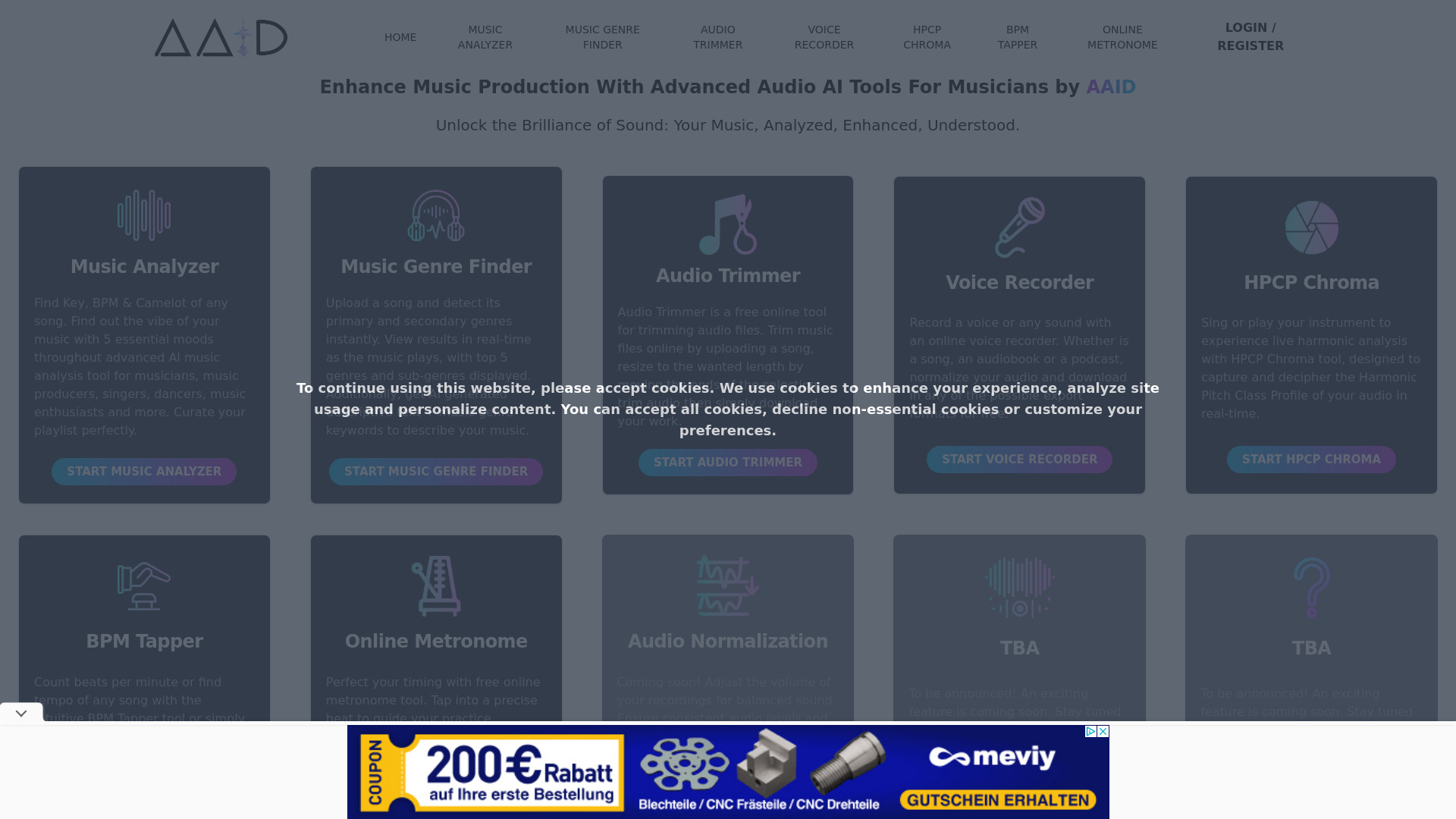
Audio AI Dynamics (AAID) is a free, browser-based suite of AI-powered audio tools for analyzing, editing, and understanding music. It offers everything from music key/BPM/mood detection and genre identification to audio trimming, voice recording, live harmonic analysis (HPCP Chroma), BPM tapping, and an online metronome. The platform is designed for musicians, producers, singers, dancers, and audio enthusiasts who want quick, accessible audio insights without installing software.

SpecificationsAI-estimated

PricingFree
PlatformWeb browser
Coming SoonAudio Normalization and two unannounced tools
Primary FeaturesMusic Analyzer, AI Genre Finder, Audio Trimmer, Voice Recorder, HPCP Chroma, BPM Tapper, Online Metronome

Key Features of Audio AI Dynamics (AAID)

Music Analyzer — detects key, BPM, Camelot, and 5 mood dimensions (happy, sad, relax, aggressive, danceable)
AI Music Genre Finder — detects primary and secondary genres with real-time results and AI-generated descriptions
Audio Trimmer — trim and download audio files online
Voice Recorder — record, normalize, and export audio in multiple formats
HPCP Chroma — live harmonic analysis while singing or playing an instrument
BPM Tapper — tap along or upload a song to find tempo
Online Metronome — precise beat timing for practice and tempo training

Use Cases for Audio AI Dynamics (AAID)

1

Playlist Curation

Use mood detection and key/BPM analysis to build perfectly cohesive playlists.

2

Music Production

Analyze reference tracks, detect genres, and identify keys to improve production decisions.

3

DJ Set Preparation

Find BPM and Camelot key codes to plan harmonic mixing.

4

Practice & Performance

Use the metronome, BPM tapper, and HPCP Chroma tool to practice rhythm and pitch.

5

Quick Audio Editing

Trim audio clips and record voice notes without installing desktop software.

How to use Audio AI Dynamics (AAID)?

1

Open the Website

Go to https://audioaidynamics.com/ from any browser.

2

Choose a Tool

Select one of the free tools like Music Analyzer, Genre Finder, Audio Trimmer, Voice Recorder, BPM Tapper, or Metronome.

3

Upload or Record Audio

Upload a song, record a voice, or interact live depending on the selected tool.

4

View Insights

Get real-time analysis results such as key, BPM, genres, moods, or harmonic data.

5

Download or Export

Download processed audio or save the analysis for your workflow.

Pros & Cons of Audio AI Dynamics (AAID)

Pros

  • Free to use
  • No installation required — runs directly in the browser
  • AI-powered music analysis: key, BPM, Camelot, moods, and genres
  • Real-time tools like HPCP Chroma and BPM Tapper
  • Useful for playlist curation with mood detection
  • Covers a broad range of audio needs in one place

Cons

  • Some features are still marked as 'Coming Soon' or TBA
  • Requires an internet connection since it's online-only
  • Limited advanced editing capabilities compared to desktop DAWs
  • No mention of offline mode or desktop apps

Frequently Asked Questions

Is Audio AI Dynamics free?

Yes, the platform is currently offered as free online audio AI tools.

Do I need to install software?

No, all tools appear to run directly in your web browser.

What can the Music Analyzer detect?

It can detect key, BPM, Camelot code, and five moods: happy, sad, relax, aggressive, and danceable.

Are there any tools coming soon?

Yes, Audio Normalization and two TBA features are listed as coming soon.

No reviews yet. Be the first to write one!

Top Alternatives & Similar Software

View all alternatives & similar software→
Mix Check Studio

Mix Check Studio

AI-suggested

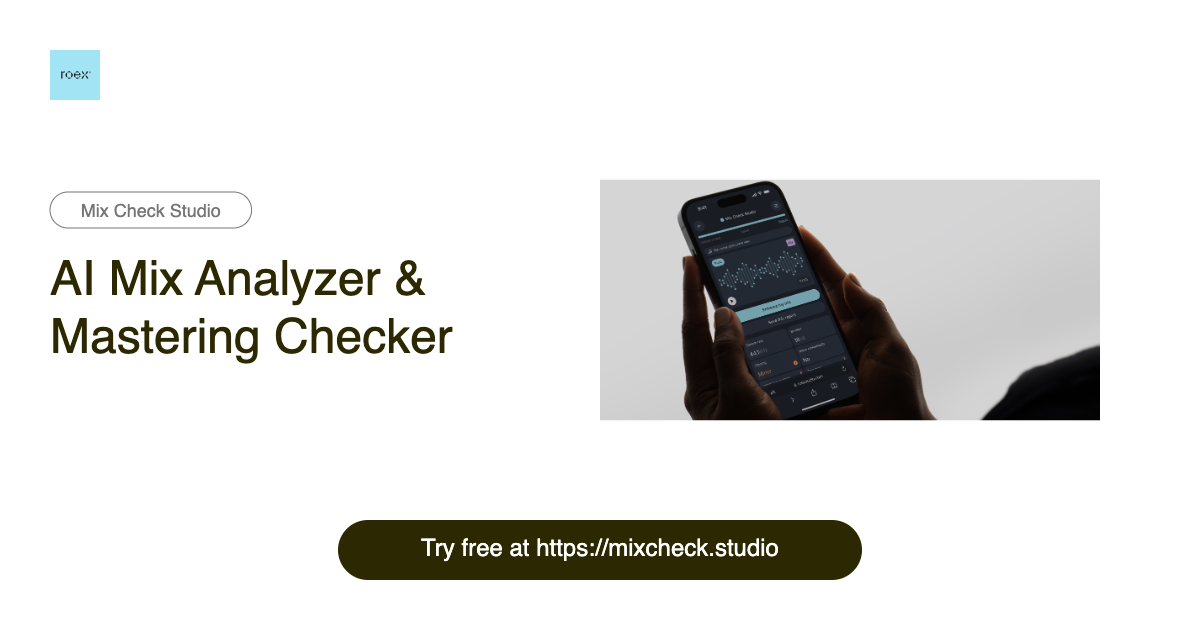
Mix Check Studio is a free, browser-based AI mix analyzer and mastering checker from RoEx, built for music creators at every level. It lets you upload a WAV, FLAC, or MP3 track and receive instant, objective feedback on your mix or master. The tool has already analyzed over 1.1 million tracks, making it a widely used second set of ears for producers, mixing engineers, and labels worldwide. Instead of guessing whether your track sounds good, Mix Check Studio breaks the sound down into key technical dimensions: EQ balance across frequency bands, dynamic range and compression, integrated loudness relative to streaming targets, stereo width and imaging, and tonal profile. The AI adapts its recommendations based on the genre you select—from electronic and hip-hop to rock, jazz, and orchestral—so the feedback stays relevant to your style of music. The result is an easy-to-read report that tells you what to fix before release rather than after. For creators who want more than analysis, the optional Mastering+ feature applies AI-powered processing to automatically enhance clarity, loudness, and stereo imaging. The free Check feature gives everyone access to professional-grade analysis, while Studio Pro subscribers get unlimited Mastering+ downloads for a monthly fee. Whether you are a bedroom producer testing a rough mix, an independent artist preparing for distribution, or a label checking a final master, Mix Check Studio makes professional audio quality checks accessible to all.

Audio Muse

Audio Muse

AI-suggested

Audio Muse is a web-based audio toolkit that brings pro-level editing, AI music generation, and mastering into a single browser interface. Designed for creators who don't want to wrestle with complex DAWs, it combines utility tools—trimming, joining, converting, key/BPM detection—with AI-driven creative features like unlimited royalty-free song generation and stem separation. With more than 35,000 creators across 24+ countries, it positions itself as an accessible one-stop studio for quick audio work. At its core, Audio Muse automates time-consuming tasks. The Stem Splitter can extract vocals, instrumental, drums, bass, and guitar; the Vocal Remover isolates acapella and instrumental tracks; and the Audio Enhancer plus Noise Reduction clean up recordings for podcasts, voiceovers, and music. Music Mastering is handled through an online service that polishes final tracks. The AI Music generator lets users craft complete songs with a few clicks, with no technical or music-production experience needed. Audio Muse's audience spans independent music producers, podcasters, singers, and video creators. Its free tier requires no credit card, and paid access offers subscription and pay-as-you-go options. The interface emphasizes ease of use, privacy protection, and speed: upload a file, let AI process it, and download the result. It is not intended to replace full-scale digital audio workstations, but for everyday audio chores and AI-assisted inspiration, it's designed to be the fastest path from idea to finished audio.

People also viewed

Related searches

About the Product

Unclaimed Listing
Platforms
Target AudienceMusicians, music producers, singers, dancers, DJs, audio engineers, and music enthusiasts.

Is this your tool?

Claim this page to update details, reply to user reviews, and drive more traffic to your product.

Claim this Product →

Show you’re listed

Audio AI Dynamics (AAID) on FindAlternative

Add this badge to your website. It links back to this page.

Get your badge →

Tags

AI audio toolsmusic analysisBPM finderkey findergenre detectionaudio trimmervoice recorderonline metronomemusic productionDJ tools

Explore Related Topics

Keep up with Audio AI Dynamics (AAID) alternatives

New alternatives, pricing changes and the week's biggest movers - one email every Tuesday.

Weekly, free, unsubscribe in one click.


