



Mix Check Studio
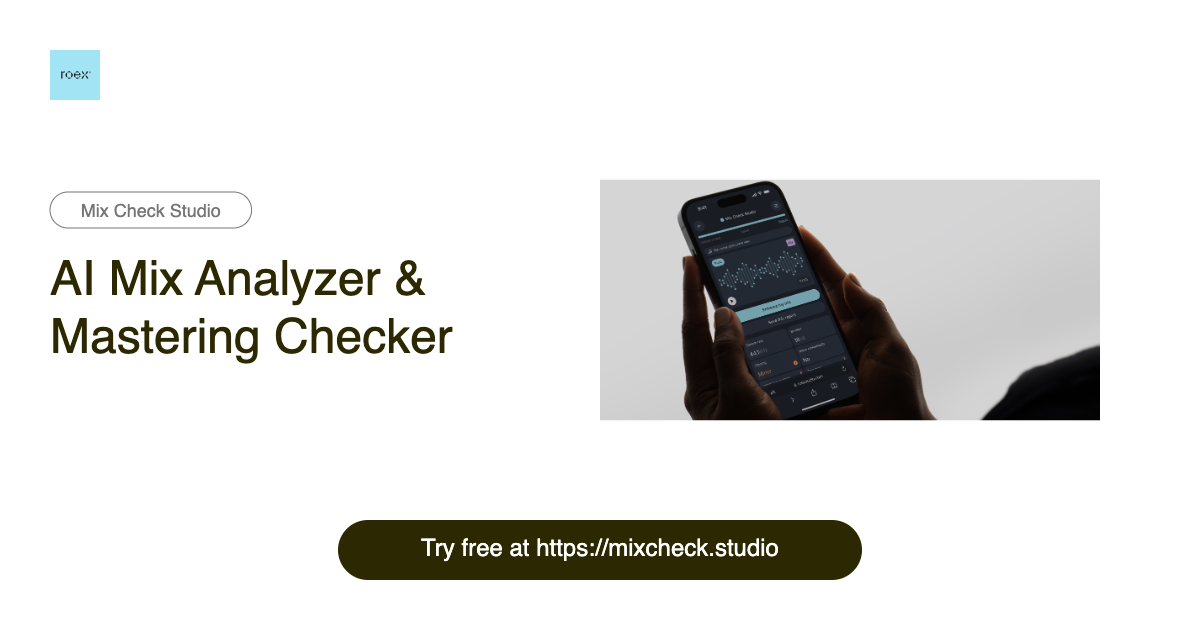
Free AI mix analyzer that tells you exactly what to fix in your mix or master before release.
What is Mix Check Studio?
Mix Check Studio is a free, browser-based AI mix analyzer and mastering checker from RoEx, built for music creators at every level. It lets you upload a WAV, FLAC, or MP3 track and receive instant, objective feedback on your mix or master. The tool has already analyzed over 1.1 million tracks, making it a widely used second set of ears for producers, mixing engineers, and labels worldwide. Instead of guessing whether your track sounds good, Mix Check Studio breaks the sound down into key technical dimensions: EQ balance across frequency bands, dynamic range and compression, integrated loudness relative to streaming targets, stereo width and imaging, and tonal profile. The AI adapts its recommendations based on the genre you select—from electronic and hip-hop to rock, jazz, and orchestral—so the feedback stays relevant to your style of music. The result is an easy-to-read report that tells you what to fix before release rather than after. For creators who want more than analysis, the optional Mastering+ feature applies AI-powered processing to automatically enhance clarity, loudness, and stereo imaging. The free Check feature gives everyone access to professional-grade analysis, while Studio Pro subscribers get unlimited Mastering+ downloads for a monthly fee. Whether you are a bedroom producer testing a rough mix, an independent artist preparing for distribution, or a label checking a final master, Mix Check Studio makes professional audio quality checks accessible to all.
SpecificationsAI-estimated
Key Features of Mix Check Studio
Use Cases for Mix Check Studio
Test rough mixes
Upload an unfinished mix to see whether your EQ balance and dynamics are ready for release.
Prepare for streaming platforms
Check integrated loudness against streaming targets so your master does not get unexpectedly turned down.
Get a second opinion on a mix
Use objective AI feedback as a second opinion during critical listening sessions.
Independent artist quality control
Screen your final master before sending it to distributors or streaming services.
Label master review
Record labels can quickly check mastered tracks before approving them for release.
Genre-specific mixing feedback
Select your genre to receive recommendations tailored to electronic, hip-hop, rock, jazz, orchestral, and more.
AI-powered mastering enhancement
Apply Mastering+ to automatically add clarity, loudness, and width to a finished mix.
How to use Mix Check Studio?
Upload your track
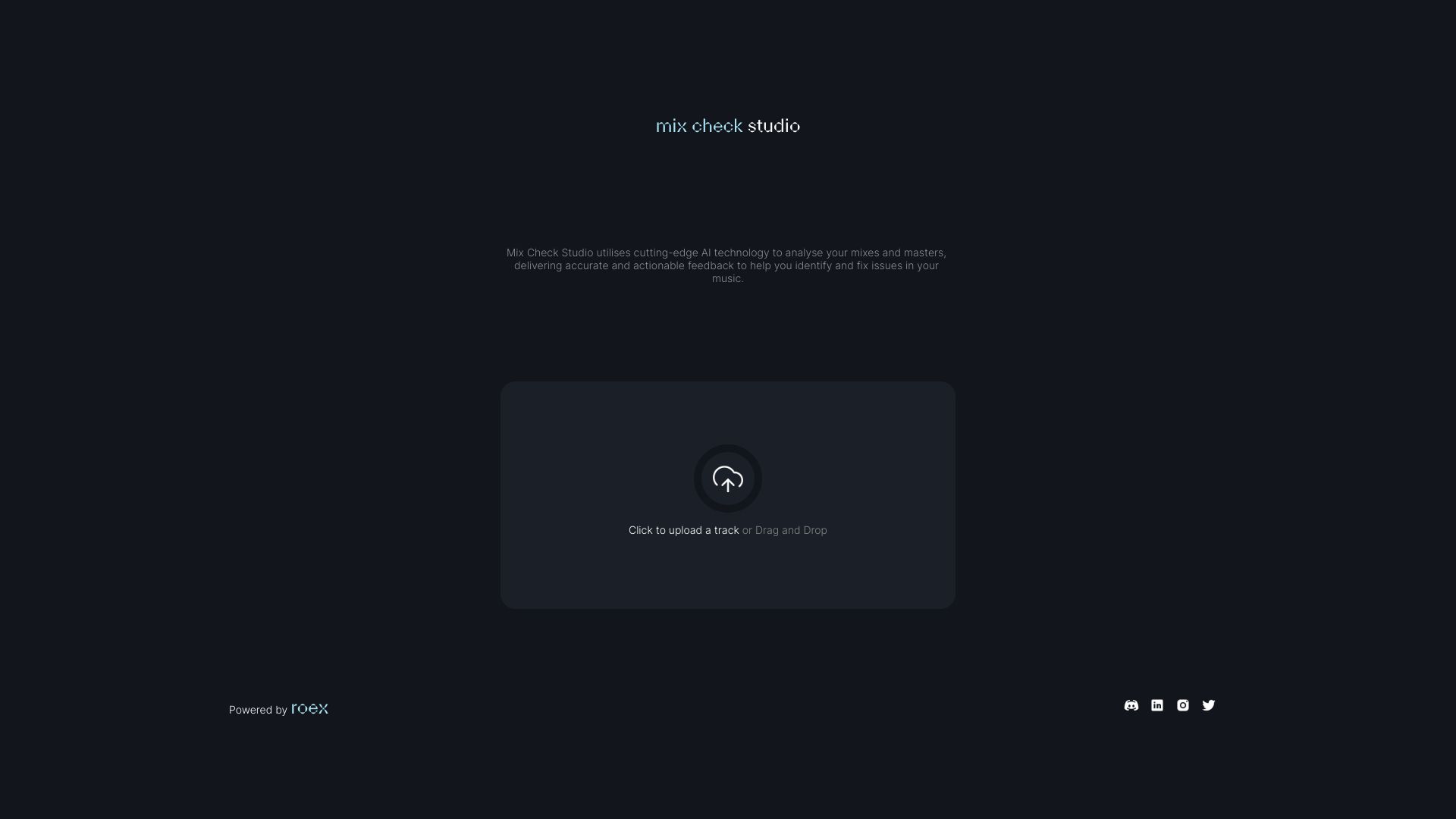
Drag and drop a WAV, FLAC, or MP3 file up to 173 MB onto the Mix Check Studio website.
Choose your genre
Select the genre that best matches your music so the AI can tailor its analysis to your style.
Get your detailed feedback
Let the analyzer evaluate EQ balance, dynamics, loudness, stereo width, and tonal profile, then review the actionable report it generates.
Enhance with Mastering+
If you want automatic enhancement, apply Mastering+ to add clarity, loudness, and stereo imaging to your track.
Download or release your enhanced master
Studio Pro subscribers can download unlimited Mastering+ results every month and share or release the improved version.
Pros & Cons of Mix Check Studio
Pros
- Free professional-grade mix analysis for everyone
- Instant AI feedback on multiple mix dimensions
- Genre-aware analysis tailored to your style
- No installation required—works directly in the browser
- Optional Mastering+ adds automatic AI enhancement
Cons
- The free Check feature only provides analysis; Mastering+ enhancement requires a Studio Pro subscription.
- Uploads are limited to 173 MB and only WAV, FLAC, or MP3 files are supported.
- As an online tool, it requires an internet connection and may not capture the artistic nuance of a human mastering engineer.
Frequently Asked Questions
What audio formats can I upload?
Mix Check Studio supports WAV, FLAC, and MP3 files up to 173 MB.
Is Mix Check Studio really free?
Yes, the basic Check feature is free. Studio Pro is an optional subscription for unlimited Mastering+ downloads.
What does the AI analyzer check?
The analyzer checks EQ balance across frequency bands, dynamic range and compression levels, integrated loudness, stereo width and imaging, and tonal profile.
Can the analysis be tailored to my music genre?
Yes. The AI adapts its analysis based on your selected genre, including electronic, hip-hop, rock, jazz, orchestral, and more.
What is Mastering+?
Mastering+ is an AI-powered processing feature that automatically boosts clarity, loudness, and stereo imaging.
Who is Mix Check Studio for?
Mix Check Studio is used by bedroom producers, independent artists, mixing engineers, and record labels.
How many tracks has Mix Check Studio analyzed?
Over 1.1 million tracks have been analyzed by producers, mixing engineers, and artists worldwide.
Pricing Overview
View full pricing →Mix Check Studio is free to use, and Studio Pro is a monthly subscription with unlimited Mastering+ downloads, but no price is listed on the page.
Reviews & Ratings0.0
No reviews yet. Be the first to write one!
Top Alternatives & Similar Software
View all alternatives & similar software→
People also viewed



Related searches
Is this your tool?
Claim this page to update details, reply to user reviews, and drive more traffic to your product.
Claim this Product →
Tags
Explore Related Topics
Keep up with Mix Check Studio alternatives
New alternatives, pricing changes and the week's biggest movers - one email every Tuesday.