




AI Baby Dance
Turn Baby Photos into Viral Dancing Videos
What is AI Baby Dance?
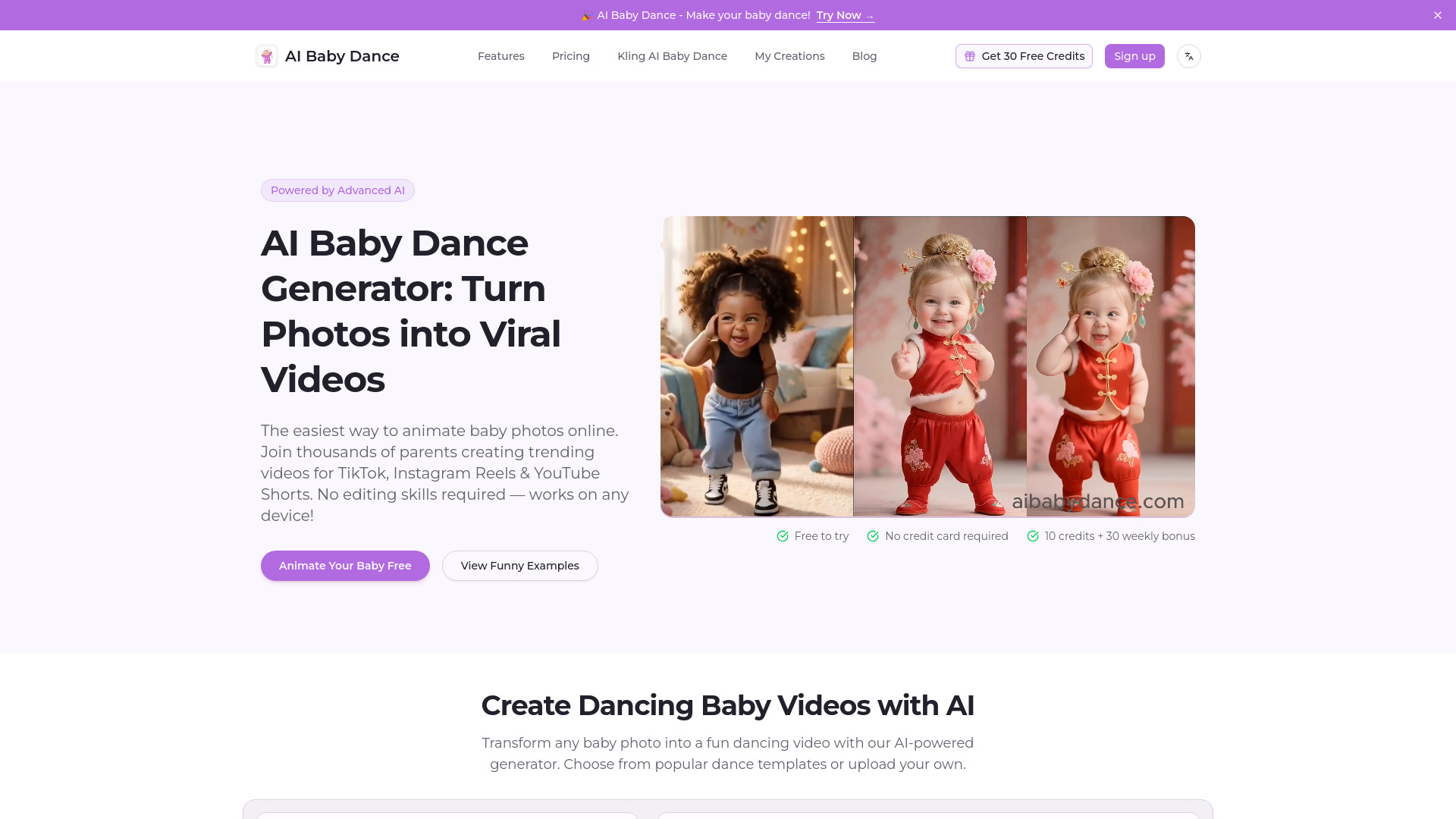
AI Baby Dance Generator is a web-based tool that turns baby photos into dancing videos using advanced AI. Users upload a standing, front-facing, full-body baby photo, choose or upload a dance template, and generate shareable videos for TikTok, Instagram Reels, and YouTube Shorts. It emphasizes privacy, ease of use, no editing skills, clean downloads, and one-time credit packs.
SpecificationsAI-estimated
Key Features of AI Baby Dance
Use Cases for AI Baby Dance
TikTok & Instagram Reels
Create viral-worthy content that stands out in feeds with AI-generated baby dance videos.
Birthday Celebrations
Make unforgettable birthday videos featuring your little one dancing to their favorite songs.
Family Memories
Transform precious baby photos into fun, animated memories the whole family will cherish.
Holiday Greetings
Create unique holiday cards and videos featuring dancing babies for Christmas, Easter, or any celebration.
Baby Announcements
Share pregnancy news or baby reveal in a creative, fun way with dancing baby videos.
Gift Videos
Surprise grandparents, relatives, and friends with personalized dancing baby videos.
How to use AI Baby Dance?
Upload Baby Photo
Upload a clear, front-facing, full-body photo of your baby. Works best with good lighting and a simple background.
Choose Dance Template
Pick from a collection of fun dance templates, from cute swings to TikTok trends, or upload your own dance video.
Generate & Share
Watch AI work its magic, download your video, and share it on TikTok, Instagram, or with family.
Pros & Cons of AI Baby Dance
Pros
- No editing skills required
- Works on any device
- Clean downloads with no watermark
- No subscription; credits never expire
- Privacy-first: photos are not stored permanently
- Crystal-clear face preservation
- Constantly updated dance template library
- Free credits on signup, no credit card required
- Commercial use included in paid packs
- Refund policy and support available
Cons
- Requires a standing, front-facing, full-body photo for best results
- Credits are consumed when generation starts, even if the result is imperfect (though failed generations are refunded)
- Not free beyond initial credits; paid credit packs required for continued use
- Results can sometimes look weird, blurry, or less natural depending on input photo
- Limited to baby-specific dance videos; not a general video editor
- No explicit mention of a free tier beyond signup credits
Frequently Asked Questions
What is AI Baby Dance and how does it work?
AI Baby Dance is a web-based tool that uses advanced AI to turn a baby photo into a dancing video. You upload a photo, select a dance template, and the AI generates a shareable video.
How do I turn a photo into a dancing baby video online?
Upload a standing, front-facing, full-body baby photo, choose or upload a dance template, and click generate. The AI handles the rest.
What photos work best for AI baby dance videos?
Clear, front-facing, full-body photos with good lighting and a simple background work best.
Is AI Baby Dance free to use?
You get free credits on signup with no credit card required. After that, you can buy one-time credit packs.
Do downloads include clean files?
Yes, downloads are clean and watermark-free.
Why buy a credit pack?
Credit packs give you access to official templates, clean exports, advanced editing tools, private storage, and commercial use. Credits never expire.
What video length and templates are available?
The site offers a growing library of trending baby dance templates, with video lengths around 7-21 seconds based on the template previews.
Can I post AI baby dance videos to TikTok, Reels, and Shorts?
Yes, the videos are designed to be ready-to-share on TikTok, Instagram Reels, and YouTube Shorts.
Can I use AI baby dance videos for commercial use?
Yes, commercial use is included in paid credit packs.
Is my uploaded photo private and secure?
Yes, photos are processed securely and automatically deleted from servers after generation.
Why does my result look weird, blurry, or less natural?
Results depend on the input photo. A clear, front-facing, full-body photo with good lighting and simple background gives the best results. You can use the Dance Image Editor to fix photos first.
What is the latest/trending AI baby dance style and how can I make it?
The site updates its template library with trending dances from TikTok and Reels. You can browse the template library to see the latest styles.
Pricing Overview
View full pricing →Buy credits once, use anytime. No subscription, no automatic renewal - just credits for videos, templates, clean exports, and advanced AI tools. From $9.90.
Reviews & Ratings0.0
No reviews yet. Be the first to write one!
Top Alternatives & Similar Software
View all alternatives & similar software→


People also viewed



Related searches
About the Product
Is this your tool?
Claim this page to update details, reply to user reviews, and drive more traffic to your product.
Claim this Product →
Tags
Explore Related Topics
Keep up with AI Baby Dance alternatives
New alternatives, pricing changes and the week's biggest movers - one email every Tuesday.