



Miro vs Storyflow
Side-by-side comparison of features, pricing, ratings, and alternatives.

Miro is a cloud‑based visual collaboration platform that lets teams create, share, and iterate on ideas using an infinite canvas. It supports real‑time editing, sticky notes, diagrams, and a rich library of templates to accelerate brainstorming, planning, and design sessions. The platform integrates with popular productivity tools, offers native mobile apps, and provides granular permission controls, making it suitable for remote teams, educators, and enterprises seeking a unified visual workspace.
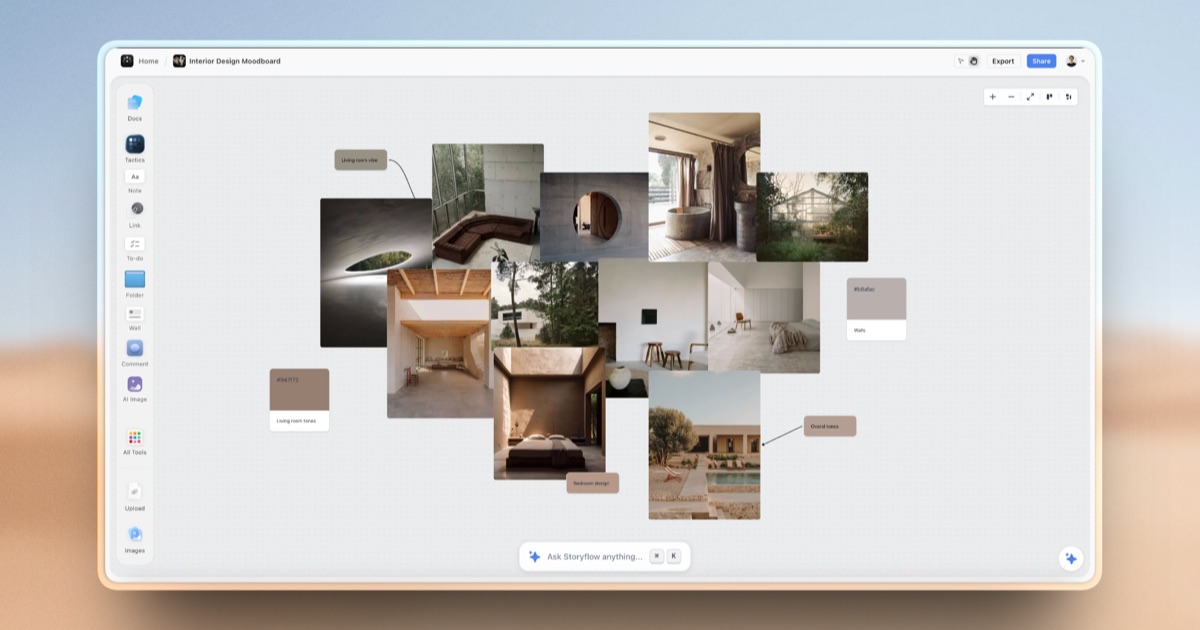
Storyflow is an AI-powered visual workspace built on an infinite canvas where notes, mind maps, project briefs, and creative frameworks live side by side. Unlike chat-based AI tools that forget context between sessions, Storyflow's AI assistant reads everything on the canvas at once, so it can answer questions and generate content with full awareness of a project's notes, structure, and history.
- Intuitive drag‑and‑drop interface
- Extensive template library
- Strong integrations with popular SaaS tools
- Real‑time collaboration across devices
- AI has full project context instead of re-explaining each session
- Combines several separate tools (boards, notes, storyboards) into one canvas
- Generous free tier with unlimited boards and objects
- 200+ ready-made templates speed up project setup
- Performance can lag on very large boards
- Advanced features require paid subscription
- Limited offline functionality
- Free plan AI usage is limited to trial-level access
- Newer product with a smaller track record than established note apps
- No listed native desktop or mobile apps, browser-only
More alternatives & similar tools
Alternatives to Miro
View all →


Alternatives to Storyflow
View all →
Data-first digital whiteboard that turns brainstorms into structured, exportable data.

The Verdict
AI-generated from listing dataMiro is the safer, integration‑rich choice for established remote teams, while Storyflow offers AI‑driven creative workflow on a generous free tier but fewer integrations.
Key differences
- •Miro provides extensive native integrations (Slack, Teams, Jira, Confluence, Google Drive, Notion); Storyflow only lists file uploads.
- •Storyflow includes an AI assistant that reads the whole canvas and offers 200+ creative templates; Miro lacks AI context features.
- •Miro offers real‑time video, chat, and cursor presence; Storyflow is browser‑only with no native desktop or mobile apps.
- •Miro’s free tier may limit advanced features; Storyflow’s free tier gives unlimited boards but limits AI usage.
- •Support options: Miro lists email, live chat, help center, community; Storyflow provides no support details.
Pricing & value
Both are freemium; exact limits of free tiers not detailed, so value cannot be definitively compared.
Ease of use / learning curve
Miro’s intuitive drag‑and‑drop UI is well‑known; Storyflow adds AI features that may increase learning complexity.
Features & depth
Storyflow’s AI that reads the whole canvas and 200+ Story Blueprints provide deeper creative capabilities.
Integrations & ecosystem
Miro integrates with Slack, Teams, Jira, Confluence, Google Drive, Notion; Storyflow only mentions file uploads.
Collaboration
Miro supports live cursor presence, chat, video calls, and role‑based permissions; Storyflow is browser‑only with limited collaboration details.
Support
Miro lists email, live chat, help center, and community forum; Storyflow provides no support information.
Choose Miro if…
Remote or enterprise teams needing strong SaaS integrations and proven collaboration tools.
Choose Storyflow if…
Creative or visual teams that want AI‑assisted context and many ready‑made templates, and can work in a browser.
Common questions
Can I use the free version of each tool for unlimited boards?
Storyflow’s free tier explicitly offers unlimited boards; Miro’s free tier limits are not specified in the facts.
Which tool integrates with my existing project management software?
Miro integrates with Slack, Microsoft Teams, Jira, Confluence, Google Drive, and Notion; Storyflow only mentions file uploads.
Do either of these tools provide AI assistance for brainstorming?
Storyflow includes an AI assistant that reads the entire canvas and offers AI image generation on higher tiers; Miro does not list AI features.