



Canary Mail vs Mailbird
Side-by-side comparison of features, pricing, ratings, and alternatives.


Canary Mail is an email client that brings multiple email accounts into a single unified inbox while layering in AI features like an email writing assistant, thread summarization, and automatic categorization. It also focuses on security with PGP end-to-end encryption and phishing protection built directly into the app.
Mailbird is a desktop email client that consolidates Gmail, Outlook, Yahoo, iCloud, Exchange and any IMAP/SMTP account into a single unified inbox. It layers on productivity features like email tracking, a built-in AI writing assistant, one-click unsubscribe, and integrations with apps such as Slack, Google Calendar, Dropbox and Asana without leaving the inbox. The app is built around a customizable interface, with theming, keyboard shortcuts and layout options, and claims around 4.4 million users. It ships as a one-account free version alongside a paid Premium tier that unlocks unlimited accounts and the full integration set, sold as either a one-time lifetime purchase or an annual subscription.
- Combines AI productivity features with real security (PGP)
- Free plan available for personal use
- Available across desktop, mobile, and web
- Lifetime purchase option avoids recurring billing
- Genuinely unifies many account types into one clean inbox
- One-time lifetime purchase option avoids ongoing subscription cost
- Deep third-party app integrations reduce app-switching
- Actively supports both Windows and Mac
- Advanced security features are locked to the higher Pro+ tier
- Device limits apply even on paid plans
- AI features may require an internet connection to function
- Future major-version upgrades may require an extra purchase without the Lifetime Updates add-on
- Free tier is limited to a single account
- Mac version trails the Windows app in feature parity
More alternatives & similar tools
Alternatives to Canary Mail
View all →


Alternatives to Mailbird
View all →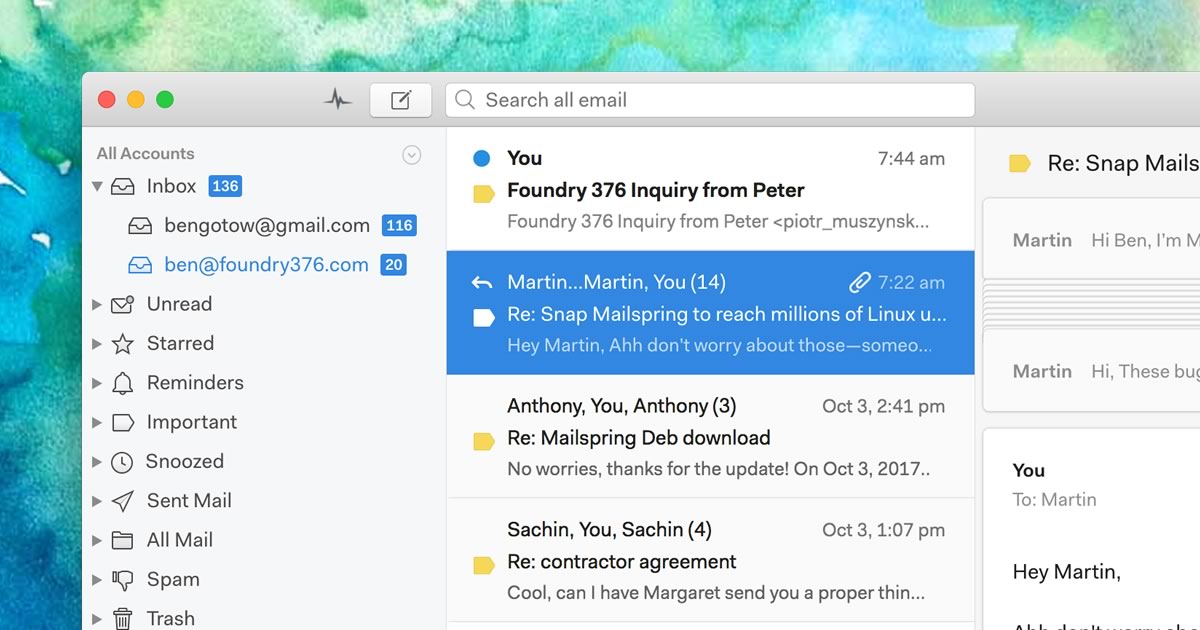
A native desktop email client for Mac, Windows, and Linux with read receipts and send-later.


The Verdict
AI-generated from listing dataBoth Mailbird and Canary Mail offer unified inboxes with AI writing assistance, but Mailbird leans toward broader third‑party integrations and a lifetime‑purchase option, while Canary emphasizes built‑in encryption and cross‑platform availability.
Key differences
- •Mailbird integrates 30+ third‑party apps (Slack, Dropbox, Google Calendar, etc.); Canary lists no such integrations.
- •Canary provides PGP end‑to‑end encryption and SecureSend for HIPAA‑level messages; Mailbird has no encryption features.
- •Mailbird is available natively on Windows and Mac only; Canary is available on desktop, mobile, and web.
- •Both have freemium models, but Mailbird’s free tier limits to one account, whereas Canary’s free plan supports personal use without that specific limit.
- •Lifetime purchase option exists for both, but Mailbird’s lifetime license may require extra payment for major upgrades unless the add‑on is bought.
Pricing & value
Both use freemium models and offer lifetime purchase options; exact cost details not provided.
Ease of use / learning curve
Mailbird emphasizes clean unified inbox and keyboard shortcuts; Canary adds AI and security layers that may add complexity.
Features & depth
Canary includes encryption, phishing detection, and thread summarization not found in Mailbird.
Integrations & ecosystem
Mailbird lists 30+ third‑party app integrations; Canary lists none.
Collaboration
Mailbird integrates with collaboration tools like Slack and Asana; Canary has no collaboration‑specific integrations.
Scalability
Canary works across desktop, mobile, and web, supporting more devices than Mailbird's desktop‑only apps.
Support
Mailbird specifies help‑center and email support; Canary provides no support details.
Security & privacy
Canary offers PGP encryption and HIPAA‑grade SecureSend; Mailbird has no encryption features.
Migration / lock‑in
Both are closed‑source desktop apps with no API; migration effort not detailed.
Choose Canary Mail if…
Power users who prioritize built‑in encryption, cross‑device access, and advanced AI productivity tools.
Choose Mailbird if…
Professionals needing deep app integrations and a desktop‑only client with optional lifetime purchase.
Common questions
Which client offers built‑in encryption for sensitive emails?
Canary Mail provides PGP end‑to‑end encryption and SecureSend; Mailbird does not offer encryption.
Do both products support multiple operating systems?
Mailbird runs on Windows and Mac only; Canary is available on desktop, mobile, and web.
What integration options are available?
Mailbird connects to 30+ apps like Slack, Dropbox, Google Calendar; Canary lists no third‑party integrations.