




Video Cutter Online
Free online video cutter to trim videos fast with no signup, no watermark, and clean exports.
What is Video Cutter Online?
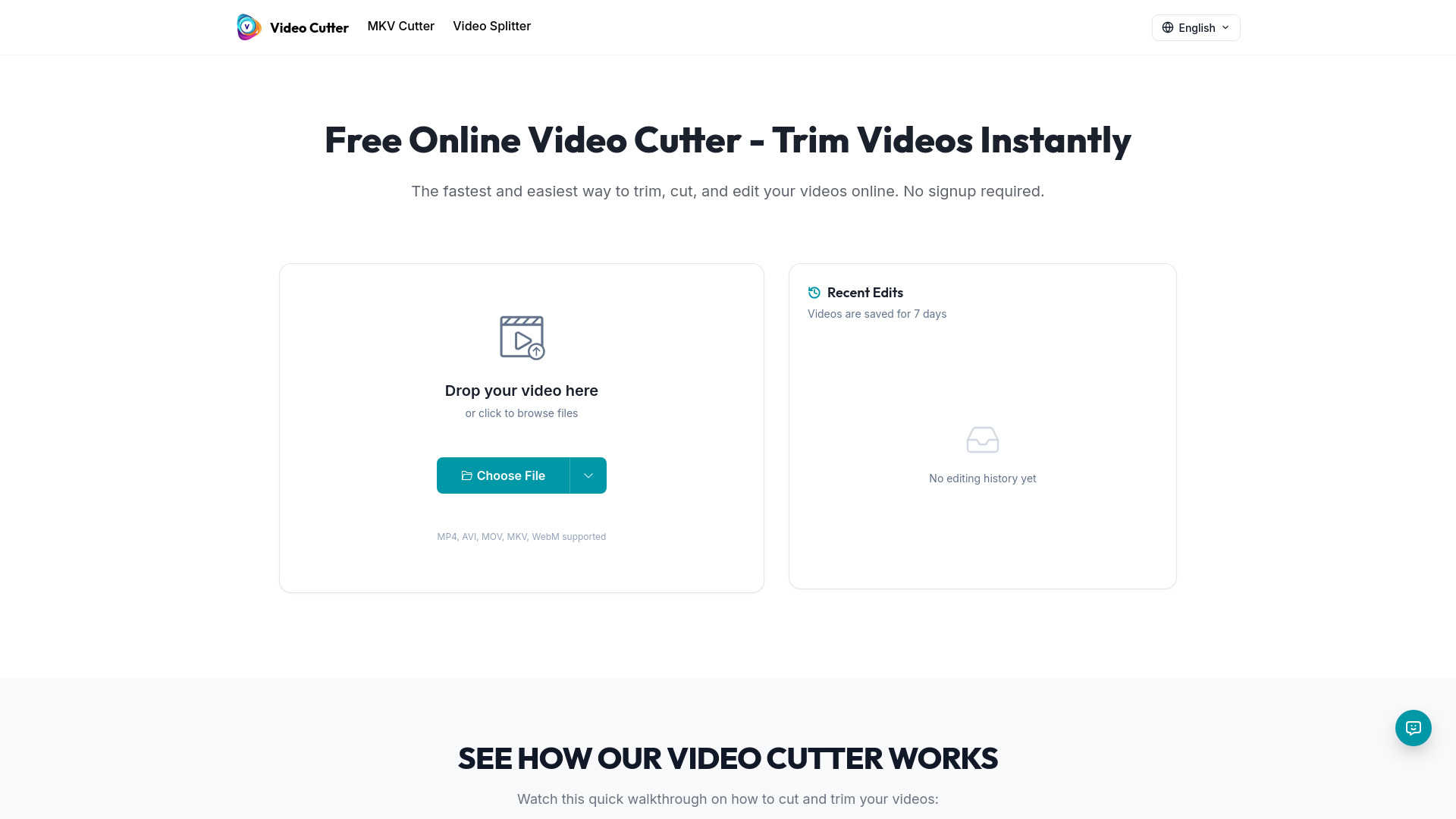
Video Cutter Online is a free, browser-based video trimming tool that lets users cut and trim videos quickly without signing up, without watermarks, and without ads. It supports common video formats and offers a simple three-step workflow: upload, set start/end points, and download.
SpecificationsAI-estimated
Key Features of Video Cutter Online
Use Cases for Video Cutter Online
Social Media Clips
Create shorter clips for TikTok, Instagram Reels, and YouTube Shorts.
Work & Presentations
Prepare product demos, presentations, and training content.
Everyday Editing
Quickly remove mistakes, intros, outros, or long pauses from videos.
How to use Video Cutter Online?
Upload Your Video
Choose a video file from your device to start editing.
Set Start and End Points
Drag the trim handles to keep only the section you want.
Process and Download
Export your trimmed clip and download it when processing is complete.
Pros & Cons of Video Cutter Online
Pros
- Completely free to use
- No login or account required
- No watermark on exports
- No ads
- Fast and simple browser-based workflow
- Supports MP4, AVI, MOV, MKV, and WebM
- Handles files up to 2GB
Cons
- Limited to basic trimming/cutting only
- No advanced video editing features
- Requires uploading video files to the browser
- Maximum file size limit of 2GB
Frequently Asked Questions
Is Video Cutter Online free?
Yes, it is free to use with no signup and no watermark.
What video formats are supported?
MP4, AVI, MOV, MKV, and WebM are supported.
What is the maximum file size?
The maximum file size is 2GB.
Reviews & Ratings0.0
No reviews yet. Be the first to write one!
Top Alternatives & Similar Software
View all alternatives & similar software→
People also viewed

Related searches
About the Product
Is this your tool?
Claim this page to update details, reply to user reviews, and drive more traffic to your product.
Claim this Product →
Tags
Keep up with Video Cutter Online alternatives
New alternatives, pricing changes and the week's biggest movers - one email every Tuesday.