




EZTrimmer
Cut Videos Online Free – No Sign-Up, Fast & No Ads


What is EZTrimmer?
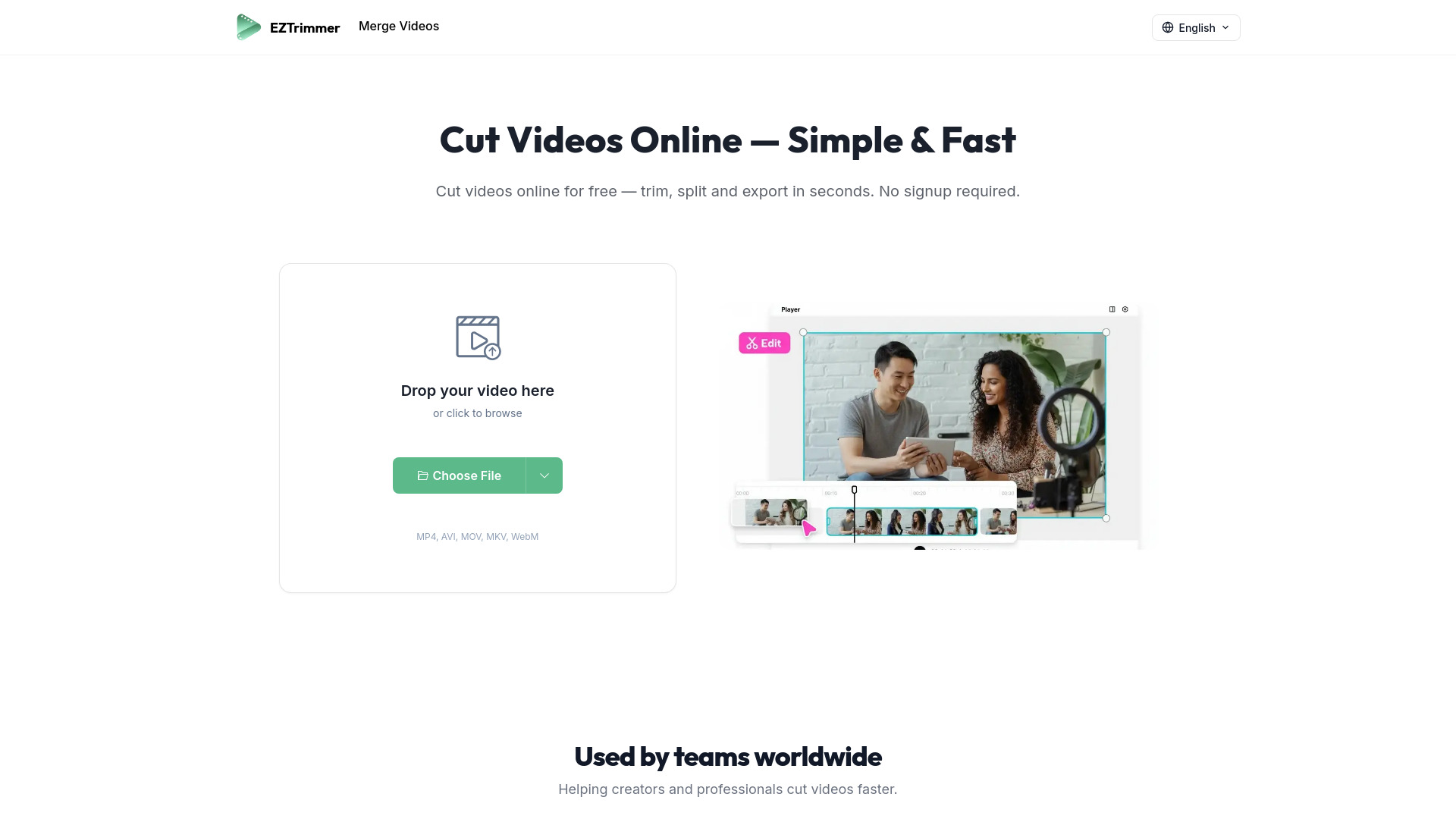
EZTrimmer is a free online video cutting tool that lets users trim, split, and export videos directly in the browser. It requires no sign-up, shows no ads, and is designed for fast, precise video cutting with high-quality output.
SpecificationsAI-estimated
Key Features of EZTrimmer
Use Cases for EZTrimmer
Social Media Content
Cut videos for TikTok, YouTube Shorts, or Instagram Reels while maintaining quality.
Meeting Recordings
Quickly trim and share meeting recordings without opening heavy software.
Marketing Campaigns
Cut footage for different campaign platforms in seconds without quality loss.
How to use EZTrimmer?
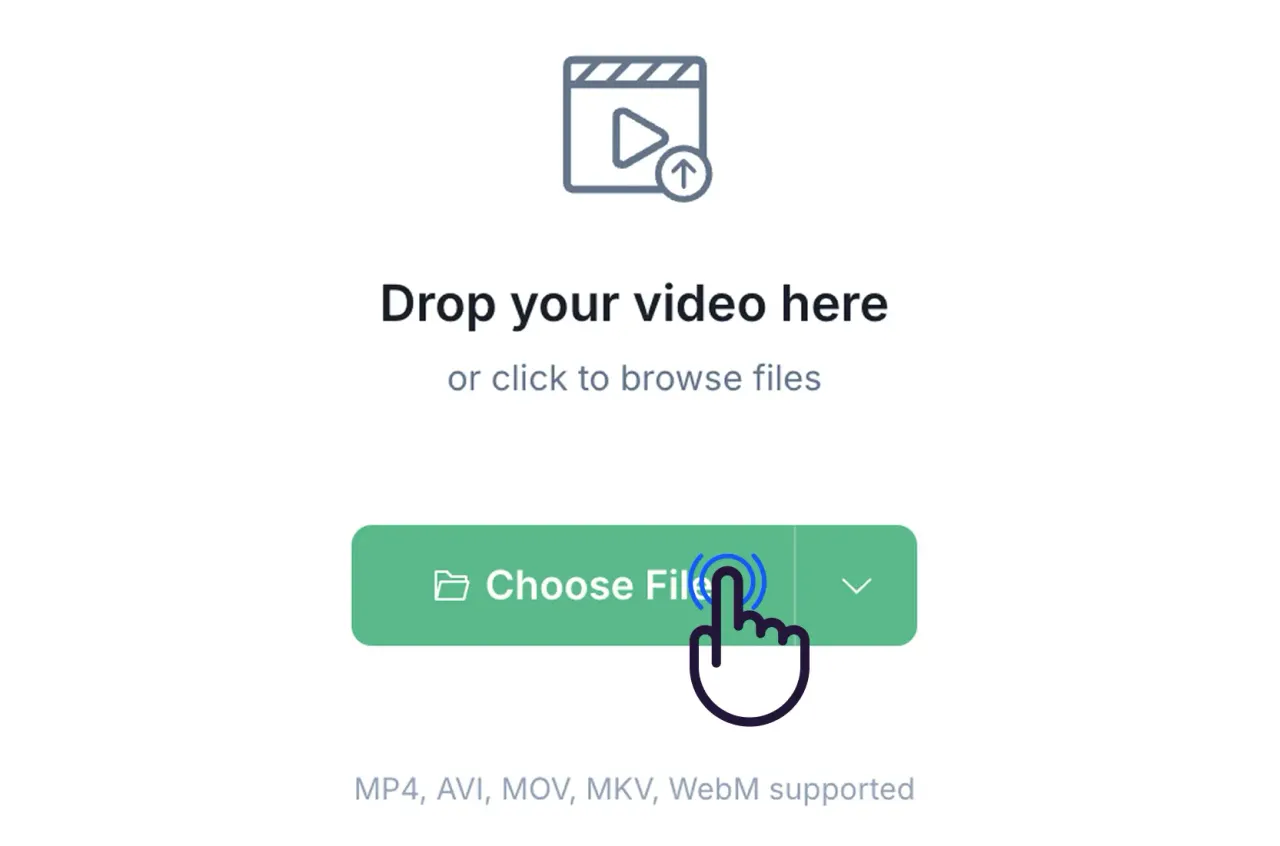
Upload Your Video
Select a video file from your device. Supported formats include MP4, AVI, MOV, MKV, and WebM.
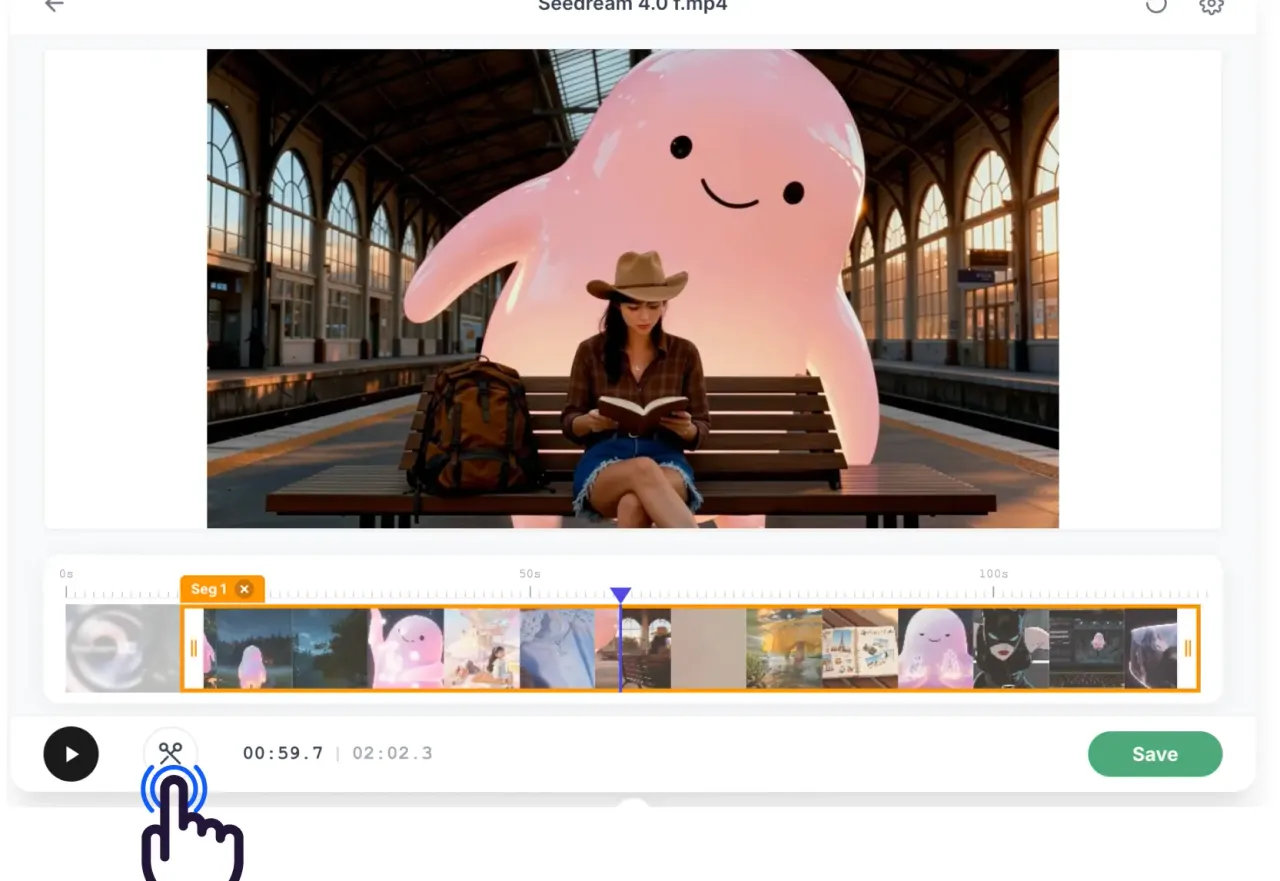
Choose Your Range
Drag the handles on the timeline to pick exactly the portion you want to keep.
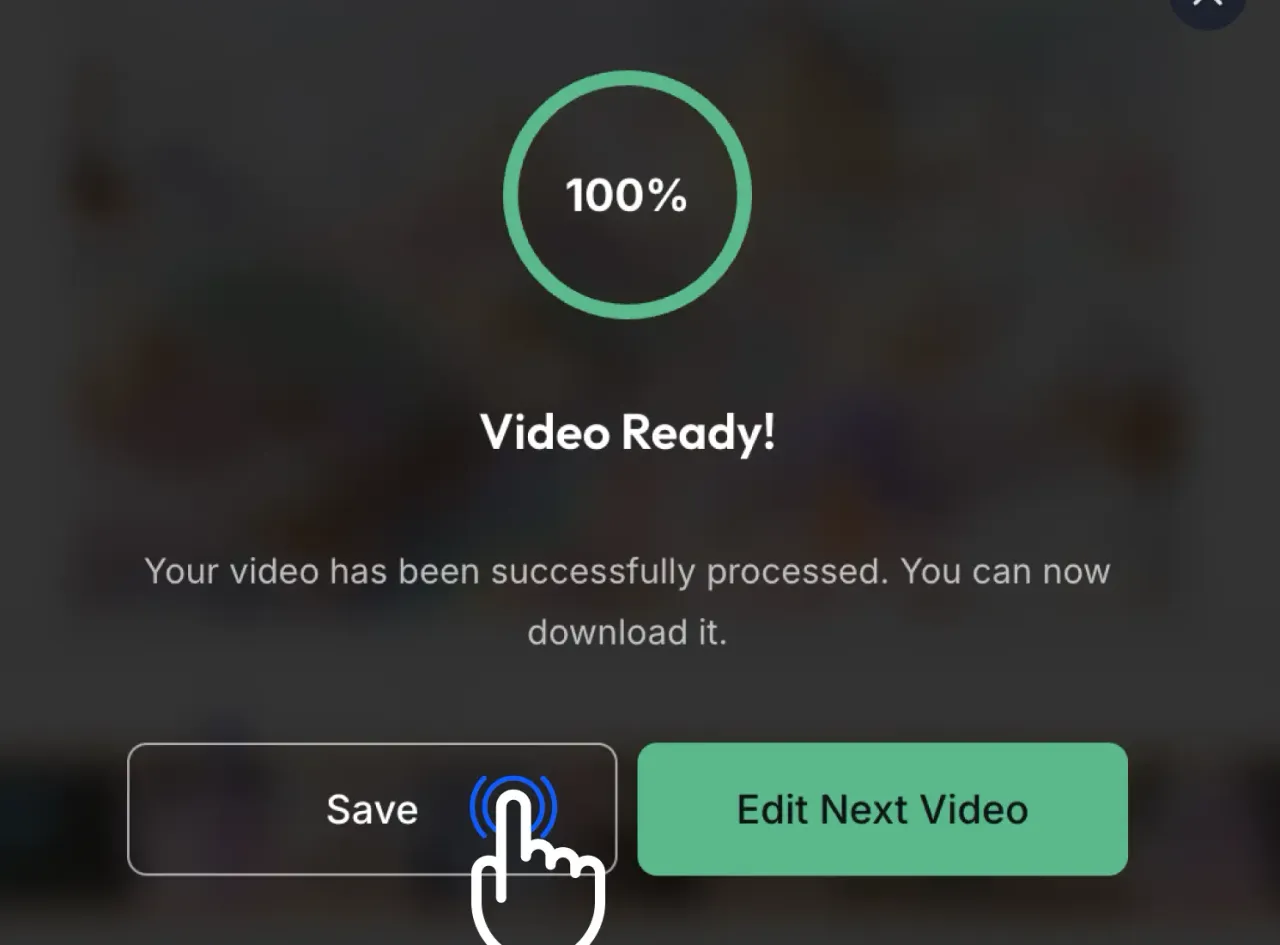
Download & Share
Process the cut, download your trimmed video, and share it directly.
Pros & Cons of EZTrimmer
Pros
- 100% free with no watermarks or hidden costs
- No sign-up or account required
- Fast processing directly in the browser
- Precise timeline controls for accurate cuts
- Supports popular video formats including MP4, AVI, MOV, MKV, and WebM
- Optimized for social media content like TikTok, YouTube Shorts, and Instagram Reels
- Privacy-focused: files are processed securely and deleted automatically
Cons
- File size limited to 500MB and 30 minutes per upload
- Requires an internet connection and modern browser
- Not a full-featured video editor; lacks advanced effects, transitions, and audio tools
Frequently Asked Questions
Is EZTrimmer really free?
Yes, it is 100% free with no hidden fees or ads. You can cut as many videos as you need without watermarks.
Which video formats can I use?
All major formats are supported, including MP4, AVI, MOV, MKV, and WebM. You can also export to these formats.
How secure is my data?
Videos are processed securely and deleted automatically from servers. EZTrimmer does not store or share your content.
What is the file size limit?
You can upload files up to 500MB and 30 minutes long. Larger files can be trimmed in smaller parts.
Do I need an account to start?
No signup is required. Just upload, cut, and download.
Pricing Overview
View full pricing →No explicit pricing plans or dollar amounts were found on the page. The service is described as '100% Free' with 'no hidden fees', but no plan names or price tiers are listed.
Detailed plans are not listed. Visit the official website for pricing information.
Reviews & Ratings0.0
No reviews yet. Be the first to write one!
Top Alternatives & Similar Software
View all alternatives & similar software→
People also viewed

Related searches
About the Product
Is this your tool?
Claim this page to update details, reply to user reviews, and drive more traffic to your product.
Claim this Product →
Tags
Explore Related Topics
Keep up with EZTrimmer alternatives
New alternatives, pricing changes and the week's biggest movers - one email every Tuesday.