




Revid.me
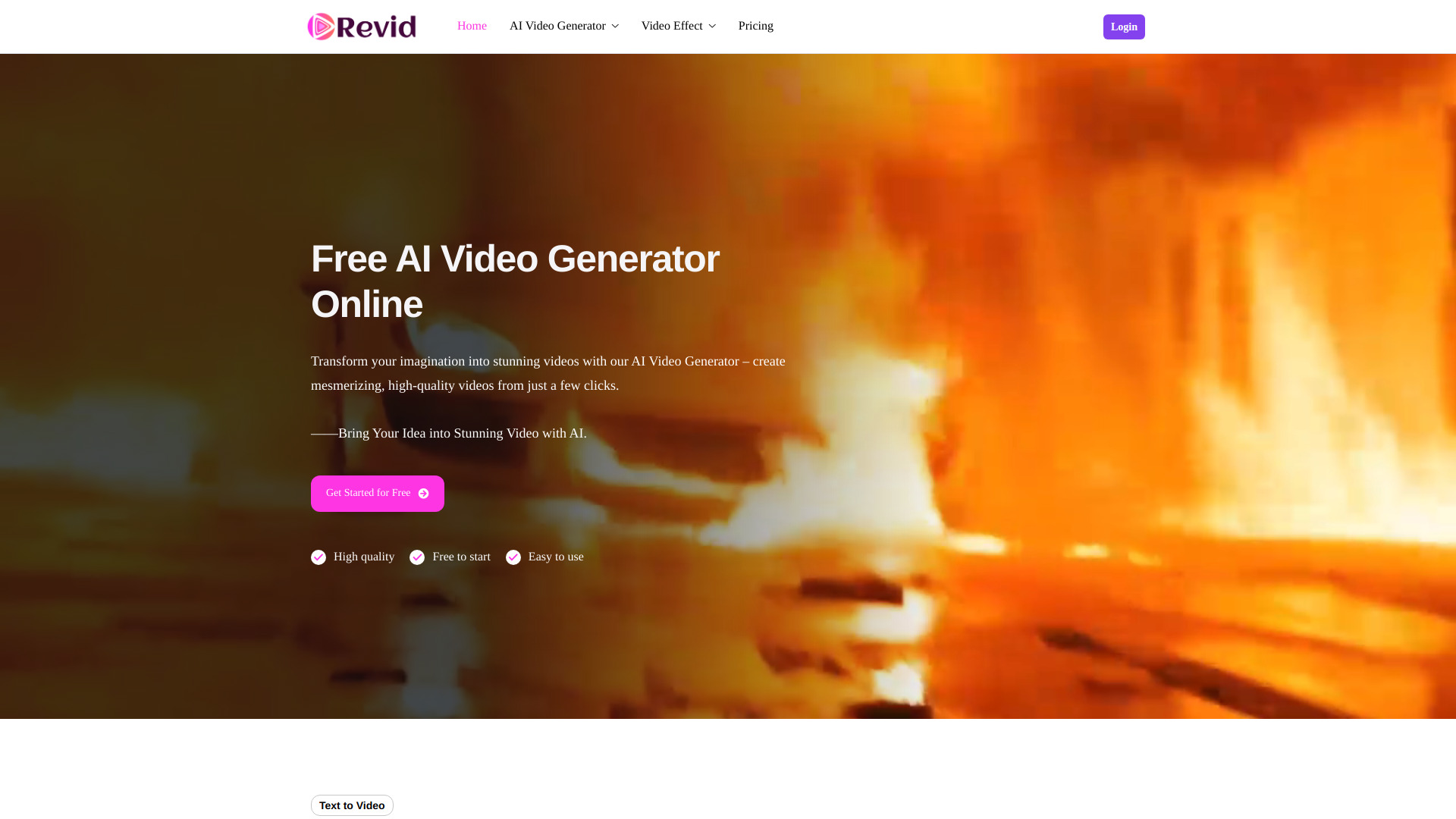
Free AI Video Generator Online


What is Revid.me?
Revid.me is an online AI-powered video generator that transforms text prompts, static images, or reference materials into high-quality videos with minimal effort. It is designed for marketers, content creators, and storytellers who want fast, accessible video production without advanced editing skills.
SpecificationsAI-estimated
Key Features of Revid.me
Use Cases for Revid.me
Marketing Content
Create social media videos, promo clips, and marketing content from simple text prompts.
Content Creation
Turn blog posts or articles into engaging video visuals.
Storytelling
Bring characters, objects, and scenes to life with reference-based control.
Rapid Prototyping
Quickly generate video drafts without professional editing tools or experience.
E-commerce Visuals
Animate product images for demos, ads, or social media posts.
Educational Content
Create dynamic visual aids from slides, diagrams, or static images.
Social Media Shorts
Make short-form videos for TikTok, Instagram Reels, YouTube Shorts, and similar platforms.
Creative Assets
Generate background visuals or motion clips for video projects.
Agency Presentations
Produce quick video ideas for clients and stakeholders before full production.
Personal Projects
Create personalized video messages or explainer clips for audience engagement.
Character Animation
Turn reference images of people, characters, or scenes into animated video content.
Concept Testing
Quickly test video concepts and visual styles before committing to full production.
Ad Creatives
Convert static product shots into eye-catching motion videos for advertising.
Presentations and Webinars
Generate animated visuals for presentations, webinars, or training materials.
Before and After Showcases
Create before-and-after or process-style videos from image sequences.
Campaign Launches
Produce campaign videos quickly during time-sensitive promotions or launches.
Journalism and Storytelling
Make short video content for news-related or human-interest stories.
Explainer Videos
Create explainer videos for products, services, or processes from text outlines.
Art and Illustration
Animate fan art, illustrations, or creative designs into motion clips.
Brand Promotion
Create short visual content for branding, intros, or social media identity.
Game Development
Generate video scenes from references for game assets or virtual worlds.
Historical Content
Bring archival photos or historical images to life for educational or commemorative content.
Film and Video Production
Create teaser videos or trailers from reference imagery and prompts.
Memes and Viral Content
Create memes or viral-style animated clips from text or images.
Social Media Engagement
Generate animated visual responses or social media posts quickly.
Product Demos
Create motion graphics for product demos, tutorials, or user guides.
Event Recaps
Turn event photos into shareable recap videos.
Personal Messages
Create video greetings, invitations, or personal messages without editing software.
Corporate Communication
Generate visual content for internal updates, announcements, or training.
Concept Art and Moodboards
Create animated versions of moodboards, storyboards, or visual concepts.
How to use Revid.me?
Create with Text
Enter a text prompt describing the video you want to create.
Animate an Image
Upload a static image and let AI animate it into a video.
Use a Reference
Provide a reference to control characters, objects, or scenes with precision.
Pros & Cons of Revid.me
Pros
- Very easy to use
- Multiple AI video creation modes
- Free entry-level access
- Used by over 100,000 users
- Strong average rating of 4.9/5
Frequently Asked Questions
What does Revid.me do?
Revid.me generates videos from text prompts, images, and reference inputs using AI-powered algorithms.
Is Revid.me free?
Revid.me is free to start, and the scraped content indicates a freemium-style pricing model.
What are the main features of Revid.me?
Text to Video, Image to Video, and Reference to Video generation tools are highlighted.
Pricing Overview
View full pricing →No pricing or plan names are explicitly stated in the provided content.
Detailed plans are not listed. Visit the official website for pricing information.
Reviews & Ratings0.0
No reviews yet. Be the first to write one!
Top Alternatives & Similar Software
View all alternatives & similar software→

People also viewed



Related searches
About the Product
Is this your tool?
Claim this page to update details, reply to user reviews, and drive more traffic to your product.
Claim this Product →
Explore Related Topics
Keep up with Revid.me alternatives
New alternatives, pricing changes and the week's biggest movers - one email every Tuesday.