



quso.ai
AI video clipping and repurposing for creators, all in one platform
Best for
Solo creators needing quick clips for multiple socials
Skip if
Teams requiring deep video effects or on‑premise hosting
What is quso.ai?
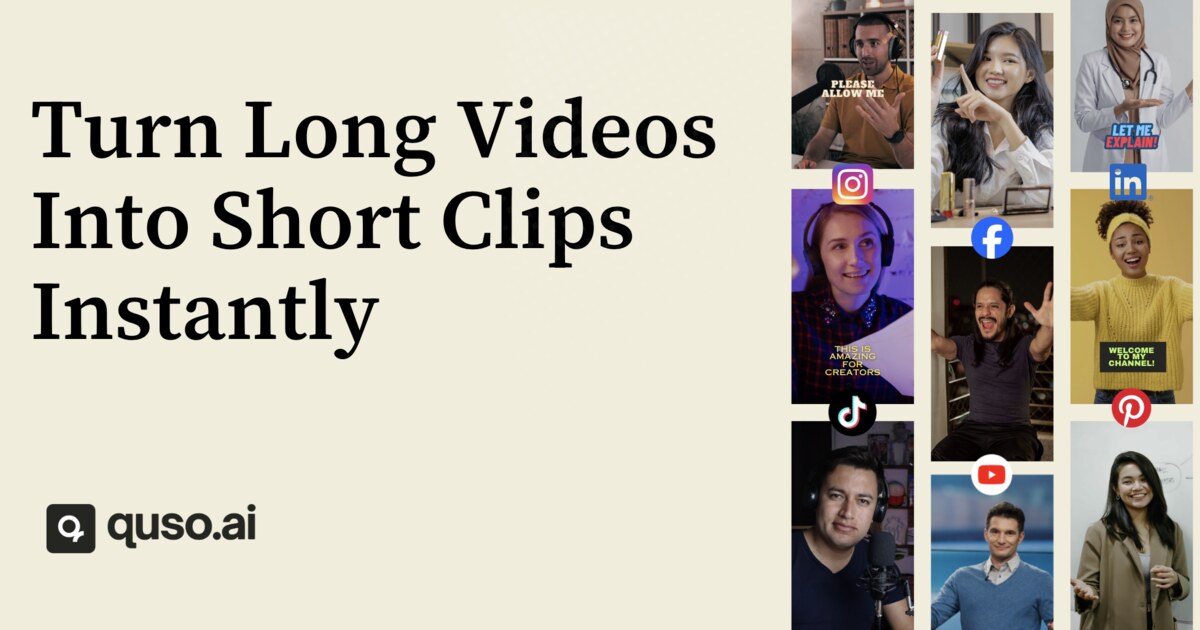
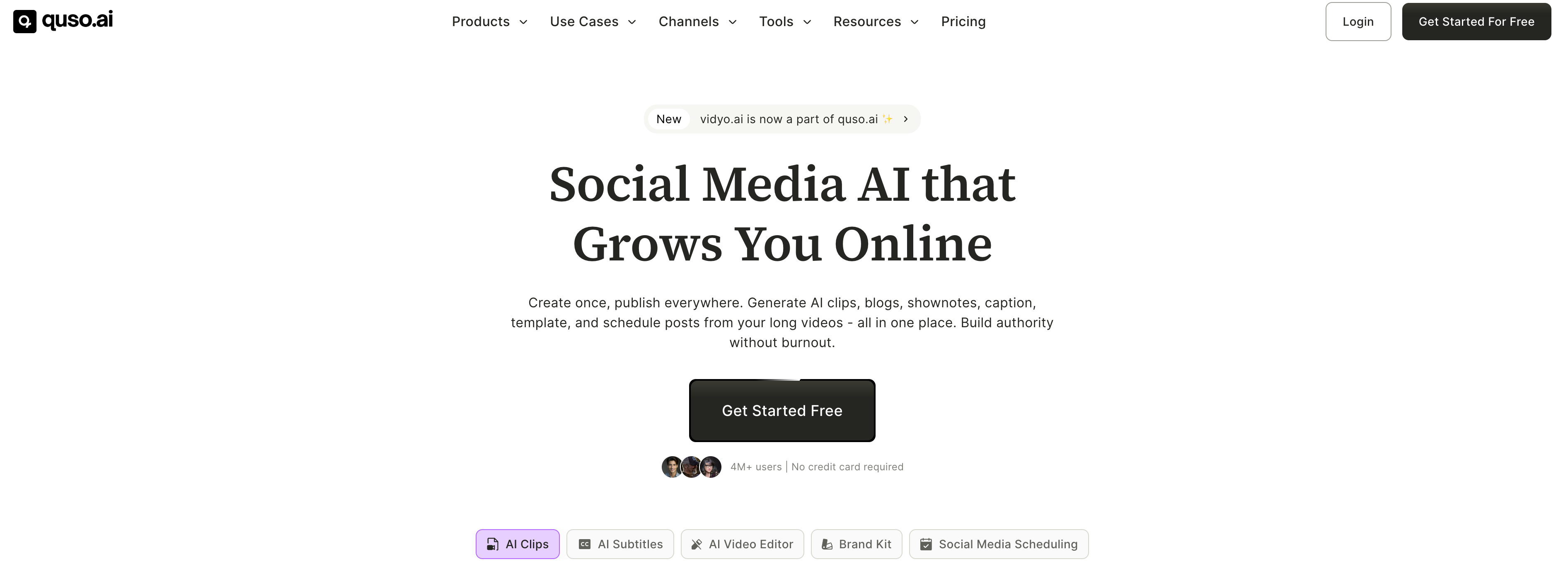
quso.ai automatically extracts the most engaging moments from long‑form videos, reformats them vertically, adds captions, and readies them for TikTok, Instagram Reels, YouTube Shorts, LinkedIn, Facebook, and X. It works with uploads from YouTube, Vimeo, Zoom, Google Drive, Dropbox and many other sources, letting creators turn podcasts, webinars, streams and more into short, publish‑ready clips without any editing experience. Beyond clipping, quso.ai bundles a social media calendar, scheduler, analytics, and a text‑based video editor that lets you delete words, remove silences, and insert B‑roll like editing a document. With AI subtitles in 100+ languages, brand kit support, and a virality score that predicts performance, it replaces separate clipping, captioning, editing, and scheduling tools for busy content teams.
SpecificationsAI-estimated
Key Features of quso.ai
Use Cases for quso.ai
Podcast Highlight Creation
Turn hour‑long podcast recordings into bite‑size, captioned clips for TikTok and Instagram.
Webinar Repurposing
Extract key teaching moments from webinars and schedule them as Shorts across LinkedIn and YouTube.
Live Stream Recap
Automatically clip the most exciting parts of Twitch or Facebook Live streams for quick reposts.
Social Media Content Calendar
Plan, schedule, and analyze a month’s worth of short video posts from a single dashboard.
How to use quso.ai?
Upload or import
Upload a long video, podcast, or stream from local storage or platforms like YouTube, Twitch, Zoom, Google Drive, or Dropbox.
AI analysis
Let quso.ai analyze the video and score moments by virality; review the suggested short clips.
Customize
Reframe vertically, add word-level animated captions, remove filler words, and edit by deleting text like a document.
Brand and schedule
Apply your brand kit, then use the built-in calendar to plan or schedule posts to TikTok, Reels, Shorts, LinkedIn, Facebook, and X.
Publish and analyze
Publish clips directly or export them, then track performance analytics to refine future content.
Pros & Cons of quso.ai
Pros
- Fully automated clipping and captioning saves hours of manual work.
- All‑in‑one platform eliminates the need for separate editing, captioning, and scheduling tools.
- Supports 100+ languages for subtitles, expanding global reach.
- Free tier available with no credit‑card requirement.
Cons
- Advanced features require a paid subscription starting at $29/month.
- Limited customization for advanced video effects beyond basic B‑roll insertion.
- No self‑hosted or on‑premise deployment option.
Frequently Asked Questions
Can I use quso.ai without a credit card?
Yes, the free tier is available without any credit‑card information.
Which platforms can I publish clips to directly?
Clips can be published to TikTok, Instagram Reels, YouTube Shorts, LinkedIn, Facebook, and X.
Does quso.ai support subtitles in languages other than English?
Yes, it offers AI‑generated subtitles in more than 100 languages.
Is there an API for integrating quso.ai into my workflow?
An API is available for developers to automate clipping, captioning, and publishing tasks.
Pricing Overview
View full pricing →Reviews & Ratings0.0
No reviews yet. Be the first to write one!
Top Alternatives & Similar Software
View all alternatives & similar software→


People also viewed



Best For
Related searches
Is this your tool?
Claim this page to update details, reply to user reviews, and drive more traffic to your product.
Claim this Product →
Tags
Explore Related Topics
Keep up with quso.ai alternatives
New alternatives, pricing changes and the week's biggest movers - one email every Tuesday.