




OC Maker
Generate, animate, and converse with AI-powered original characters for free.













What is OC Maker?
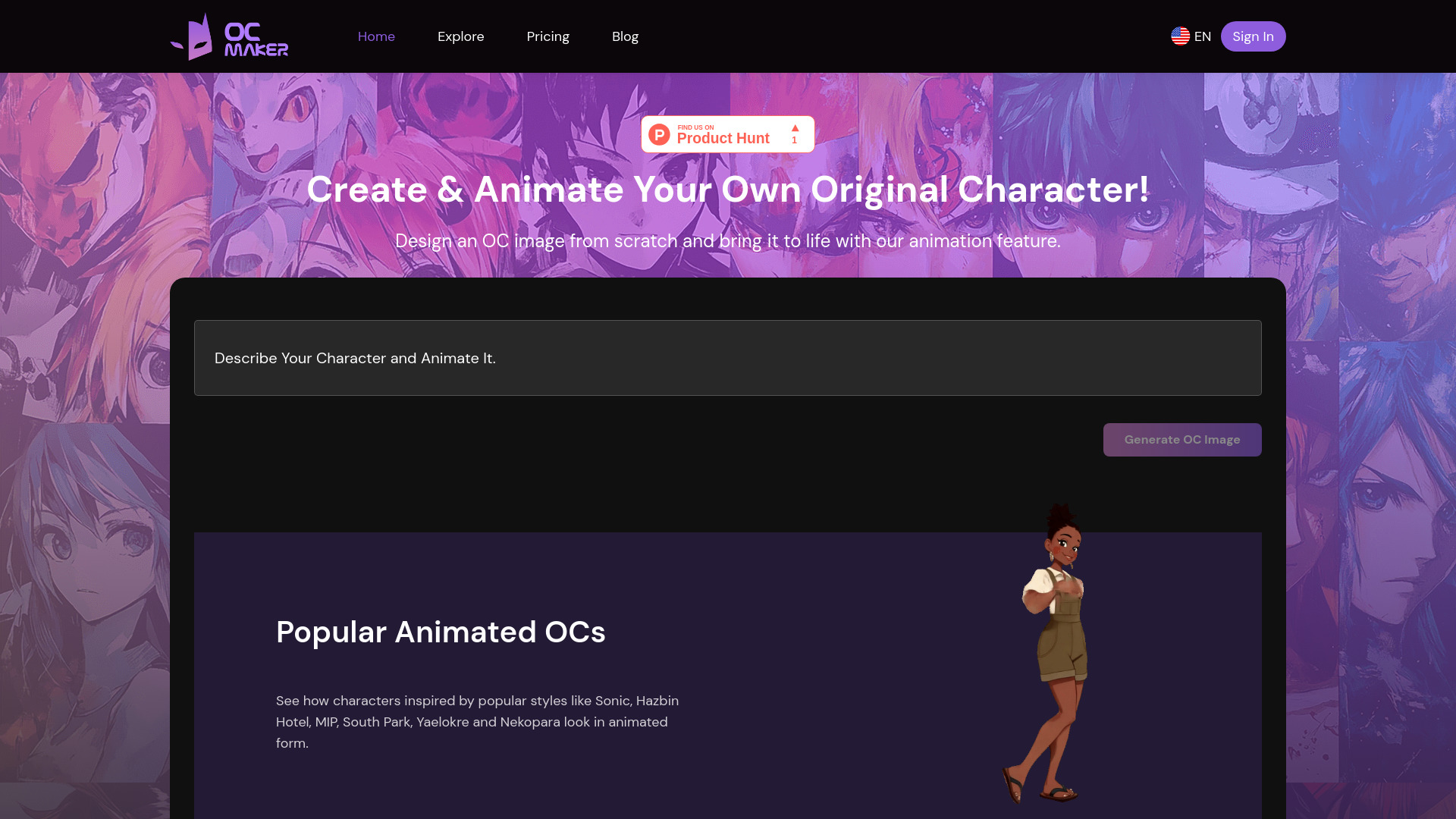
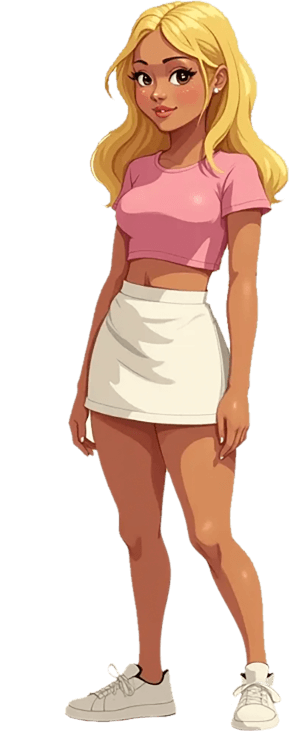
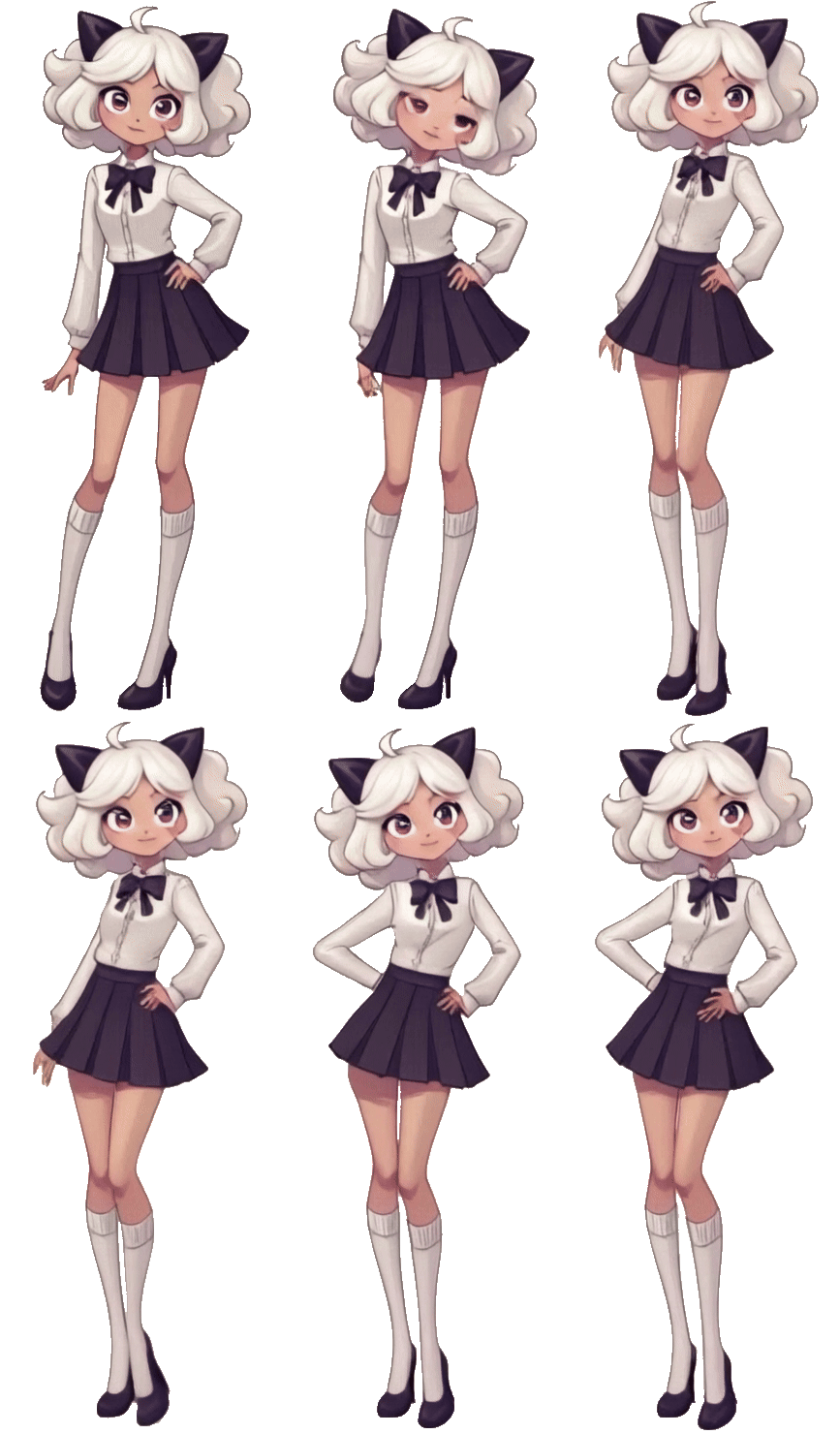
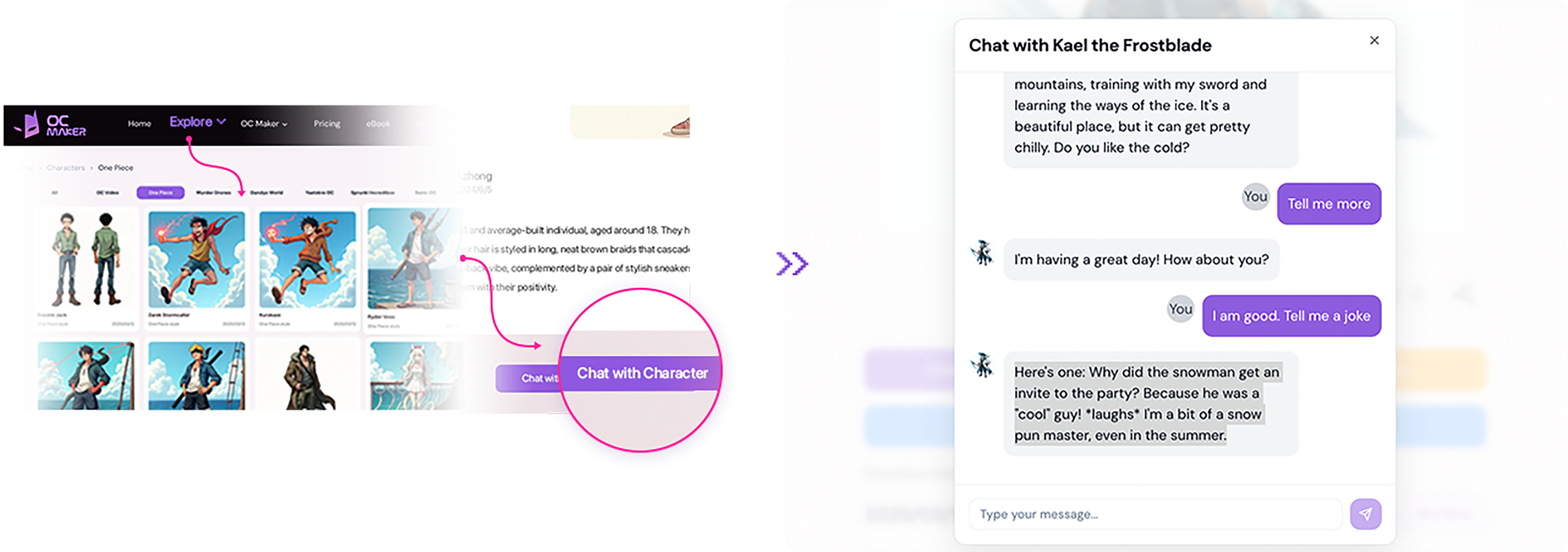
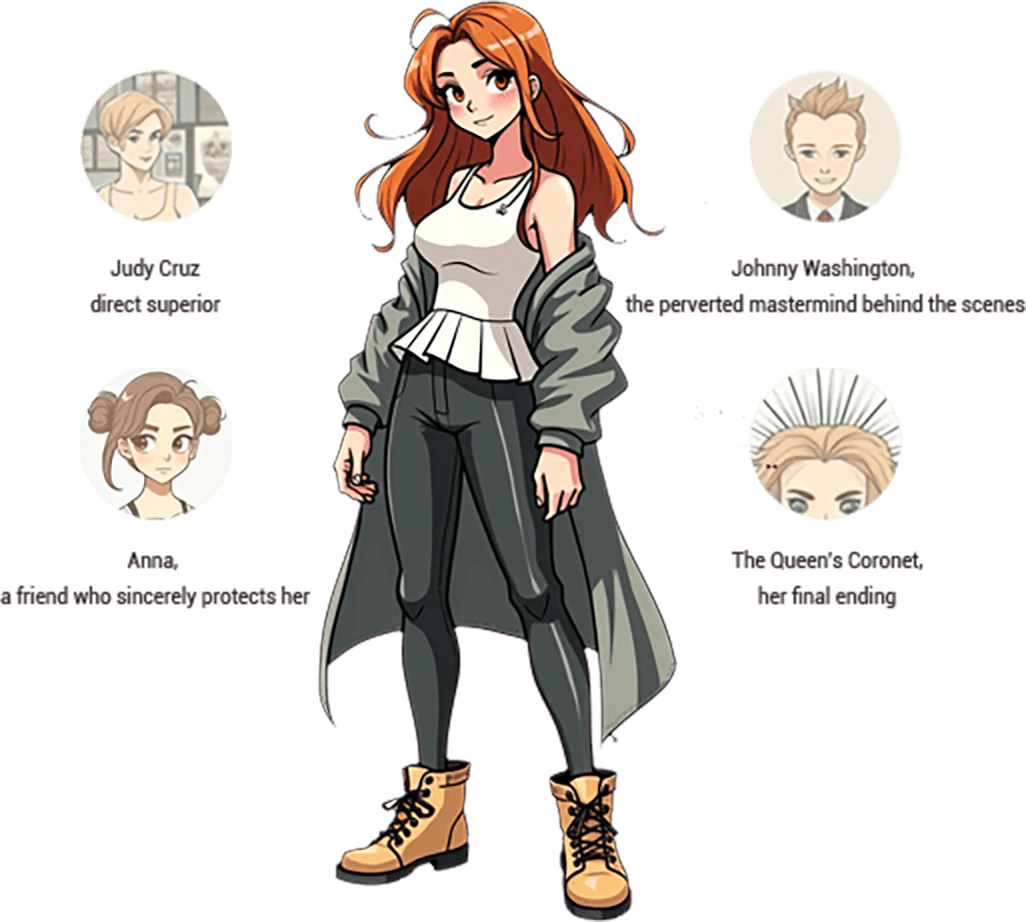
OC Maker is an innovative AI-powered platform designed to empower creators in generating and animating original characters (OCs). It leverages advanced text-to-image and image-to-image AI models to translate user descriptions and reference images into unique character designs. The tool extends beyond static image creation by offering AI-powered animation capabilities, bringing characters to life with styles inspired by popular franchises. Additionally, OC Maker features a character headcanon generator for creating backstories and traits, and an incorrect quote generator for humorous dialogue, all aimed at enriching character development. With an intuitive interface and high-quality output, OC Maker is suitable for a wide range of users, including writers, artists, and gamers, looking to streamline their character creation process and explore new avenues for bringing their fictional personas to life.
SpecificationsAI-estimated
Key Features of OC Maker
Use Cases for OC Maker
Character Design for Artists
Quickly generate unique character concepts and designs based on textual descriptions or existing art styles.
World-Building for Writers
Visualize characters for novels, stories, or games, aiding in developing backstories and personalities with headcanon generation.
Game Asset Creation
Generate character art and potential animations for indie game development projects.
Content Creation for Social Media
Create engaging character visuals and animations for posts, profiles, or fan content.
Prototyping Character Ideas
Rapidly iterate on character concepts and see them brought to life visually and dynamically.
Fan Fiction and Roleplaying
Develop characters for fan communities or roleplaying games with unique traits and dialogue.
How to use OC Maker?
Describe or Upload Image
Provide a detailed text description of your desired character or use an existing image as a reference for style.
Generate Character Image
Click the 'Generate OC Image' button. The AI will create a unique character visualization based on your input. Customize traits and styles as needed.
Animate Your Character
Select the 'Animate This Character' option. Input an animation prompt or script to bring your static OC to life as a dynamic video.
Add Text or Headcanons
Optionally, add text to your character images or use the Headcanon Generator to create backstories and unique traits for your character.
Download and Share
Download your generated character images or animations in MP4 format and share your creations.
Pros & Cons of OC Maker
Pros
- AI-powered character generation from text or image prompts.
- Supports animating generated characters with various styles.
- Includes tools for character headcanon and incorrect quote generation.
- User-friendly interface suitable for all skill levels.
- Offers a free tier for basic usage.
Cons
- Free tier has limited credits per month.
- Advanced features and higher credit limits require paid subscriptions.
- Text editing on images is permanent after saving.
Frequently Asked Questions
What is OC Maker?
OC Maker is an AI-powered character creator that allows users to design unique original characters. By providing text descriptions, our character maker generates personalized character images, serving as an intuitive OC generator for artists, writers, and gamers.
How does OC Maker work?
Simply input a detailed text description of your desired original character, and our AI will generate an image that matches your description. The process is quick and easy, allowing for high creativity and personalization.
Is there a cost to use OC Maker?
OC Maker has a free tier that gives you 20 credits per month. Standard generations use 1 credit, and HD and advanced generations use 10 credits. Paid plans offer more credits and benefits.
What kind of subscription plans do you offer?
We offer various subscription plans, including Premium and Pro, with different monthly credit allowances and access to advanced features like priority generation and the Flux-Dev model.
Can I customize my character further after it's generated?
Yes, you can further personalize generated images by adding and styling text directly onto them. Customization features are continuously being enhanced.
How can I animate my OC after generating it?
After generating your OC image, click 'Animate This Character,' enter your animation prompt or script, and start the video creation process. The animated character can then be downloaded in MP4 format.
Pricing Overview
View full pricing →No pricing or plan names were found on the page.
Detailed plans are not listed. Visit the official website for pricing information.
Reviews & Ratings0.0
No reviews yet. Be the first to write one!
Top Alternatives & Similar Software
View all alternatives & similar software→



People also viewed


Related searches
Is this your tool?
Claim this page to update details, reply to user reviews, and drive more traffic to your product.
Claim this Product →
Tags
Explore Related Topics
Keep up with OC Maker alternatives
New alternatives, pricing changes and the week's biggest movers - one email every Tuesday.