




MJ Splitter
Split MidJourney Grids in Seconds

What is MJ Splitter?
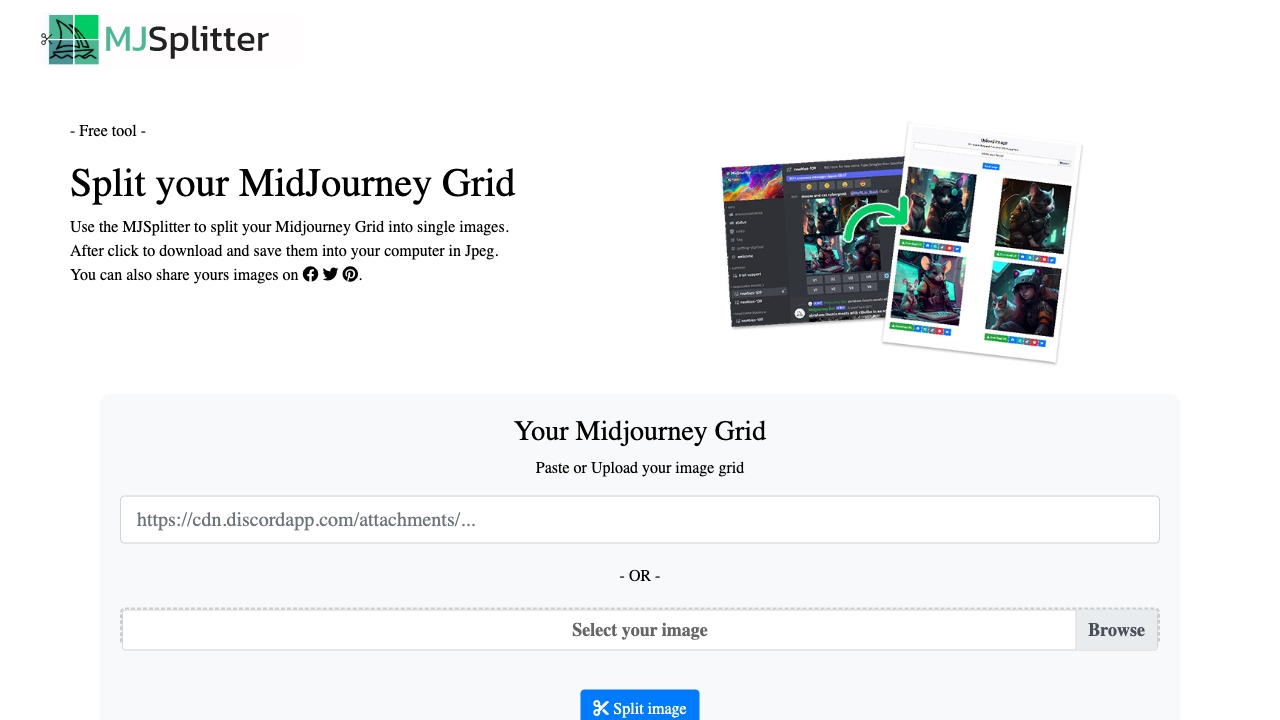
MJ Splitter is a free online tool that splits MidJourney AI-generated image grids into individual high-quality files. It supports 2×2 and 3×3 grids, processes images locally for privacy, and offers instant downloads as JPEGs or ZIP files.
SpecificationsAI-estimated
Key Features of MJ Splitter
Use Cases for MJ Splitter
AI Art Creators
Easily split MidJourney grid outputs for sharing, portfolio, or printing.
Social Media Managers
Get individual images from grids to post on Instagram or other platforms.
Print On Demand
Download high-quality individual images for print products.
How to use MJ Splitter?
Upload Your Grid
Paste a URL or upload your MidJourney 2x2 or 3x3 grid image from your computer.
Automatic Split
The tool instantly detects and separates your grid into individual high-quality images.
Download & Share
Get your images as clean JPEGs, ready for Instagram, print, or your portfolio.
Pros & Cons of MJ Splitter
Pros
- Free forever, no signup required
- Fast processing (under 2 seconds)
- High-quality output without compression
- 100% private – images processed locally and never stored
- Supports URL paste and drag-and-drop upload
- Batch download as ZIP
- Mobile friendly
- Automatic grid detection
Cons
- Only supports 2×2 and 3×3 grids
- Limited to MidJourney grid images
- Output format is JPEG only
Pricing Overview
View full pricing →The page describes the tool as free, with no paid tiers or specific dollar amounts mentioned.
Reviews & Ratings0.0
No reviews yet. Be the first to write one!
Top Alternatives & Similar Software
View all alternatives & similar software→
People also viewed


Related searches
About the Product
Is this your tool?
Claim this page to update details, reply to user reviews, and drive more traffic to your product.
Claim this Product →
Tags
Explore Related Topics
Keep up with MJ Splitter alternatives
New alternatives, pricing changes and the week's biggest movers - one email every Tuesday.