



MiniMax Music 3.0
Advanced AI features for commercial-ready music
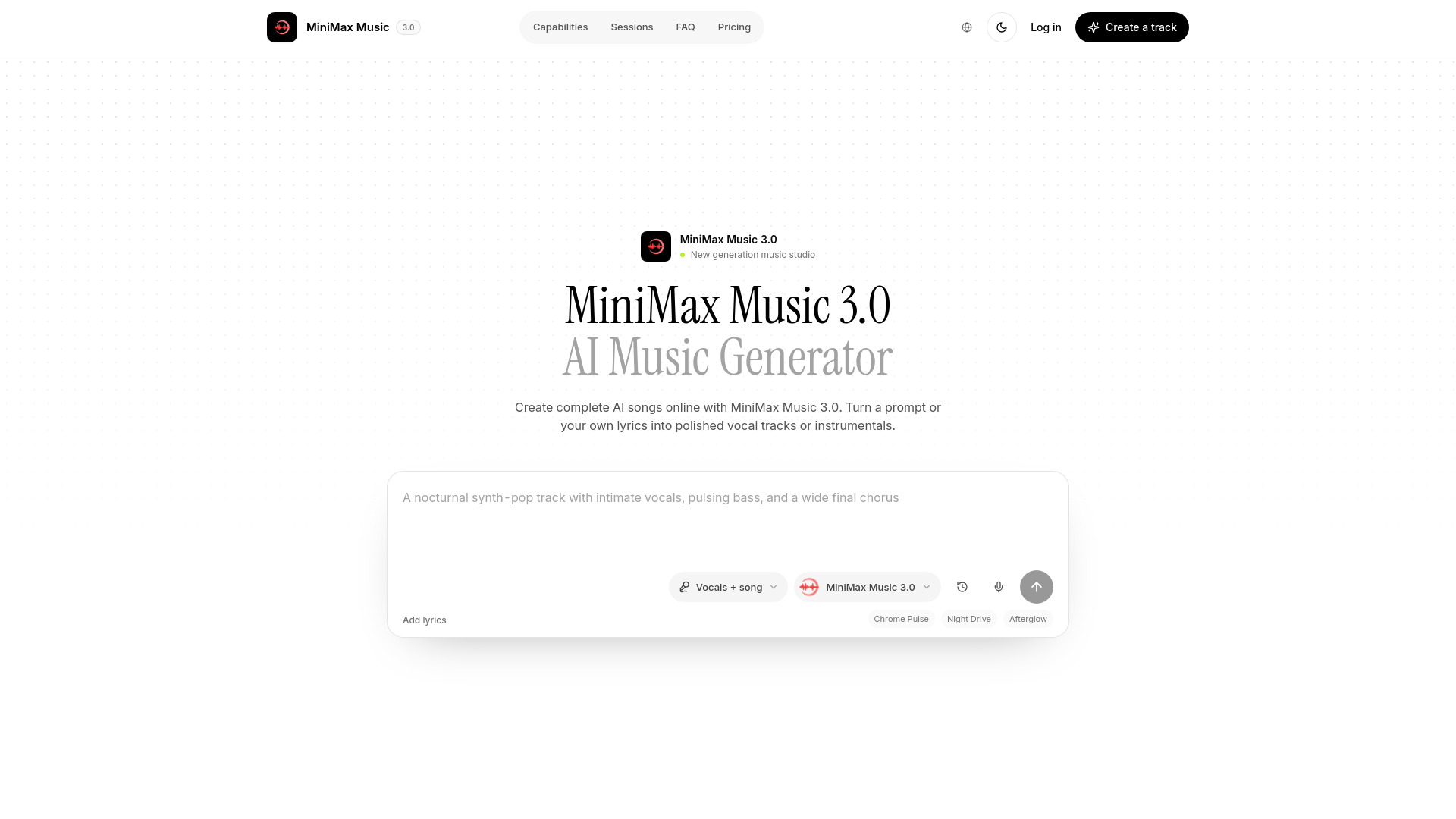

What is MiniMax Music 3.0?
MiniMax Music 3.0 is an AI-powered music generation tool that creates full songs from text prompts or lyrics, offering vocal and instrumental modes, studio-quality audio, and a complete creative workflow.
SpecificationsAI-estimated
Key Features of MiniMax Music 3.0
Use Cases for MiniMax Music 3.0
Content creation
Quickly produce original music for videos, podcasts, and social media content.
Music production
Generate demo tracks or song ideas with full arrangements.
Personal projects
Create a song from a brief or lyrics for personal projects or gifts.
Commercial licensing
Produce commercial tracks for advertising, games, or other media use.
How to use MiniMax Music 3.0?
Write a music brief
Describe the genre, pace, instruments, vocal style, mood, and energy progression. For example: 'Electro pop with glassy synths, 120 BPM, calm verses and punchy chorus.'
Select mode and add lyrics
Choose Song mode for a full vocal track or Instrumental mode for music without vocals. Optionally add your own lyrics in the Lyrics tab.
Generate and preview
Tap generate and wait for MiniMax Music 3.0 to create your track. Play it back in the studio player.
Download or save
Use the download button to save the completed track. It is also stored in your workspace history for future access.
Pros & Cons of MiniMax Music 3.0
Pros
- Generates complete songs from simple text prompts
- Supports both vocal and instrumental tracks
- Allows custom lyrics
- Studio-quality, release-ready audio
- User-friendly one-click generation
- Guest access and free starter credits
- Built-in workspace storage for generated tracks
- Designed for commercial workflows
Cons
- Mobile app but also has web version (but still).
Frequently Asked Questions
What is MiniMax Music 3.0?
MiniMax Music 3.0 is an AI music generation tool that turns text descriptions and optional lyrics into complete vocal or instrumental tracks.
Can I generate without creating an account first?
Yes, you can start creating in a guest session without creating an account, and you can claim starter credits when you do.
How should I write a good music brief?
Combine genre, tempo, instruments, vocal tone, mood, and a simple description of how the energy should evolve for the best results.
Can I use my own lyrics?
Yes, choose Song mode, open the Lyrics tab, and input the words you want the vocal performance to follow.
Can I download the generated audio?
Yes, completed tracks appear in the studio player with a direct download option and are also saved in your workspace history.
Reviews & Ratings0.0
No reviews yet. Be the first to write one!
Top Alternatives & Similar Software
View all alternatives & similar software→

People also viewed


Related searches
Is this your tool?
Claim this page to update details, reply to user reviews, and drive more traffic to your product.
Claim this Product →
Tags
Explore Related Topics
Keep up with MiniMax Music 3.0 alternatives
New alternatives, pricing changes and the week's biggest movers - one email every Tuesday.