



MimicPC
Open-Source AI Platform, Customizable & Affordable
What is MimicPC?
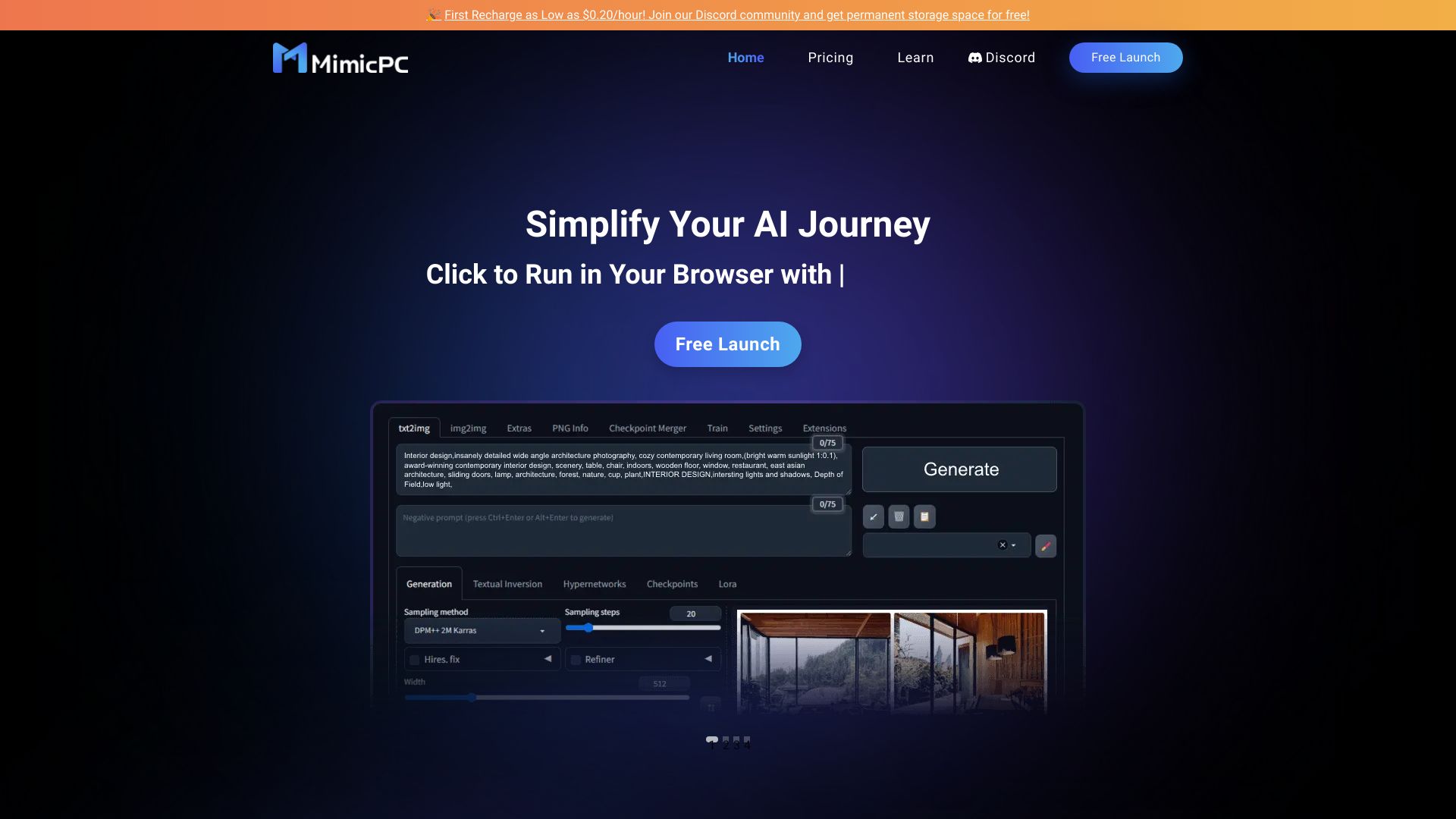
MimicPC is a cloud-based, budget-friendly AI platform that provides instant access to popular open-source AI tools for image generation, face swapping, model training, audio creation, video creation, and large language models. It eliminates the need for local deployment and offers flexible pay-as-you-go GPU options.
SpecificationsAI-estimated
Key Features of MimicPC
Use Cases for MimicPC
AI Art Creation
Generate high-quality images from text prompts using FLUX, SD 3.5, SD WebUI, and ComfyUI.
Content Creation
Create realistic voiceovers, music, videos, and face-swapped media for content production.
Custom Model Training
Train LoRA models with AI-Toolkit or Kohya_ss for personalized image generation.
Language Model Experiments
Use Ollama-based web UIs to run and chat with open-source LLMs.
Prototyping and Education
Explore open-source AI tools without expensive hardware setup, ideal for learning and prototyping.
How to use MimicPC?
Sign up
Create a free account on MimicPC — no credit card required.
Choose an AI app
Browse 20+ apps and select one such as Auto WebUI, ComfyUI, FaceFusion, RVC, or Fooocus.
Select hardware
Pick a GPU plan that fits your needs: Medium, Large, Large-pro, or Ultra.
Start creating
Use the app instantly in your browser with no deployment or configuration.
Pros & Cons of MimicPC
Pros
- No setup or deployment needed
- Affordable per-hour GPU pricing
- Wide variety of popular open-source AI apps
- Custom model support and LoRA training
- Covers image, video, audio, face swap, and LLMs
- Starts free with no credit card required
Cons
- Free tier and long-term plan details are limited
- Requires internet connection
- Bargain access may involve wait times
- Performance depends on selected GPU plan
Frequently Asked Questions
Is MimicPC free to use?
MimicPC states 'Start for free, no credit card required.' It offers a free entry point, while premium GPU plans are available for extended use.
Can I train custom models on MimicPC?
Yes, MimicPC supports model training, including LoRA models, using apps like AI-Toolkit and Kohya_ss.
What hardware does MimicPC offer?
Plan options include T4, L4/A10, and L40S GPUs with 16GB to 48GB of VRAM.
Does MimicPC support video and audio generation?
Yes, it supports video creation through ComfyUI and audio creation through RVC, AudioCraft, F5-TTS, and more.
Pricing Overview
View full pricing →pay $0.4 for 1 hour access (or $0.8 for 4 hours).
Reviews & Ratings0.0
No reviews yet. Be the first to write one!
Top Alternatives & Similar Software
View all alternatives & similar software→

People also viewed



Related searches
Is this your tool?
Claim this page to update details, reply to user reviews, and drive more traffic to your product.
Claim this Product →
Tags
Explore Related Topics
Keep up with MimicPC alternatives
New alternatives, pricing changes and the week's biggest movers - one email every Tuesday.