



LogMeIn Central
Secure remote access and device management for teams
Best for
IT admins and support teams needing secure, web‑based remote management
Skip if
Teams requiring robust Linux client or cheapest enterprise solution
What is LogMeIn Central?
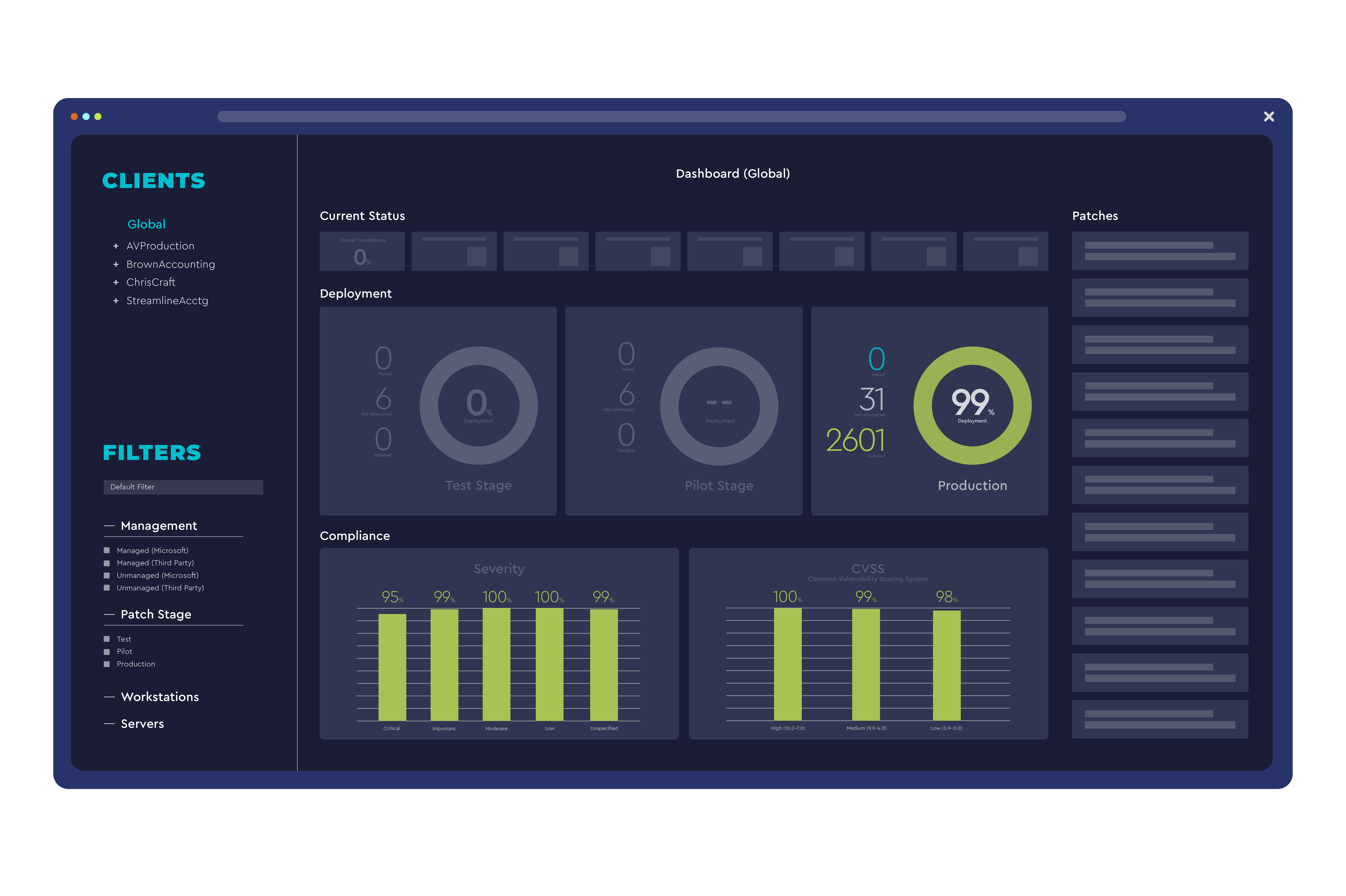
LogMeIn Central provides centralized remote access, monitoring, and management of computers and servers across an organization. It combines secure VPN, file transfer, and real‑time monitoring in a single cloud‑based console. Designed for IT administrators and support teams, the platform enables quick troubleshooting, patch deployment, and asset inventory without the need for on‑site visits, improving productivity and reducing downtime.
SpecificationsAI-estimated
Key Features of LogMeIn Central
Use Cases for LogMeIn Central
Help Desk Support
IT staff can remotely troubleshoot user issues without physical access.
Remote Workforce
Employees can securely access office computers from home or travel.
Patch Management
Admins deploy OS and software updates across all devices from a single console.
Asset Monitoring
Continuous health checks alert teams to performance problems before they cause downtime.
Pros & Cons of LogMeIn Central
Pros
- Strong security with end‑to‑end encryption
- No client installation needed for web access
- Comprehensive monitoring and reporting tools
- Scalable for small teams to enterprise environments
Cons
- Limited Linux client features compared to Windows/Mac
- Higher cost for advanced enterprise plans
- Interface can feel dated for new users
Frequently Asked Questions
Is LogMeIn Central a cloud service or does it require on‑premise installation?
It is a cloud‑based SaaS platform; no on‑premise servers are required.
Can I use LogMeIn Central on mobile devices?
Yes, iOS and Android apps allow you to start remote sessions and manage devices.
Does LogMeIn Central support multi‑factor authentication?
Yes, it integrates with MFA providers such as Duo and Google Authenticator.
What happens if the remote computer is offline?
You can view its last known status and schedule wake‑on‑LAN or later connection attempts.
Pricing Overview
View full pricing →Detailed plans are not listed. Visit the official website for pricing information.
Reviews & Ratings0.0
No reviews yet. Be the first to write one!
Top Alternatives & Similar Software
View all alternatives & similar software→

People also viewed




Best For
Related searches
About the Product
Is this your tool?
Claim this page to update details, reply to user reviews, and drive more traffic to your product.
Claim this Product →
Tags
Explore Related Topics
Keep up with LogMeIn Central alternatives
New alternatives, pricing changes and the week's biggest movers - one email every Tuesday.