




LineArt
Turn any photo into a line art coloring book
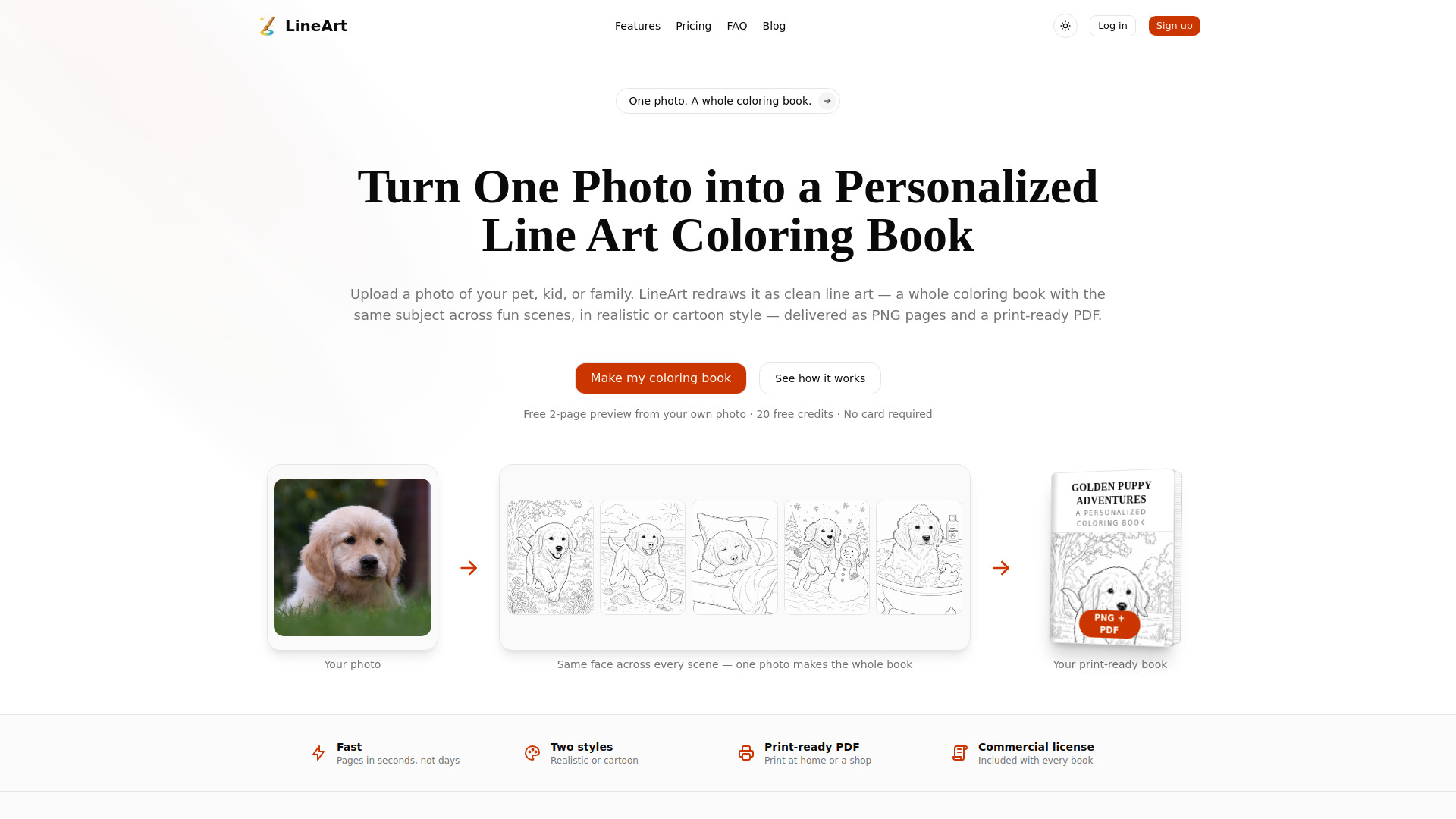



What is LineArt?
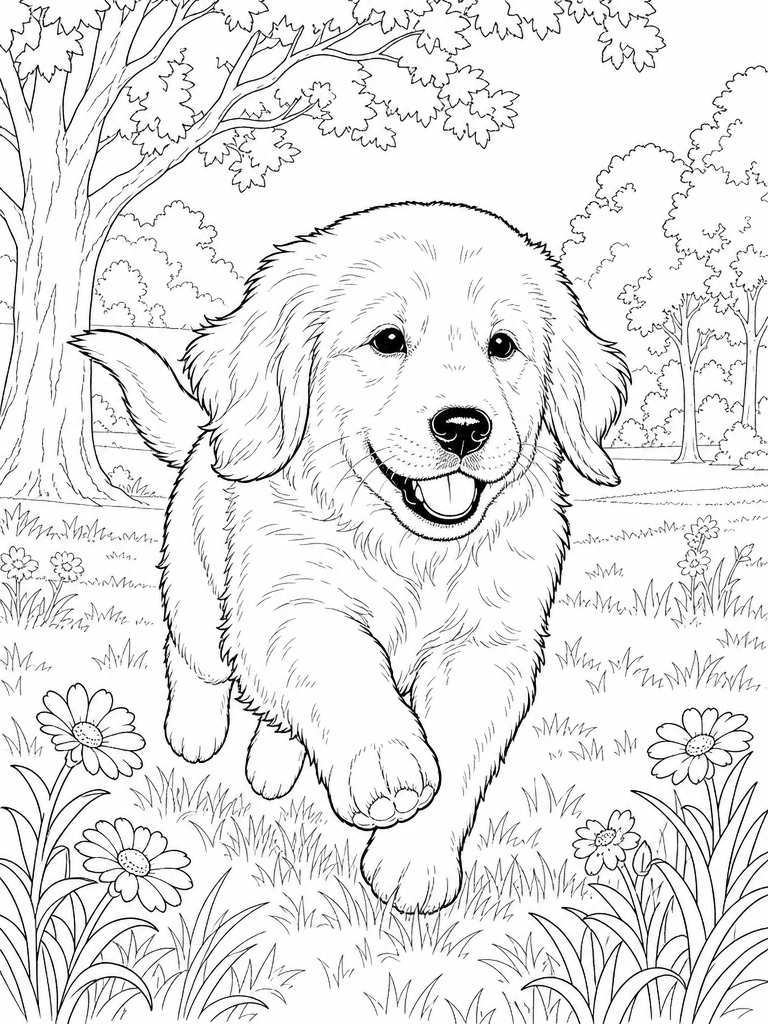
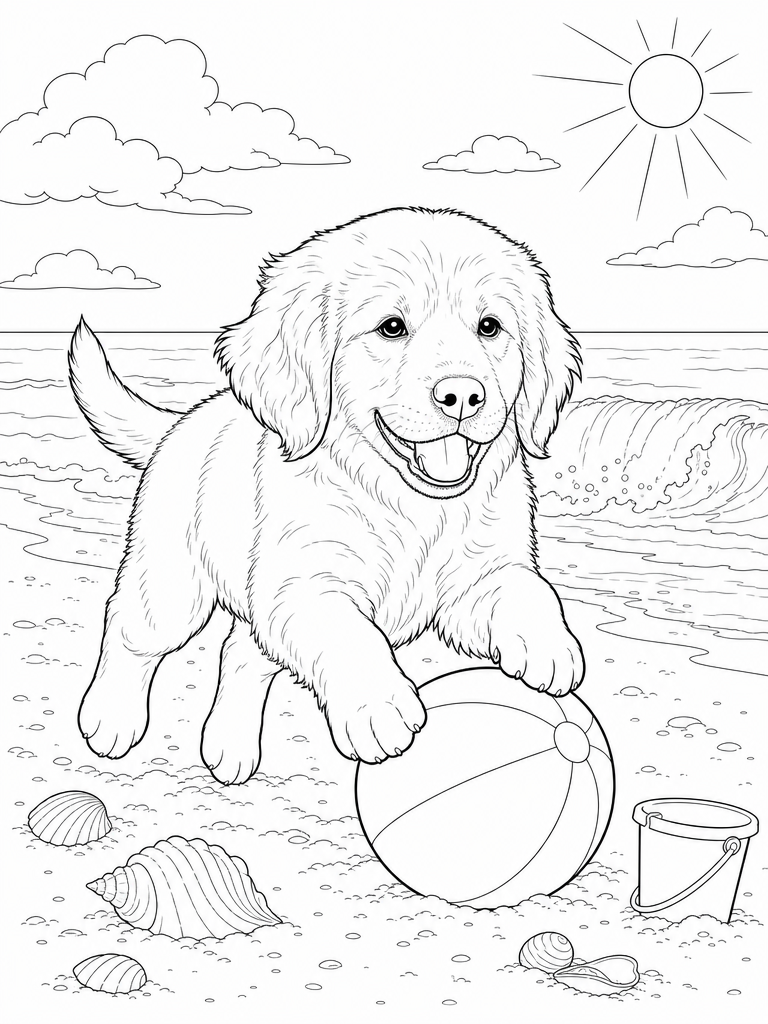
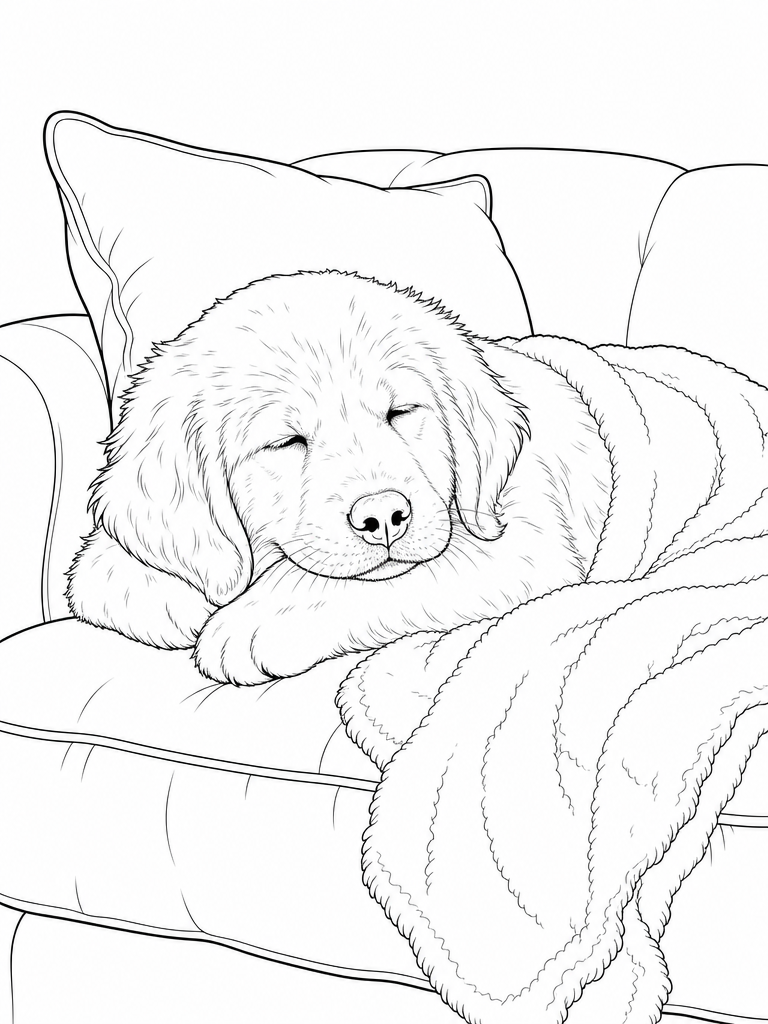
LineArt is an AI-powered web application that transforms a single photo into a personalized line art coloring book. Users upload a photo of a pet, child, or family member, choose a realistic or cartoon style, and the AI generates a consistent set of coloring pages across curated scenes (park, beach, couch, snow, etc.). The output includes high-resolution PNG pages and a print-ready PDF with a typographic cover, suitable for home printing or commercial use via platforms like Amazon KDP.
SpecificationsAI-estimated
Key Features of LineArt
Use Cases for LineArt
Personalized gifts
Create a custom coloring book for a child, pet lover, or family member as a unique gift.
E-commerce / Print-on-demand
Sell personalized coloring books on Etsy, Amazon KDP, or own shop; commercial license allows resale.
Therapeutic / relaxation
Generate realistic line art of pets or nature for adult coloring therapy.
Educational activity
Make custom coloring pages for kids with their favorite characters or pets.
Fundraising or events
Create coloring books with themed subjects (e.g., event mascots, local animals) for community projects.
How to use LineArt?
Upload a photo
Drop in a clear, well-lit photo with a distinct subject (pet, kid, etc.).
Pick style and size
Choose realistic or cartoon style and page count (5, 10, or 20 pages).
AI generates your book
LineArt creates consistent line art with the same subject across curated scenes.
Download & print
Get high-res PNGs and a print-ready PDF; print at home or via a professional shop.
Pros & Cons of LineArt
Pros
- Fast turnaround – pages generated in minutes
- No design skills required
- Consistent subject appearance across all pages
- Two distinct styles (realistic for adults, cartoon for kids)
- Commercial license included with every book
- Print-ready PDF format with cover
- Pay-as-you-go credits, never expire
- Free 2-page preview with 20 free credits, no card required
Cons
- Limited to pre-defined scenes, not fully customizable backgrounds
- Output quality depends on the clarity of the source photo
- Only two style options (realistic and cartoon)
- No full free book, only a preview
- Limited editing or customization beyond scene selection
Frequently Asked Questions
Is there a free trial?
Yes, you get 20 free credits for a 2-page preview without needing a credit card.
How does it keep the same pet on every page?
The AI uses the uploaded photo as a reference to maintain consistent facial features and likeness across all generated scenes.
What styles can I choose?
Two styles: Realistic (detailed line art for adults) and Cartoon (chibi-like, cute style for kids).
What photos work best?
Clear, well-lit photos with distinct subjects. Avoid busy backgrounds or multiple subjects for best results.
How long does it take?
Pages are generated in minutes, typically under a few minutes for a full book.
Can I sell books made with LineArt?
Yes, every book includes a commercial license, allowing you to sell on Etsy, Amazon KDP, or elsewhere.
How do credits work?
Credits are purchasable one-time packs. Each page costs 10 credits. Credits never expire.
What is the refund policy?
The website does not specify in this content; contact support for details.
How do I print my coloring book?
Print at home on standard paper or send the PDF to a print shop. Tip: print single-sided to avoid marker bleed.
Pricing Overview
View full pricing →The page explicitly offers a free option: Free 2-page preview from your own photo, 20 free credits, no card required. No paid plan names or dollar prices are stated in the provided content.
Reviews & Ratings0.0
No reviews yet. Be the first to write one!
Top Alternatives & Similar Software
View all alternatives & similar software→

People also viewed


Related searches
About the Product
Is this your tool?
Claim this page to update details, reply to user reviews, and drive more traffic to your product.
Claim this Product →
Tags
Keep up with LineArt alternatives
New alternatives, pricing changes and the week's biggest movers - one email every Tuesday.