




Landscape Design AI
Upload a photo of your outdoor space and get photorealistic, professional landscape designs in seconds — free, no login required.

What is Landscape Design AI?
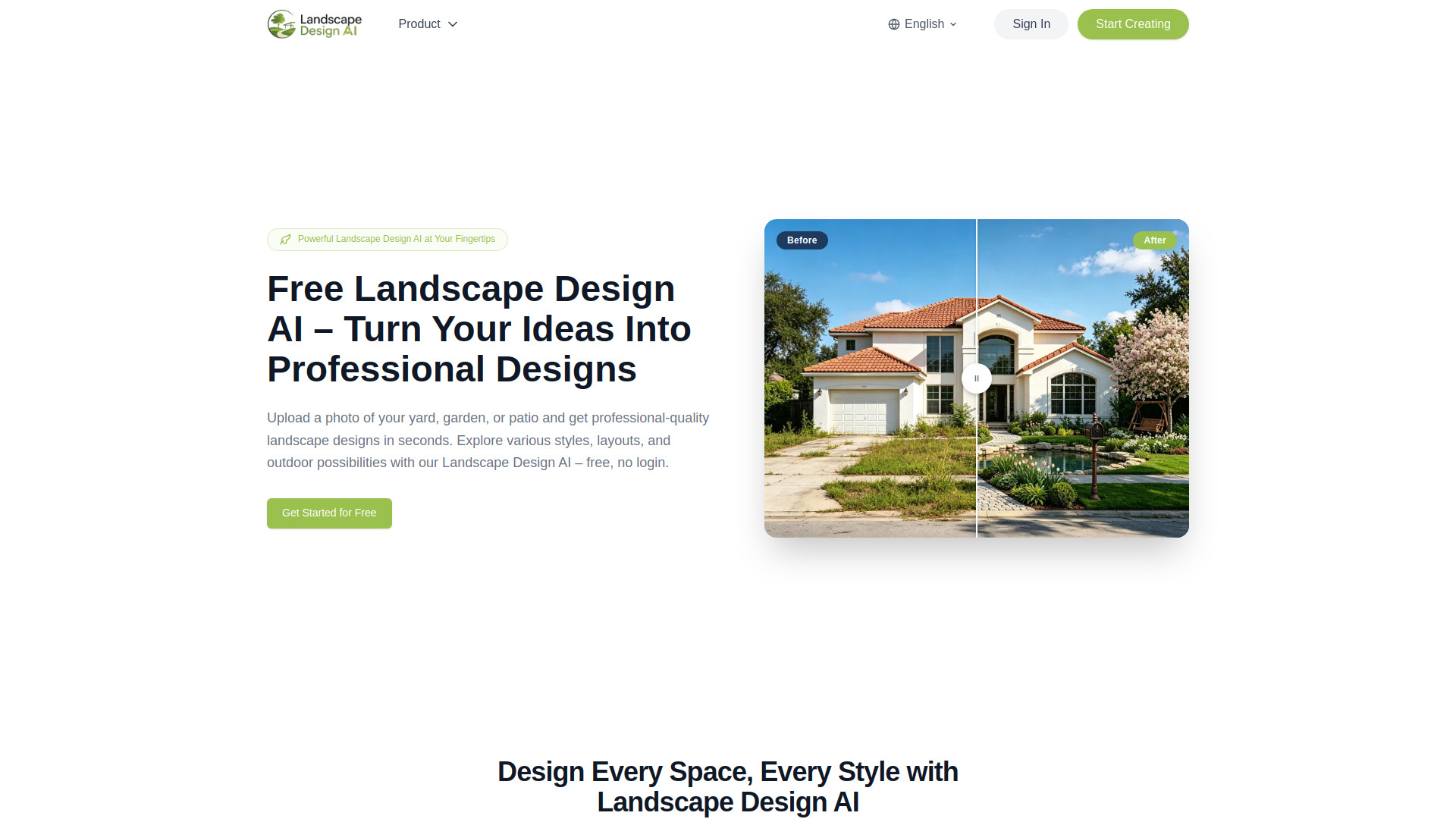
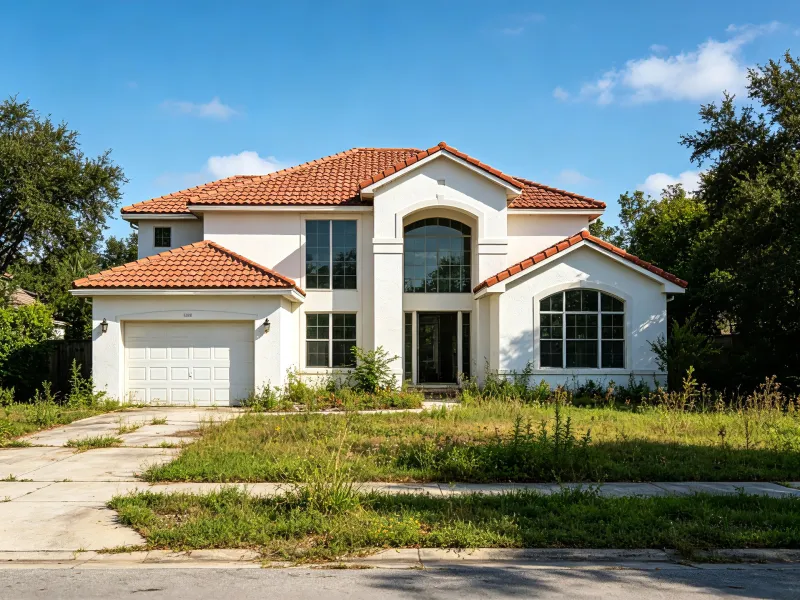
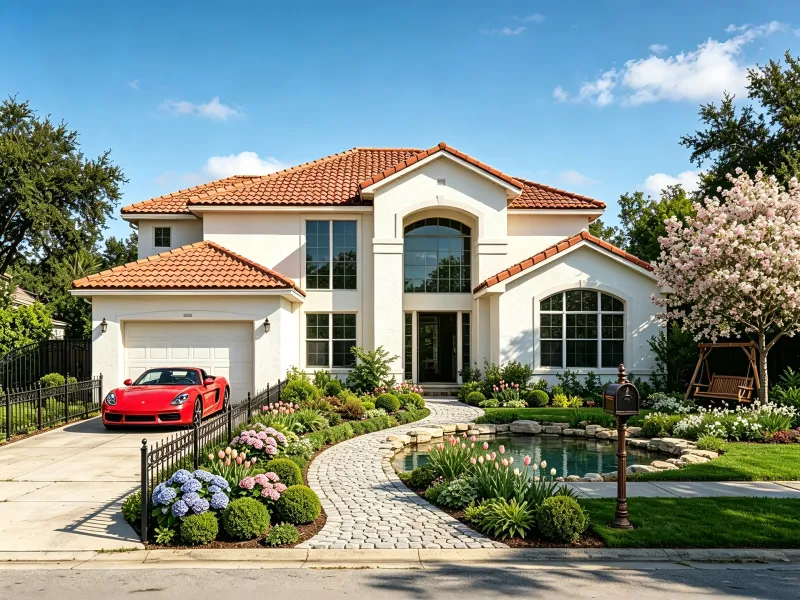
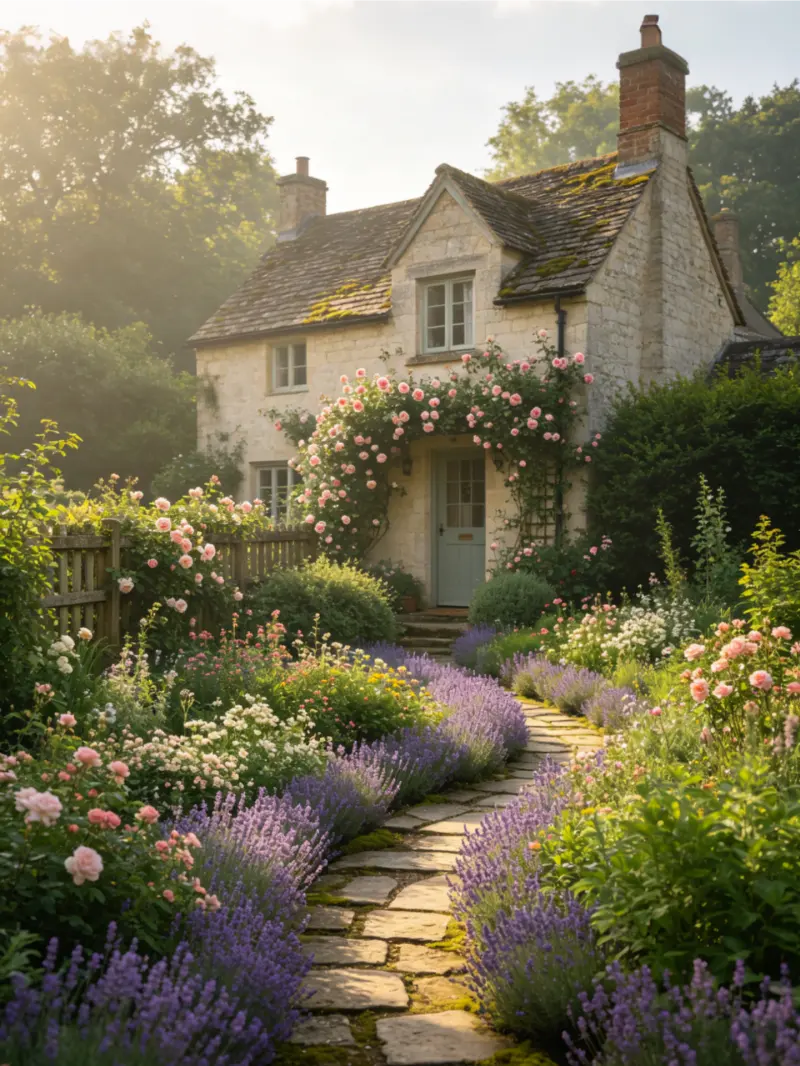
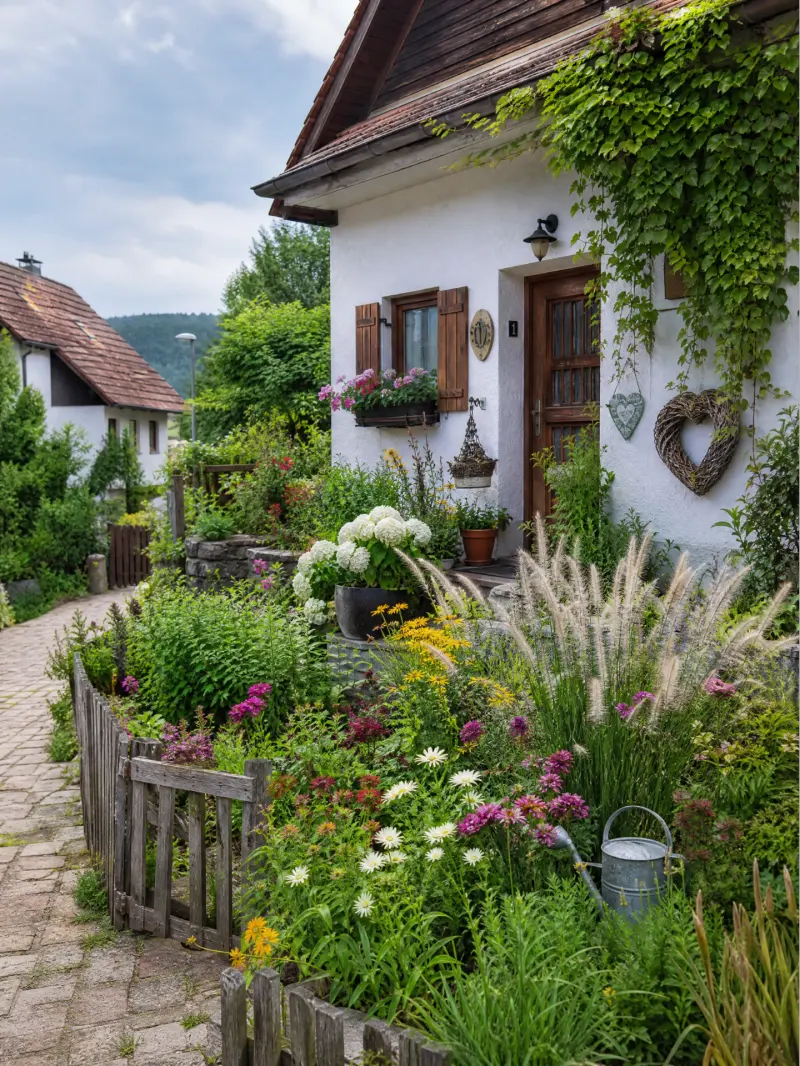
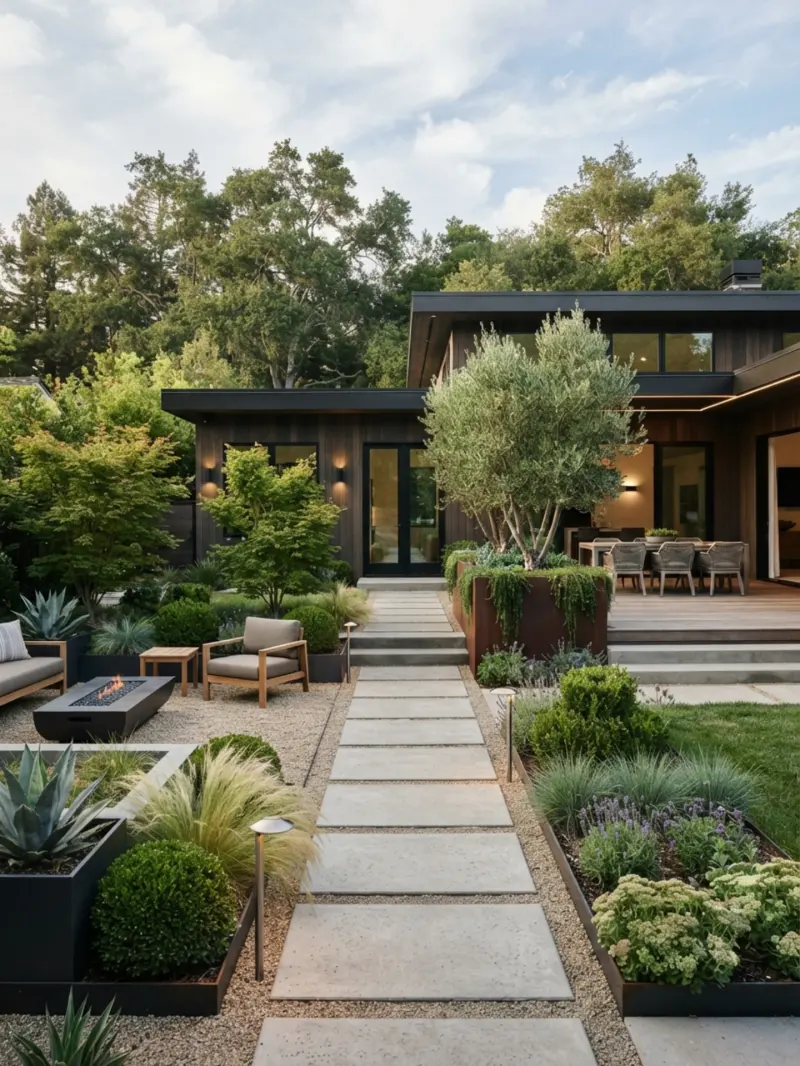
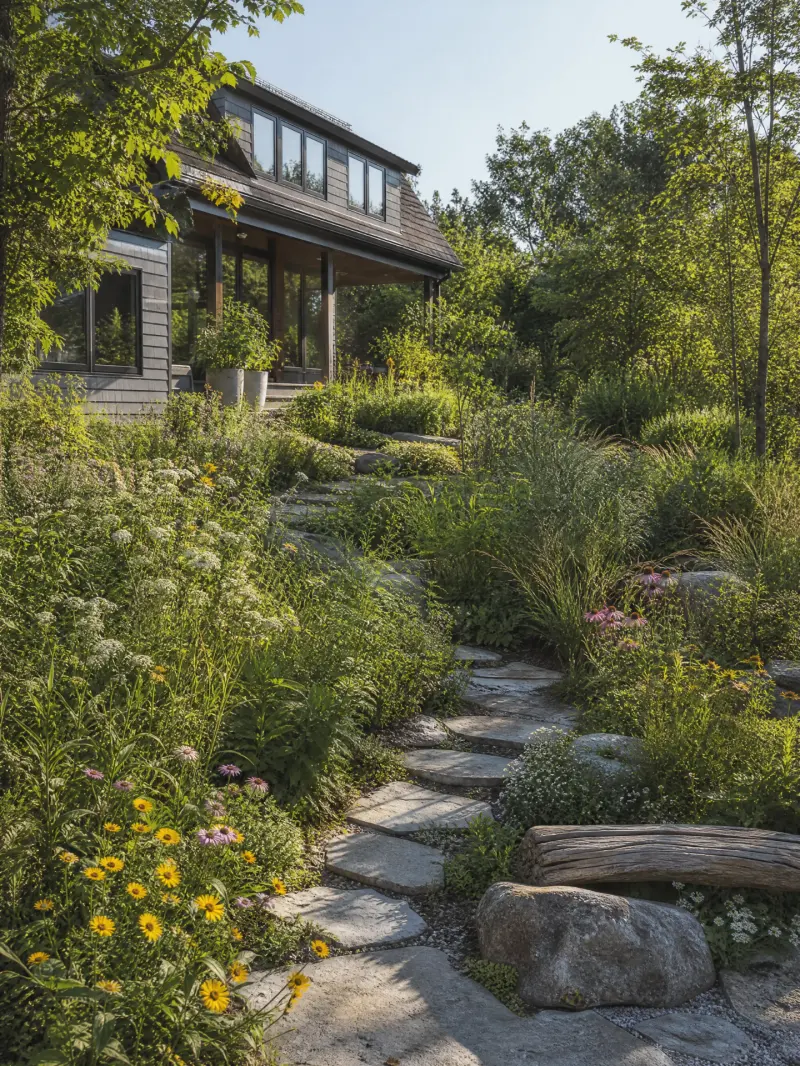
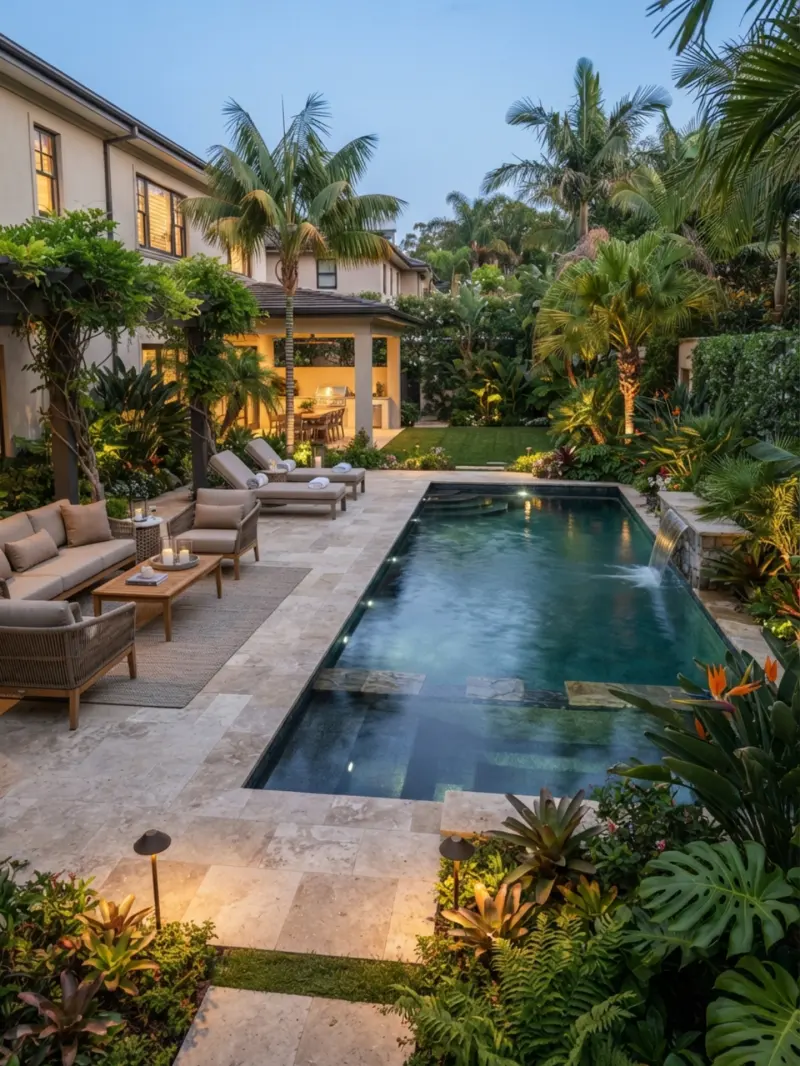
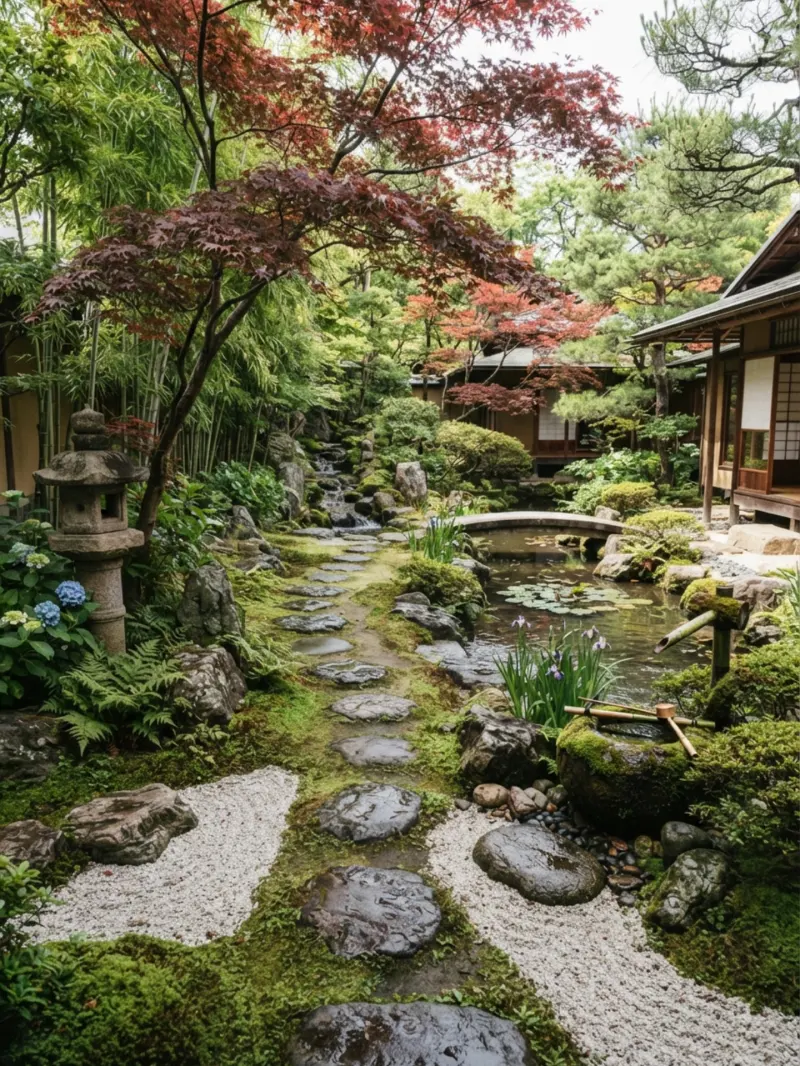
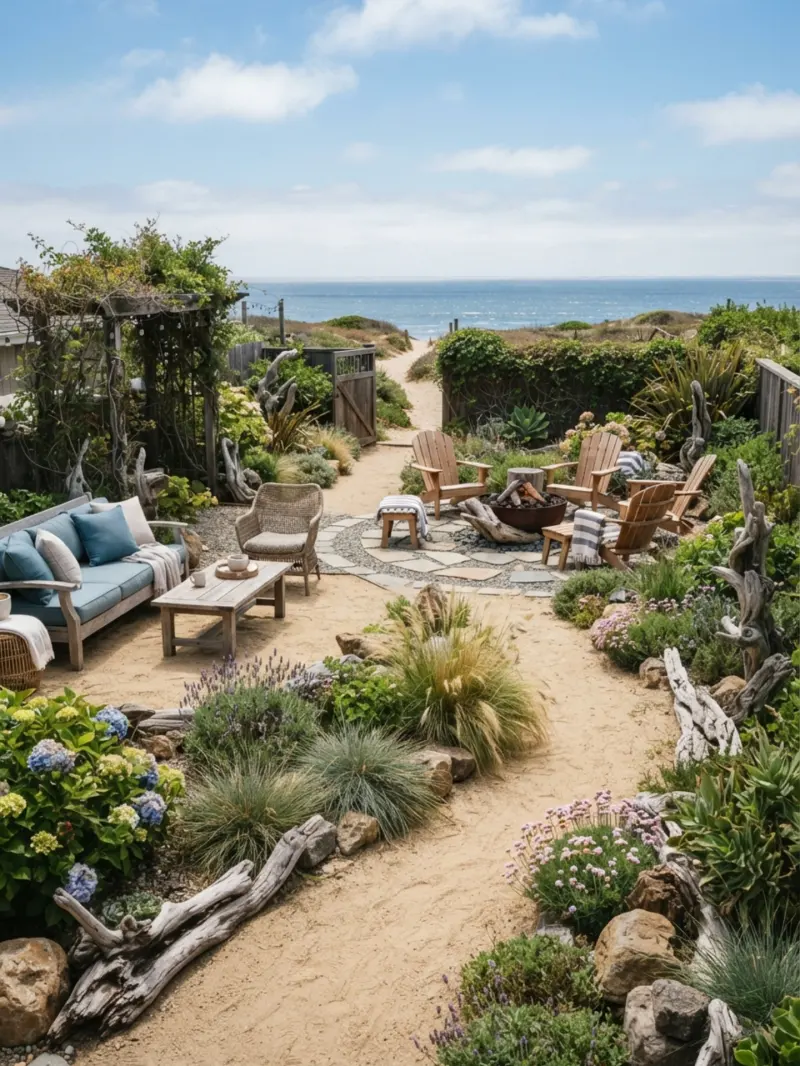
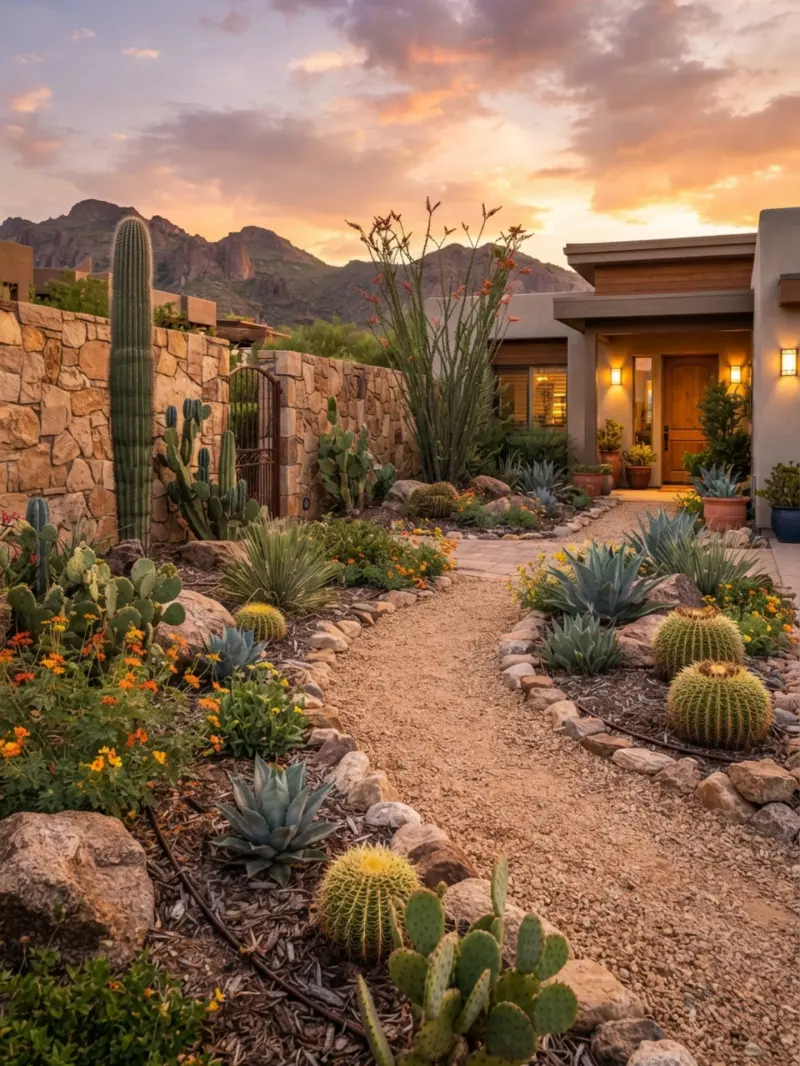
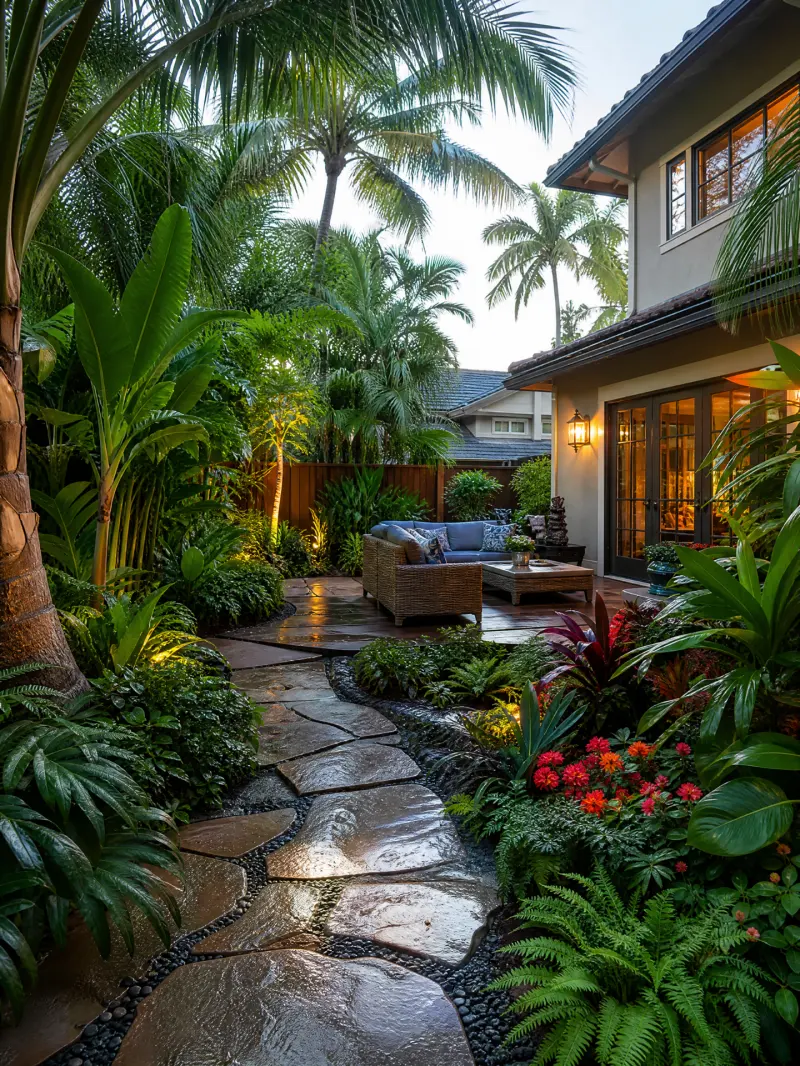
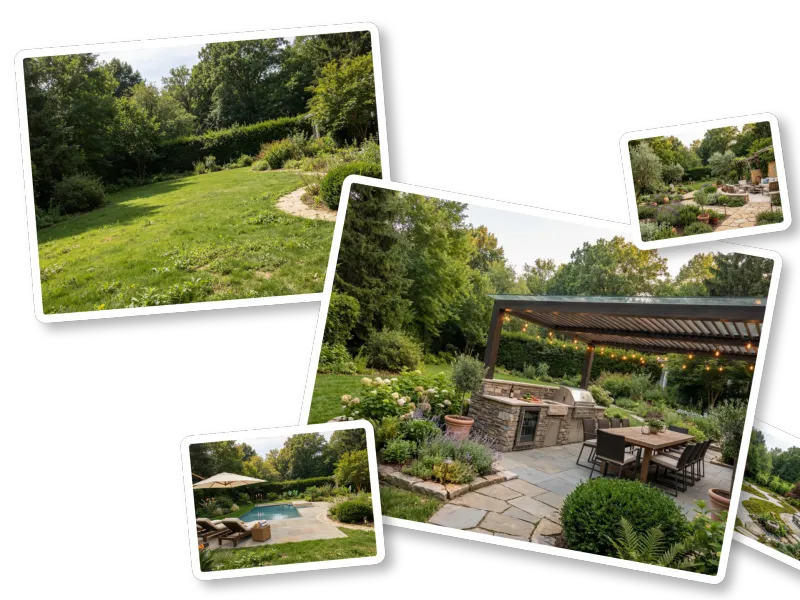
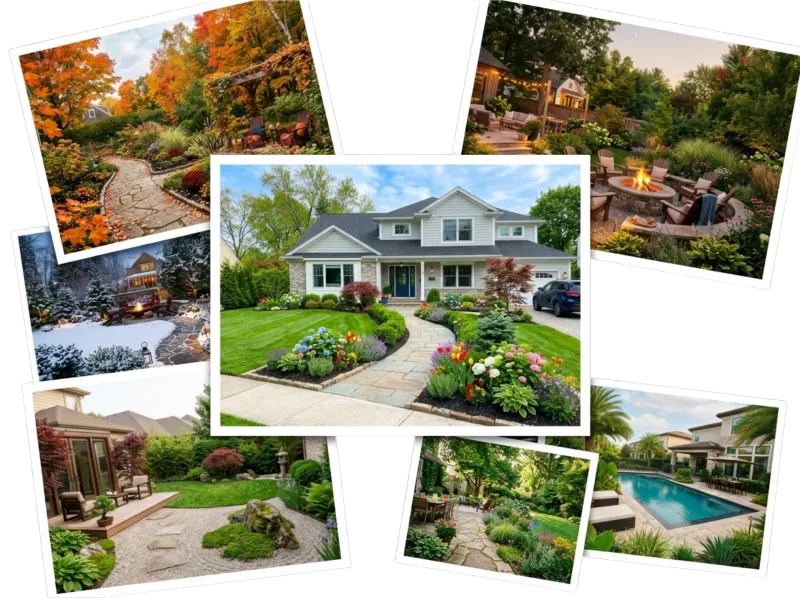
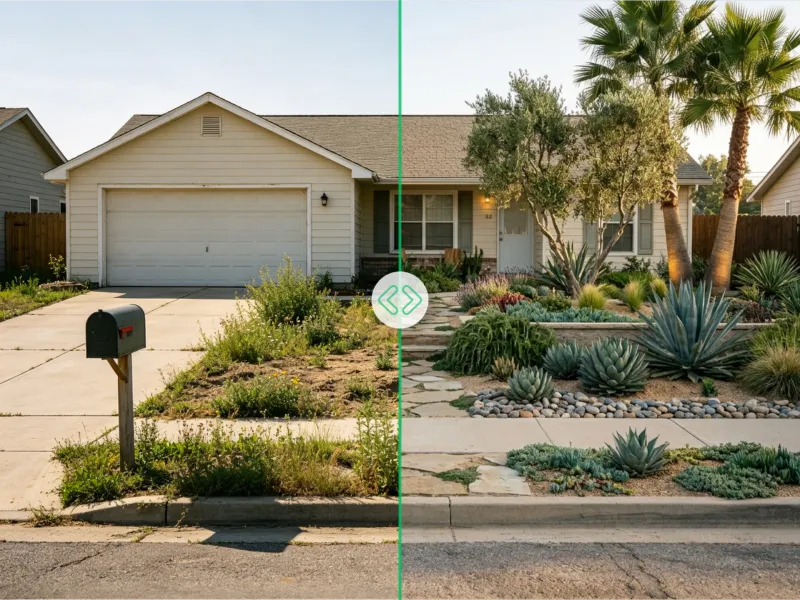
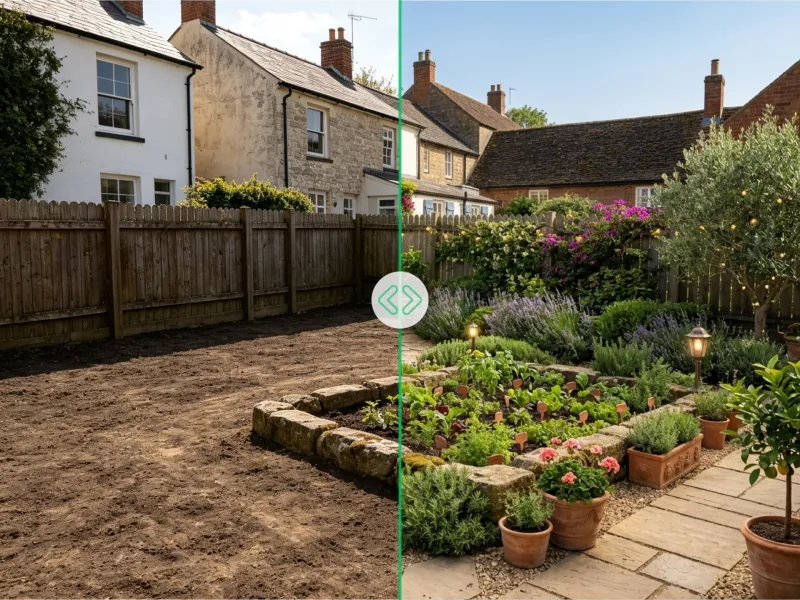
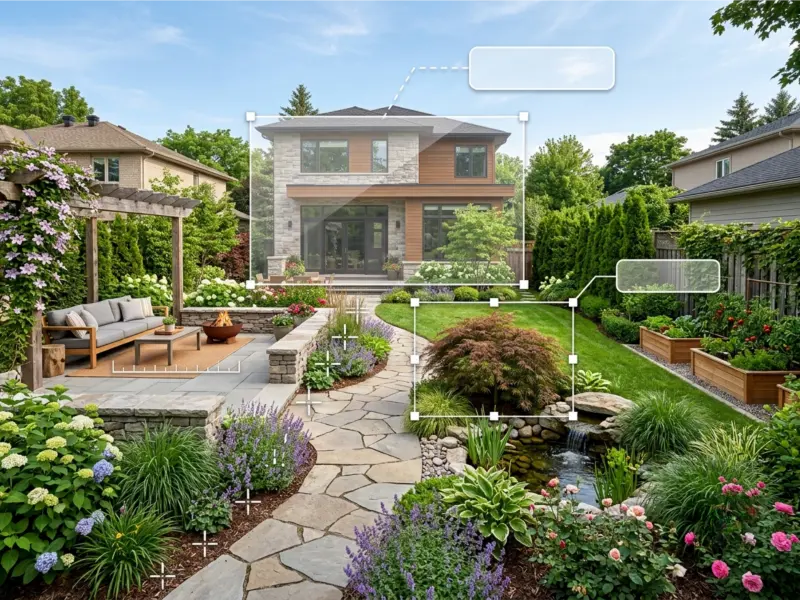
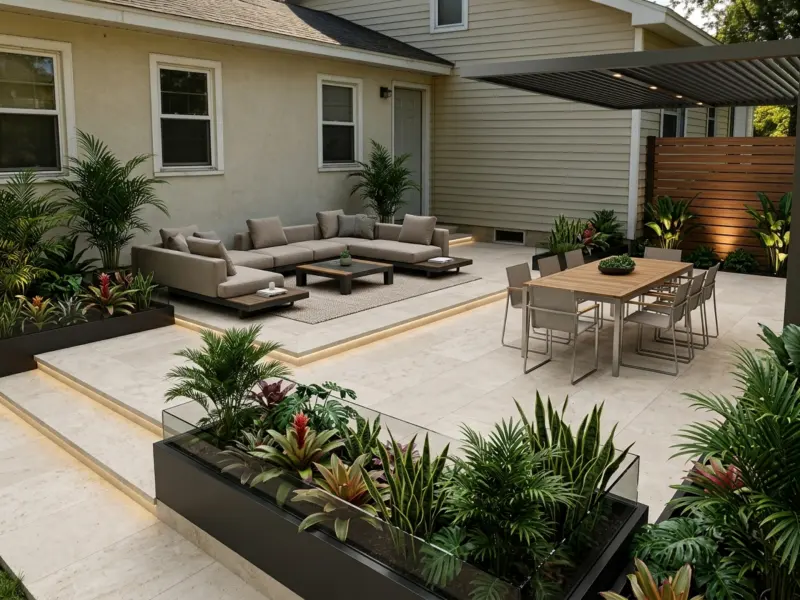
Landscape Design AI is a free online outdoor and garden planner that turns ordinary photos of your yard, patio, or garden into professional-quality landscape designs in seconds. Instead of drawing from scratch or hiring an expensive designer, you simply upload a snapshot of your outdoor space and let the AI reimagine it with realistic plants, paths, seating areas, and hardscaping. The tool works in any browser, requires no login for your first generation, and emphasizes protecting your privacy by never storing or sharing uploaded images. The platform features more than 30 built-in design styles, including English, Cottage, Modern, Naturalistic, Coastal, Desert, Japanese, Mediterranean, Scandinavian, Ranch, Pool Backyard, Kids Play Area, and Fairy Garden. If those don't capture your vision, you can describe your idea with a custom prompt, and the AI landscape generator tailors the result to your specific request. Additional controls let you set the space type, intended use, sunlight level, terrain, and even your location so the design recommendations align with your local climate and practical conditions. Landscape Design AI is particularly useful for homeowners, DIY renovators, landscape architects, and real estate professionals who want fast visual concepts without design software experience. Every render comes out in sharp, high-resolution, watermark-free detail that can be downloaded and shared with contractors, family, or on social media. With two free uses on your first visit and two free uses every day after logging in, it's a low-risk way to explore before-and-after outdoor transformations before any real digging begins.
SpecificationsAI-estimated
Key Features of Landscape Design AI
Use Cases for Landscape Design AI
Backyard Makeover
Visualize a complete backyard redesign with new plants, seating areas, paths, and lawn layouts before making any changes.
Front Yard Refresh
Refresh a front yard with climate-appropriate plants, edging, and hardscape improvements that boost curb appeal.
Patio and Balcony Planning
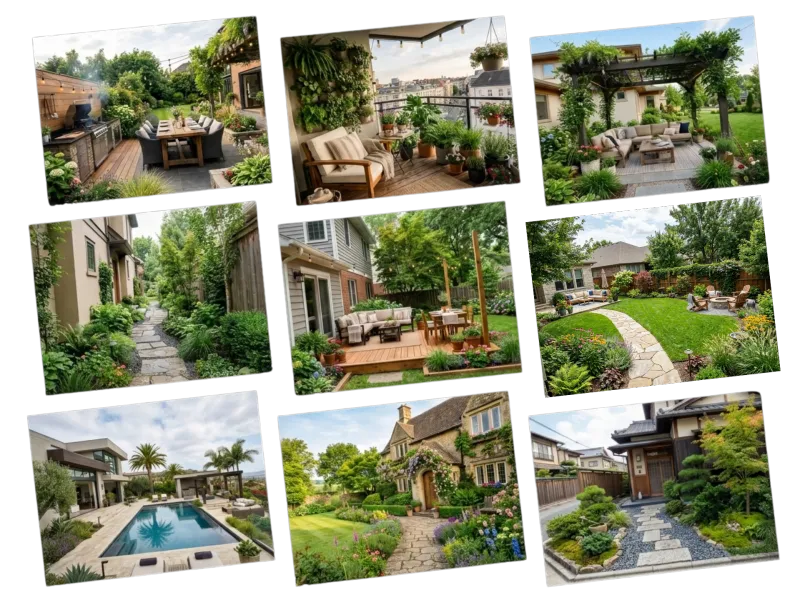
Turn a plain patio or balcony into a stylish outdoor living area with furniture layouts, planters, and greenery.
Pool Backyard Design
Design a relaxing pool retreat with surrounding greenery, lounging areas, and privacy plantings.
Garden Style Exploration
Explore different garden styles like Cottage, Japanese, Mediterranean, or Desert to find a look you love before planting.
Contractor Briefs and Approvals
Use the watermark-free high-resolution image to brief contractors, support HOA approval, or share inspiration with family.
Kids Play Area Design
Create playful outdoor spaces for children with fun layouts, safe surfaces, and colorful plantings.
How to use Landscape Design AI?
Upload Your Photo
Drag and drop a photo of your yard, garden, or patio into the tool. After uploading, crop the image to frame the exact area you want to redesign. For best results, use a clear, well-lit, wide-angle daylight photo.
Pick a Style
Choose from 30+ built-in styles such as Modern, English, Cottage, Japanese, Coastal, or Desert. You can also set space type, intended use, location, sunlight, and terrain, or enter a custom prompt describing your vision.
Generate Your Design
Click the generate button and get a realistic, professional landscape design in seconds. The AI preserves existing walls, fences, and trees while adding new plants, paths, and outdoor living features.
Download and Share
Download the finished design in high resolution, watermark-free. Share it with contractors, family, or on social media to gather feedback or use it as a reference for your real project.
Pros & Cons of Landscape Design AI
Pros
- Free to try without requiring login for the first generation
- Produces photorealistic, high-resolution designs in seconds
- No design or landscaping experience needed
- 30+ styles plus custom prompts give great creative flexibility
- No watermarks and unrestricted downloading for sharing
Cons
- Free usage is limited to two designs per day even after logging in, with no clear paid upgrade path mentioned.
- Output relies heavily on the uploaded photo quality; poor lighting, angle, or clutter can reduce realism.
- Generates photorealistic visual concepts, not dimensioned landscape plans with plant lists, hardscape specs, or construction drawings.
- Online-only tool, so a stable internet connection and browser are required.
Frequently Asked Questions
Is Landscape Design AI really free?
Yes, Landscape Design AI is free to use. You get 2 free generations on your first visit, and after logging in you can get 2 free uses every day.
Do I need to create an account or log in?
No, you don't need an account for your first generation. Logging in daily lets you continue receiving 2 free uses each day.
What photo formats are supported and what makes a good upload?
The tool accepts JPG, PNG, and WebP images. For best results, upload a clear, well-lit, wide-angle daytime photo that shows the whole area and avoids crowds of people.
How many landscape design styles are available?
There are 30+ built-in styles including Modern, English, Cottage, Japanese, Mediterranean, Desert, Coastal, Ranch, Pool Backyard, and Fairy Garden. You can also type a custom prompt to get a tailored design.
What happens to the photos I upload?
Images are processed securely and are never stored or shared. The privacy of your home, property, and personal data is built into the service.
What kinds of outdoor spaces can I design?
You can design many outdoor settings, including backyards, front yards, patios, gardens, pool areas, side yards, wide lawns, and compact balconies.
Can I download and share my generated design?
Each design is rendered in sharp, high-resolution, watermark-free detail that looks like a real photograph, making it easy to share with contractors, family, or on social media.
Does the AI account for my local climate?
Yes, the AI considers your location, season, and local climate to recommend suitable plants, hardscape materials, and layouts that work in conditions like desert heat, coastal humidity, or cold winters.
Reviews & Ratings0.0
No reviews yet. Be the first to write one!
Top Alternatives & Similar Software
View all alternatives & similar software→



People also viewed


Related searches
Is this your tool?
Claim this page to update details, reply to user reviews, and drive more traffic to your product.
Claim this Product →
Tags
Keep up with Landscape Design AI alternatives
New alternatives, pricing changes and the week's biggest movers - one email every Tuesday.