




HeyPhoto
Tune selfies and group photos with AI
What is HeyPhoto?
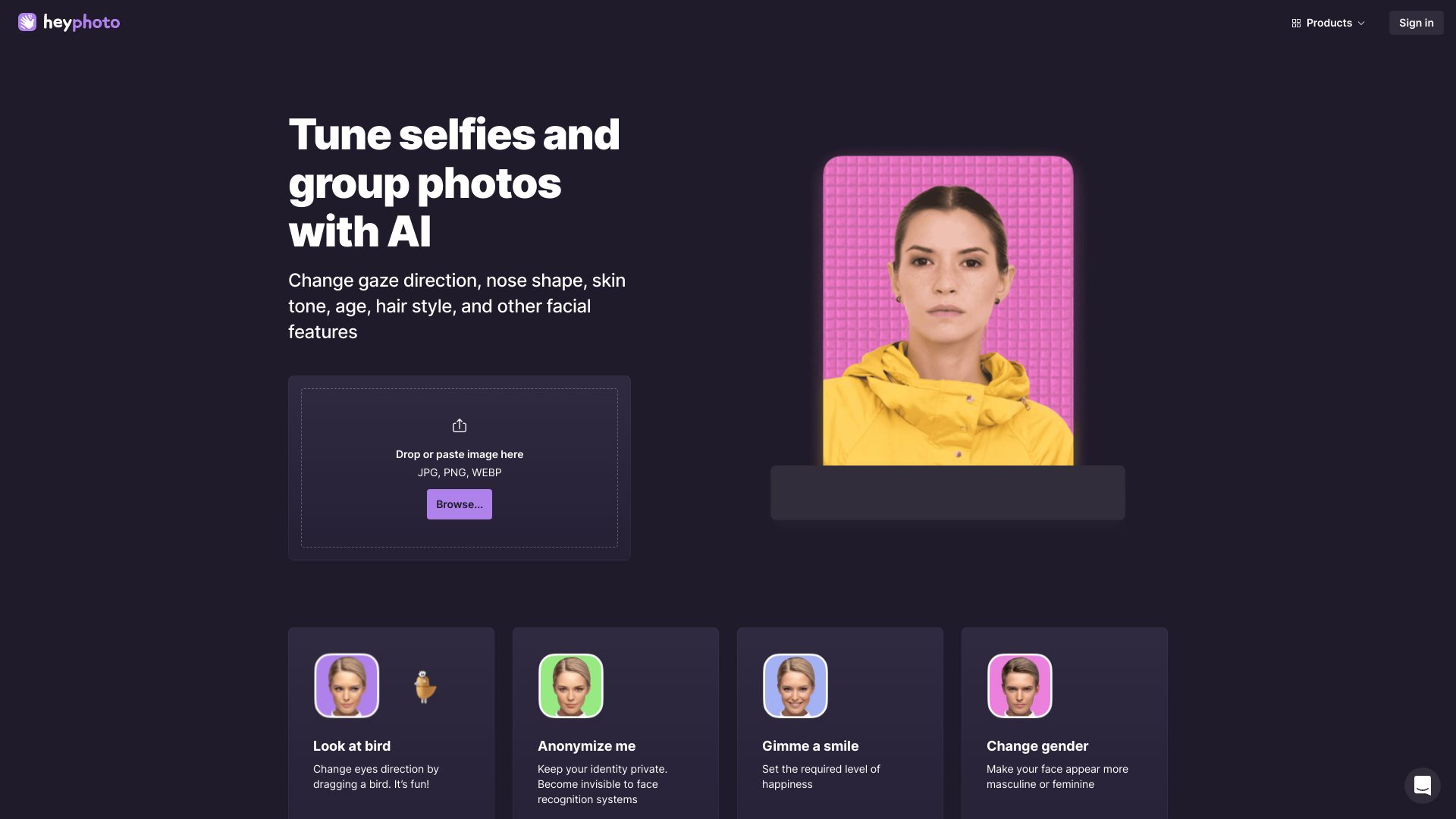
HeyPhoto is a free online AI photo editor that lets you tune selfies and group photos by changing gaze direction, nose shape, skin tone, age, hair style, and other facial features. It offers fun tools like 'Look at bird' to change eye direction, 'Anonymize me' to hide identity from face recognition, 'Gimme a smile' to adjust happiness, 'Change gender', 'Change my age', 'Tweak emotions', and more. The service is free but adds a watermark to resulting photos. It also promotes related face editing tools like Face Swapper and Face Generator.
SpecificationsAI-estimated
Key Features of HeyPhoto
Use Cases for HeyPhoto
Fun social media photos
Make selfies and group photos more fun by changing gaze direction, adding smiles, or tweaking emotions before sharing on social media.
Privacy protection
Use the Anonymize me tool to hide your identity from face recognition systems when publishing photos online.
Experimenting with looks
Try different ages, genders, skin tones, hairstyles, or facial features to see how you might look with changes.
Improving selfies
Adjust facial expressions, eye direction, and other features to get a better-looking selfie without manual editing skills.
How to use HeyPhoto?
Upload an image
Drop or paste a JPG, PNG, or WEBP image (up to 5 MB) onto the HeyPhoto website, or browse to select a file.
Choose a tool
Select one of the available AI tools such as Look at bird, Anonymize me, Gimme a smile, Change gender, Change my age, or Tweak emotions.
Apply and adjust
The AI detects faces and applies the selected change. Adjust the effect as needed (e.g., level of happiness, age, or emotion).
Download the result
Download the edited photo. The free version includes a watermark on the output image.
Pros & Cons of HeyPhoto
Pros
- Free to use
- No special skills required, intuitive AI-powered tools
- Fun and creative tools: change gaze, smile, age, gender, emotions, anonymize face
- Works directly in the browser with drag-and-drop image upload
- Returns images of the same size and quality as the source
- Privacy controls: users can delete uploaded images at any time
- Supports JPG, PNG, WEBP formats up to 5 MB
Cons
- Adds a watermark to resulting photos (free version)
- Some features are marked as 'Soon' and not yet available
- Requires quality photos with faces directly facing the camera for best results
- Images are stored on servers (privacy concern for sensitive photos)
- Limited to faces up to 1024x1024 px
Frequently Asked Questions
How does it work?
HeyPhoto uses artificial intelligence to detect faces in photos and make changes depending on the selected tool. The service is intuitive and requires no special skills.
Do you store the images I upload? What about privacy?
We securely store the images you upload to let you quickly access them when needed. However, you are free to delete them at any time.
What images work best with HeyPhoto?
For better results, use quality photos with people directly facing the camera. However, slight rotation is also OK. You can modify photos of up to 5 MB with faces of up to 1024*1024 px in size. HeyPhoto returns images of the same size and quality as the source image.
Is HeyPhoto free to use?
Yep. HeyPhoto is free to use. However, in return we put a watermark on the resulting photos. You get a free service, we get a promotion. Win-win!
Reviews & Ratings0.0
No reviews yet. Be the first to write one!
Top Alternatives & Similar Software
View all alternatives & similar software→

People also viewed

Related searches
About the Product
Is this your tool?
Claim this page to update details, reply to user reviews, and drive more traffic to your product.
Claim this Product →
Tags
Explore Related Topics
Keep up with HeyPhoto alternatives
New alternatives, pricing changes and the week's biggest movers - one email every Tuesday.