




CoverDesignAI
AI-powered book cover generator for indie authors in seconds
Best for
Indie authors who want instant AI covers without a subscription
Skip if
Authors needing a desktop app or fully stable advanced features
What is CoverDesignAI?
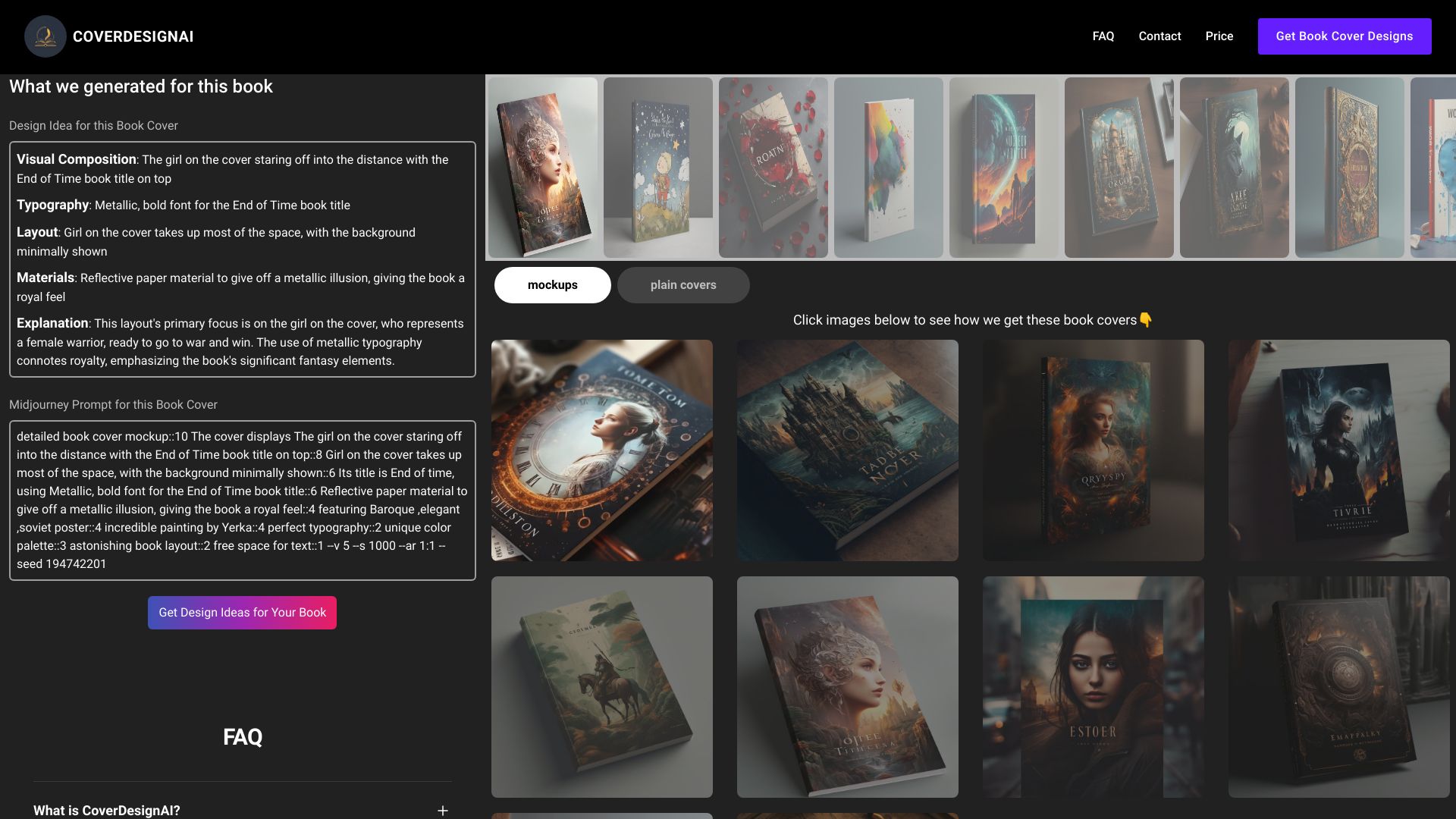
CoverDesignAI transforms a short creative brief into professional ebook and print cover concepts instantly. It lets authors input title, genre, mood, and symbols, then delivers ready‑to‑use 2D graphics and 3D mockups. The platform includes a creative toolkit for refinement with plain‑text commands, masking, image uploads, and an Inspiration Library for style matching, all on a simple pay‑as‑you‑go credit system.
SpecificationsAI-estimated
Key Features of CoverDesignAI
Use Cases for CoverDesignAI
Self‑Publishing a New Novel
Indie authors quickly produce a market‑ready cover that matches their genre and mood.
Series Branding
Create consistent cover styles across multiple books using the Inspiration Library.
Print‑Ready Mockups
Generate 3D mockups for marketing materials or retailer listings.
Rapid Design Iteration
Experiment with different symbols and color schemes via text commands without hiring a designer.
How to use CoverDesignAI?
Share Your Story
Fill out the creative brief with your book's title, genre, mood, symbols, and any other details you want the AI to consider.
Generate Concepts
Choose a credit package and generate a single concept or a full collection of 2D graphics and 3D mockups.
Refine and Convert
Use text prompts, masking, or uploaded reference images to refine the design, and switch between 2D and 3D formats as needed.
Finalize and Download
Select your favorite designs or an entire batch, choose JPG for web or high-resolution PNG for print, and download everything as a ZIP file.
Pros & Cons of CoverDesignAI
Pros
- Instant AI-generated concepts
- Flexible text‑based editing
- No subscription, credits never expire
- Built‑in 3D mockup conversion
Cons
- Limited to web browser; no desktop app
- Advanced features may require multiple credits
- Beta features like Inspiration Library may be unstable
Frequently Asked Questions
How do I start creating a cover?
Enter the book title, genre, and optional mood or symbols, then click Generate to receive AI‑crafted concepts.
What are credits and how are they used?
Each cover generation or major edit consumes one credit; credits are purchased in packs and never expire.
Can I export a print‑ready PDF?
Yes, you can extract the final artwork from a mockup and download it in high‑resolution formats suitable for print.
Is there a free trial?
New users receive 5 free credits without providing a credit card, allowing you to test the platform.
Pricing Overview
View full pricing →Reviews & Ratings0.0
No reviews yet. Be the first to write one!
Top Alternatives & Similar Software
View all alternatives & similar software→No alternatives available yet.
People also viewed


Best For
Related searches
Is this your tool?
Claim this page to update details, reply to user reviews, and drive more traffic to your product.
Claim this Product →
Tags
Keep up with CoverDesignAI alternatives
New alternatives, pricing changes and the week's biggest movers - one email every Tuesday.