




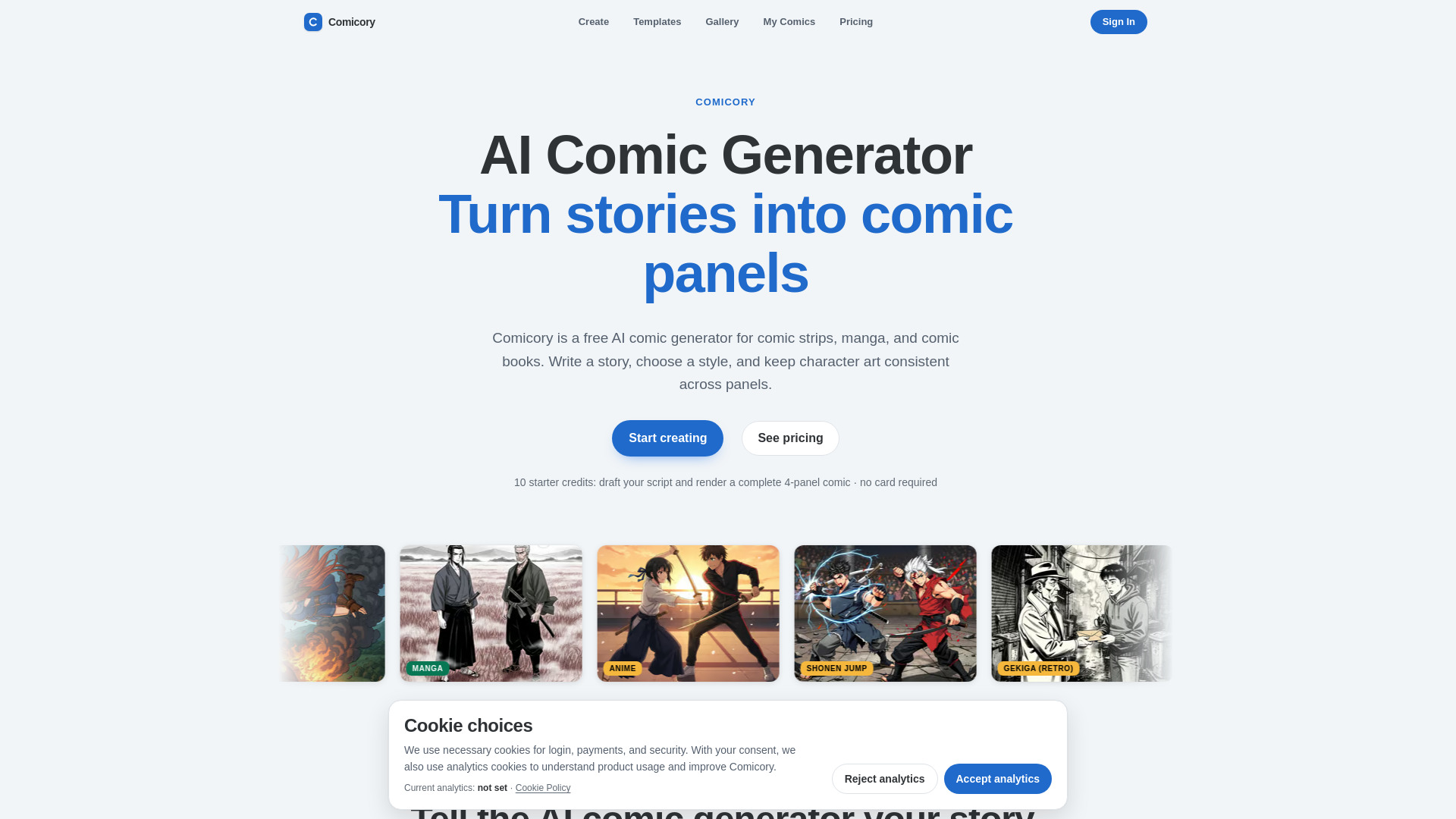
What is Comicory?
Comicory is an AI-powered comic generator that turns written story prompts into multi-panel comics with consistent characters and scenes across panels and chapters. It offers script generation, reference-based character consistency, multiple page layouts, 18 art styles, and export options.
SpecificationsAI-estimated
Key Features of Comicory
Use Cases for Comicory
Story to comic
Generate a comic from a written story or prompt.
Serialized comics
Create a multi-chapter comic series with consistent characters and scenes.
Book adaptation
Adapt an existing book or chapter into a comic format.
Social media fun
Create quick 4-panel comics for social media sharing.
How to use Comicory?
Start with a story
Enter or paste your story prompt or chapter into the story box.
Let the AI script
The AI generates a script with panel breakdowns, dialogue, and scene descriptions.
Pick layout and style
Choose a layout (splash, grid, strip, webtoon) and an art style.
Render comic
The AI renders panels with consistent characters and scenes.
Refine and continue
Edit individual panels, regenerate, or continue the story with new chapters.
Pros & Cons of Comicory
Pros
- Free to start with 10 credits
- Consistent characters and scenes across panels
- Easy to use: story to comic in minutes
- Flexible layouts and art styles
- Export in multiple formats
Cons
- Some art styles require a paid plan
- Free credits limited to one basic comic
Frequently Asked Questions
What is an AI comic generator?
An AI comic generator turns a written story into a multi-panel comic. Comicory writes the comic script, casts consistent characters, and draws every panel automatically — no drawing skills required.
Can I turn a finished comic into an ongoing series?
Yes — that's what Continue Story (Create next chapter) is for. Open any finished comic and hit Continue Story, write what happens next, and AI drafts a new chapter using the same cast and art style. Chapters stack inside the same comic so readers can follow it end-to-end, and you can keep adding chapters as long as the story wants to go.
Is Comicory a free AI comic maker?
Every new account gets 10 credits — exactly what one comic costs: 4 for the script, 1 per character reference (up to 2), 1 per panel (4 panels). No credit card, nothing recurring, and it's a one-time grant rather than a monthly refill. Free exports carry a small Comicory watermark. More credits start at $4.99 (one-time First Comic pack, no subscription); monthly plans add volume, clean exports, the 9 paid art styles and character uploads.
What formats can I download?
When your comic is finished, export it as a multi-page PDF, a high-resolution page-layout PNG, one long scrolling PNG, or a ZIP containing the individual panels and completed pages. Signed-in free exports include a small Comicory watermark; any credit pack or subscription exports clean files.
Can I make manga or comic book pages?
Yes. Comicory ships 18 art styles — manga, anime, shonen jump, gekiga, Korean webtoon, chibi, Western comic book, superhero, soft-anime, cyberpunk, Chinese ink wash, hand-drawn, watercolor, noir, pixel art, cartoon, cinematic and realistic. 9 are open on free credits; 9 need a paid plan. You can generate a manga page, a 4-panel strip or a full comic book from one story.
How does character consistency work?
Before drawing panels, Comicory generates a reference portrait for each character in your script. Every panel is conditioned on that reference, so the same character keeps the same face, hair and outfit across the whole comic.
Can I edit a single panel instead of regenerating everything?
Yes. You can rewrite any panel's prompt and regenerate that single frame. The other panels stay exactly as they are.
Can I upload my own character design?
Yes. Paid users can upload reference photos of an original character or a real person, name them, and pin them to the next comic. Comicory then keeps that exact face, hair and outfit on-model across every panel and every chapter — no need to re-describe them in the story prompt.
Can I pick the page layout?
Yes. Every page comes with a layout picker — manga splash, two-up grid, three-tier strip, four-panel webtoon column, six-panel grid and more. The script auto-picks a sensible default for your style, and you can switch any single page to a different template before rendering.
Can I turn a book into a comic?
Yes. Paste a chapter or scene into the story box and Comicory will adapt it into a paneled script. For a full book, generate chapter by chapter.
Pricing Overview
View full pricing →Contact sales for custom pricing
Reviews & Ratings0.0
No reviews yet. Be the first to write one!
Top Alternatives & Similar Software
View all alternatives & similar software→
People also viewed


Related searches
About the Product
Is this your tool?
Claim this page to update details, reply to user reviews, and drive more traffic to your product.
Claim this Product →
Tags
Explore Related Topics
Keep up with Comicory alternatives
New alternatives, pricing changes and the week's biggest movers - one email every Tuesday.