




AudioPod AI
From idea to finished audio — narrate, produce, compose, and convert in one studio.
What is AudioPod AI?
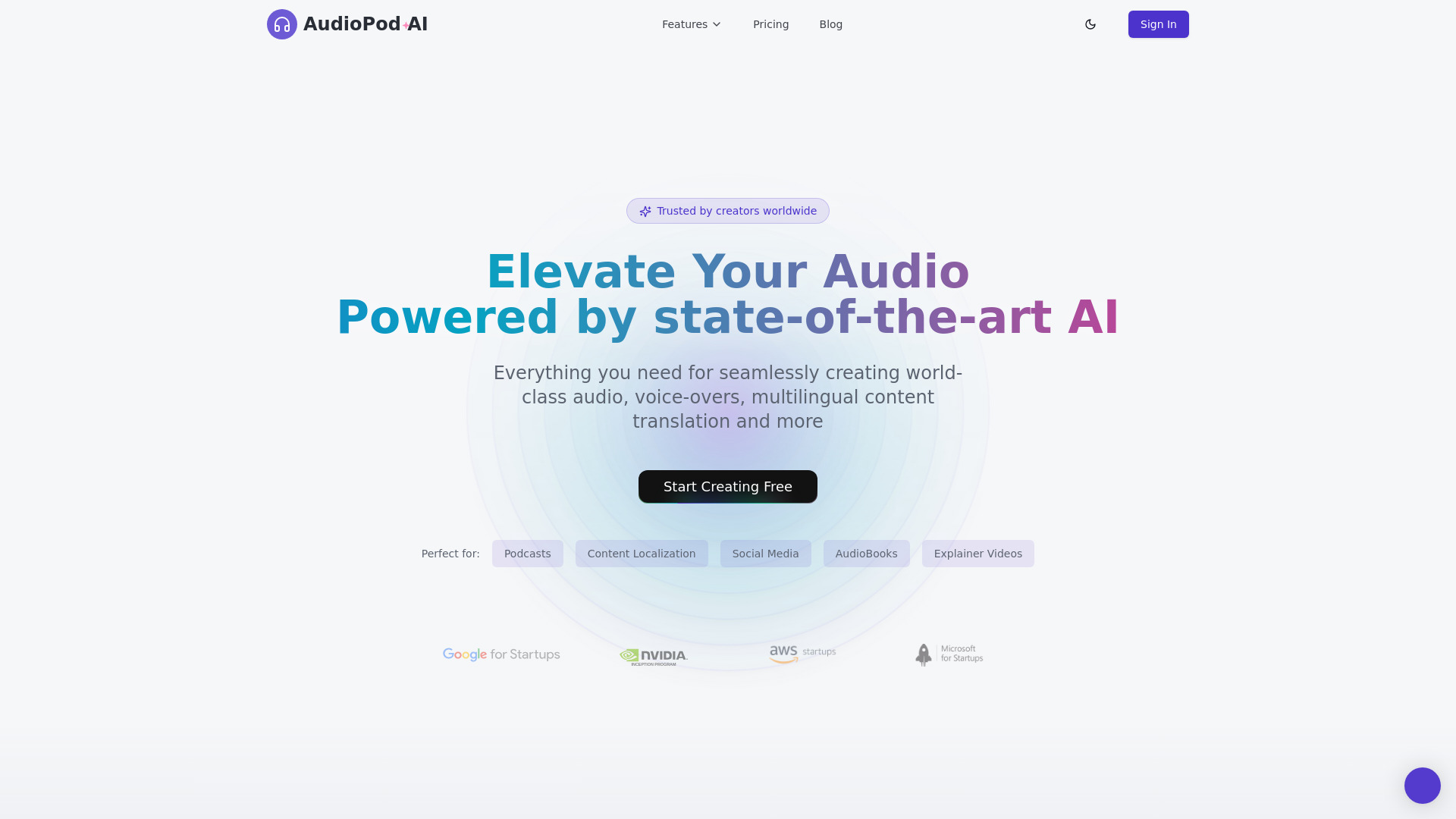
AudioPod AI is an all-in-one, browser-based AI audio workstation for podcasting, audiobook narration, music generation, transcription, and voice cloning. It includes a full-studio workflow with text-to-speech, speech-to-text, music composition, stem splitting, noise reduction, and developer APIs.
SpecificationsAI-estimated
Key Features of AudioPod AI
Use Cases for AudioPod AI
Podcasters
Record, clean up, and publish episodes in any voice.
Authors & Publishers
Turn manuscripts into ACX-spec audiobooks.
Musicians & DJs
Generate tracks, split stems, and remix ideas fast.
Educators
Narrate courses and lessons with consistent voices.
Marketers
On-brand voiceovers for ads, promos, and social.
Developers
Stream TTS and automate audio with our API.
YouTubers
Voiceovers, dubs, and clean audio for every upload.
Accessibility
Readable, listenable content for every audience.
Pros & Cons of AudioPod AI
Pros
- All-in-one audio suite (TTS, music, stems, transcription, noise reduction)
- Audiobook studio with ACX-spec mastering from PDF/EPUB
- Podcast studio turns documents into multi-speaker episodes
- Voice directing: emotion, sound tags, pauses, pronunciation control
- Free tier (1,000 credits/month) and no credit card for onboarding
- 200+ language support
- Privacy-focused: data encryption, auto-deletion, secure processing
Cons
- Newer platform; ecosystem and community traction weaker than leaders like ElevenLabs
- Pricing pay-as-you-go may add up for heavy users
- Specific tools (voice cloning, music) might be less premium vs dedicated tools
- Limited offline/browser offline options for free tools — primary web/app required
Frequently Asked Questions
What can I do with AudioPod for free?
Use the free tier with 1,000 credits per month to try text-to-speech, music generation, stem separation, transcriptions, and more. No credit card required. For non-uploaded tools like conversion and trimming, it's completely free — limited by file size and device.
How do I make a karaoke version of a song?
Use the Stem Splitter to separate the vocals from the instrumental. You can then mute/remove the vocal track and keep the drums/bass/other parts, creating a karaoke track.
How does voice cloning work?
Upload a few seconds of high‑quality audio, and AudioPod will create a custom voice model. From then, any text you input can be narrated in that cloned voice, with the same directing capabilities.
How is AudioPod different from LALAL.AI or ElevenLabs?
AudioPod combines multiple capabilities (TTS, transcription, music generation, stem separation, noise reduction, and audiobook/podcast automation) in one studio, while LALAL.AI focuses mainly on stem separation and ElevenLabs on text‑to‑speech/voice cloning. AudioPod’s AI‑assisted audiobook and podcast generation with ACX export is a unique full‑pipeline solution.
Is AudioPod really free? What's the catch?
It has a generous free tier with 1,000 credits per month, unlimited access to the free tools (browser‑based converters, trimmers, etc.) with no uploads—no catch. Paid plans give more credits and advanced features; the free tier is meant for genuine testing and light creation.
Who owns the music and audio I create?
You own the output for commercial use, and the platform retains no exclusive rights to your content. However, if you input third‑party copyrighted material, you must have rights to use it.
Reviews & Ratings0.0
No reviews yet. Be the first to write one!
Top Alternatives & Similar Software
View all alternatives & similar software→


People also viewed


Related searches
About the Product
Is this your tool?
Claim this page to update details, reply to user reviews, and drive more traffic to your product.
Claim this Product →
Tags
Explore Related Topics
Keep up with AudioPod AI alternatives
New alternatives, pricing changes and the week's biggest movers - one email every Tuesday.